April 20, 2026
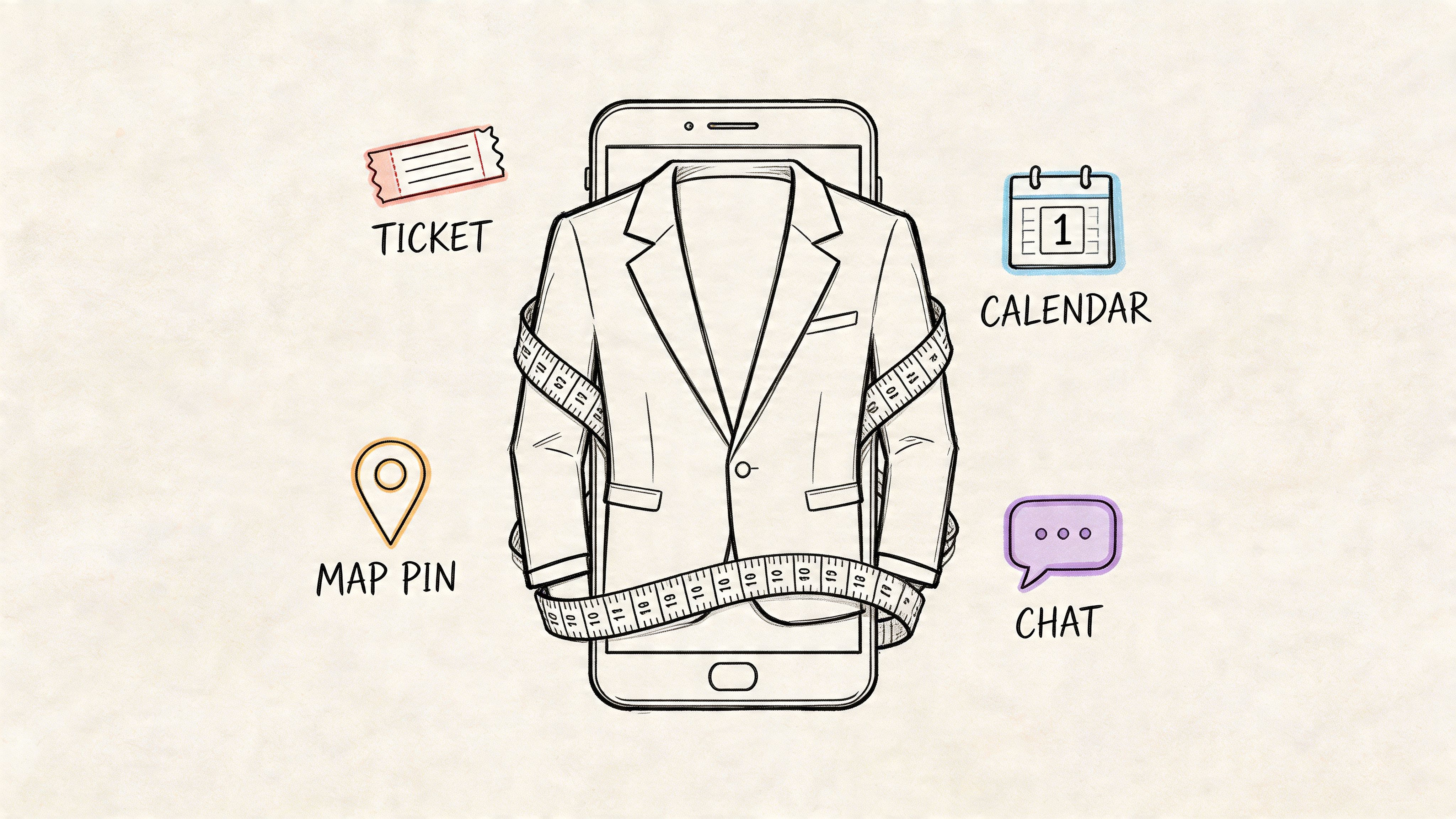
TL;DR: A native app is a mobile application built specifically for one operating system, usually iOS or Android. That direct fit lets it use the phone’s features more effectively and usually creates a faster, smoother experience. For associations and event teams, that matters because mobile behavior is already standard. Industry projections had anticipated 257 billion global app downloads by 2025, and people spend hours each day inside apps. In practical terms, a native app can improve member engagement, simplify event operations, and create clearer sponsor value.
It often starts with a familiar planning meeting.
Your team has email. Your members use LinkedIn, Slack, and text messages. Registration lives in one system, session updates in another, and networking happens wherever attendees decide to gather. Nothing is fully broken, but the member experience feels scattered, especially once an event gets busy.
An app question usually follows. Should your association build one, or would that add another tool to manage?
For a professional association or event organizer, this decision is less about owning a piece of technology and more about choosing the right front door for your community. A native app works like a venue built for the event instead of a rented room with temporary signs taped to the walls. Check-in, agenda updates, attendee messages, sponsor promotions, and post-event follow-up can all happen in one place, on the device your members already reach for all day.
That is why many teams start by looking at a community app for member engagement. The question is not whether apps exist. It is whether your members, exhibitors, and staff need a mobile experience designed for the way they participate.
A familiar scene plays out at many associations.
Registration is strong. The speaker lineup is solid. The sponsors have signed. Yet two weeks before the event, your team is juggling email reminders, spreadsheet exports, private Slack messages, social media updates, and a last-minute PDF agenda that will be outdated as soon as one room changes.
Then the event starts. Wi-Fi gets crowded. Attendees can’t find the right session. A sponsor asks how to capture leads more cleanly. Staff at the registration desk need a faster way to check people in. After the event, everyone wants to know the same thing. How do we keep this energy going instead of letting it fade?
That’s why more organizations start exploring a dedicated community app for member engagement. Not because an app sounds modern, but because fragmented tools create friction at every stage of the member journey.
For most community and event teams, the pain shows up in a few places:
A good mobile strategy doesn’t just help people attend an event. It helps them stay connected before, during, and after it.
When people ask what is a native app, they’re often really asking a more practical question. What kind of app gives us the smoothest member and event experience without creating more complexity than we can manage?
That’s the true decision.
A native app is software built specifically for one operating system. That usually means Swift or Objective-C for iPhone apps, and Kotlin or Java for Android apps.
It's comparable to clothing.
A native app is a custom-made suit. It’s made for one person, one body, one fit. A web app is more like something off the rack. It can work for many people, but it isn’t shaped perfectly for any one device. A hybrid app sits in the middle. It borrows some custom touches, but it still starts from a more generalized pattern.
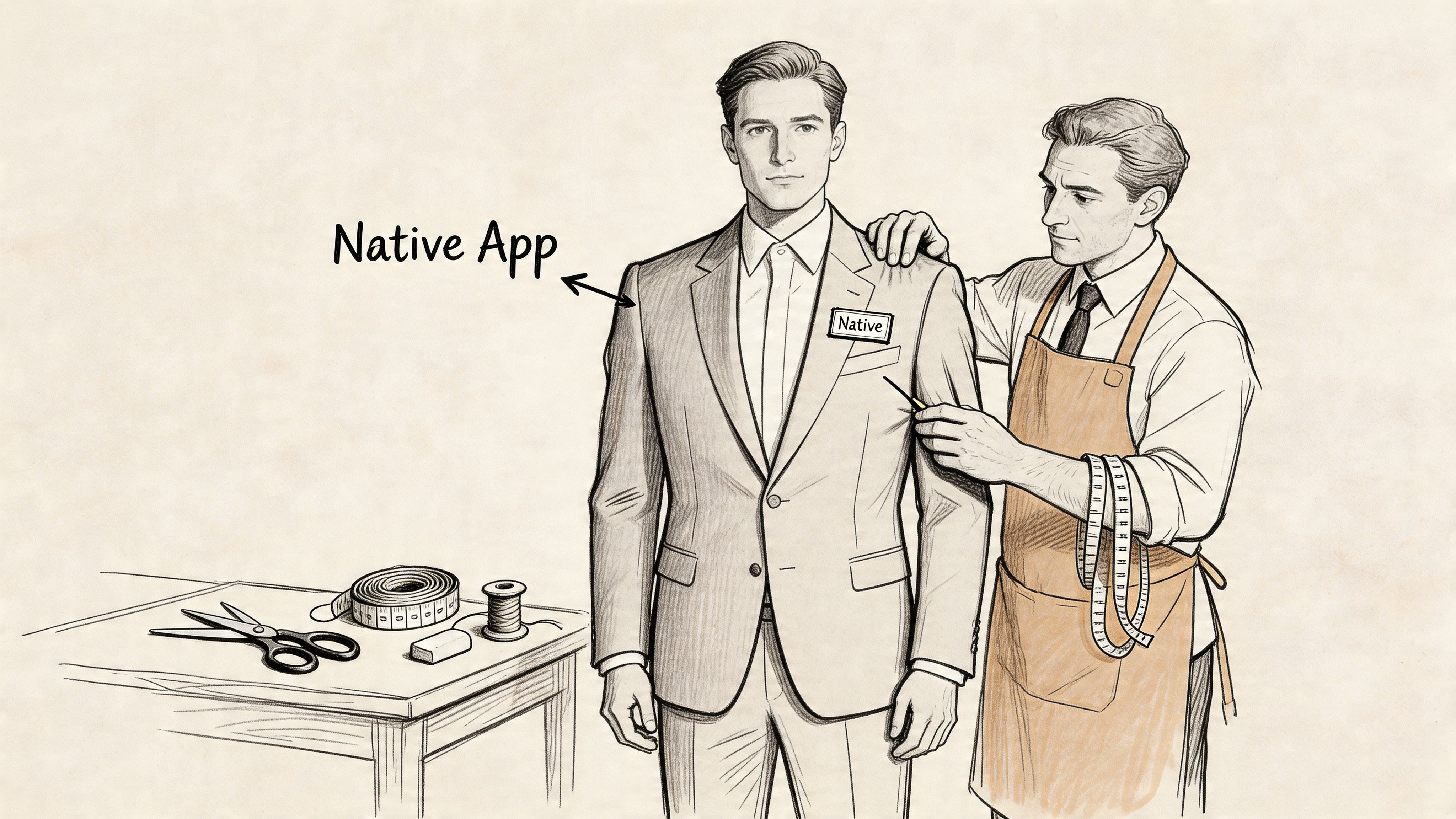
When an app is native, it speaks the phone’s own language.
That matters because the app can work directly with the device’s camera, GPS, notifications, storage, and other built-in capabilities. According to Noloco’s native app glossary, this direct access can reduce CPU cycles by up to 40% and cut latency by 20 to 50ms per frame compared with web or hybrid approaches, helping native apps maintain 60 FPS interactions. For an event app, that can make QR check-ins and live messaging feel immediate instead of laggy.
You don’t need to care about programming languages for their own sake. You care because technical choices show up as user experience.
Here’s how that translates in plain terms:
Practical rule: If your app must handle real-world event moments under pressure, such as check-in lines or live schedule changes, performance matters more than it might in a simple content portal.
A native app also tends to follow the conventions people already know on their phones. Buttons, swipes, alerts, and navigation can feel more natural because the app aligns with platform standards. If your team wants a better sense of the thinking behind that, these UX design principles offer a useful foundation for understanding why familiar interfaces reduce friction.
Use this shortcut.
| App type | Best analogy | Main idea |
|---|---|---|
| Native | Tailored suit | Built for one operating system |
| Web | Browser tab | Accessed through the internet without installation |
| Hybrid | Altered off-the-rack suit | Reuses one core app across platforms with some native features |
If someone on your board asks, “What is a native app?” the clearest answer is this: it’s an app built specifically for iPhone or Android so it can run faster, feel smoother, and use device features more effectively.
When leaders compare app options, they usually don’t need a developer debate. They need a business trade-off chart.
The three main choices are native apps, web apps, and hybrid apps. Each can work. The right one depends on what your members need, what your event requires onsite, and what your organization can support long term.
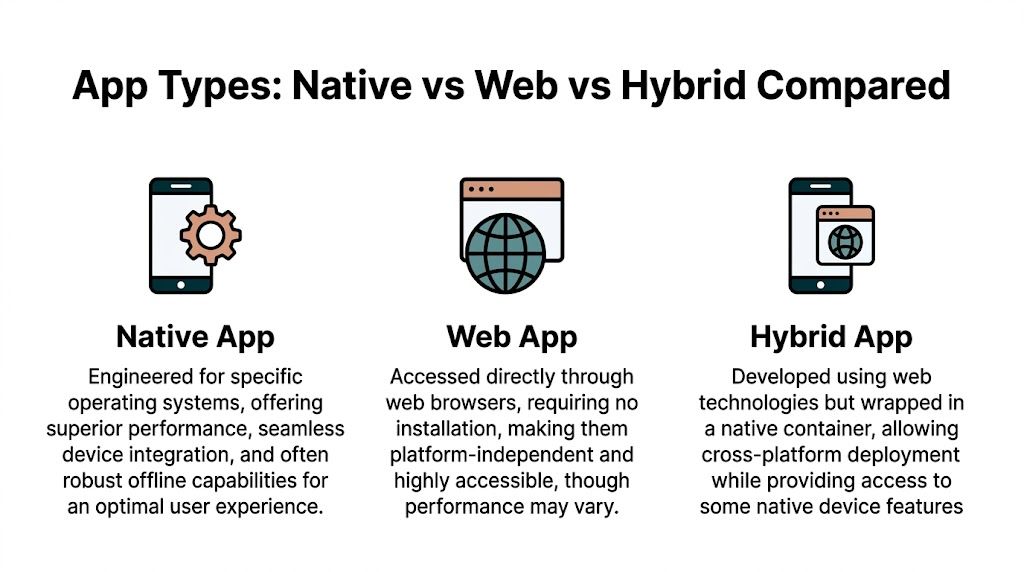
| Criteria | Native app | Web app | Hybrid app |
|---|---|---|---|
| Performance | Best | Varies by browser and connection | Middle ground |
| Installation | Requires app store download | Opens in browser | Usually requires install |
| Device access | Deep access | Limited | Some access |
| Offline support | Strong | Usually weaker | Better than web, often less than native |
| User experience | Most polished | Convenient, but less app-like | Can feel app-like |
| Cost to build | Highest | Often lower | Often lower than native |
| Maintenance | Separate platform work | Centralized web updates | Shared core, mixed maintenance |
If your app needs to work fast in high-pressure moments, native usually wins.
That includes scanning QR codes at a registration desk, loading a personal agenda quickly, opening a map in a crowded venue, or running real-time chat during a live session. Native apps are designed specifically for the device they run on, so they typically feel more responsive.
Web apps can still be useful, especially when speed of access matters more than advanced functionality. A user taps a link and opens the experience in a browser. No install step. No app store visit. That simplicity can be a major advantage for one-time attendees.
Hybrid apps try to balance both worlds. They can provide broader reach from a shared foundation while still offering some app-like behavior on phones.
Native apps usually feel the most at home on a phone.
They use interface patterns that match the operating system, which means users spend less time figuring things out. For association members, that matters. The less they think about the software, the more they focus on the event, the content, and each other.
Web apps feel familiar in another way. Everyone knows how to click a link. That lowers access barriers, especially for casual users who may not want a permanent app on their phone.
A good hybrid app can look polished, but the experience depends heavily on implementation. Some feel excellent. Others feel like a website wearing an app costume.
At this point, many event teams discover what they need.
If your app must rely on the camera for badge scanning, push notifications for live updates, and stored local data so key information remains available in a spotty convention center, native becomes much more attractive.
Use this checklist:
If the app is part of event operations, not just event marketing, native has a stronger case.
At this stage, enthusiasm often meets budget.
Native apps generally cost more because you’re building for two ecosystems. You need one version for iOS and another for Android. That also affects testing, updates, and long-term maintenance. Hybrid apps can reduce some of that burden by sharing more code across platforms. Web apps often move fastest and are easiest to update centrally.
If your organization is also weighing brand control, app store presence, and mobile ownership, this overview of a white-label app for organizations can help clarify how packaging and deployment fit into the larger strategy.
Don’t start with the question “Which technology is best?”
Start here instead:
That framing leads to a much better answer than chasing whichever app type sounds most advanced.
A native app earns its place in the budget when it helps your organization run a better event and keep members engaged after it ends.
For an association director, that usually comes down to a few practical questions. Will check-in move faster? Will attendees see schedule changes? Will sponsors get more visibility than a logo on a hallway banner? Will members stay connected once the conference is over?
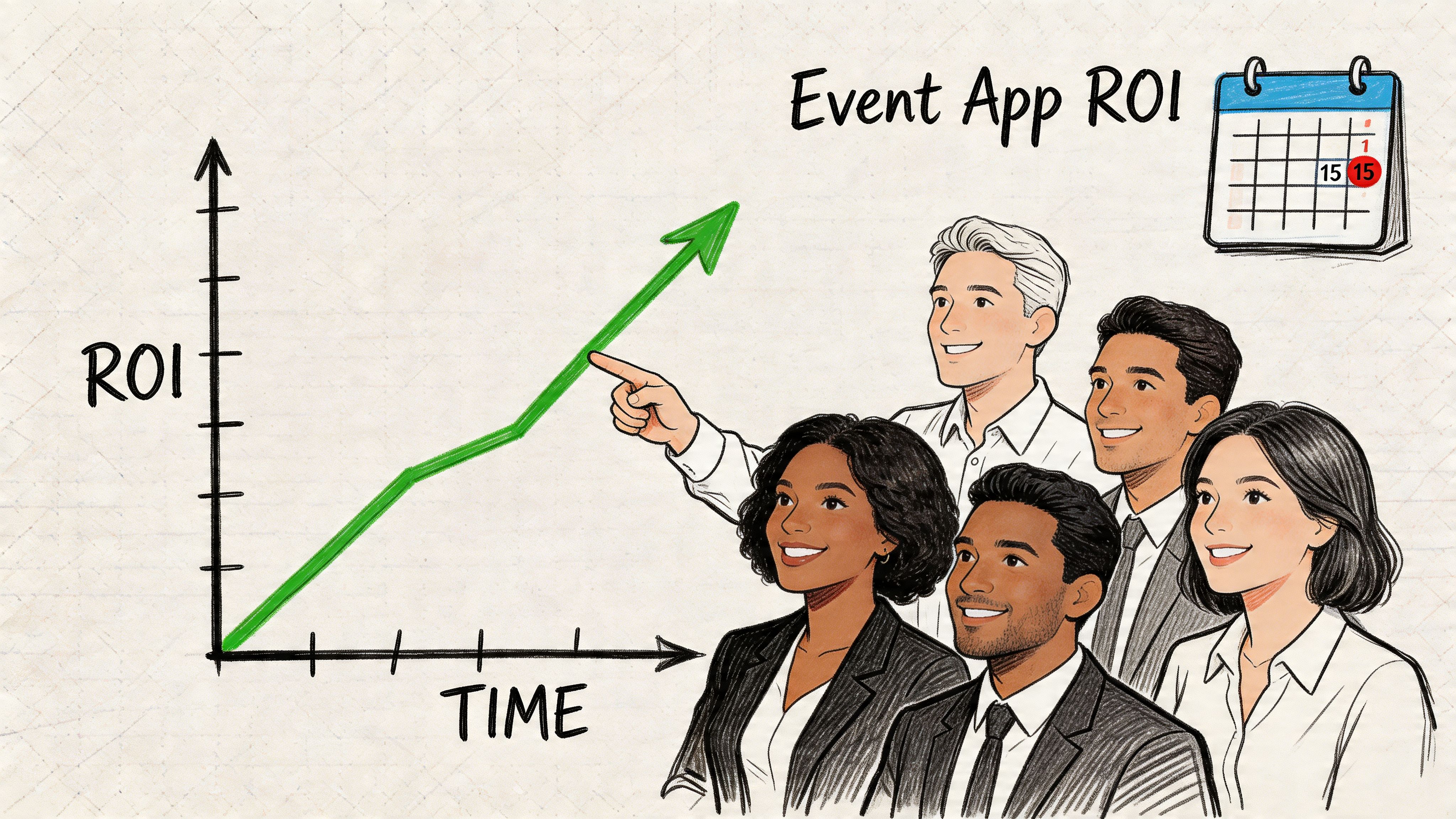
The broader app market matters here because it reflects user habits. As noted earlier, projections had pointed to 257 billion global app downloads by 2025, and people already spend a large share of their mobile time inside apps. For associations and event organizers, that changes the standard. Your attendees are not comparing your event experience to last year’s printed program. They are comparing it to the polished mobile tools they use every day.
Native app value tends to show up in four business areas.
A useful analogy is the venue itself. A website can work like a helpful sign outside the building. A native app works more like the staffed welcome desk inside, where people check in, get directions, receive updates, and take the next action without delay.
The return is not only about app downloads. It comes from small operational wins that add up across the event.
If attendees can find their agenda in seconds, fewer people miss sessions. If staff can scan digital tickets quickly, lines shorten and entry feels organized. If sponsors can promote a demo or resource inside the app, they get a clearer path to attendee attention. If key information remains available even when venue internet is unreliable, your team spends less time answering the same questions over and over.
Those outcomes affect real numbers. They can protect session attendance, reduce staff strain, support sponsor renewals, and improve the odds that attendees come back next year.
If your team is comparing the app decision alongside registration, scheduling, and onsite tools, this guide to event management software comparisons for organizers can help place the app in the broader event tech stack.
Push notifications deserve special attention because they support both the live event and the longer member relationship.
Email is useful, but it often sits unopened while someone is walking between sessions. A push notification reaches people on the device already in their hand. That makes it well suited for timely prompts such as room changes, session reminders, exhibit hall activity, or a post-event call to complete a survey.
For associations, that matters after the event too. The same app that helps someone find a breakout room can later remind them about a webinar, a renewal deadline, or early registration for next year’s meeting. In that sense, a native event app is not only an event tool. It can become part of your year-round member communication system.
The strongest event apps continue working after the closing keynote. They support the next interaction, the next registration, and the next reason for a member to stay involved.
A short visual overview can help if your team is discussing the mobile business case internally:
For many associations, the best case for native is straightforward. It helps people do important event tasks quickly, gives sponsors better exposure, and creates more chances to keep members engaged after everyone goes home.
The easiest way to understand a native app is to walk through a conference day.
An attendee lands at your annual meeting, opens your event app, and pulls up a digital ticket. Staff scan the QR code at the entrance. The line keeps moving because the app was designed for that kind of device-level interaction, not adapted to it as an afterthought.
Inside the venue, the attendee opens the agenda, saves sessions, and gets a notification that one breakout room has changed. They don’t need to search old emails or refresh a website. The update is already there.
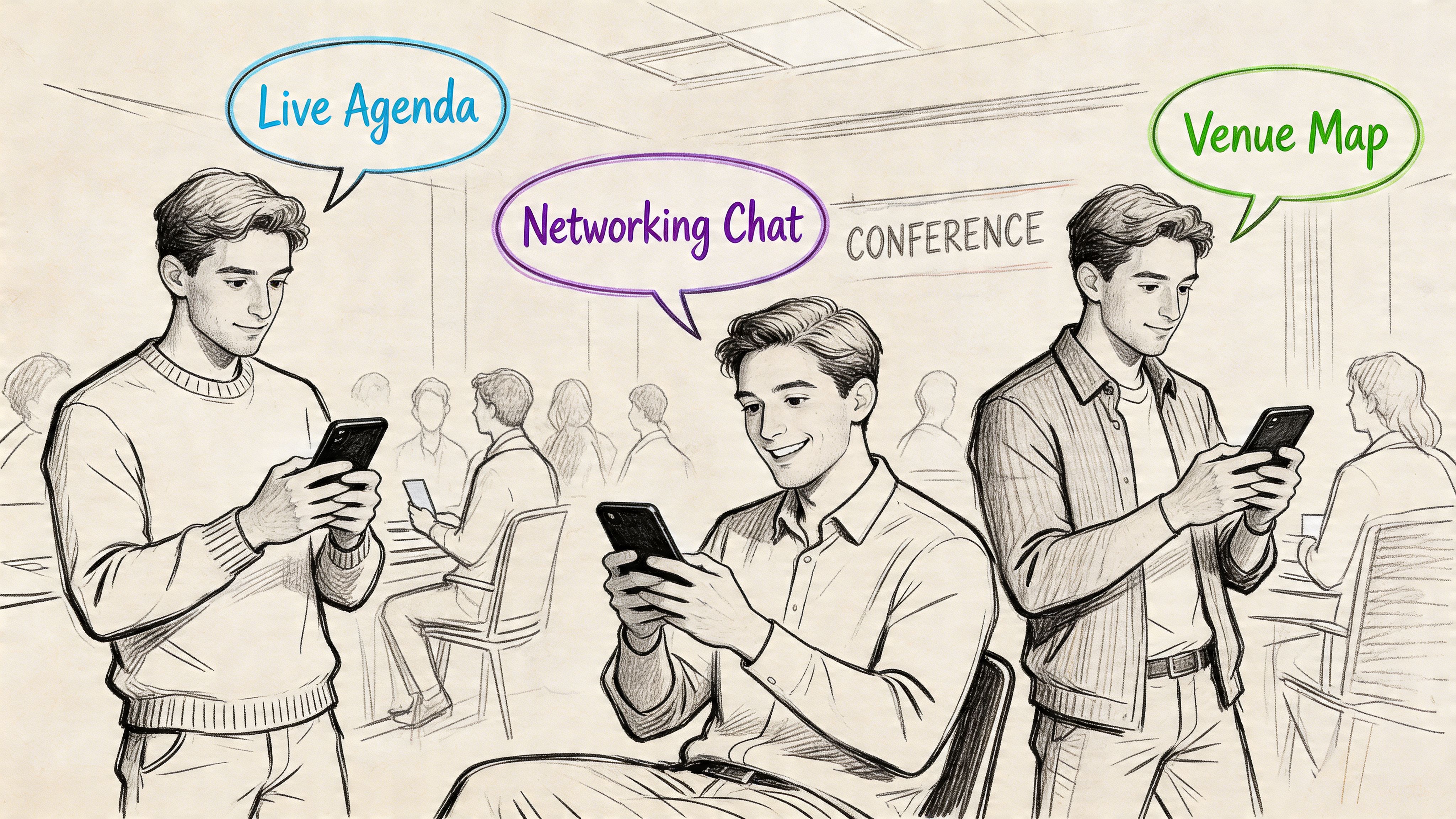
App expectations are no longer low. The first App Store launched on July 10, 2008, and by early 2026 the app stores host millions of apps, with about 120,000 new native apps released monthly. According to iTransition’s mobile app statistics, that mature ecosystem has made high-performance features like real-time chat and strong video delivery standard expectations, not special extras.
Your attendees use polished mobile products every day. They compare your event experience to the apps already on their phones, even if they never say that out loud.
Here’s what native can enable across the day:
If your members are already coordinating their professional lives on their phones, your conference app should feel like part of that behavior, not a side tool they have to fight.
Native app performance affects more than aesthetics.
A delayed scan at check-in creates a line. A missed notification means an attendee walks to the wrong room. A clumsy sponsor listing reduces traffic to paying exhibitors. Each small friction point chips away at the event experience and at the value people associate with your organization.
For associations that run recurring events, those moments accumulate. The app stops being just a utility and starts becoming part of the event brand itself.
This is the part many teams underestimate.
A native app can deliver a polished experience, but building one from scratch has real cost, timeline, and staffing implications. You’re usually developing separately for iOS and Android, which means more design decisions, more testing, and more maintenance over time.
According to Clutch’s review of native app pros and cons, native app development typically costs $50,000 to $200,000 per platform, with ongoing maintenance adding 20% to 30% to the annual budget. For an association or event organizer, that’s often the difference between a strategic investment and a project that stalls before launch.
Those costs come from a few practical realities:
Even if you have budget approval, you still need the right people.
For Android work in particular, teams often need Java or Kotlin expertise. If you're evaluating what that talent profile looks like, this guide on how to hire Java developers gives a practical sense of the skills organizations often seek for platform-specific work.
A lot of non-technical leaders assume the major cost is launch. It isn’t. Maintenance is where many projects become painful, especially when your event team doesn’t want to manage a software roadmap alongside registration, sponsors, and member communications.
Before committing, ask these questions:
That last one matters more than it sounds. If your event depends on smooth entry, agenda access, and onsite scanning, a purpose-built event check-in app should be part of the conversation early, not added later as a workaround.
Buying an app is not the same as owning a long-term mobile capability. Ask about maintenance before you ask about features.
For many organizations, the smartest path isn’t custom development from zero. It’s finding a platform or partner that delivers native app benefits without requiring your team to become a software company.
By this point, the decision usually gets clearer.
If your organization needs the best mobile performance, dependable access to phone features, and a polished experience that supports event operations, native is the strongest option. But it isn’t automatically the right one every time.
The biggest mistake is treating all event and community use cases as if they were identical. They aren’t.
A single annual event has different needs than a year-round association community.
If you run one flagship conference and need rapid adoption from busy attendees, download friction matters a lot. According to UXCam’s native app glossary, native apps can improve retention by 20% through push notifications, but they also face 70% to 80% user drop-off during the app store download process. That trade-off is especially important if people only need the app for a short window.
A membership organization with ongoing programming may make a different call. If members return regularly for networking, content, renewals, and event activity, stronger retention and push communication can outweigh the installation barrier.
Use this table in your next planning meeting.
| If this sounds like you | Best fit to explore first |
|---|---|
| You need smooth check-in, live alerts, messaging, and strong mobile UX | Native |
| You need something fast to access for a one-time event | Web |
| You need broad reach and lower build complexity with some app-like features | Hybrid |
The right app strategy is the one your audience will actually use and your team can actually support.
Choose native when mobile experience is part of your service quality, not just a convenience. That’s often true for associations with recurring events, active member communities, and onsite operational demands.
Choose web or hybrid when easy access and faster rollout matter more than deep device integration. That’s often true for shorter events, broader public audiences, or tighter budgets.
Then define your must-have features. Not your wish list. Your must-haves. Check-in, agenda, messaging, sponsor visibility, content delivery, or member directory. Once those are clear, the right app model becomes much easier to evaluate.
If you're weighing native, web, or hybrid options and want a practical path instead of a custom development headache, GroupOS gives associations and event organizers a way to manage memberships, ticketing, content, communication, and branded mobile experiences in one place. It’s worth exploring if you need stronger member engagement and event ROI without stitching together separate tools.







