January 14, 2026
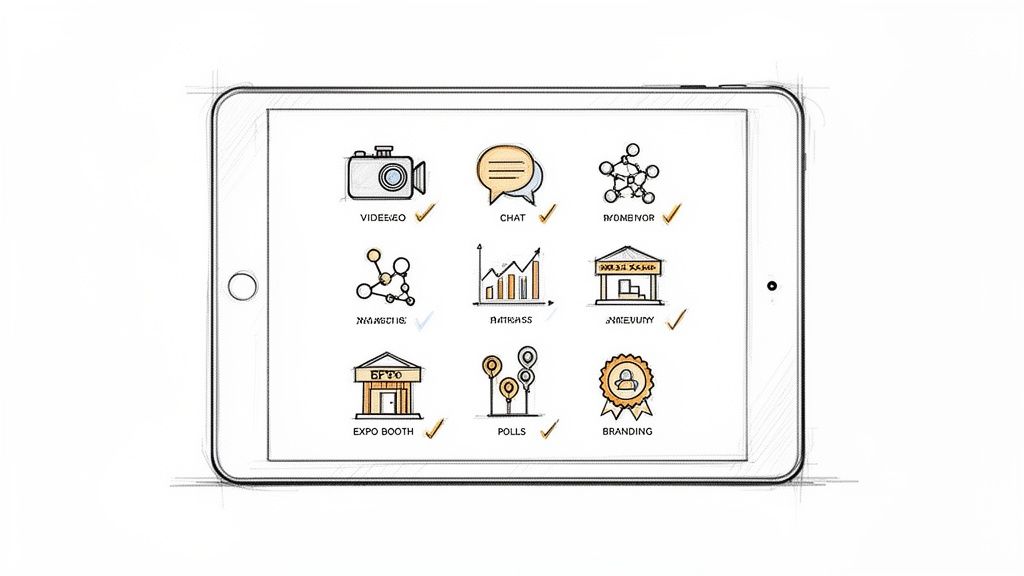
Choosing the right virtual event platform is a critical decision for any organization. The difference between a disjointed, forgettable online meeting and an engaging, high-impact virtual experience often comes down to the software’s capabilities. With countless platforms on the market, each boasting a unique combination of tools, navigating the options can feel overwhelming. This is especially true for associations, enterprise teams, and event organizers who need to deliver measurable ROI, from lead generation for sponsors to meaningful engagement for members.
This comprehensive guide is designed to simplify that process. We will break down the essential virtual event platform features you need to consider, moving beyond marketing jargon to provide a clear, actionable checklist. For each feature, we'll explain what it is, why it's crucial for professional events, and how to evaluate it effectively. You'll gain practical insights into what separates a "must-have" from a "nice-to-have" and see real-world use cases that illustrate how these tools drive success.
Our goal is to equip you with the knowledge to make an informed decision tailored to your specific needs. We will explore the feature sets of leading platforms like GroupOS, Zoom Events, vFairs, and more, providing screenshots and direct links to help you compare. By the end of this roundup, you will have a prioritized framework for selecting a platform that not only meets your technical requirements but also helps you achieve your strategic event goals, whether it's boosting member retention, enabling exhibitors, or fostering a vibrant online community.
GroupOS positions itself as an all-in-one community and event management platform, moving beyond the scope of a simple webinar tool. It’s engineered for organizations like professional associations, enterprises, and membership businesses that view events as a continuous cycle of engagement rather than standalone occurrences. Its core strength lies in unifying disparate functions-events, memberships, content, and communications-into a single, white-labeled branded experience across web and mobile apps.
This integrated approach directly addresses a primary pain point for event organizers: tool fragmentation. Instead of juggling separate systems for ticketing, a CRM for member data, a third-party app for community chat, and another for on-demand content, GroupOS consolidates these into one backend. This not only streamlines administration but also creates a seamless journey for attendees, who can register, network, consume content, and engage with sponsors without ever leaving the branded ecosystem.

GroupOS excels by offering a robust suite of virtual event platform features designed for deep engagement and monetization. Its architecture supports the entire event lifecycle, from pre-event promotion to post-event community nurturing.
GroupOS is an ideal solution for organizations that run recurring events and manage an active membership or community. It is particularly well-suited for teams aiming to consolidate their tech stack, enhance their brand presence with a white-labeled mobile app, and create new revenue channels through sponsorships and upsells. The platform's emphasis on guided onboarding and custom setup indicates a focus on mid-market to enterprise clients who require a supported launch and migration process. For a deeper dive into what to look for, you can explore more about event management software features on GroupOS's blog.
Website: https://groupos.com
Zoom Events builds upon the familiar foundation of Zoom Meetings and Webinars, transforming the ubiquitous video conferencing tool into a full-fledged virtual and hybrid event management solution. It's designed for organizations that want to leverage Zoom's reliability and user-friendly interface while adding a robust layer of event-specific functionality like registration, ticketing, and analytics. This makes it an excellent choice for enterprises and associations looking to minimize the learning curve for both attendees and organizers.
The platform centralizes the event lifecycle within a branded "Event Hub." This hub acts as a persistent digital space where you can organize past, current, and future events, giving your audience a single destination to discover content and view recordings. This addresses a key challenge in virtual event management: creating a cohesive and continuous experience rather than a series of disconnected one-off sessions.
Zoom Events provides a comprehensive set of virtual event platform features that streamline planning and execution. It moves beyond a simple webinar by incorporating tools for monetization, engagement, and post-event analysis.
Expert Insight: For associations, the power of Zoom Events lies in its familiarity. When members can join a multi-day, multi-track conference with the same ease as a regular Zoom meeting, participation barriers are significantly lowered.
Zoom Events offers flexible licensing, including subscriptions, pay-per-attendee plans, and one-month access passes. However, exact dollar pricing is not always public and often depends on your specific configuration of attendee capacity and features. To effectively monetize your virtual events, explore secure ways of integrating payments into Zoom virtual video sessions for a seamless transaction experience. When planning your event, it's a good practice to consult Zoom's pricing portal or a sales representative to get a final quote. For more strategies on maximizing your event's success, you can learn more about these virtual event best practices.
Learn more at: zoom.com
Webex, a Cisco company, offers a powerful, enterprise-grade solution for virtual, in-person, and hybrid events through two core offerings: Webex Webinars and the more comprehensive Webex Events. Webex Webinars is designed for engaging, single-session broadcasts, while Webex Events is a full-scale platform built to manage complex, multi-session conferences. It stands out by providing an integrated suite of tools that supports the entire event lifecycle, from registration and branded pages to on-site check-in and badging for hybrid components.
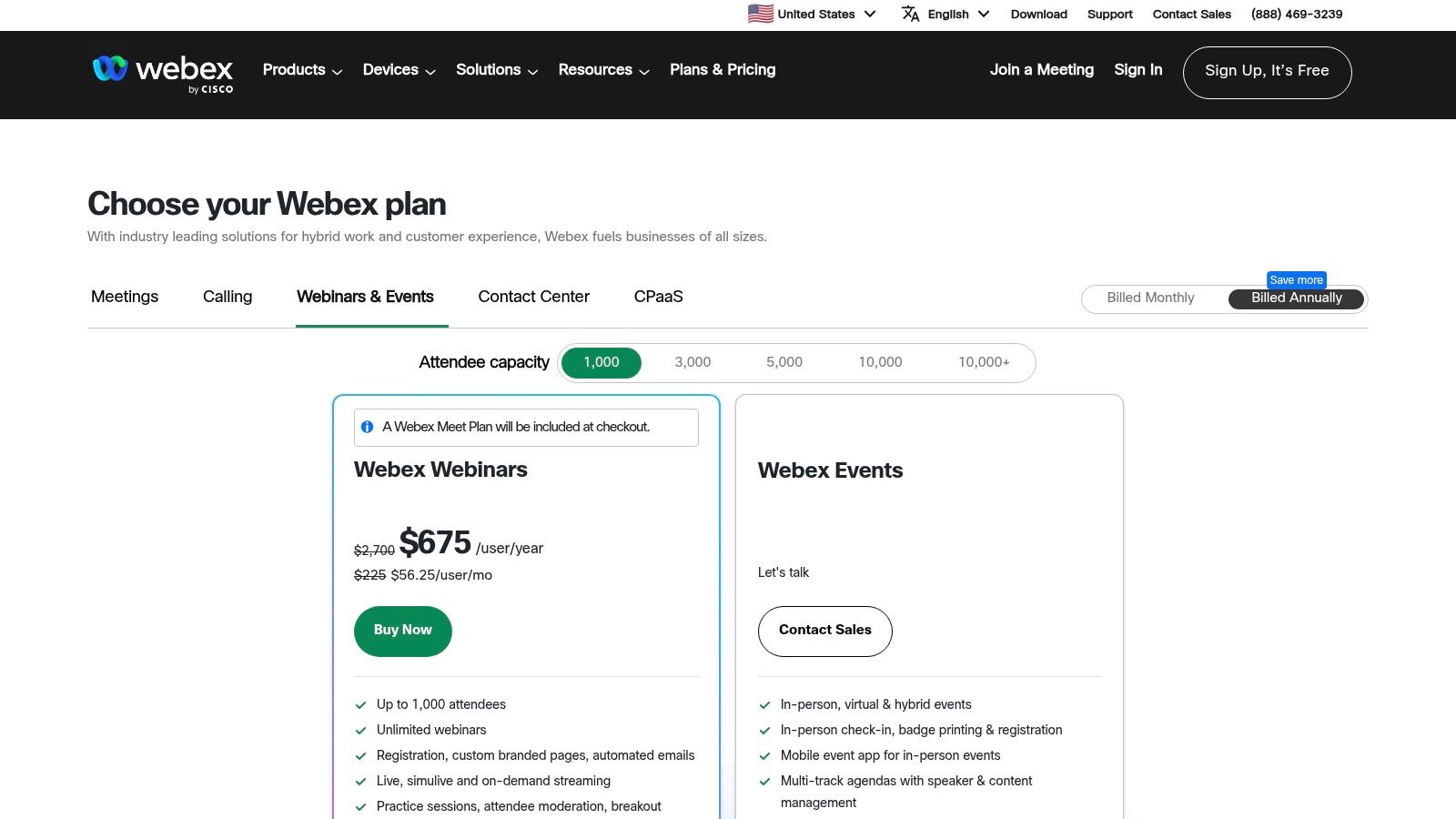
The platform is particularly well-suited for organizations targeting large-scale audiences and those requiring robust accessibility. Its ability to support up to 100,000 attendees, combined with built-in features like real-time captions and translations, makes it a reliable choice for global enterprises and large associations. Webex emphasizes a seamless experience across devices with a dedicated mobile app, ensuring attendees can participate fully whether they are at their desks or on the move.
Webex provides a deep set of virtual event platform features that cater to both virtual-only and complex hybrid event models. Its functionality focuses on delivering a secure, scalable, and highly customizable event experience.
Expert Insight: For organizations planning hybrid events, the integrated nature of Webex is a major advantage. Managing on-site check-in, a mobile app, and a virtual stream from a single platform simplifies logistics and ensures a cohesive experience for all participants.
Webex offers transparent, tiered pricing for its Webex Webinars product, making it easy to budget for single-session programs. For the full multi-session Webex Events platform, pricing is typically quote-based and requires contacting the sales team to tailor a package to your specific needs, including attendee count and required features. The platform's robust capabilities make it a strong contender for organizations that need a comprehensive solution. For those just starting out, you can get a better understanding of the foundational steps by learning more about how to organize a successful conference.
Learn more at: pricing.webex.com
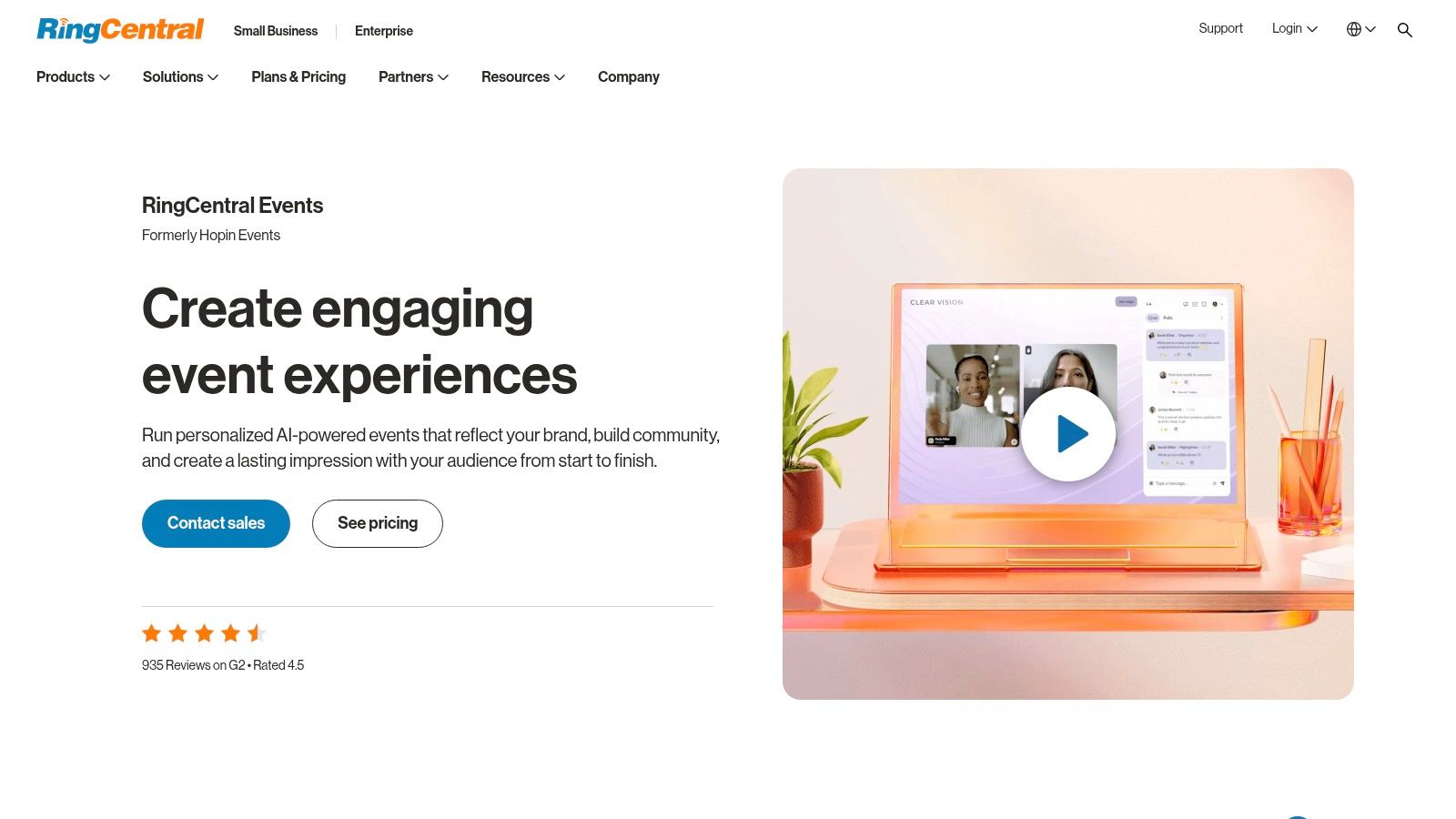
RingCentral Events, the platform that evolved from the widely recognized Hopin Events, is an all-in-one solution engineered for virtual, hybrid, and onsite events. It’s designed for organizations seeking a comprehensive toolkit that supports the entire event lifecycle, from registration and live production to post-event content generation. This makes it a strong contender for businesses wanting to manage webinars, multi-track conferences, and hybrid experiences without juggling multiple disconnected software tools.
The platform's key differentiator is its integrated approach, which includes a native production Studio for creating professional, branded live streams. This built-in functionality reduces the technical complexity and cost typically associated with external production software. Furthermore, its ability to scale to over 100,000 attendees makes it suitable for large-scale enterprise events and international association conferences.
RingCentral Events offers a powerful set of virtual event platform features focused on production quality, attendee engagement, and scalability. It consolidates many event management needs into a single, unified dashboard.
Expert Insight: For enterprises, the native Studio and AI Clips features are game-changers. They empower marketing teams to produce broadcast-quality events and then instantly repurpose content, maximizing the value and reach of every session without needing specialized video editing staff.
RingCentral Events provides a predictable entry-level pricing model that includes unlimited events per license, making it attractive for organizations with a busy event calendar. While the initial tier is transparent, pricing for higher-capacity events or advanced feature sets is quote-based and requires contacting their sales team for a precise figure. When exploring platforms like RingCentral Events, it's insightful to consider RingCentral as a flexible, cloud-hosted VoIP solution, understanding the broader communication ecosystem it belongs to. To ensure your event reaches its full potential, it's crucial to pair a great platform with a strong promotional strategy. To get started, you can explore these effective strategies on how to promote an event.
Learn more at: ringcentral.com
vFairs is an end-to-end platform for virtual, hybrid, and in-person events that excels at creating immersive, visually-rich digital environments. It is particularly strong in its exhibitor experiences, making it a leading choice for large-scale expos, career fairs, and trade shows where sponsor value and lead generation are paramount. The platform offers extensive customization and white-glove project management to ensure a polished, professional event from start to finish.
The core of the vFairs experience is its 3D virtual venues, which include interactive booths, networking lounges, and auditoriums for HD streaming. This approach goes beyond simple video grids to replicate the feel of an in-person conference, engaging attendees in a more dynamic way. This focus on a cohesive, branded environment makes it ideal for organizations looking to deliver a premium, high-touch experience.
vFairs offers a broad suite of virtual event platform features that bridge the gap between digital and physical events. It provides robust tools not just for the virtual component but also for on-site management, making it a true hybrid solution.
Expert Insight: For organizations where exhibitor ROI is a primary goal, vFairs is a top contender. Its detailed booth analytics and lead-capture tools provide sponsors with the tangible data they need to justify their investment, a critical factor for monetizing large conferences.
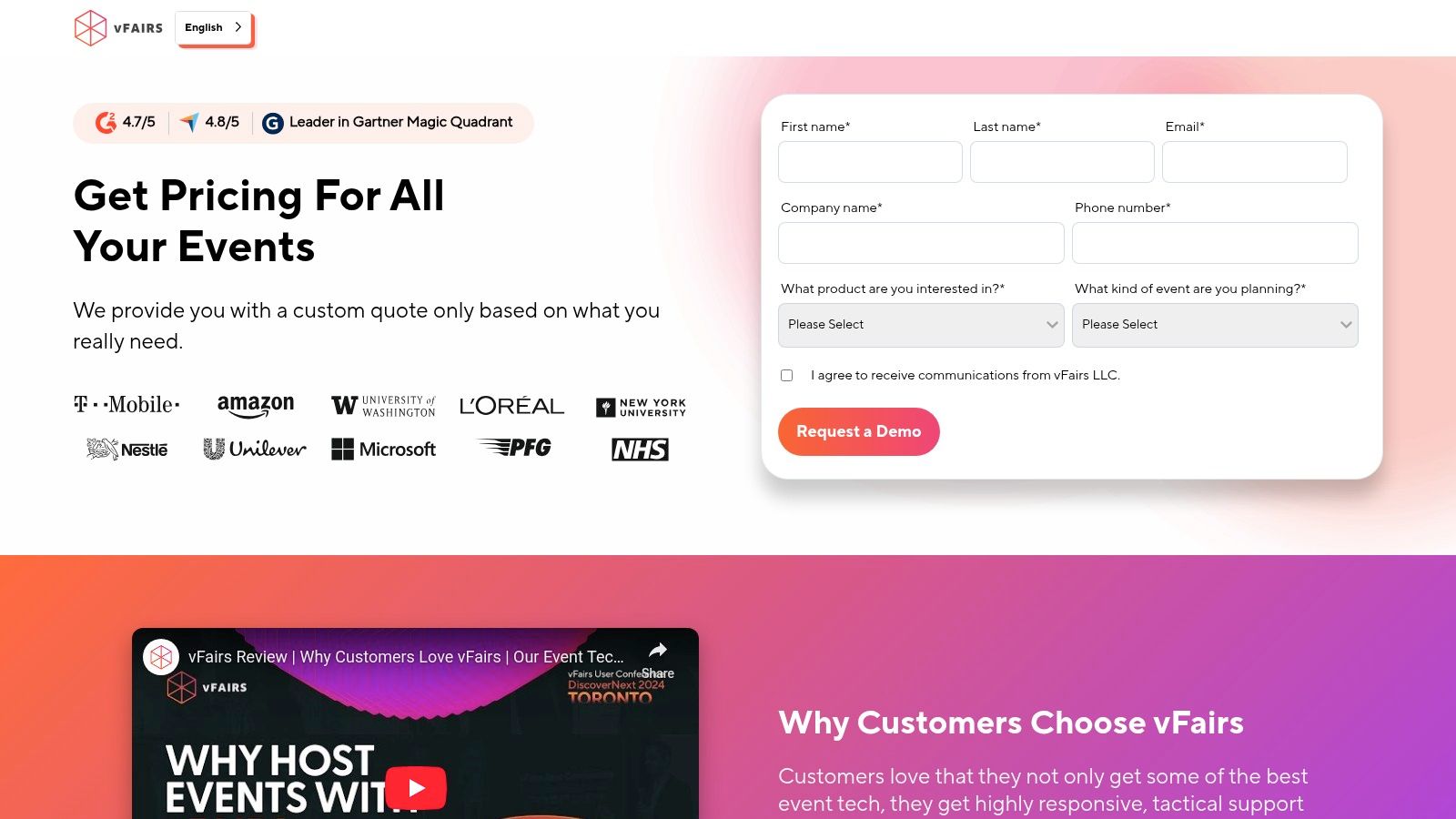
vFairs operates on a quote-based pricing model, tailored to the specific size and feature requirements of your event. This includes considerations like the number of attendees, exhibitors, and the level of project management support needed. Because the platform is designed for customized, high-stakes events, prospective customers must contact the sales team to get a detailed proposal. This approach ensures you only pay for the features you need but requires more planning upfront compared to platforms with transparent, tiered pricing.
Learn more at: vfairs.com
Bizzabo positions itself as an all-in-one Event Experience OS, designed for organizations that manage a portfolio of virtual, in-person, and hybrid events throughout the year. It provides a powerful, integrated suite of tools covering the entire event lifecycle, from registration and marketing to on-site execution and post-event analytics. This end-to-end approach makes it a strong contender for enterprise teams and associations seeking a unified platform to power their entire event strategy rather than a tool for a single event.
Its architecture is built to handle complexity, enabling organizers to create sophisticated registration flows, manage multi-track agendas, and deliver high-production value virtual sessions. By consolidating data and workflows, Bizzabo aims to give event professionals a holistic view of their audience and a more efficient way to measure impact across their programs.
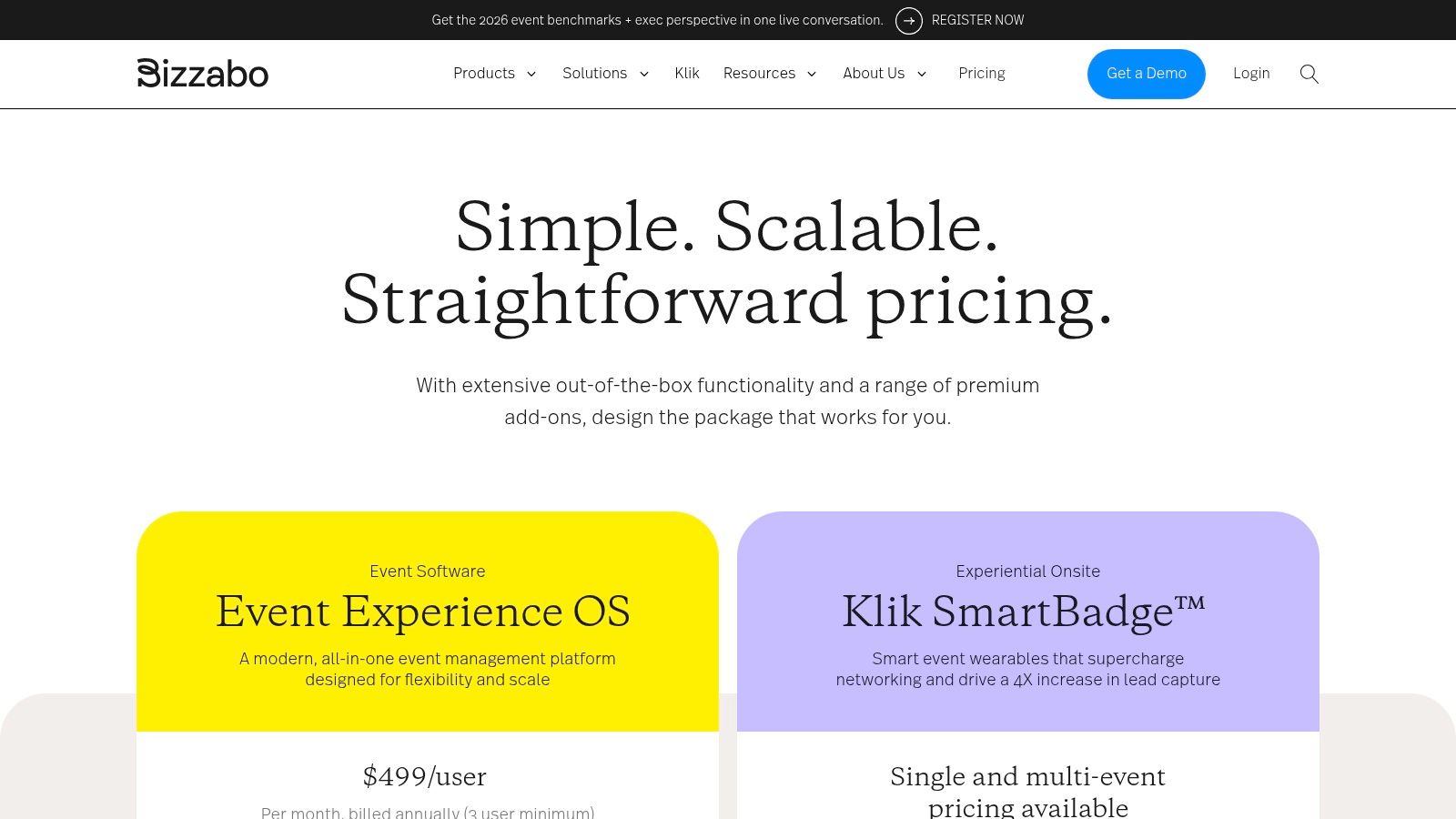
Bizzabo offers a robust set of virtual event platform features alongside deep capabilities for hybrid and in-person experiences. The platform's strength lies in how it seamlessly connects the digital and physical attendee journey.
Expert Insight: For enterprise event teams, Bizzabo’s "Event Experience OS" model is compelling. The ability to manage an entire portfolio of diverse events from one central command center provides unparalleled data consistency and operational efficiency.
Bizzabo’s pricing is based on an annual subscription model with software seats for your event team, which includes unlimited events and registrations. This structure is designed for organizations with a continuous event program. While the base subscription is transparent, the total investment can increase with optional add-ons like on-site tech rentals (Klik) and professional services. Potential customers typically need to contact sales for a customized quote based on their specific needs and the number of user seats required. This all-in-one approach simplifies budgeting for an entire event portfolio compared to per-event or per-registrant pricing models.
Learn more at: bizzabo.com/pricing
Airmeet is a virtual and hybrid event platform built with a primary focus on deep, meaningful attendee interaction and networking. It moves beyond passive viewing by creating dynamic spaces where participants can connect, converse, and collaborate. This makes it a compelling choice for marketing teams, community builders, and organizations that prioritize engagement and relationship-building over simple content delivery.
The platform's core philosophy is that events are about people, not just presentations. It facilitates this through unique networking environments like its Social Lounge and Speed Networking features, which are designed to replicate the serendipitous connections of an in-person event. This emphasis on interactivity is a key differentiator from standard webinar tools that often treat audiences as passive listeners.
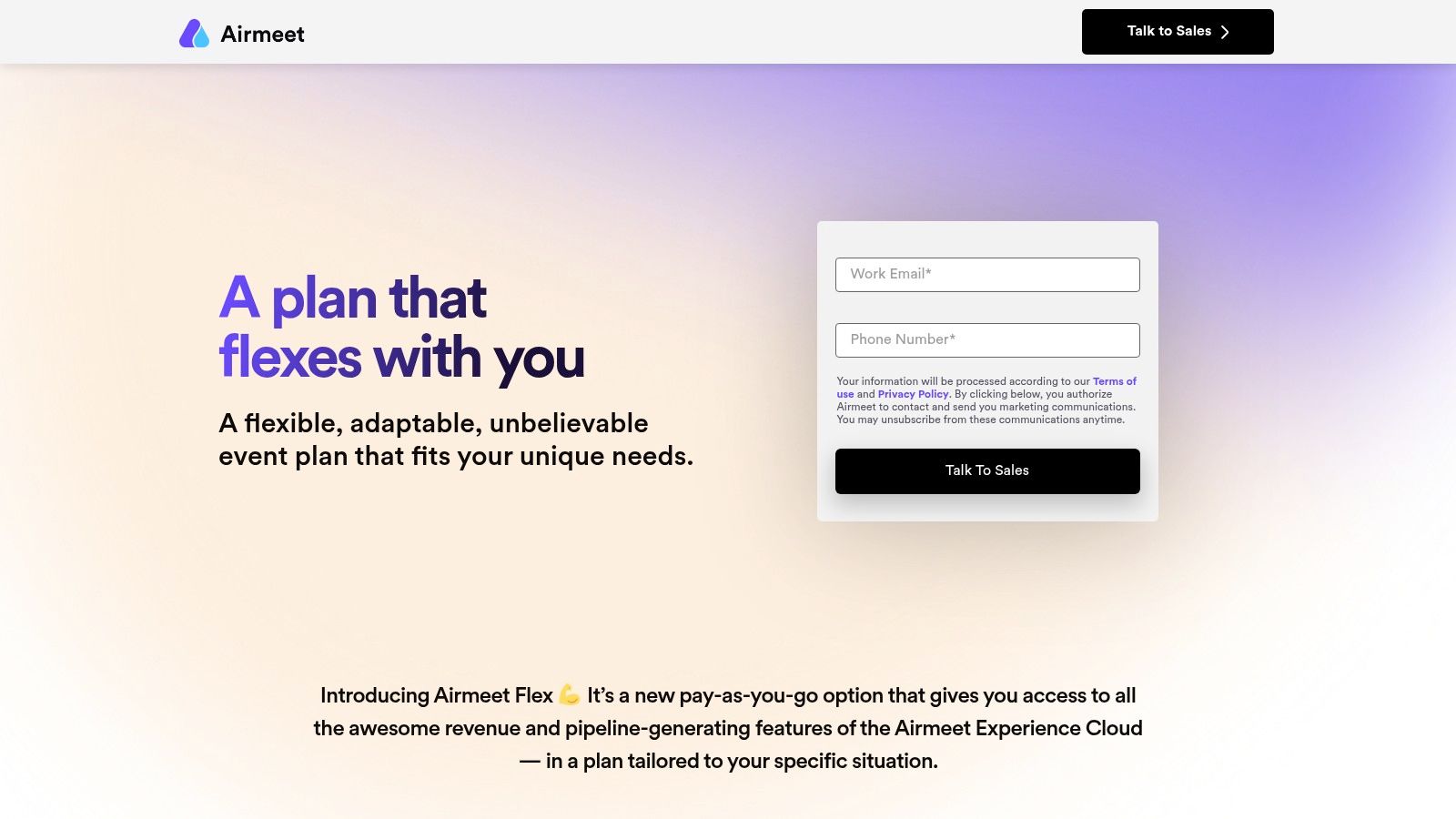
Airmeet provides a powerful suite of virtual event platform features designed to foster community and drive audience participation. Its tools are engineered to transform attendees from viewers into active participants, which is critical for learning, networking, and creating memorable experiences.
Expert Insight: For organizations struggling to prove ROI on virtual events, Airmeet’s focus on quantifiable engagement is a major asset. When you can show stakeholders not just who attended, but who connected, who participated in polls, and who visited sponsor booths, you can build a much stronger case for the event's value.
Airmeet stands out with its flexible pricing models, which are particularly appealing for organizations that don't run events on a frequent, predictable schedule. It offers standard subscriptions (Starter, Pro) alongside a pay-as-you-go "Flex" plan. This Flex plan allows you to pay per attendee for a single event, making it an excellent, low-risk option for trying the platform or for hosting one-off conferences without a long-term contract. Paid tiers include integrated ticketing and monetization options, allowing you to sell access directly through the platform.
Learn more at: airmeet.com
Navigating the expansive landscape of virtual event platform features can feel overwhelming, but the journey to finding the perfect solution is a strategic investment in your organization's future. We've dissected a comprehensive checklist of functionalities, from core broadcasting capabilities and robust engagement tools to sophisticated data analytics and seamless integrations. The key takeaway is clear: the "best" platform is not a one-size-fits-all solution. Instead, it's the one that aligns most precisely with your unique event goals, audience expectations, and long-term community strategy.
Your selection process should be a deliberate exercise in matching your specific needs to the features that will drive the most value. A small professional association might prioritize streamlined registration and on-demand content access to serve its members, while a large enterprise hosting a global sales kickoff will demand advanced networking, multi-track session support, and detailed lead retrieval for sponsors. The distinction between must-have and nice-to-have features becomes critical here; it's the compass that guides you toward a platform that empowers, rather than complicates, your event execution.
Choosing a platform is only the first step. The true measure of success lies in how you leverage its capabilities to create a memorable and impactful experience. As you move forward, consider the following strategic checkpoints to ensure a successful implementation:
Ultimately, the most powerful virtual event platforms are those that transcend the limitations of a single event. They serve as a digital nexus for your community, fostering connections and delivering value long after the closing keynote. The data gathered provides invaluable insights into attendee behavior, content performance, and sponsor ROI, allowing you to refine your strategy and demonstrate tangible results to stakeholders.
As you finalize your decision, remember that the right technology is an enabler, a powerful tool designed to bring your vision to life. By focusing on your strategic objectives and the needs of your audience, you can confidently select a platform that not only meets your immediate requirements but also provides a scalable foundation for building a thriving, engaged community.
Ready to see how an all-in-one community platform can transform your events and member engagement? GroupOS integrates many of the essential virtual event platform features discussed in this guide directly into a powerful, centralized hub for your association or enterprise. Schedule a demo of GroupOS today to discover how you can streamline your tech stack and build a more connected community.







