May 15, 2026

A week before an event is when communication systems get exposed. A room change comes in late, a speaker cancels, and attendees need updated parking instructions before they leave home. Email is often too slow for that job. Consumer group chats create a different problem, with reply-all clutter, off-topic threads, and no clean handoff to staff.
A good group SMS app solves a specific operational problem. It gets time-sensitive updates out fast, gives admins control over replies, and keeps outreach tied to real member records instead of scattered phone threads. In practice, buyers usually end up choosing between two different categories. The first is a dedicated SMS broadcast platform built for alerts, campaigns, and short-response workflows. The second is an integrated community messaging system, where texting is one part of a larger member experience that also includes discussion, events, and ongoing engagement.
That distinction matters more than another feature checklist. If your team only needs announcements, reminders, and basic two-way texting, a broadcast platform may be the cleaner fit. If your members also need structured conversation before and after the message goes out, the better choice is often a community platform that supports chats, channels, and event communication in one system. Teams comparing options often benefit from starting with the messaging model first, then reviewing tools. This guide to how to make a group message for organizations and communities is a useful starting point for that decision.
This list is built around that real-world split, so you can decide what type of tool you need before comparing individual apps.
If you're also reworking the event itself, these unique event concepts for 2026 are worth a look.
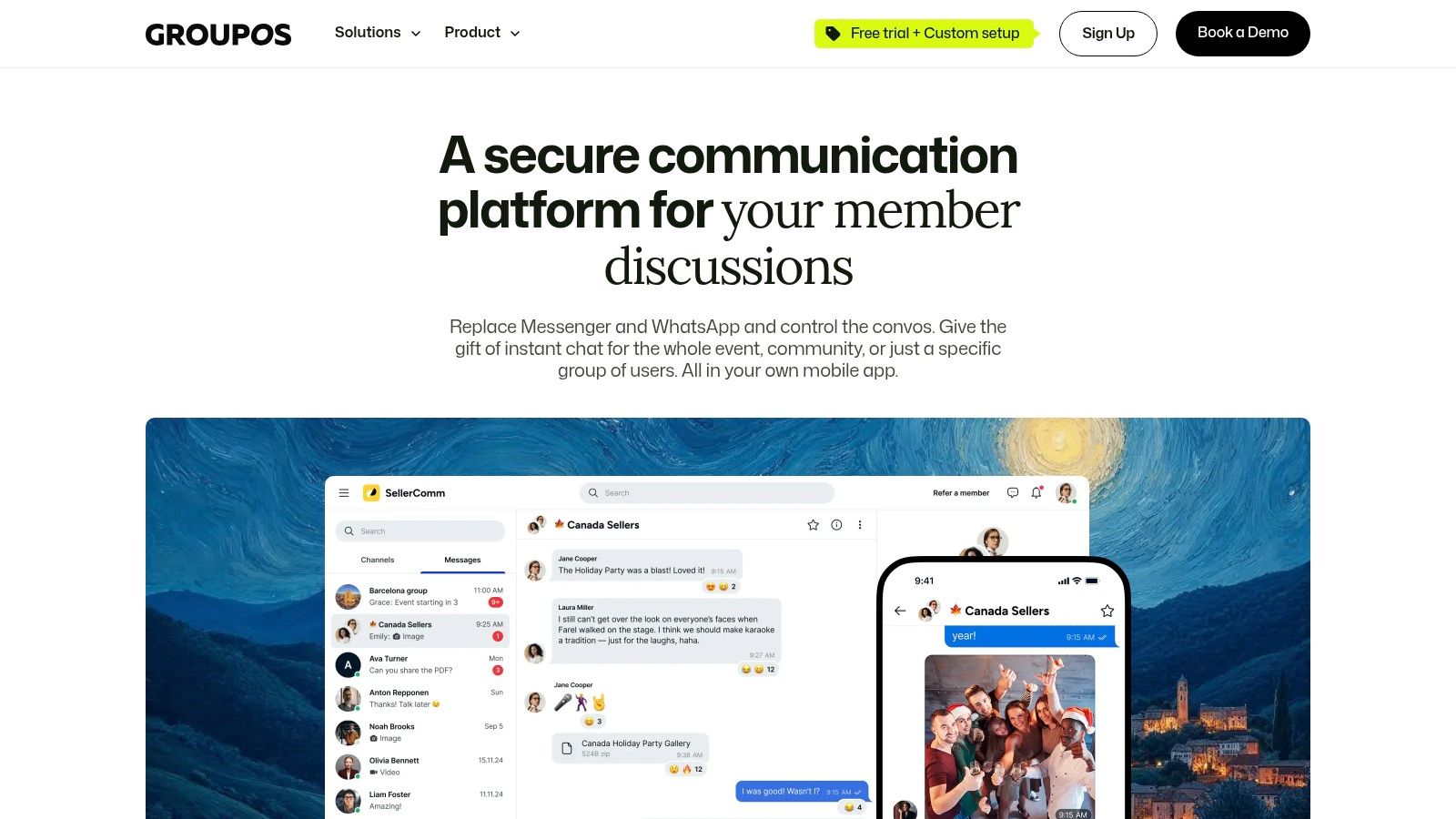
Most “best group sms app” lists start with bulk texting tools. That's useful if your only job is sending alerts. It breaks down when your members also need ongoing discussion, event-based networking, moderated channels, and private follow-up after the announcement goes out.
That's where Chats & Channels from GroupOS stands apart. It's not just a texting layer. It's a branded messaging environment built into your organization's iOS, Android, and web apps, with 1:1 messaging, admin-controlled group chats, and public or private channels in one place.
GroupOS is the strongest option here if your team is choosing between SMS reach and community depth, then realizing you probably need both. For associations, paid membership communities, and conference operators, the bigger problem usually isn't sending one announcement. It's keeping the conversation structured after that announcement.
A lot of teams end up stitching together email, a texting tool, Slack, and event software. That works for a while. Then moderation gets messy, member data sits in different systems, and nobody can answer basic questions like which conversations led to registration, retention, or sponsor engagement.
Practical rule: If the message is urgent and disposable, SMS works well. If the conversation needs context, identity, permissions, and history, you want an integrated community channel.
GroupOS includes the chat features people expect now: mentions, threaded replies, media and file sharing, and voice notes. The operational difference is that these conversations live inside the same environment as events, memberships, and member profiles.
That matters more than it sounds. You can gate chats by membership tier, tie conversations to ticketed events, and keep moderation under staff control instead of hoping an unmanaged chat thread behaves itself. For organizations with sponsors, committees, local chapters, or VIP attendee groups, that structure saves real admin time.
A few strengths stand out:
The trade-off is simple. GroupOS isn't the lightest option if all you need is “send 5,000 reminders fast.” It's a broader operating system, and that means rollout and customization usually take planning. If you only need outbound texting, a dedicated broadcast platform will be quicker to launch.
If you're deciding whether to use text threads or a more structured communication model, this guide on how to make a group message is a good place to start.
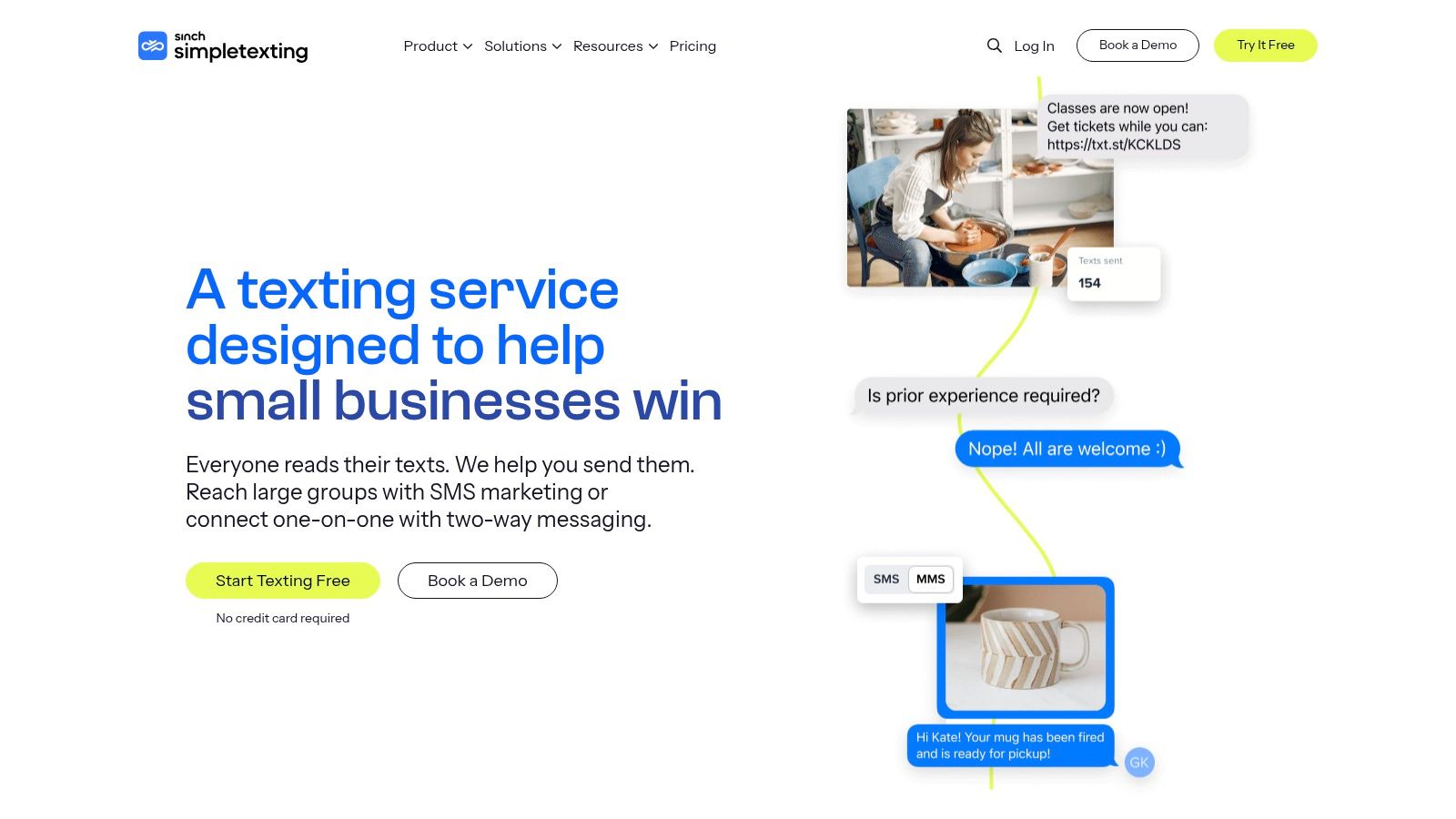
SimpleTexting is one of the cleanest dedicated SMS broadcast tools for teams that need to send group texts without creating a chaotic shared thread. That distinction matters. In a business setting, “group texting” usually shouldn't mean everyone sees everyone else's replies.
SimpleTexting handles that well. You send to a list, replies route back privately, and your team can manage those responses in a shared environment with notes and assignments. For operations teams, that keeps an urgent announcement from turning into a public support channel.
This is a strong pick for organizations that need mass SMS plus selective one-to-one follow-up. Think event reminders, chapter updates, renewal nudges, waitlist notices, or last-minute logistics.
It also fits the larger behavior of how people already communicate. Messaging apps now reach an enormous global audience, with over three billion active users worldwide according to Business of Apps' messaging market data. That doesn't make SMS interchangeable with chat apps, but it does explain why people expect immediate mobile communication and why a simple, fast tool like SimpleTexting lands well with non-technical teams.
The interface is approachable. That sounds minor until you're training staff who don't live in marketing software all day. List growth tools, segmentation, automations, MMS, templates, and multi-user inbox workflows are all there without feeling buried.
A few practical pros and cons:
If list building is still your bottleneck, this article on collecting phone numbers is worth reviewing before you commit to any vendor.
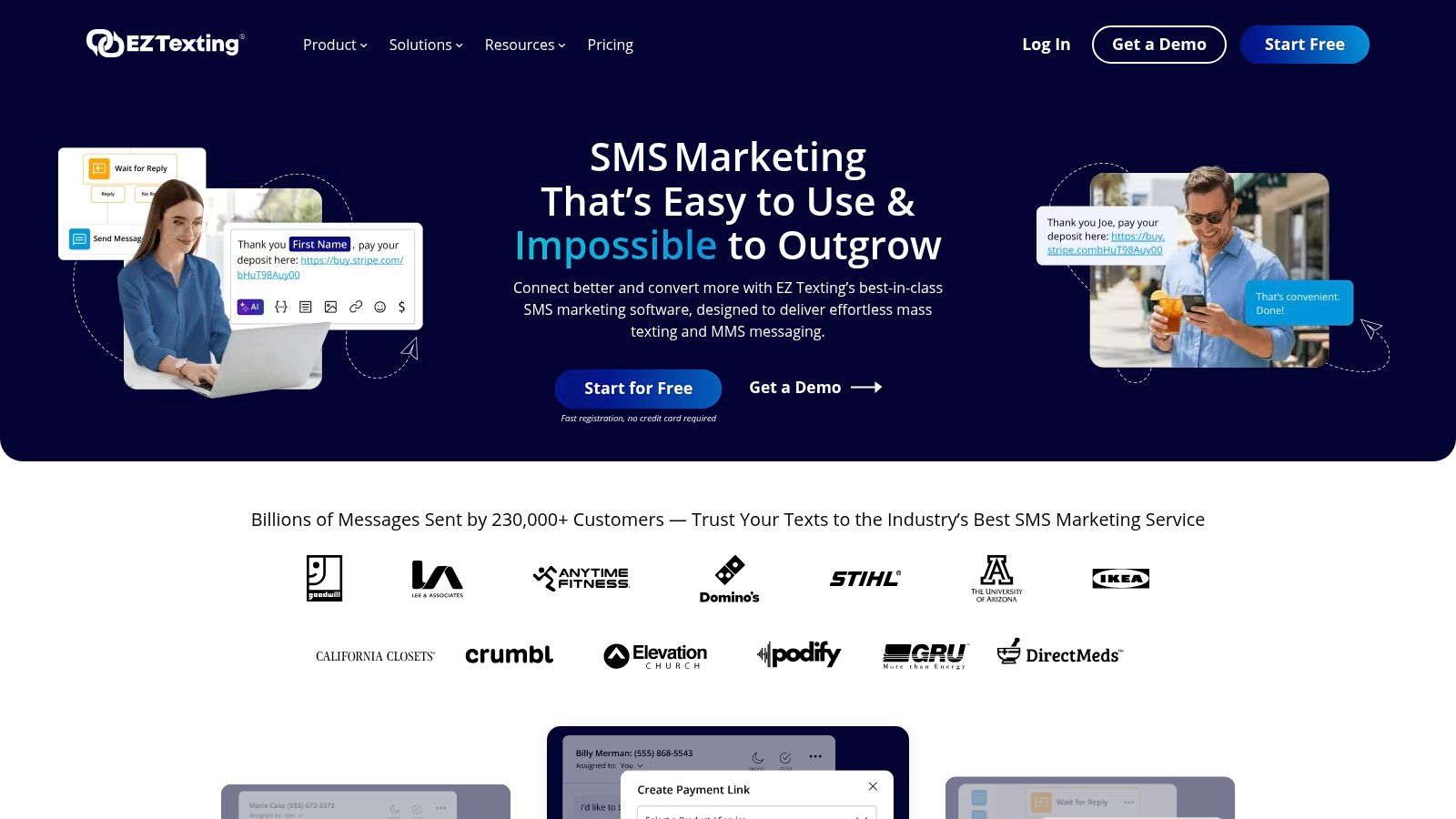
EZ Texting is the tool I recommend when a team wants a dedicated SMS platform and also wants fewer implementation surprises. It has been around long enough to feel operationally steady, and its documentation tends to answer the questions buyers have, especially around credits, MMS usage, and registration.
That makes it a practical choice for associations, membership groups, and event teams that need a set-it-up-and-go system instead of a platform they'll keep configuring for months.
EZ Texting covers the expected broadcast basics. Group sends, keywords, web sign-up tools, automations, MMS, and integrations are all part of the package. It also supports one-to-one replies, so your campaign traffic doesn't have to become a dead end.
One thing I like about EZ Texting is that it tends to reduce ambiguity for buyers. You can usually tell how the platform thinks about credits, inbound messaging, and setup. That's useful for seasonal organizations with conference spikes, annual renewals, or chapter-driven communication rhythms.
The easier a platform is to explain to the next staff member, the more likely it is to survive turnover.
EZ Texting is well suited to teams that don't want a highly custom setup. If your communication program is mostly reminders, announcements, short campaigns, and response handling, it's a safe shortlist candidate.
Keep these trade-offs in mind:
If you're also comparing SMS tools against broader member platforms, this roundup of best online community platforms adds useful context.
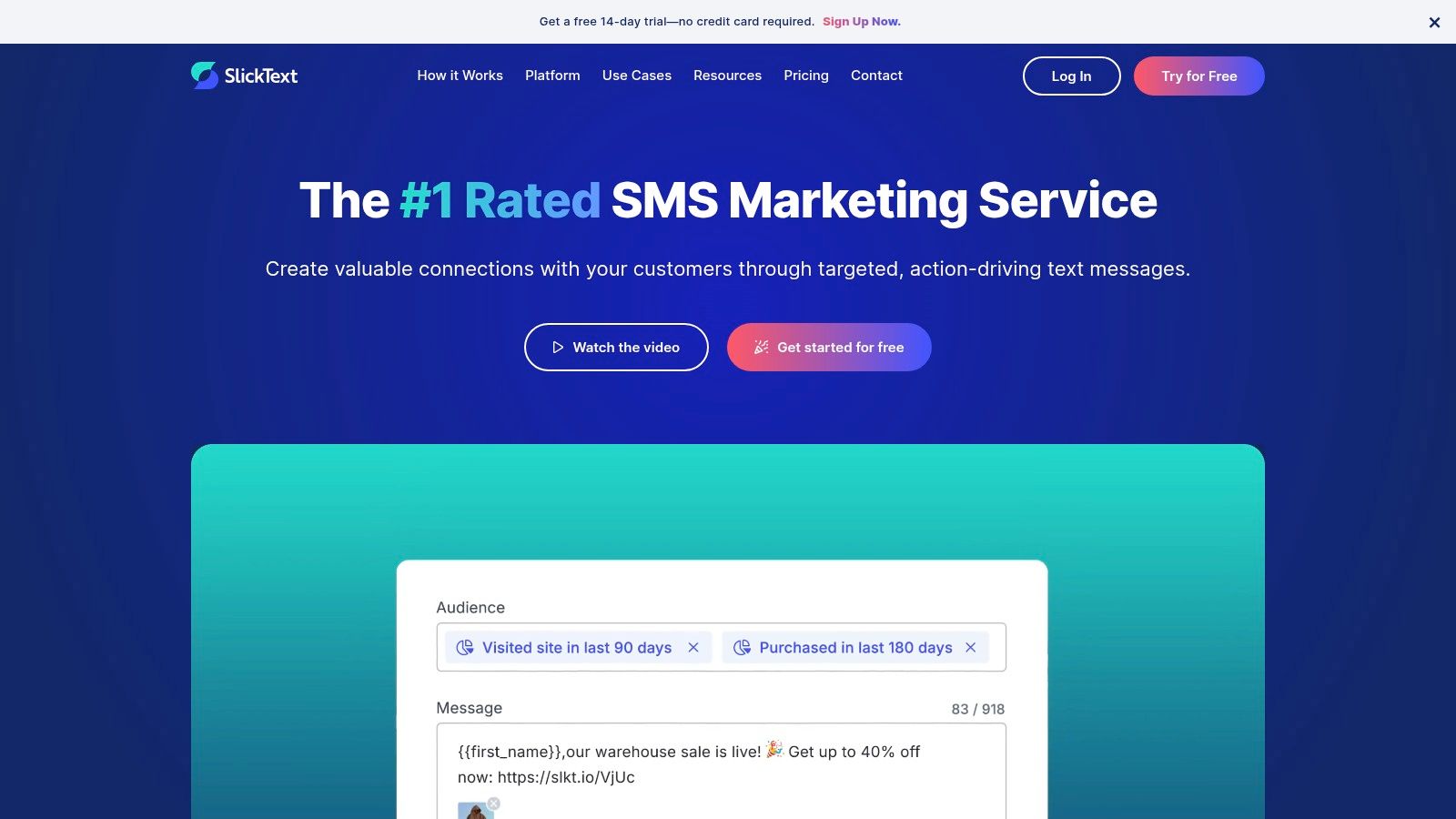
SlickText is a good example of a dedicated SMS broadcast platform. That distinction matters in this roundup. If your main job is sending campaigns, managing opt-ins, and handling replies inside a texting workflow, SlickText fits the dedicated-tool side of the decision better than an integrated community system does.
I usually shortlist SlickText for teams that want fewer packaging surprises. Core tools such as keywords, automations, list growth features, free incoming texts, and reporting are easier to evaluate without constantly checking whether a needed function sits behind the next plan tier. That saves time during procurement, and it reduces friction later when another department wants access.
SlickText works well for organizations that send in cycles instead of on a flat monthly schedule. Associations, event teams, franchise groups, and membership programs often need to ramp up fast around registration, reminders, schedule changes, and follow-up. Rollover credits and migration support are practical advantages in that kind of operating model.
It is also a better fit for teams that treat SMS as an operational channel, not just a marketing one. If staff members need to send reminders, manage inbound responses, and keep subscriber growth organized in one place, SlickText covers that job cleanly.
The trade-off is scope. SlickText is built to do texting well. It is not trying to replace your broader community stack.
Choose SlickText if you already know you need a dedicated texting platform first, then want one with clear packaging and solid support. If your organization is still deciding between text broadcasting and a more structured discussion environment, this guide to Slack alternatives for communities is a useful comparison point.
A few practical takeaways:
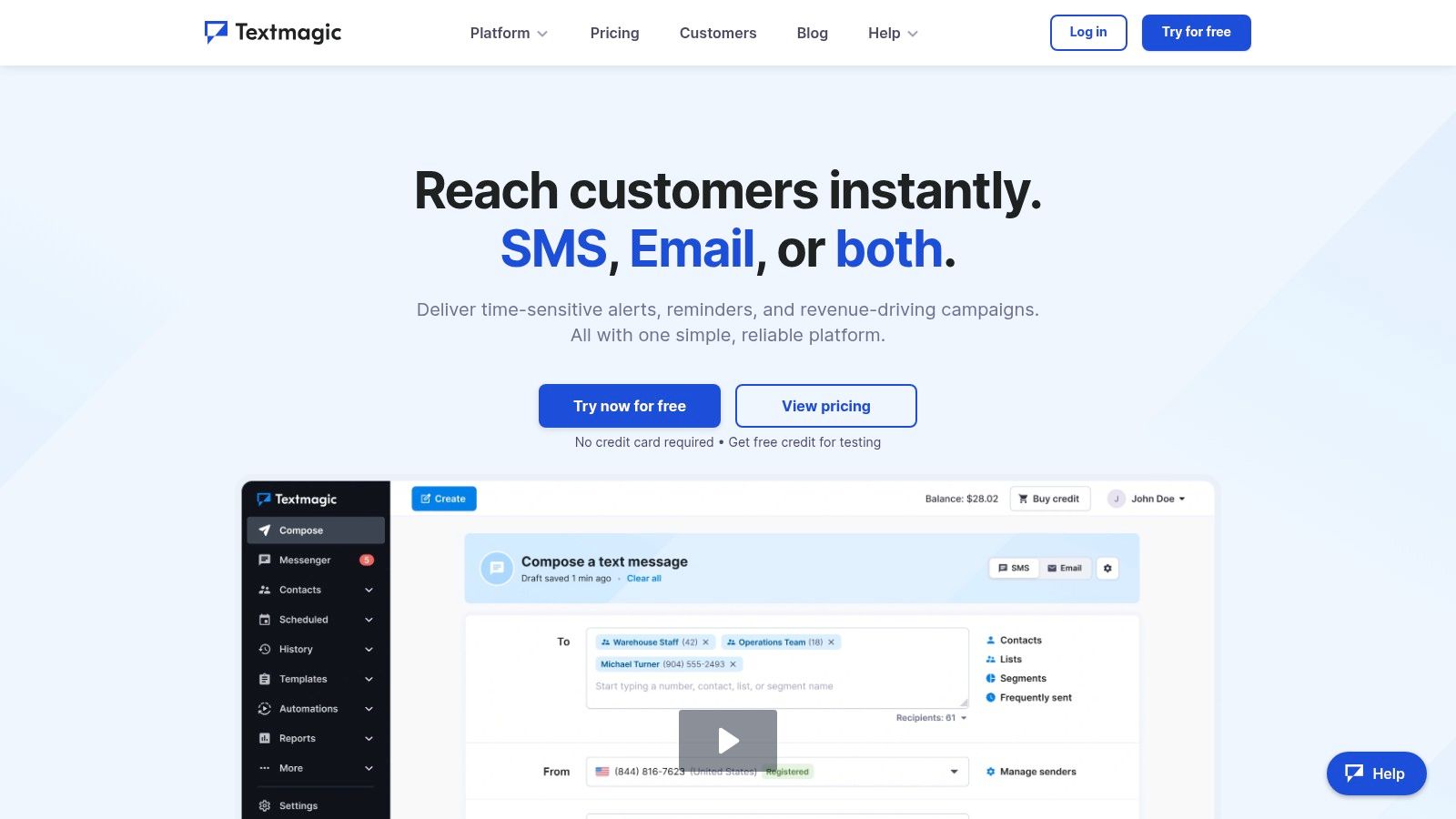
TextMagic is the practical option for teams that want flexibility more than polish. It doesn't always look as marketing-driven as some competitors, but for buyers who care about pricing transparency and usage control, that's often a plus.
This is one of the better fits for organizations that text irregularly, operate in multiple markets, or want the option to bring their own CPaaS routing later.
Some teams send every day. Others send heavily around launches, conferences, enrollment windows, or deadline periods and stay quiet the rest of the year. TextMagic's pay-as-you-go model works better for the second group than a rigid subscription often does.
Its feature set is broad enough for business use. SMS, MMS, free inbound SMS, local and toll-free numbers, registration options, and optional monthly bundles cover the common needs. The BYO CPaaS route is especially interesting for organizations with technical support and a real reason to optimize spend over time.
TextMagic is a good reminder that the best group sms app isn't always the one with the flashiest campaign builder. Sometimes it's the one your finance team understands and your ops team can use without a long handoff.
A few grounded takeaways:
Buy TextMagic if you want control and flexibility. Skip it if your team wants a highly curated marketing workflow out of the box.
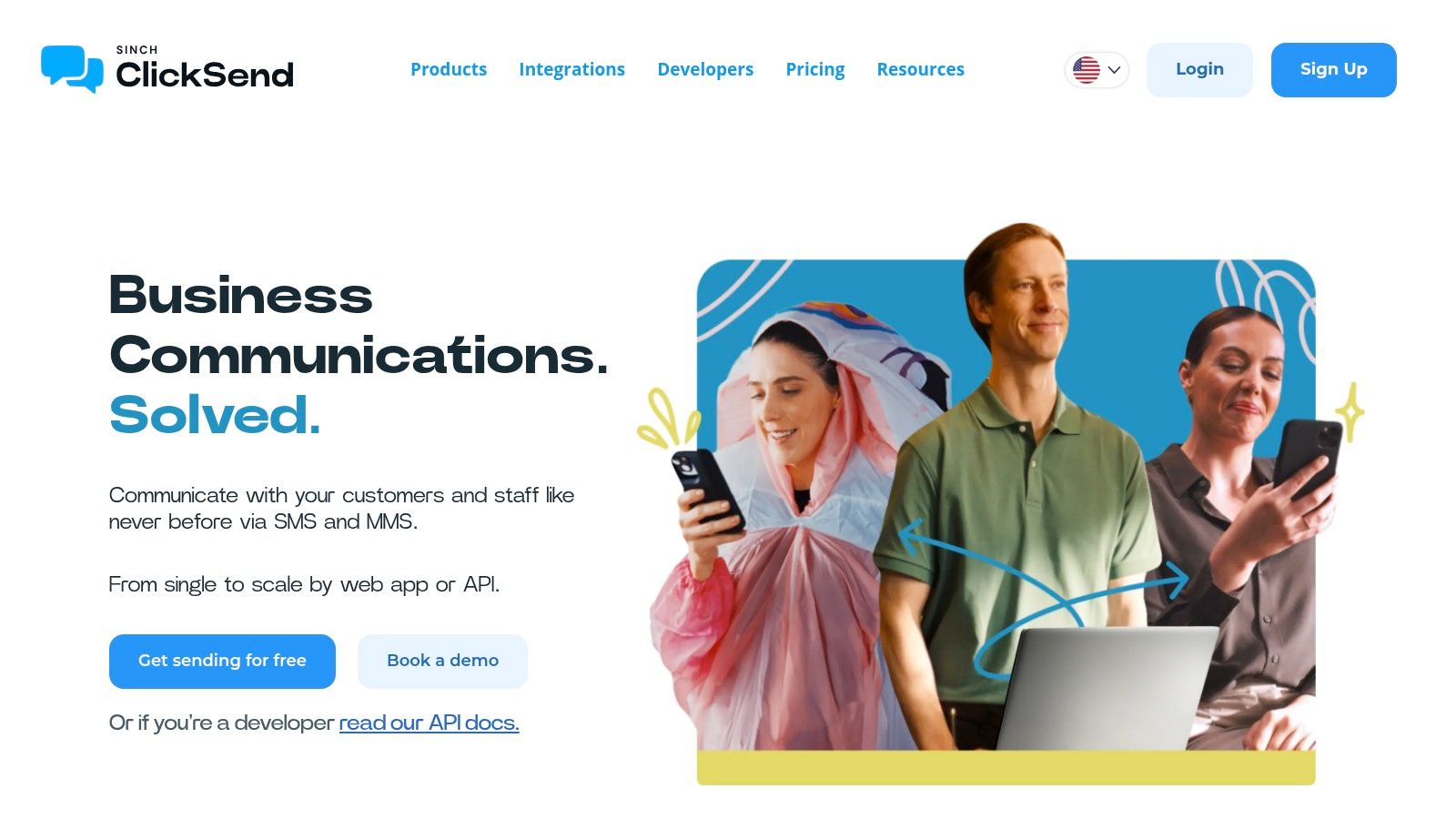
ClickSend is the workhorse on this list. It's less about polished campaign aesthetics and more about broad utility, integration options, and usage-based billing that can work across departments.
I tend to like ClickSend for organizations where texting isn't owned by one team. Operations, support, events, and engineering can all touch it without seat-count friction becoming the immediate problem.
Unlimited users is a big deal in professional settings. A lot of software looks affordable until you add staff from support, events, member services, and marketing. ClickSend avoids that issue better than many competitors.
It also covers practical business needs well: SMS, MMS, email-to-SMS, APIs, scheduling, segmentation, and developer tools. If your team wants one platform that can serve both simple outbound campaigns and system-triggered messaging, ClickSend is a strong contender.
The pricing model is usage-based, but some details live behind dynamic calculators or depend on carrier pass-throughs. That doesn't make it bad. It just means budgeting needs a more careful pass than the homepage may suggest.
A quick summary:
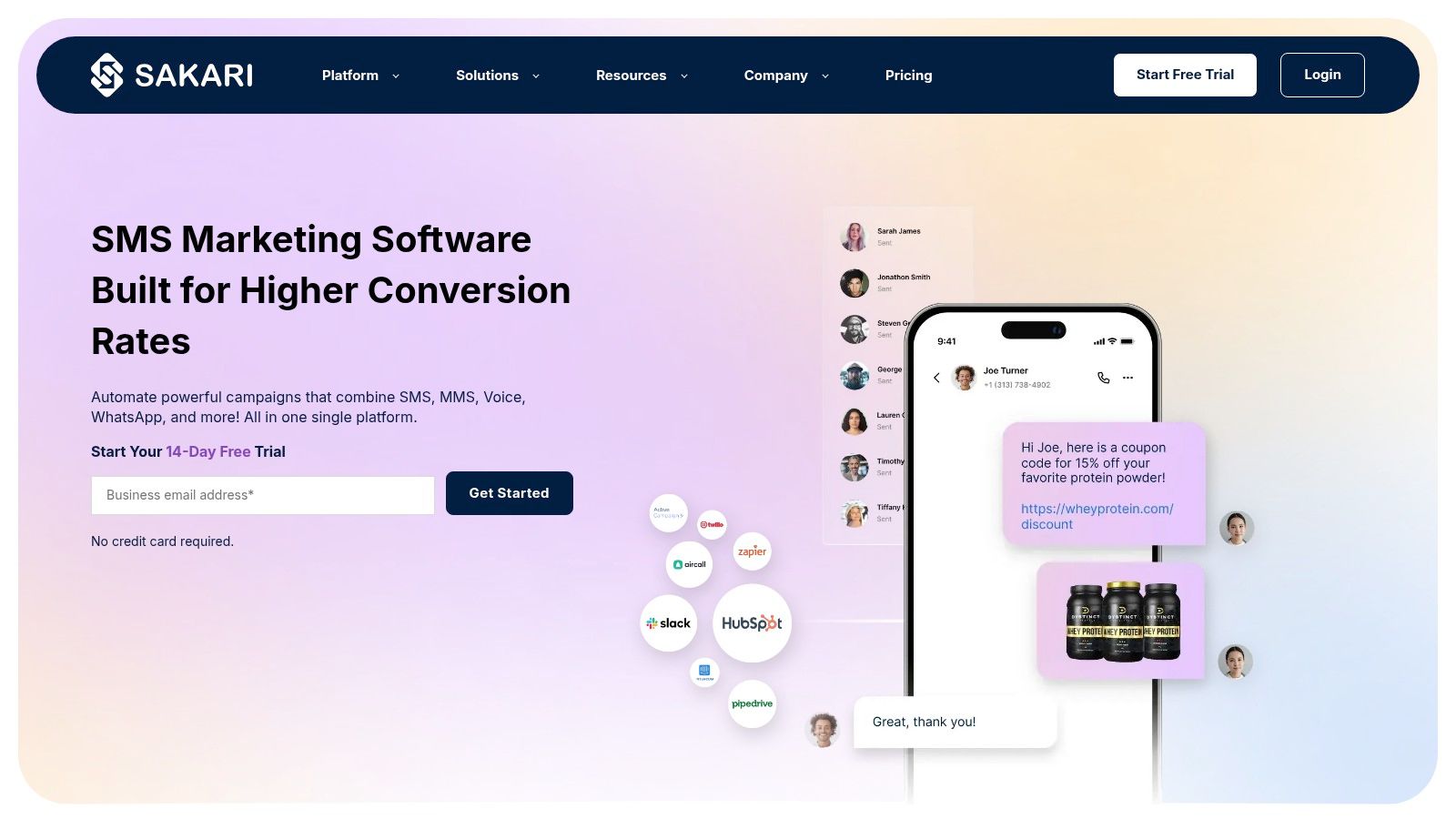
Sakari sits in an interesting middle ground. It gives you a business texting platform with both UI and API options, but it packages pricing and delivery around segments rather than the simpler “message equals message” model some teams expect.
That can be a strength if you understand how messaging costs behave. It can also confuse teams that just want a clean monthly estimate.
Sakari works well for support, operations, and campaign workflows where several people need shared access and where number management across countries matters. Unlimited users and team-wide plan sharing help if your texting operation spans multiple functions.
It also takes pricing education more seriously than many vendors do. Segment estimators and cost documentation are useful because they force buyers to think about message length, formatting, and routing before volume gets expensive.
This platform is a good fit for informed buyers, not casual shoppers. If your team already understands registration requirements, number provisioning, and segment-based billing, Sakari can be a strong operational tool.
Use this lens:
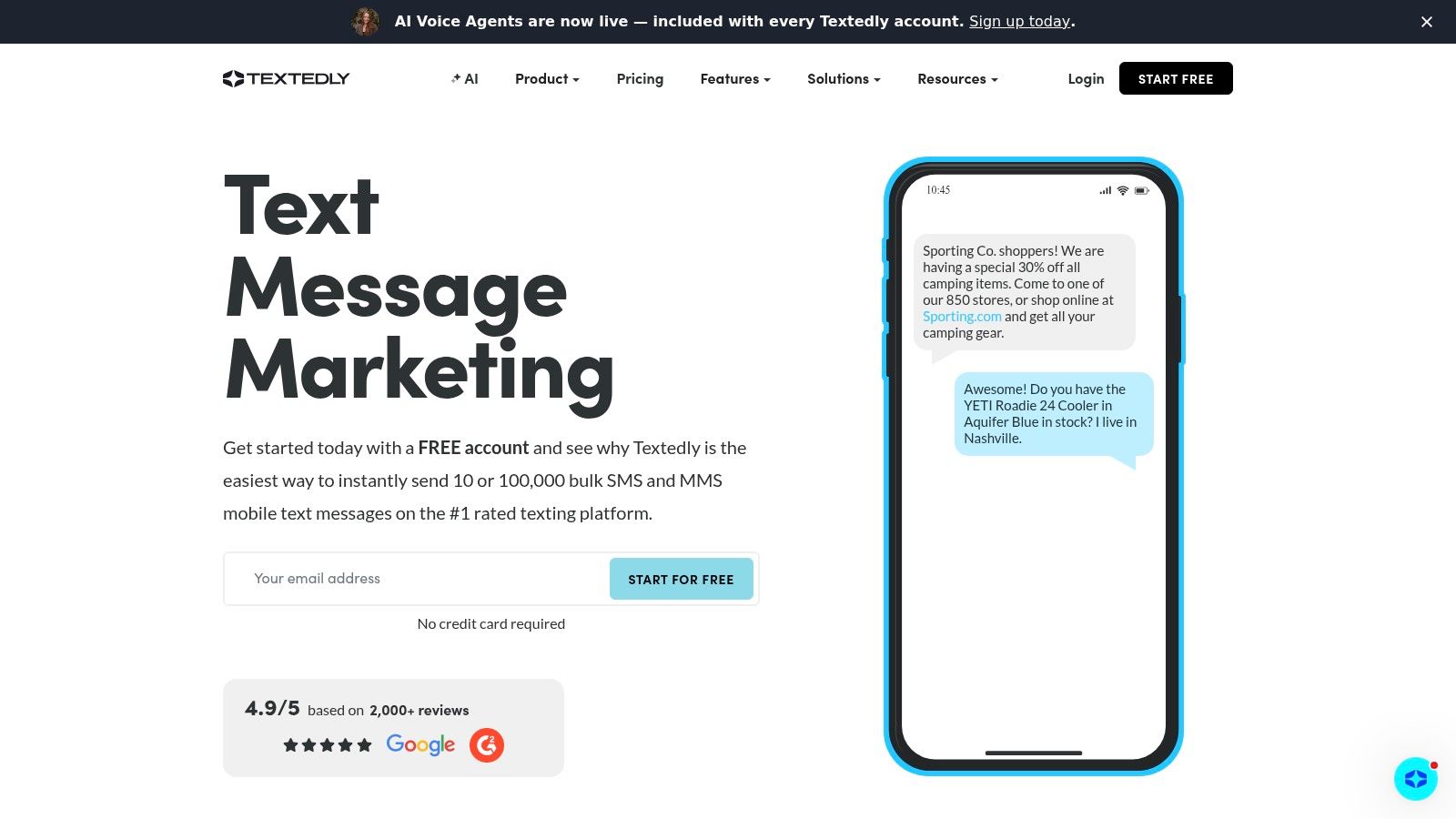
Textedly is usually easiest to recommend to smaller organizations that want a familiar campaign model and don't need a lot of customization. It's built for straightforward outreach, reminders, promotions, and simple event communication.
That simplicity is both its advantage and its ceiling.
If your staff wants to build a list, schedule messages, use tags for targeting, and launch drip campaigns without a long learning curve, Textedly checks those boxes. Features like text-to-pay and review requests can also matter if your workflow overlaps with payments or post-event follow-up.
For non-technical teams, the setup feels accessible. That matters because a group SMS app only works if the actual users, not just the buyer, can run it confidently when things get busy.
A simple tool with consistent adoption beats a more advanced tool that only one staff member knows how to use.
Textedly is less compelling once you need deeper operational control, more flexible integrations, or advanced features without tier gating. It can also become less attractive if pricing shifts and you're trying to keep a lean outreach stack.
In short:
Twilio sits in a different category from the packaged SMS tools on this list. It is not a plug-and-play broadcast app first. It is a communications platform your team can build on.
That distinction matters.
If you are choosing between dedicated SMS broadcast platforms and integrated messaging systems, Twilio belongs on the infrastructure side of that decision. I would shortlist it for organizations that need texting to live inside their own product, CRM, support workflow, or operations stack, not for teams that just want to launch campaigns from a polished dashboard by the end of the week.
Twilio gives developers a lot to work with: APIs, multiple number options, routing control, compliance tooling, and the flexibility to design message flows around your actual process instead of adapting your process to a vendor template.
That is a better fit for cases like custom registration flows, two-way service messaging, message escalation, and account-specific automations. If your staff needs texting to connect tightly with internal systems, Twilio can do that in a way many off-the-shelf group SMS apps cannot.
It also lines up with where business messaging is heading. As noted in Digital Applied's 2026 SMS and RCS data, RCS Business Messaging had reached broad U.S. smartphone coverage by April 2026, with higher reach projected by Q4 2027. For teams building their own messaging stack, that makes channel fallback, message rendering, and multichannel logic more important than they used to be.
Twilio gives you control. Your team also has to own the work that comes with that control.
Implementation, maintenance, cost modeling, carrier registration, error handling, and parts of compliance do not disappear. Packaged vendors often wrap those tasks in presets and guardrails. Twilio expects your team to make more of those decisions directly. That can be the right call when messaging supports core operations or product delivery. It is usually too much overhead for a school, church, club, or local business that mainly needs announcements and reminders.
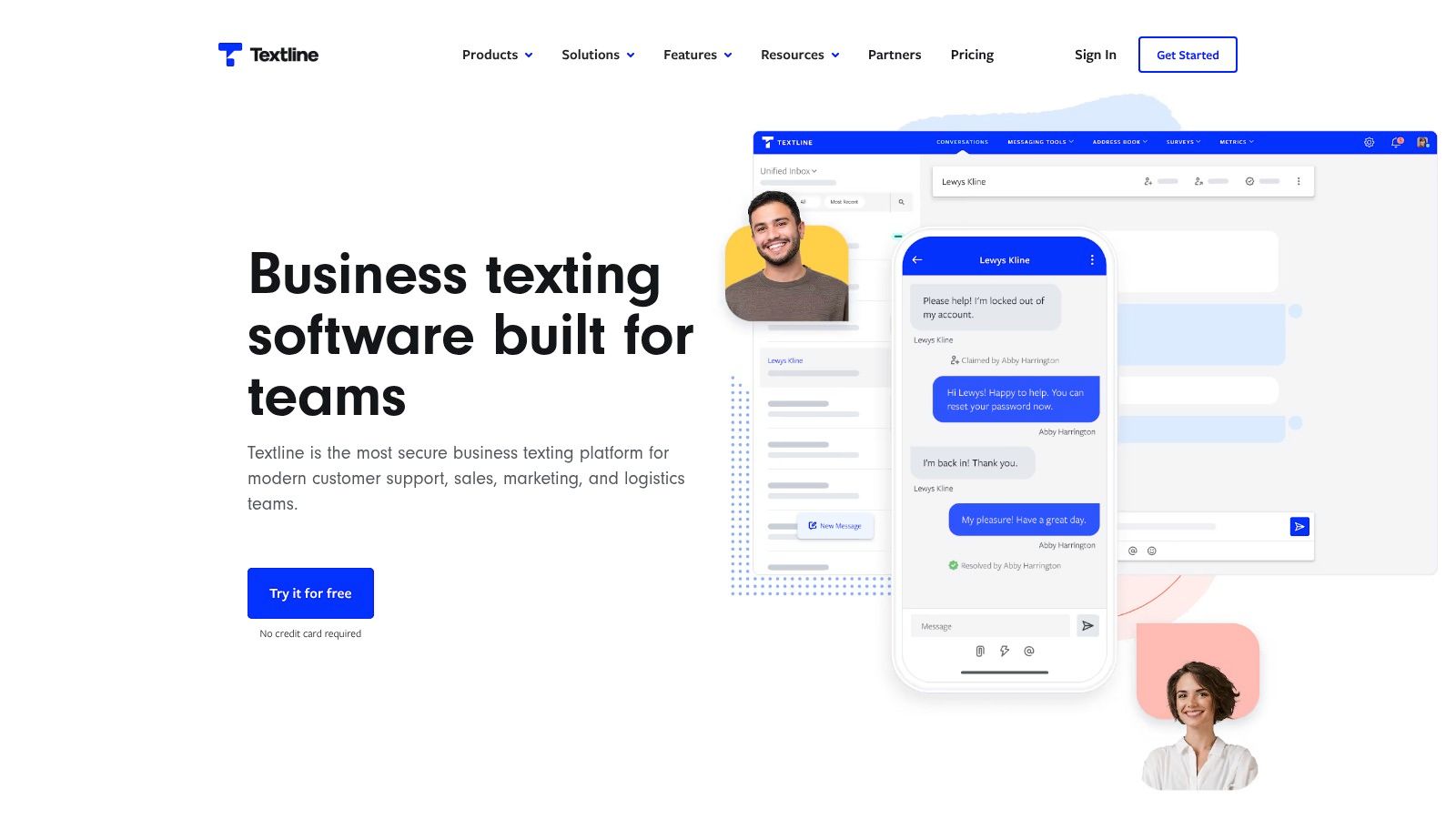
Textline is the most team-collaboration-oriented option in this roundup. It's less of a pure broadcast tool and more of a shared SMS workspace where staff can manage conversations together, assign ownership, add notes, and separate announcements from active message threads.
That makes it especially useful for operational teams, support desks, and field-heavy organizations.
A lot of SMS platforms are good at sending. Fewer are good at internal coordination once replies start arriving. Textline handles that part better than most.
Its shared inbox, routing, assignments, internal notes, permissions, and true group messaging threads create a more controlled environment for teams that need several staff members working from the same texting channel. If your workflow involves member services, attendee support, or distributed team response, that matters more than flashy campaign features.
Textline works well when texting is not just outreach. It's part of service delivery. You're handling questions, assigning responses, escalating issues, and maintaining continuity across shifts or departments.
That approach fits a market need many “top app” articles underplay. Practical Ecommerce notes that many group messaging roundups focus on social chat or basic blast features, while organizations with larger or more regulated communication needs require stronger governance and workflow control (Practical Ecommerce on group messaging app gaps).
A final practical read on Textline:
| Product | Core features | UX / Quality (★) | Pricing & Value (💰) | Target audience (👥) | Unique selling point (✨ / 🏆) |
|---|---|---|---|---|---|
| Chats & Channels, GroupOS | Branded 1:1, group & channel chat; moderation; event/membership gating; native iOS/Android/web | ★★★★☆ modern, integrated apps | 💰 Custom plans; free trial & setup | 👥 Professional networks, associations, event organizers | ✨ Deep event + membership integration; branded app experience 🏆 |
| SimpleTexting | SMS/MMS broadcast, private replies, segmentation, automations | ★★★★ approachable UI | 💰 Credit-based subscriptions | 👥 Marketers, SMBs, event teams | ✨ Private-reply routing + compliance resources |
| EZ Texting | Broadcast texts, keywords, web signup, A2P 10DLC, MMS | ★★★ straightforward campaign tools | 💰 Credits model; rollover options | 👥 SMBs needing simple outreach | ✨ Transparent credit/FAQ guidance |
| SlickText | All features in every plan, automations, rollover credits, short code support | ★★★★ clear pricing & onboarding | 💰 Monthly tiers with defined credits | 👥 Associations, events (US/CA) | 🏆 All-tools-included approach + strong migration support |
| TextMagic | Pay-as-you-go SMS/MMS, local/toll-free numbers, BYO CPaaS | ★★★ utilitarian, flexible | 💰 Pay-as-you-go; visible per-message pricing | 👥 Small budgets, teams wanting cost control | ✨ Transparent per-message pricing + CPaaS option |
| ClickSend | SMS/MMS/API, free inbound, unlimited users, scheduling, dev tools | ★★★★ reliable & developer-friendly | 💰 Credit top-ups; volume discounts | 👥 Dev teams & ops needing integrations | ✨ No seat limits + broad integration ecosystem |
| Sakari | Segment-based pricing, unlimited users, dedicated numbers, rollover | ★★★★ flexible account sharing | 💰 Segment pricing; plan-based credits | 👥 Support/ops & multi-country teams | ✨ Explicit segment math & multi-country number support |
| Textedly | Mass texting, scheduling, drip, text-to-pay, review requests | ★★★ easy SMB-focused UI | 💰 Tiered plans; advanced features on higher tiers | 👥 Small businesses & event promoters | ✨ Marketing-focused toolset for simple campaigns |
| Twilio (Programmable Messaging) | Programmable SMS/MMS, short codes, toll-free, RCS, detailed APIs | ★★★★☆ extremely powerful (dev-first) | 💰 Pay-as-you-go + carrier fees; volume pricing | 👥 Enterprises & engineering teams | 🏆 Scalability, control & deep developer tooling |
| Textline | Shared inbox, true group threads, routing, assignments, automations | ★★★★ built for team collaboration | 💰 Plan + message credits + registration | 👥 Support, ops & field teams | ✨ Shared SMS workspace with workflow controls |
The right choice starts with one question. Are you trying to send messages, or are you trying to run a communication system?
If the answer is “we need to push out reliable announcements, reminders, and short campaigns,” a dedicated SMS platform is usually the best fit. SimpleTexting, EZ Texting, SlickText, TextMagic, ClickSend, Sakari, and Textedly all live in that lane, with different strengths around usability, pricing models, and team collaboration. Twilio belongs there too, but only if you have the technical resources to build around it.
If the answer is “we need members, attendees, or stakeholders to keep talking after the alert goes out,” then a broadcast tool alone usually isn't enough. That's where integrated community messaging systems earn their place. They don't just deliver a message. They preserve context, identity, moderation, access control, and the history of the relationship.
That distinction matters because SMS is still a high-performance channel for urgency. SMS continues to post around a 98% open rate, with roughly 90% read within three minutes and response rates near 45%. Those are hard numbers to ignore when your event instructions changed, your venue needs a fast update, or your members need to know something now. But SMS alone isn't always the best home for ongoing conversation, directories, sponsor engagement, or deeper member interaction.
That's also why hybrid communication models keep gaining ground. As noted earlier, the market is moving beyond one-channel messaging. Many organizations now need urgent reach through SMS and sustained engagement through a branded or in-app community environment. The best group sms app, in practice, may be the one that handles broadcast well or the one that helps you stop overusing SMS for jobs it was never meant to do.
For many professional associations and event-led organizations, the primary upgrade isn't switching from one texting vendor to another. It is moving from fragmented tools to a system that matches how the organization operates. Email for depth. SMS for urgency. Community channels for continuity. Admin controls for governance. Analytics tied back to registrations, memberships, and engagement.
That's the lens I'd use for every shortlist. Not “which app has the longest feature page,” but “which app fits the way our team communicates under pressure, across events, and over time.”
If your team also needs broader coordination beyond messaging, this piece on scalable call management for remote teams is a useful companion read.
If you're trying to reduce tool sprawl and give members one place to connect before, during, and after events, GroupOS is worth a close look. It combines messaging, memberships, event management, content delivery, and branded mobile and web experiences in one platform, which makes it a strong choice for organizations that need more than outbound texts.







