June 4, 2026
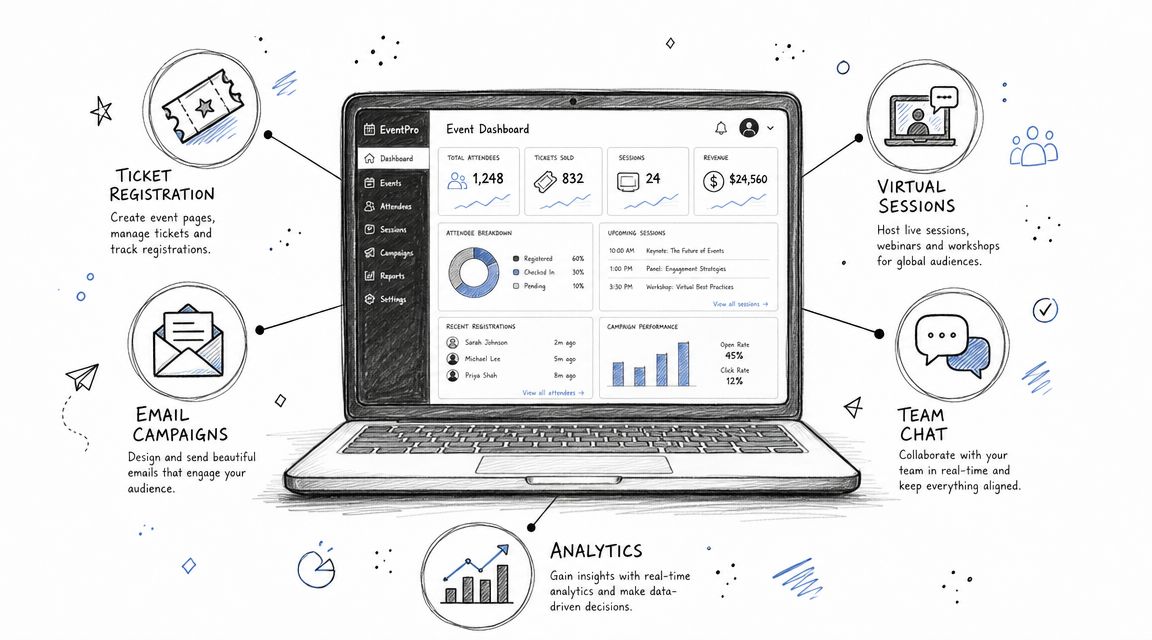
You're probably dealing with the same mess most event teams hit once programs start scaling. Registrations live in one dashboard, emails go out from another tool, sponsors want reports from a spreadsheet, and your staff is coordinating last-minute fixes in chat threads nobody can fully track. The problem usually isn't effort. It's fragmentation.
The right software for event management doesn't just add features. It removes handoffs, duplicate data entry, and those ugly day-before-event surprises when one system doesn't sync with another. That matters more now because this category isn't niche anymore. Fortune Business Insights projects the global event management software market will grow from USD 11.31 billion in 2026 to USD 32.62 billion by 2034, which reflects how these platforms have become an operational system for registration, attendee engagement, lead generation, and reporting rather than a simple planning tool (Fortune Business Insights event management software market outlook).
This guide gets to the point. It compares the best-known platforms, explains where each one fits, and focuses on trade-offs you'll feel in implementation, not just in demos. If you're still defining your stack, this guide to event management solutions is also useful context.

GroupOS stands out because it treats events as part of an ongoing member relationship, not as isolated transactions. That's a major difference if you run an association, paid community, trade group, or professional network where the same people return for events, content, and peer interaction throughout the year.
Most event platforms do a decent job with registration, ticketing, and mobile agendas. Fewer handle subscriptions, member profiles, private channels, and on-demand content in the same branded environment. That's the gap GroupOS is built to close, and it matters because membership-driven events are often underserved by software comparisons that focus mainly on logistics rather than ongoing community operations (Whova industry commentary on event planning software gaps).
GroupOS combines membership operations, ticketing, content delivery, and native communication in one branded hub. You can launch custom iOS, Android, and web experiences, manage flexible subscriptions, create dynamic ticketing with custom forms and VIP upgrades, run QR code check-ins, and keep discussions inside private channels or group chats instead of pushing people into disconnected tools.
That combination solves a common problem: teams buy event software, then realize they still need separate systems for community messaging, document access, and member engagement tracking. GroupOS is strongest when reducing that stack matters as much as event execution itself.
Practical rule: If your attendees are also members, don't buy software that treats them like one-time ticket buyers.
Another strong point is sponsor and exhibitor monetization. Dedicated profile pages, rotating banners, product showcases, and news feeds make more sense for organizations that need year-round partner visibility, not just event-day exposure.
GroupOS won't be the lightest option for a casual meetup organizer. If you run a few simple public events a year and don't need membership layers, the breadth may be more than you need.
There's also less public pricing detail than some buyers would like, and the product page doesn't publish extensive case studies or third-party certifications. That doesn't make it a weak option. It just means your evaluation should be hands-on. Ask for a customized walkthrough, request references, and use the free trial to test your real workflows against the platform's promise. This overview of what event management software should actually handle is a useful baseline before you book a demo.
Best fit
Website: GroupOS
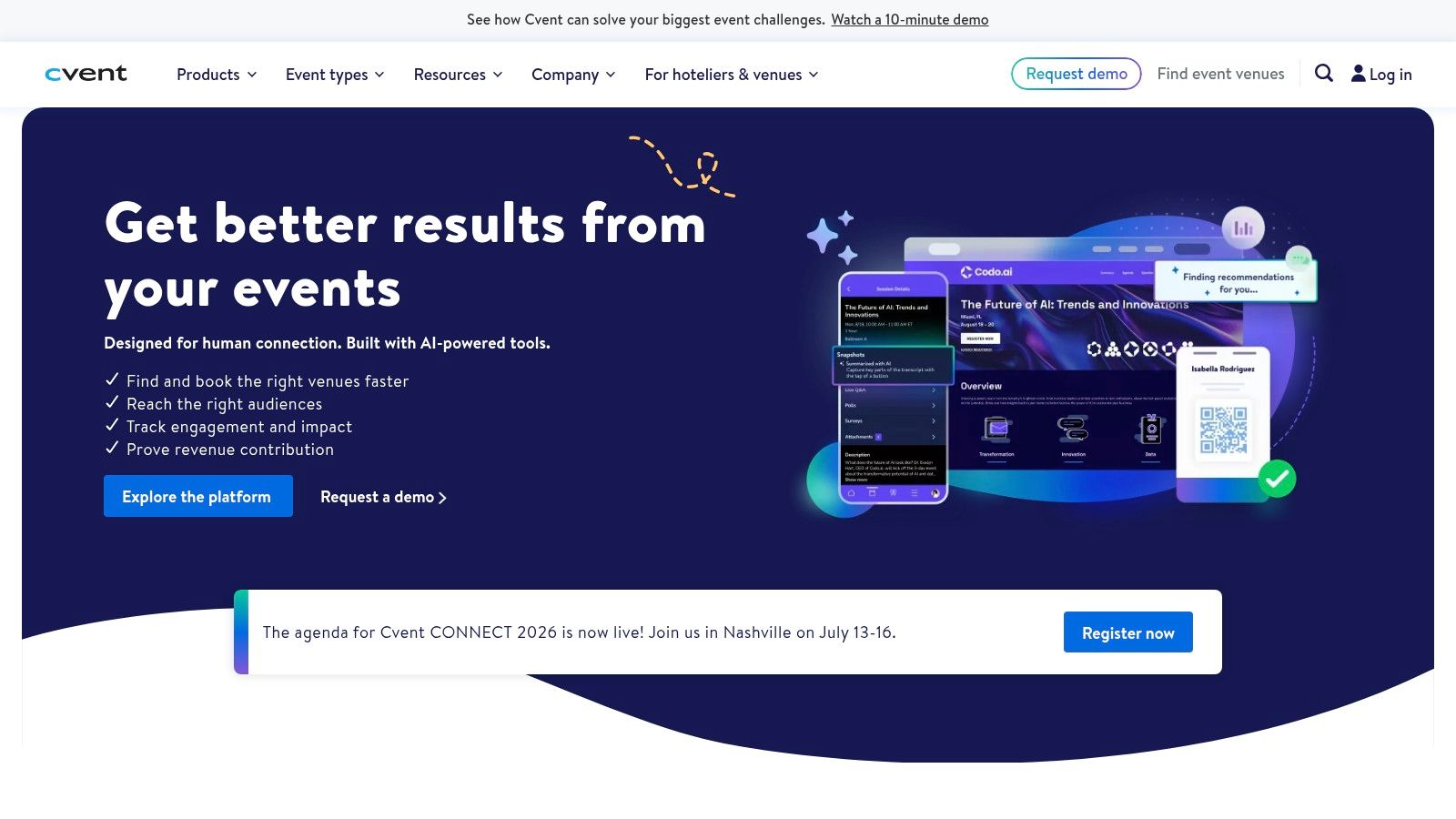
A typical Cvent buyer is not choosing software for one annual event. They are trying to standardize registration, approvals, reporting, onsite execution, and stakeholder coordination across multiple teams that all want something different.
That context matters. Cvent tends to make sense when events sit inside a larger corporate structure with procurement rules, brand controls, security reviews, regional teams, and executive visibility. In that environment, a lighter tool can look cheaper at first and become expensive later once workarounds, manual approvals, and disconnected data start piling up.
Cvent is built for scale and control. Registration, session management, venue sourcing, onsite badging, lead capture, mobile experiences, and virtual components live in one system, which reduces the handoff problems that show up when teams stitch together separate tools.
I usually recommend Cvent when the risk of operational failure is higher than the pain of a slower setup.
That often includes enterprise conferences, field event portfolios, customer events tied to CRM reporting, and internal programs where permissions and audit trails matter. If your team needs role-based access, approval chains, single sign-on, and dependable integrations, Cvent has a clear advantage over simpler platforms. The practical question is not whether it has more features. It is whether your team will use that depth effectively. A good starting point is to compare your requirements against these event management software features that matter in real operations.
The trade-off is overhead. Cvent usually asks for more implementation planning, more admin discipline, and more internal training than mid-market tools. Teams that buy it without clear ownership often end up using a small slice of the platform while still paying for enterprise complexity.
This is especially common when the organization says it needs one global standard, but each department still wants its own process. Cvent can support that level of variation, but someone has to govern templates, naming conventions, approval rules, user roles, and reporting logic. If nobody owns those decisions, the platform starts to feel heavy very quickly.
Before you commit, map the stages in event planning against your actual operating model, not your ideal one. Ask vendors to show how your team would handle speaker changes, late registrations, budget approvals, onsite check-in failures, and post-event lead routing. That is a better evaluation method than sitting through a polished feature tour.
Best fit
Website: Cvent
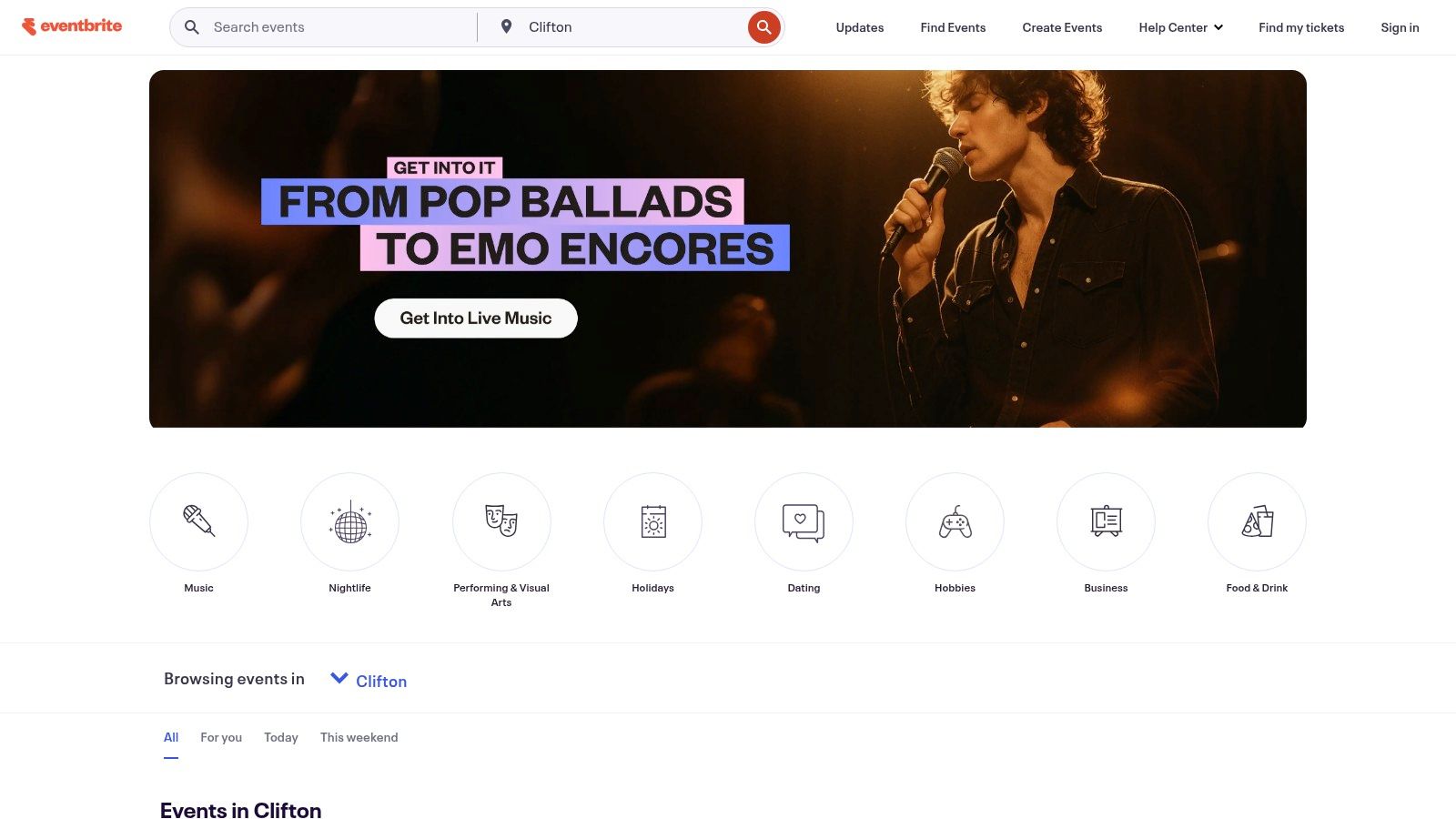
Eventbrite is the practical choice when speed matters more than deep operational control. If you're launching a public workshop, local conference, class series, community event, or paid meetup, it's often the fastest route from idea to live registration page.
Its built-in discovery marketplace is a significant differentiator. Many event tools help you process demand. Eventbrite can also help you attract it, which makes a big difference for public-facing events that don't already have a large email list or member base.
Eventbrite works well when your needs are straightforward. Multiple ticket types, discounts, payouts, and organizer-side check-in are usually enough for community-driven events and smaller commercial programs. It's also easy to train on, which matters if staff turnover is high or event ownership rotates between teams.
The downside is control. You won't get the same white-label feel, governance, or enterprise workflow depth you'd expect from higher-end platforms. As events become more sponsor-driven, segmented, or integrated with CRM and marketing automation, Eventbrite can start feeling narrow.
A good evaluation lens is whether you mainly need ticketing or whether you need broader event management software features. Those are different buying decisions, and teams often mix them up.
What Eventbrite does well
What it doesn't do as well
Website: Eventbrite
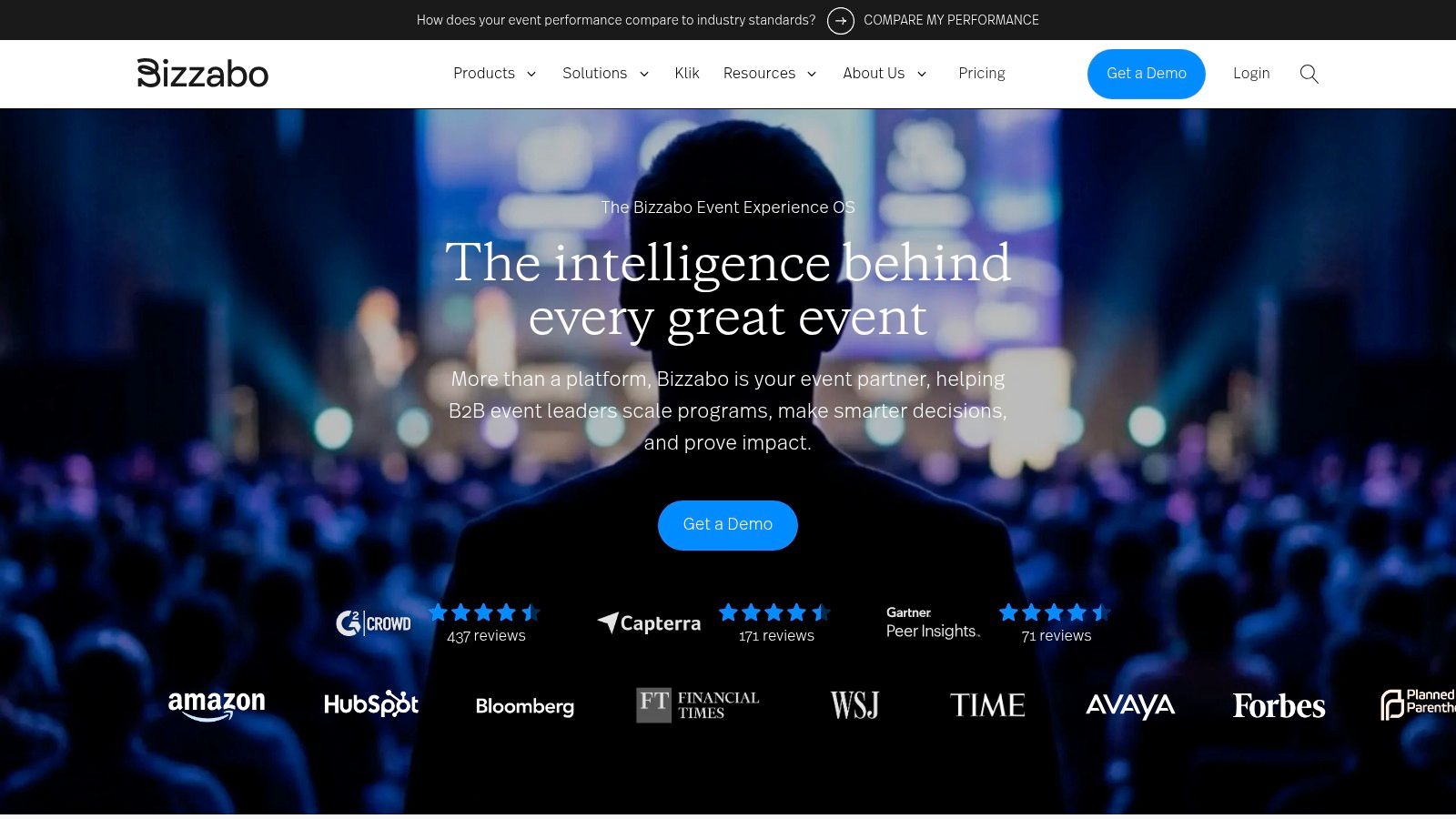
Bizzabo is a strong fit for organizations that care a lot about event experience design. Some platforms feel operational first and attendee second. Bizzabo usually presents better on the front end, especially for branded conferences and annual customer events where polish matters.
Its Event Experience OS approach combines registration, websites, mobile, virtual experiences, on-site tools, and analytics. Klik SmartBadges add another layer for teams that want more interactive on-site engagement and lead capture.
The interface and branding flexibility are real advantages. Marketing-led teams often prefer Bizzabo because they can build experiences that look less templated and more intentional. If your event is part of brand strategy, not just operations, that matters.
Its on-site stack is also serious enough for larger conferences. Badge printing, session access control, attendee engagement, and optional managed services make it viable for teams that need more than a pretty registration flow.
Bizzabo is usually better suited to organizations with a recurring event calendar than one-off event buyers. The annual subscription model can work well if you run multiple programs. It's harder to justify if you host a single mid-sized event and won't use the platform again for months.
Bizzabo is often easiest to justify when your team says, “We need consistency across a program,” not, “We need one event platform this quarter.”
If your top priority is attendee-facing design, Bizzabo deserves a hard look. If your top priority is low-cost execution, there are simpler options.
Website: Bizzabo
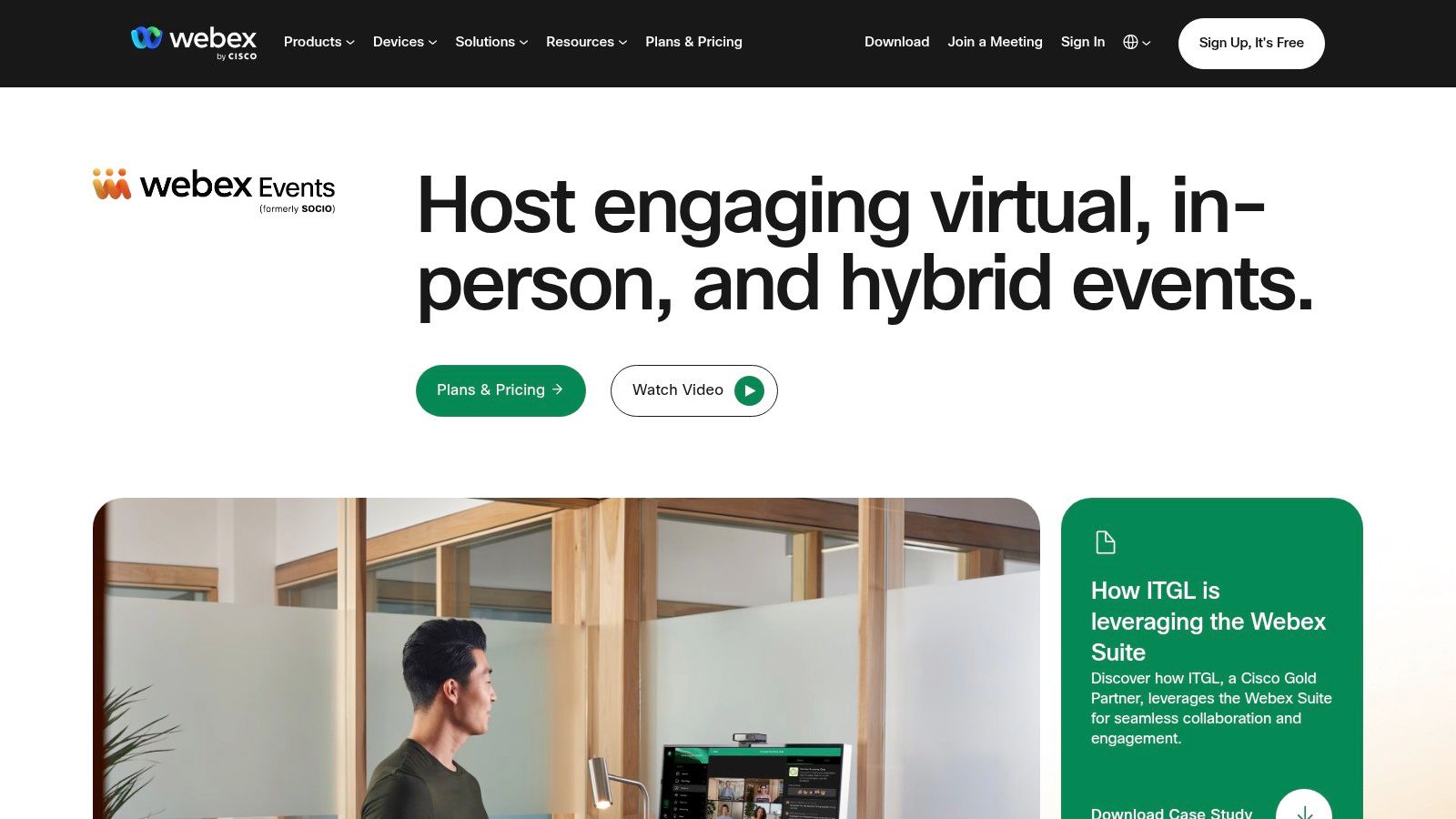
Webex Events makes the most sense when your organization already lives inside the Cisco ecosystem. In that scenario, it can be a clean extension of your broader collaboration and security environment rather than another standalone tool procurement has to review from scratch.
The platform covers registration, ticketing, virtual and in-person event delivery, mobile apps, on-site badging, communities, and analytics. For hybrid programs, that breadth is useful because attendee experience often falls apart when the virtual layer and onsite layer are managed by separate vendors.
The question isn't whether Webex Events has enough features. It usually does. The question is whether you can access and operationalize it cleanly inside your existing enterprise agreements.
That's why this platform is a better fit for larger organizations already committed to Webex. If you're outside that stack, the buying motion can feel less straightforward than with purpose-built event vendors that sell directly around event outcomes.
One broader market trend supports platforms like this. Analyst estimates put the event management software category in the mid-teens of billions of USD, with software representing 62.4% of revenue in one estimate and 63.21% in another, while cloud deployment leads in at least one segment view. North America also remains the largest region across reports at roughly 42.7% to 45.8% share (IMARC event management software market analysis). That tells you buyers increasingly want recurring, integrated software layers rather than isolated event tools.
Webex Events is easiest to recommend to enterprise IT-led organizations, internal events teams, and global companies that already standardize on Cisco for collaboration. If that's not you, a more event-native vendor may be simpler to buy and deploy.
Website: Webex Events
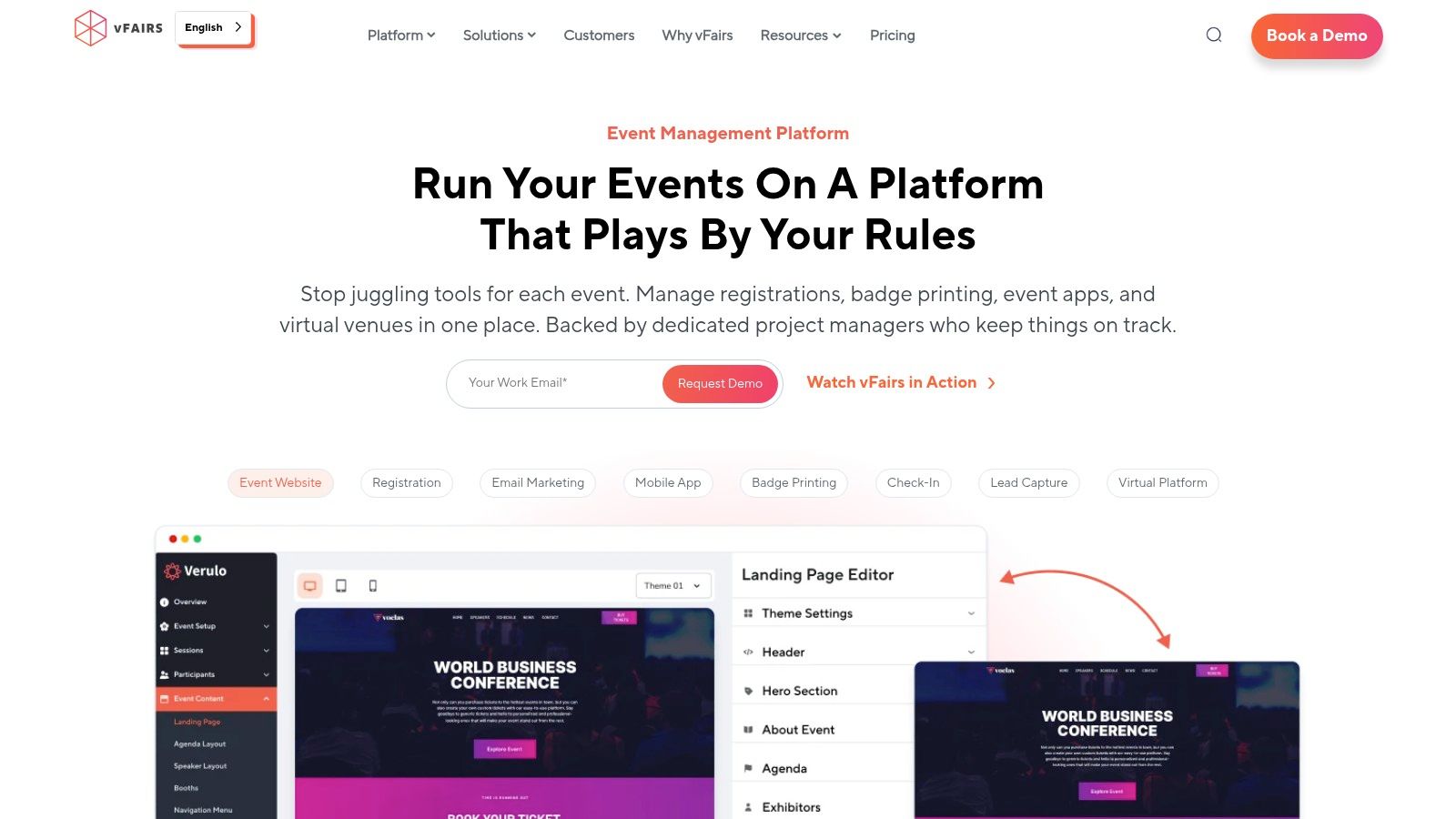
vFairs has long been attractive to teams that need customization and hands-on support, especially for virtual expos, hybrid conferences, career fairs, and multi-stakeholder programs where exhibitors, speakers, and attendees all need different experiences.
That managed-services orientation is its main advantage. Some event teams don't want pure self-serve software. They want a vendor that will actively help them build, configure, and support the environment before and during launch. vFairs is usually strongest in those cases.
The platform covers registration, virtual environments, mobile apps, check-in and badging, lead capture, exhibitor tools, and broader conference workflows. It's also attractive for organizations with multilingual audiences or payment complexity, because those operational details can become painful fast in international programs.
On the attendee side, vFairs tends to work best when the event experience needs to feel more designed and less generic. On the organizer side, it works when internal teams are stretched thin and need vendor support beyond basic onboarding.
The same depth that helps larger or more customized events can feel excessive for small, simple programs. If you're running a single-session seminar or a straightforward local event, vFairs is probably more platform than you need.
It's also a quote-based purchase, so budget comparison takes more effort than with vendors that publish clearer package boundaries. That isn't unusual in this category, but it does slow shortlist decisions.
Website: vFairs
A familiar conference problem looks like this. The team needs an attendee app people will use, registration cannot turn into a side project for IT, and staff still need enough control over agendas, speakers, sponsors, and check-in to keep the event running cleanly. Whova tends to make the shortlist for exactly that type of job.
It fits best for associations, nonprofit conferences, academic events, and public-sector programs that want solid event operations without buying an enterprise system built for highly customized global programs. In practice, that means a platform with a well-developed core stack: website builder, registration, agenda management, speaker profiles, sponsor listings, community features, surveys, and QR-based check-in.
Whova's strongest selling point is adoption. An event app only matters if attendees open it, use the agenda, message each other, find exhibitors, and respond to session updates. Whova usually performs well here because the mobile experience is straightforward and the setup burden is lighter than with platforms that ask teams to configure every detail from scratch.
That trade-off matters.
For many event teams, especially lean association staffs, speed to launch is more valuable than having every possible workflow option. Whova gives organizers enough control to run a professional conference while keeping the admin side manageable. That is often the better choice than buying a more flexible platform and then underusing it because no one has time to fully configure it.
Whova deserves a close look if attendee engagement is a priority, but the demo should focus on the limits, not just the app polish. Test registration logic, sponsor and exhibitor visibility, reporting exports, role permissions, and any workflow that requires unusual approvals or data mapping. Those are the areas where a platform can look strong in sales conversations and become restrictive during implementation.
It can also top out faster than enterprise suites if your event program depends on deep CRM sync, complex attribution, or highly customized data structures across many event types. Buyers with those requirements should ask a harder question early: is the goal operational simplicity or system-level flexibility? Whova is usually the stronger choice for the first case.
Website: Whova
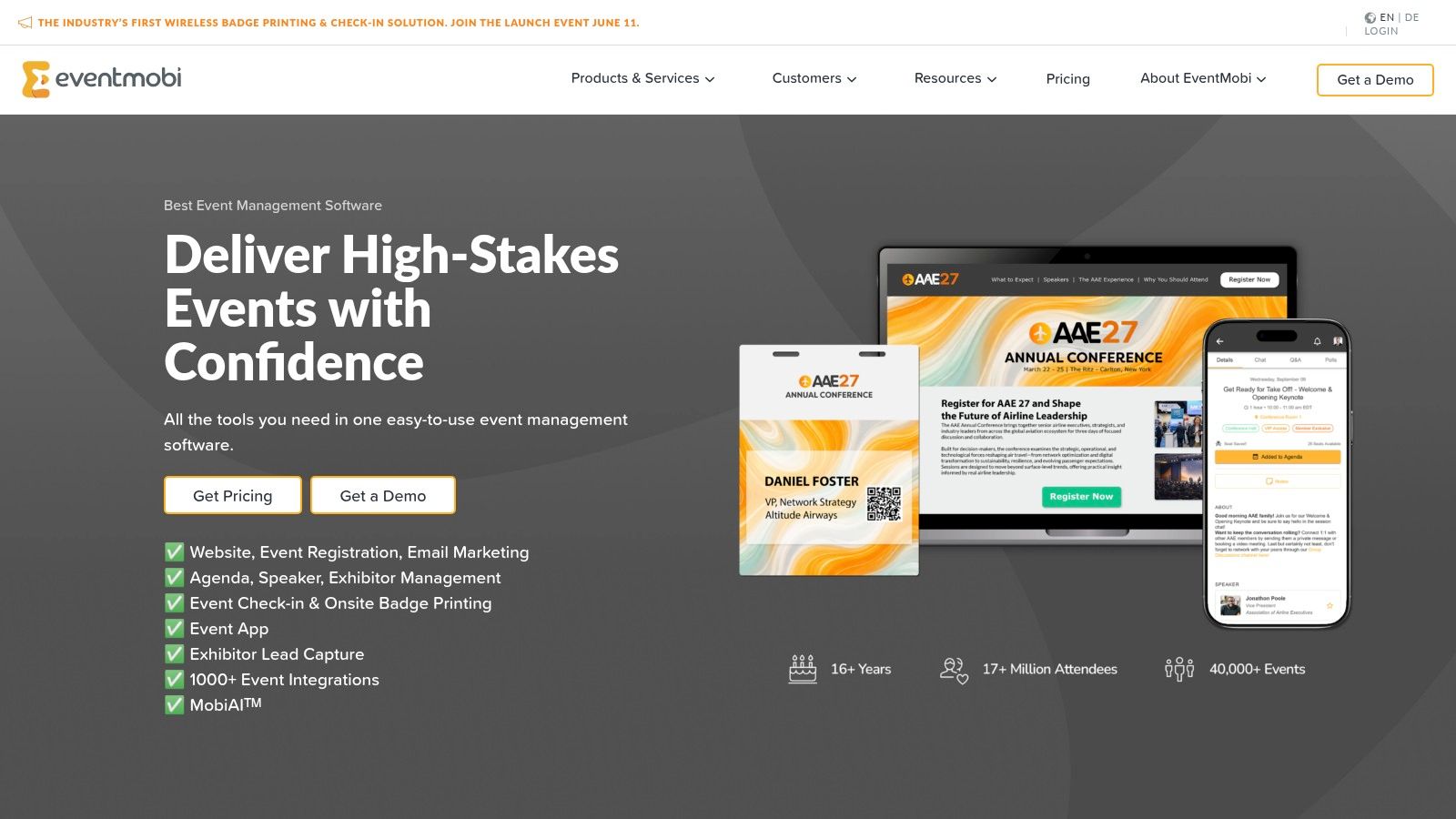
EventMobi is a practical middle-ground option. It gives teams registration, attendee apps, on-site badging, live engagement, virtual delivery, and analytics without forcing every buyer into a massive enterprise commitment.
One reason organizers like it is pricing transparency. In a category where many vendors insist on sales-led quoting for everything, clearer pricing materials help buyers filter fit faster.
It's a good option for teams that need more than basic ticketing but don't want the weight of an enterprise suite. That includes mid-sized conferences, association events, recurring corporate meetings, and teams that value attendee engagement features like Q&A, polls, surveys, and gamification.
The per-event or annual buying model also gives planners more flexibility. If your event calendar isn't huge, that matters. You don't always want to buy for a hypothetical multi-event future when your immediate need is one or two strong executions.
Test the workflows that usually break in real use: badge changes, agenda updates, check-in speed, sponsor visibility, and reporting export quality. EventMobi can cover a broad range, but some advanced needs like complex SSO or more demanding virtual production may still require services or additional setup.
The best EventMobi buyers are usually teams that know they need breadth, but don't want to turn software selection into a six-month enterprise procurement project.
Website: EventMobi
Splash is less about conference operations and more about event marketing at scale. That distinction matters. If you're running field marketing dinners, roadshows, brand activations, partner events, or a distributed event program across regions, Splash is often more relevant than a conference-first platform.
Its strengths are branded landing pages, RSVP flows, email workflows, guest management, permissions, and multi-event governance. Marketing teams use it when they need repeatability and brand consistency across lots of smaller programs.
Splash helps distributed teams move quickly without letting every regional marketer improvise their own event experience. Templates, role-based access, and brand controls are useful when headquarters wants consistency but local teams need execution freedom.
That makes Splash a smart choice for demand generation programs where the event itself is one touchpoint in a larger pipeline motion. It's less useful when you need complex expo logistics, abstract management, or full conference operations.
A niche but relevant example of the broader event-connectivity world is this details on Island Games Wi-Fi access, which highlights how event experience often depends on operational layers beyond registration alone. Splash's lane is the marketing and guest journey side of that equation.
If you need exhibitor management, deep session architecture, or conference-grade onsite tooling, Splash probably shouldn't be your core platform. It's best as a programmatic event marketing system, not as a universal answer for every event type.
Website: Splash
RainFocus is built for organizations that see events as a first-party data engine. That's why it shows up most often in enterprise environments with mature marketing operations, sales systems, and attribution requirements.
Its unified data model is the key differentiator. Registration, content, exhibitor workflows, virtual delivery, on-site tools, segmentation, and reporting all feed a broader customer journey view. If leadership wants event impact tied back to pipeline, account engagement, or lifecycle reporting, that architecture matters.
RainFocus fits global enterprises that don't just want event execution. They want event data to behave like the rest of their martech stack. That's a narrower use case than general event planning, but it's a very important one for B2B organizations with high-value deal cycles.
It's also aligned with where feature demand is heading. One market study reports that about 70% of event planners are incorporating AI to optimize registration and attendee engagement, and the same source points to interest in automation, personalization, and real-time decision support as buying priorities (Market.us AI in event management analysis). RainFocus is well positioned for buyers who evaluate software through that data-and-optimization lens.
If you're a smaller team, RainFocus can be too much system for the problem at hand. It's best when you have enough internal process maturity to take advantage of its data model, integrations, and reporting depth.
That means clear ownership matters. Without marketing ops, sales ops, and event ops alignment, even great software becomes expensive complexity.
Website: RainFocus
A good software decision usually comes down to what happens after the demo. Most platforms look competent in a polished walkthrough. The fundamental question is whether your team can launch, train, adapt, and report without building a shadow process in spreadsheets.
Use this checklist when comparing vendors. If a seller can't answer these cleanly, expect friction later. This deeper guide on how to evaluate event management software is worth reviewing alongside your shortlist.
Bring one real event into the demo. A fake sample event hides operational problems that your actual agenda, ticket rules, and sponsor setup will expose.
A comparison table only helps if it reflects how events fail or succeed in production. The core question is not which platform has the longest feature list. It is which one fits your operating model, team capacity, and revenue plan.
I evaluate event software by what breaks first under pressure: registration rules, sponsor delivery, onsite changes, reporting, and handoffs between marketing, ops, and finance. That lens changes the shortlist fast. A polished demo matters less than whether the system can handle your real event format without manual patches.
| Solution | Core features / Capabilities | UX & Quality ★ | Pricing / Value 💰 | Target Audience 👥 | Key Differentiator ✨🏆 |
|---|---|---|---|---|---|
| GroupOS | Membership operations, ticketing, content hub, native chat, QR check-in | ★★★★☆ | 💰 Custom pricing; free trial + setup | 👥 Professional networks, associations, sponsor-driven events | ✨ White-label apps plus sponsor and exhibitor monetization. 🏆 Combines community and event operations in one stack |
| Cvent | Registration, mobile and virtual tools, onsite check-in, Supplier Network | ★★★★★ | 💰 Enterprise quote; total cost can rise with modules and services | 👥 Large enterprises and multi-event programs | ✨ Strong onsite operations and venue sourcing. 🏆 Built for scale and process control |
| Eventbrite | Ticketing, discovery marketplace, payouts, organizer app | ★★★★ | 💰 Per-ticket fees; clear fee structure | 👥 Public events, classes, small to midsize organizers | ✨ Marketplace discovery can help demand generation |
| Bizzabo | Registration, websites, mobile and virtual tools, onsite stack, SmartBadges | ★★★★ | 💰 Annual subscription; custom pricing | 👥 Mid-to-large conferences, annual programs | ✨ Strong brand control plus optional SmartBadge lead capture |
| Webex Events formerly Socio | Registration, hybrid delivery, mobile app, onsite badging, Cisco integrations | ★★★★★ | 💰 Enterprise pricing, often tied to broader Webex agreements | 👥 Enterprises already using Cisco | ✨ Security, compliance, and Cisco ecosystem alignment. 🏆 Strong fit for hybrid programs |
| vFairs | Virtual venues, exhibitor tools, lead capture, managed services | ★★★★ | 💰 Quote-based; no permanent free plan | 👥 Virtual expos, global and hybrid events | ✨ High virtual customization with multilingual and payment flexibility |
| Whova | Event website, registration, networking, exhibitor tools, analytics | ★★★★ | 💰 Custom pricing; add-ons can affect final cost | 👥 Associations, conferences, nonprofits | ✨ Attendee app experience and relatively fast launch for mid-size events |
| EventMobi | Branded registration, apps, badge printing, virtual delivery | ★★★★ | 💰 Per-event or annual pricing options | 👥 SMBs through enterprise teams that want flexible buying models | ✨ Clearer pricing than many competitors and solid engagement features |
| Splash | Branded landing pages, RSVP and ticketing, email workflows, governance | ★★★★ | 💰 Enterprise-oriented; contact sales | 👥 Field marketing, agencies, distributed teams | ✨ Strong control over branded event marketing across many teams |
| RainFocus | Unified event data model, registration, analytics, MarTech integrations | ★★★★★ | 💰 Enterprise custom pricing; implementation effort is usually significant | 👥 Global enterprises focused on ROI and attribution | ✨ Data model and MarTech alignment. 🏆 Best fit for organizations that treat events as a measurable revenue channel |
| Vendor Evaluation Checklist | Evaluation criteria covering features, security, integrations, reporting, and ROI | ★★★★ | 💰 Free resource | 👥 Event buyers comparing vendors | ✨ Quick way to pressure-test shortlist decisions against real requirements |
A few patterns matter more than the star ratings.
GroupOS stands out when the event is only one part of the business model. Associations, member communities, and sponsor-funded programs usually need more than registration. They need ongoing communication, content access, sponsor visibility, and repeat engagement between events. That all-in-one approach reduces system sprawl, but it also means buyers should verify whether each module is deep enough for their edge cases.
Cvent and RainFocus are stronger choices for organizations with formal procurement, strict governance, and multiple stakeholders across many events. They can support serious complexity. The trade-off is heavier setup, more training, and a higher likelihood that your team will depend on vendor support or internal specialists.
Eventbrite, Whova, and EventMobi are often easier to launch. That matters if your team is small or your turnaround times are short. The trade-off is that advanced approval logic, account structures, and portfolio-level reporting may be less mature than what enterprise platforms provide.
Bizzabo, Webex Events formerly Socio, vFairs, and Splash sit in more specific lanes. Bizzabo works well for branded conferences that care about attendee experience and sponsor activation. Webex Events makes more sense if security requirements and Cisco alignment are already shaping the buying decision. vFairs is useful when virtual expo design and managed support matter. Splash is strongest for teams running repeatable branded event marketing programs, not broad association operations.
If I were narrowing this list in practice, I would sort it by use case first, not vendor popularity:
That framing saves time. It also reduces the common mistake of buying software built for a very different event business than your own.
The best software for event management isn't the one with the longest feature list. It's the one that matches how your team operates, what your attendees expect, and how much complexity you can realistically manage. That sounds obvious, but teams still buy for aspiration instead of fit. They purchase enterprise depth when they need speed, or they buy lightweight ticketing when they really need community, sponsor, and reporting infrastructure.
A practical way to decide is to split your shortlist by operating model. One group is built for public events and fast setup. Another is built for enterprise control, data governance, and portfolio management. A third group, one to which many associations and professional networks should pay closer attention, is built around ongoing relationships that include memberships, communication, content, and events in one environment. If you pick from the wrong category, even a strong product will feel disappointing.
Implementation should weigh heavily in your decision. Ask how long it takes to stand up registration, import users, train staff, configure badging, and test sponsor workflows. Ask what breaks most often during onboarding. Ask who owns support on event week. Good vendors answer those questions directly. Weak ones redirect back to feature lists.
Also decide whether you want all-in-one software or a best-of-breed stack. All-in-one usually wins when your team is small, your timelines are tight, and cross-functional coordination is messy. Best-of-breed can work for larger organizations with dedicated ops and integration resources, but it often creates more handoffs than buyers expect. In practice, many teams overestimate their tolerance for managing multiple vendors.
If you're choosing between two or three finalists, don't rely on polished demos alone. Give each vendor a realistic scenario. Ask them to model your registration flow, your sponsor package, your check-in process, and your post-event reporting needs. That's where the trade-offs become visible. You'll quickly see who solves your workflow and who only narrates it.
The category will keep expanding, and buyers will keep expecting more from it. Event software now sits closer to operations, revenue, and community strategy than many teams realize. That's one reason adjacent planning decisions, including attendee gifting and sponsor activation, often connect to broader event outcomes. This expert guide to promotional products is a useful example of how execution details can influence attendee experience and partner value.
You've now got the practical framework. Revisit your top contenders, book individualized demos, push past generic walkthroughs, and choose the platform your team will still want to use after launch week. That's the ultimate test.
If you need one platform that brings memberships, ticketing, content delivery, sponsor visibility, and native communication together under your own brand, GroupOS is worth a serious look. It's especially strong for associations, professional communities, and organizations that want to replace tool sprawl with a single event and member hub.







