December 1, 2025
The curtain has closed, the attendees have gone home, and the event space is empty. But your work isn't finished. Now comes the crucial step: understanding what worked, what didn't, and how to make your next event even better. This is where a well-crafted post-event survey becomes your most valuable asset. Manually creating one from scratch is time-consuming and risks missing key questions that unlock actionable insights.
This comprehensive resource guide eliminates the guesswork. We've curated a definitive list of the best platforms offering a robust post event survey template, designed for a range of needs from large-scale conferences and trade shows to intimate member meetings and virtual webinars. Each entry provides a detailed analysis, including specific use cases, customization tips, and best practices for distribution to maximize your response rates. For those managing backer fulfillment after a major launch, the principles of gathering feedback are similar; for a comprehensive resource on implementing surveys after a campaign or event, explore our Kickstarter post-campaign survey guide.
Forget generic lists. Here, you'll find direct links, screenshots, and practical advice to help you select the right tool and template. We break down the specific questions each template includes and provide guidance on how to tailor them to your unique audience, whether they are corporate sponsors, association members, or general attendees. Our goal is to equip you with a ready-to-use solution that gathers critical feedback on everything from speaker performance and session content to venue logistics and overall satisfaction. Let's dive in and find the perfect template to transform your event feedback into a strategic advantage.
SurveyMonkey stands out as an industry-standard platform for creating, distributing, and analyzing surveys. It’s an ideal choice when you need a robust, all-in-one solution that goes beyond a simple post event survey template. Its extensive library, co-authored with partners like Eventbrite, provides a solid foundation for gathering comprehensive feedback for conferences, webinars, and trade shows. The platform's strength lies in its expert-certified templates and a massive bank of over 1,800 pre-written questions, which significantly cuts down on setup time.

The user interface is intuitive, guiding you from template selection to distribution via multiple channels like email, web link, QR code, and even SMS. For event planners managing multiple events, the automated summaries, text analysis, and data dashboards are invaluable for quickly identifying trends and areas for improvement. You can even benchmark your results against industry averages to see how your event stacks up. For a deeper dive into crafting effective questions, explore these event feedback survey questions to get the most out of the platform.
Pros:
Cons:
Access the templates at: https://www.surveymonkey.com/templates/post-event-feedback-survey-template/
Typeform shines when you prioritize a user-friendly, conversational experience for your attendees. Instead of a static form, it presents questions one at a time, creating an interactive flow that feels more like a conversation. This approach is ideal for event organizers who want to create a beautifully branded, mobile-first post event survey template that encourages higher completion rates. The platform's strength is its design-centric philosophy, making it easy to create surveys that are visually appealing and perfectly match your event’s branding.

The interface is highly intuitive, allowing you to drag-and-drop different question types and apply conditional logic to create a personalized path for each respondent. For instance, you can ask follow-up questions only to attendees who rated a session poorly. Its real-time analytics and drop-off tracking, available on higher-tier plans, provide valuable insights into where respondents might be abandoning the survey. With over 300 integrations, you can easily pipe feedback directly into tools like Slack, HubSpot, or a Google Sheet, streamlining your post-event workflow and analysis process.
Pros:
Cons:
Access the templates at: https://www.typeform.com/templates/post-event-survey/
Jotform excels in offering a massive library of ready-to-use templates combined with an incredibly user-friendly, drag-and-drop form builder. It’s the perfect choice for event organizers who need to create and deploy a custom-branded post event survey template quickly, without any coding knowledge. The platform’s strength lies in its speed and flexibility, allowing you to go from a blank slate to a fully functional, mobile-responsive survey embedded on your site or shared via a link in minutes.
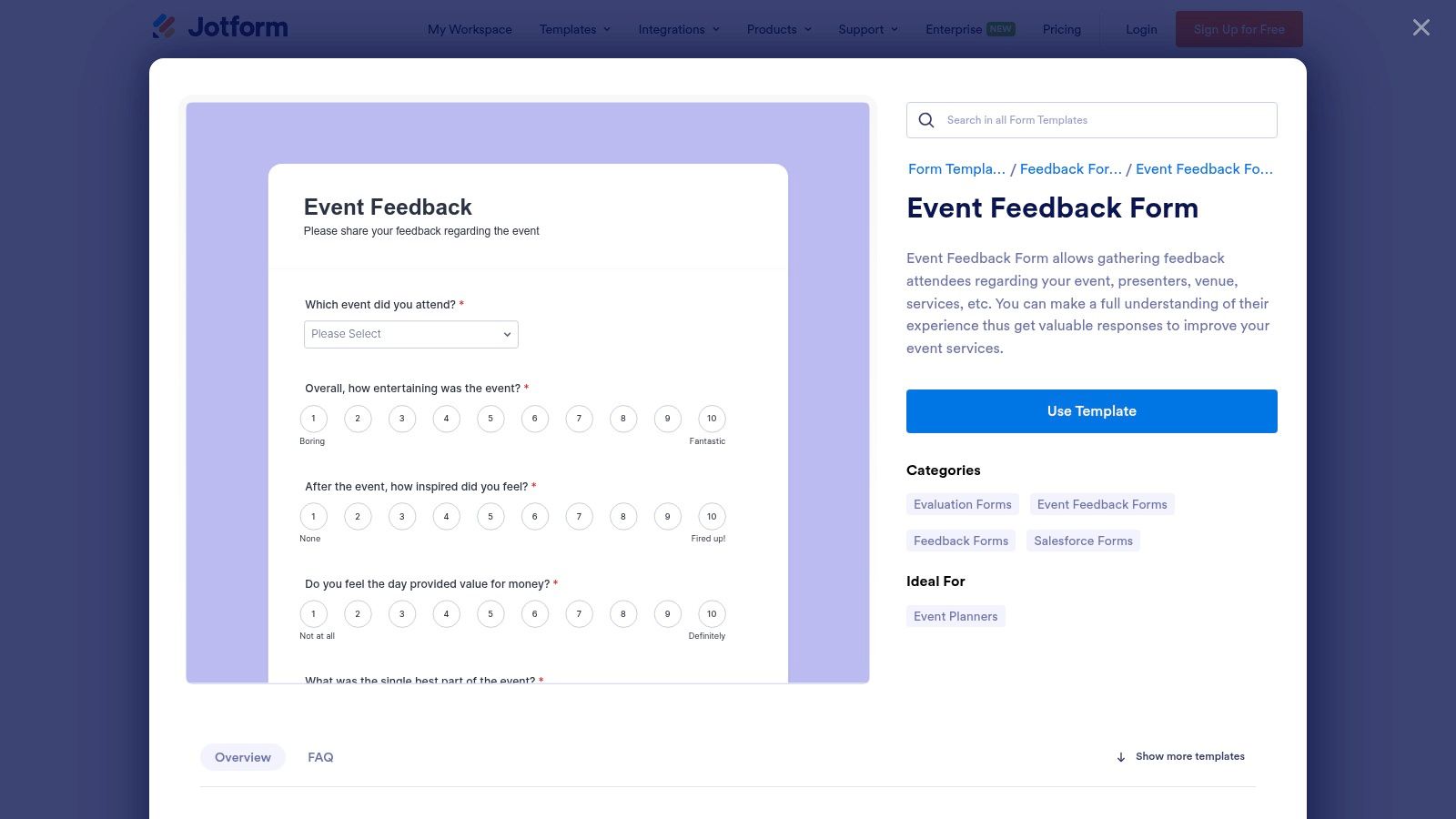
The customization options are extensive, with a wide array of widgets for elements like star ratings, image choices, and even e-signatures. Once responses start coming in, they are neatly organized in Jotform Tables, a spreadsheet-like interface that makes it simple to view, filter, and analyze feedback. Distribution is straightforward with options like direct email links, embed codes, and QR codes, making it easy to reach attendees on their preferred channels. Its numerous integrations with CRMs and tools like Google Sheets automate the process of syncing feedback data with your existing systems.
Pros:
Cons:
Access the templates at: https://www.jotform.com/form-templates/event-feedback-form
Qualtrics is an enterprise-grade experience management platform that offers a powerful post event survey template for organizations needing deep, actionable insights. It’s best suited for complex corporate events, multi-day conferences, and high-stakes stakeholder meetings where executive-ready reporting is paramount. The platform excels at moving beyond simple feedback collection, enabling advanced logic, sophisticated analytics, and integrated program management. Its free "Event Feedback Survey" template, available in the Marketplace, provides a robust starting point for gathering granular data.

The real strength of Qualtrics lies in its analytical capabilities. Features like Text iQ provide sentiment analysis on open-ended responses, automatically categorizing feedback and identifying key themes without manual review. The platform’s dynamic dashboards allow you to filter results by attendee segment, session rating, or any other variable, helping you pinpoint exactly what worked and what didn't. This level of detail is crucial for demonstrating ROI and is a great resource when you need to measure event success with precision. For event planners managing comprehensive feedback programs, the enterprise-level governance ensures data security and compliance.
Pros:
Cons:
Access the templates at: https://www.qualtrics.com/marketplace/event-feedback-survey/
QuestionPro positions itself as a robust survey and research suite, making it a strong contender for mid-market teams and organizations that require more than just a basic feedback form. It offers a comprehensive post event survey template designed to capture detailed attendee insights for conferences, seminars, and corporate events. The platform’s strength lies in its balance of advanced features, such as conditional logic and branching, with transparent plan structures and dedicated support, which is a key differentiator for teams that need reliable assistance.
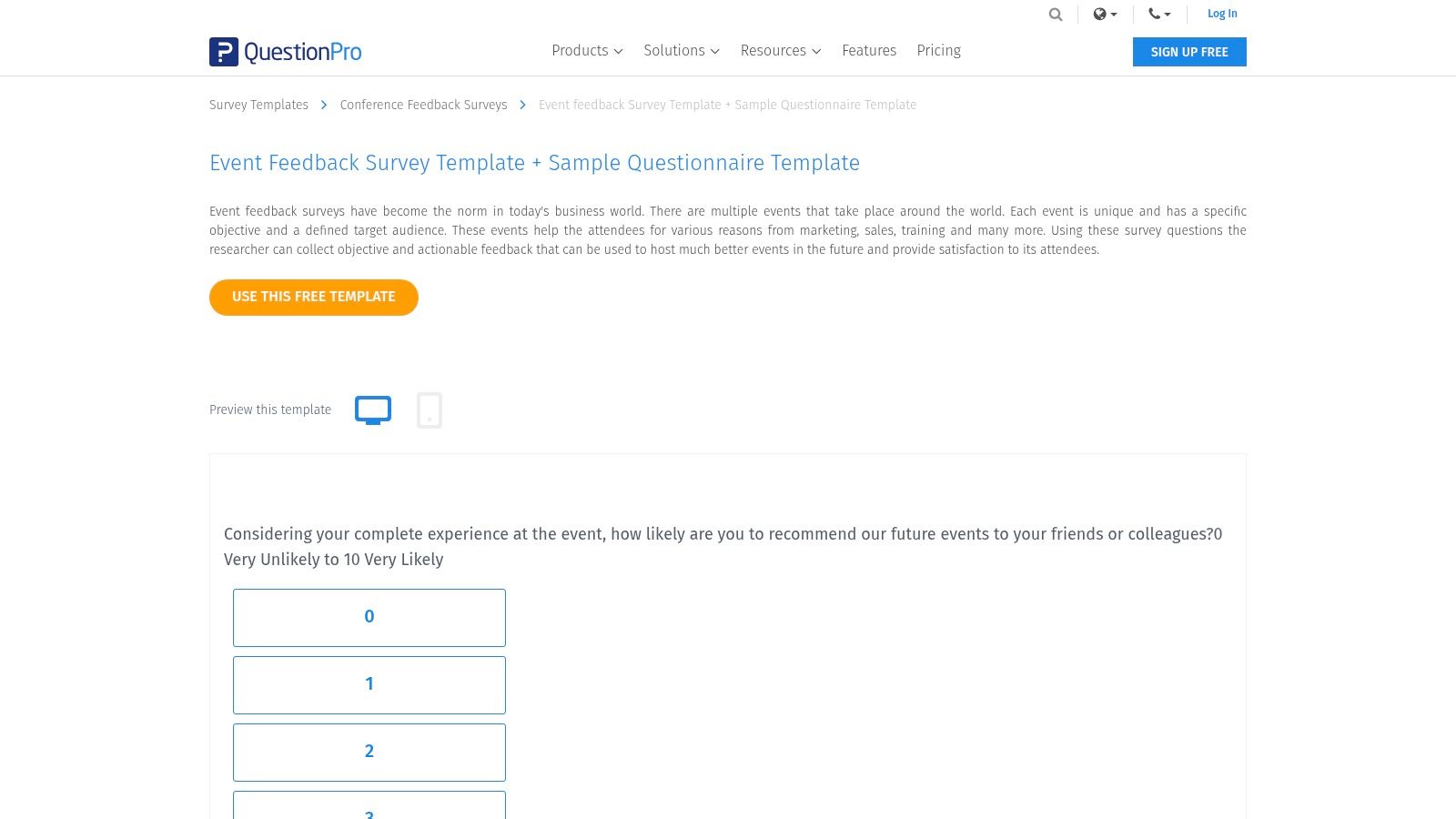
The platform provides a suite of templates covering the entire event lifecycle, from pre-event planning to post-event analysis. This holistic approach helps organizers maintain a consistent feedback loop with their audience. For event managers who need to justify ROI and plan future improvements, QuestionPro’s analytics dashboards and reporting tools are invaluable. Its clear annual response allowances for each pricing tier also simplify budget planning, eliminating the surprise overage fees that can be an issue on other platforms.
Pros:
Cons:
Access the templates at: https://www.questionpro.com/survey-templates/event-feedback-survey-template/
Zoho Survey is a highly versatile and budget-friendly option, particularly for small to medium-sized businesses that need flexibility. Its key differentiators are robust multilingual support and offline data collection capabilities, making it ideal for international events or venues with unreliable internet access. The platform offers a solid library of over 250 templates, including a dedicated post event survey template designed to capture satisfaction metrics efficiently.
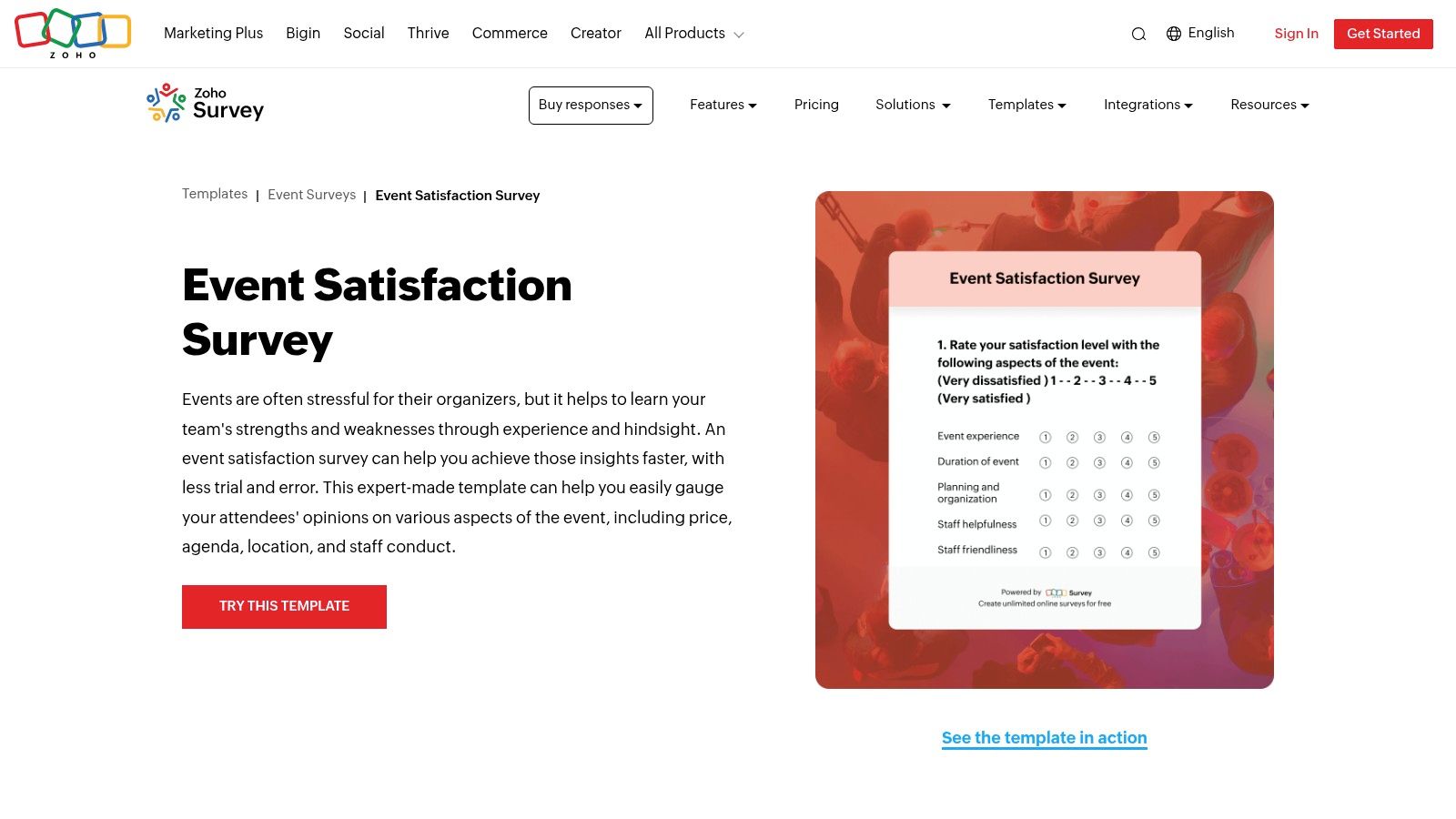
The platform shines with features that accommodate diverse audiences and environments. Event planners can easily create surveys in over 80 languages and distribute them via email campaigns or QR codes. The offline and kiosk modes are standout features, allowing you to gather feedback directly on-site using tablets, with data syncing automatically once a connection is re-established. While the user interface is more functional than flashy compared to some competitors, its straightforward design ensures a quick setup process, and the "save progress" feature is a considerate touch for longer, more detailed feedback forms.
Pros:
Cons:
Access the templates at: https://www.zoho.com/survey/templates/events/event-satisfaction-survey.html
SurveySparrow reimagines the traditional form-filling process by offering a conversational, chat-like interface for its surveys. This approach makes it an excellent choice for engaging mobile-first audiences who might abandon a standard, static form. The platform's post event survey template is designed to feel less like a questionnaire and more like a one-on-one conversation, which can significantly boost completion rates by presenting one question at a time. It's particularly effective for capturing in-the-moment feedback or for event series where maintaining attendee engagement over time is crucial.
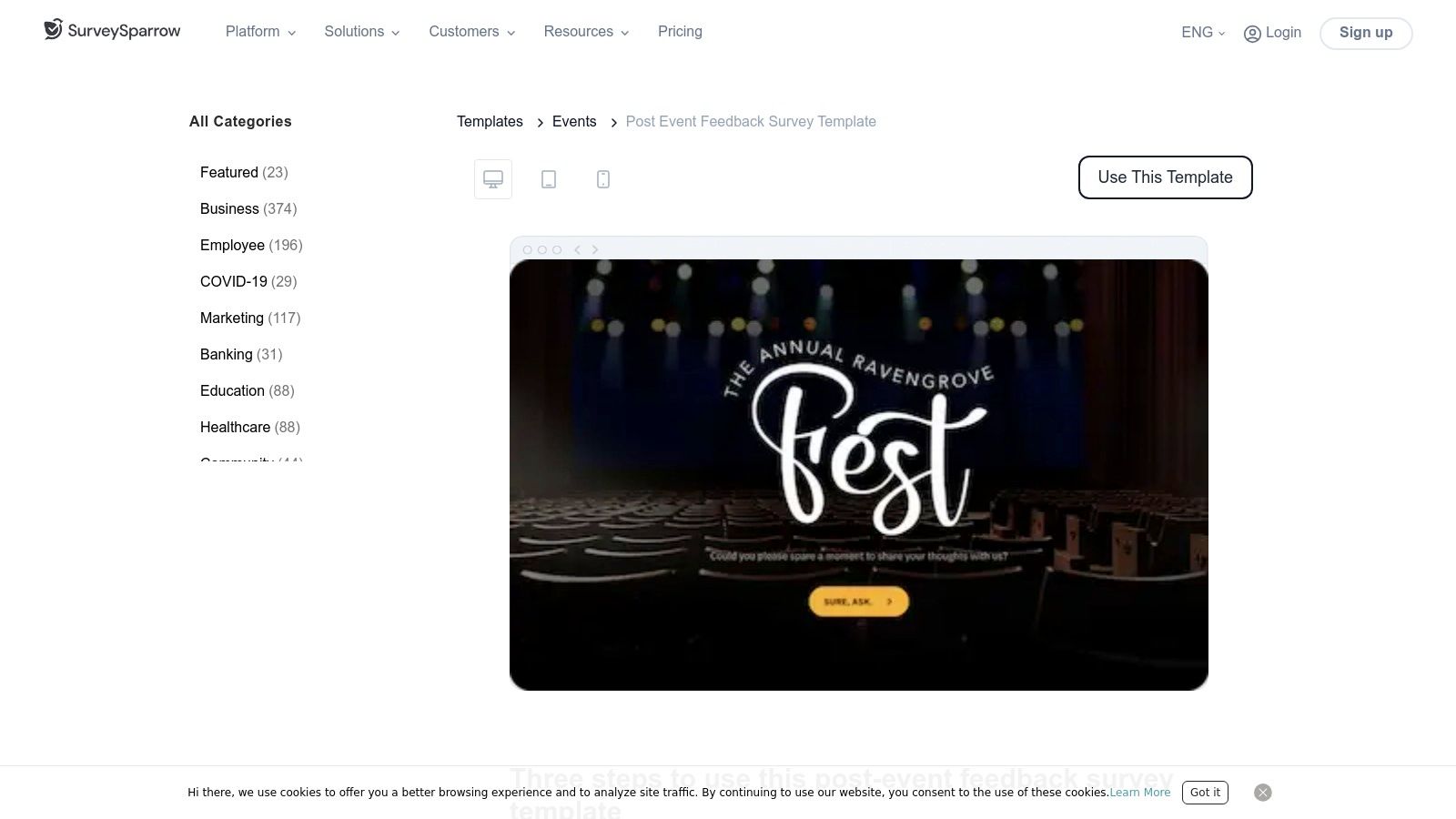
The platform is built to gather specific, actionable metrics with built-in modules for Net Promoter Score (NPS) and Customer Satisfaction (CSAT), allowing you to easily quantify attendee loyalty and satisfaction. For organizations managing recurring events like monthly webinars or annual conferences, SurveySparrow’s workflow automation is a standout feature. It allows you to set up recurring surveys that are sent automatically, saving administrative time and ensuring consistent data collection.
Pros:
Cons:
Access the templates at: https://surveysparrow.com/templates/events/post-event-survey-questions-template/
Formstack is more than just a survey tool; it's a low-code data collection and workflow automation platform. This makes it a powerful choice when your post-event feedback needs to trigger specific operational actions, like routing negative feedback to a manager or adding satisfied attendees to a follow-up marketing campaign. Its strength lies in connecting survey data directly to business processes, turning simple feedback into actionable tasks.
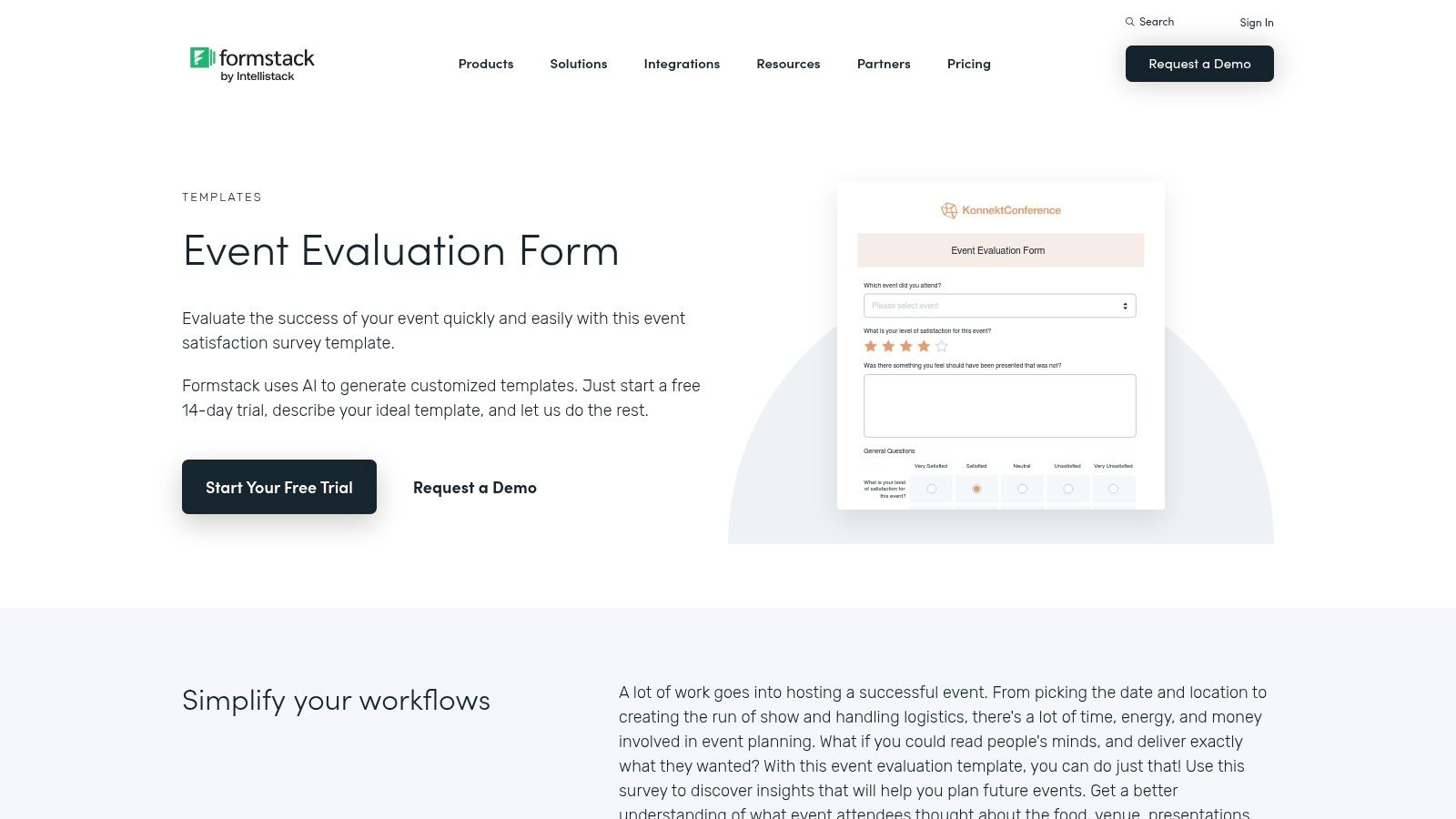
The platform provides a solid post event survey template that can be customized using a user-friendly drag-and-drop builder. You can implement conditional logic to create a dynamic experience, showing relevant questions based on previous answers. For event organizers who need to integrate feedback into systems like Salesforce or manage internal approvals, Formstack’s workflow capabilities are a significant advantage over simpler form builders.
Pros:
Cons:
Access the templates at: https://www.formstack.com/templates/post-event-feedback-survey
For organizations already integrated into the Microsoft 365 ecosystem, Microsoft Forms is a straightforward and highly accessible choice for creating a post event survey template. It excels in simplicity and seamless integration, making it the perfect tool for internal events, team training sessions, or company-wide webinars where quick feedback is prioritized over complex analytics. Its main advantage is that it’s likely already included in your existing M365 subscription, eliminating the need for additional software procurement.
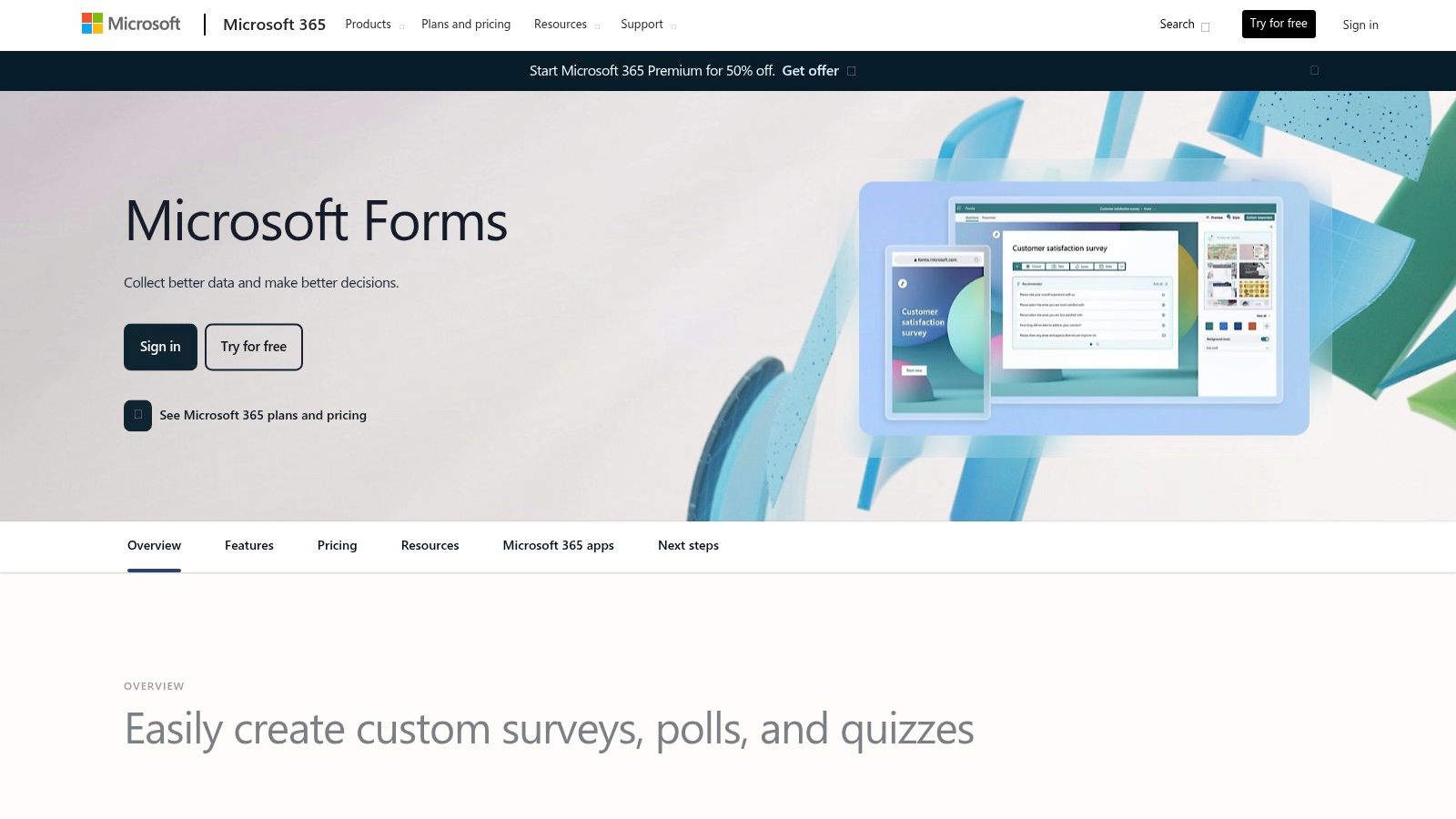
The user experience is clean and intuitive, with a low learning curve that allows for rapid survey creation and deployment. You can easily share your form via a direct link, a QR code, or embed it directly into SharePoint pages or Teams channels, meeting your audience where they already work. While it may not offer the advanced conditional logic or deep analytics of dedicated platforms, its direct export to Excel provides a powerful and familiar environment for data manipulation and reporting, making it an incredibly practical option for many corporate event planners.
Pros:
Cons:
Access the templates at: https://forms.microsoft.com/
Eventbrite is a unique entry on this list as it's not a survey tool itself, but rather a hub for free, practical guidance and resources for event creators. Its primary value lies in providing actionable question banks, downloadable evaluation templates, and strategic advice tailored specifically to users of its ticketing platform. For organizers already managing their events on Eventbrite, these resources offer a seamless way to plan post-event feedback without investing in a new system from scratch.
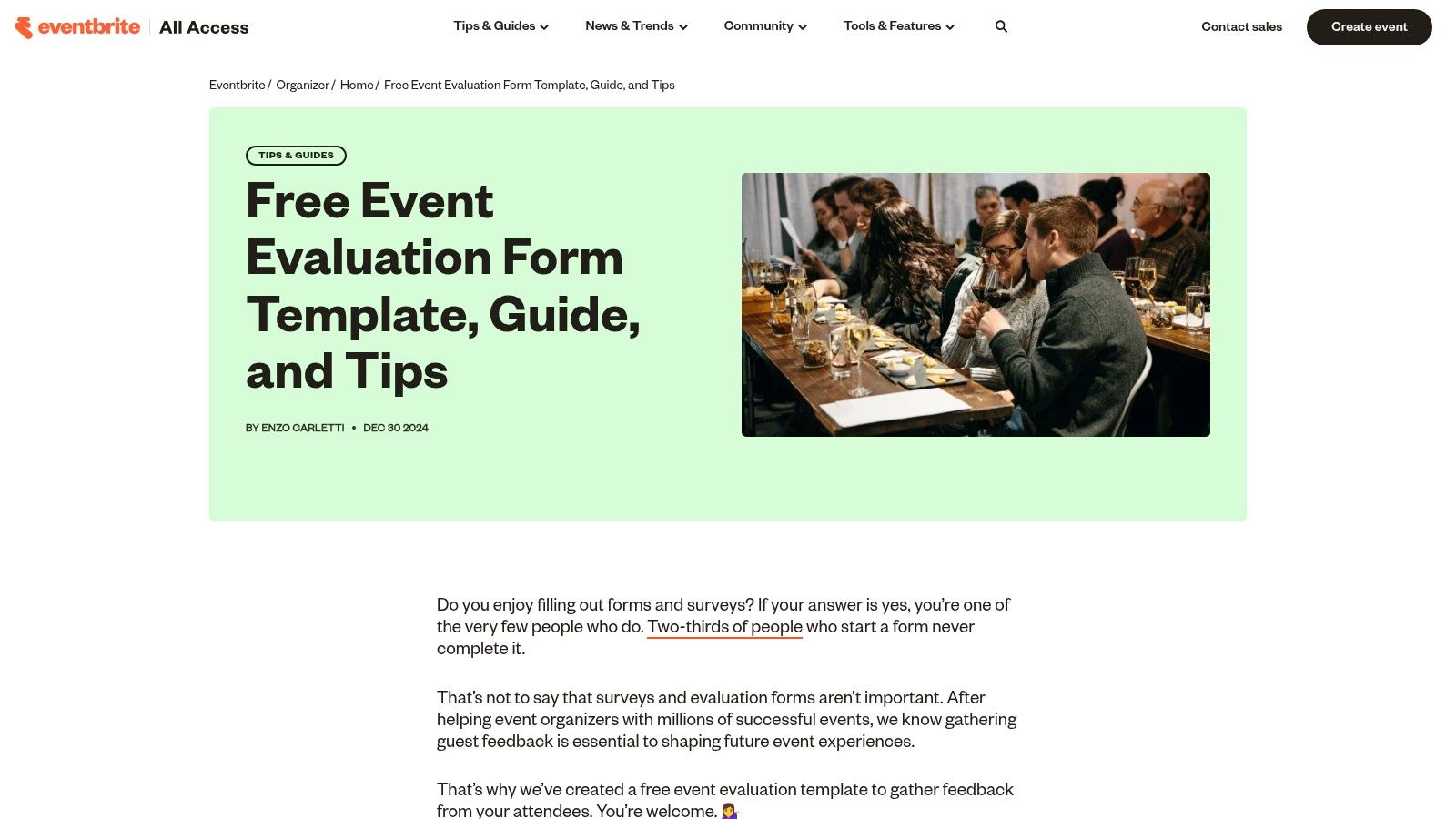
The platform offers clear advice on survey timing, suggesting sending feedback requests 48 to 72 hours after an event to maximize response rates. It also provides links to co-created SurveyMonkey templates, bridging the gap between guidance and execution. This approach is perfect for event managers looking for a reliable post event survey template framework that integrates well with their existing attendee communication strategy. You can also incorporate your survey link into a follow-up message, and these tips on crafting an after event thank you email provide a great starting point for that communication.
Pros:
Cons:
Access the templates at: https://www.eventbrite.com/blog/event-evaluation-form/
Visme approaches the post event survey template from a design-first perspective, making it the ideal choice when brand consistency and visual appeal are just as important as the data you collect. Unlike traditional survey tools, Visme is a comprehensive visual content creation platform where surveys are just one part of a larger design ecosystem. This allows you to create beautifully branded, interactive, and even animated forms that seamlessly embed into your website, landing pages, or email campaigns, ensuring a cohesive attendee experience from start to finish.

The platform’s strength is its no-code, drag-and-drop editor that gives you full control over fonts, colors, images, and layout, moving far beyond the customization limits of standard form builders. You can embed these visually polished surveys directly into other Visme projects, like a post-event thank you presentation or an infographic summarizing the event's success. All responses are tracked in real-time within the Visme dashboard, keeping your feedback collection and design workflow consolidated in a single, convenient tool.
Pros:
Cons:
Access the templates at: https://www.visme.co/templates/forms-surveys/post-event-survey-409/
Zapier Interfaces is an ideal choice when your primary goal for a post event survey template is immediate action and automation. Instead of just collecting data, this platform is built to trigger workflows across thousands of apps. It's less of a dedicated survey suite and more of a powerful automation entry point, perfect for event planners who want to instantly route feedback to a Slack channel, update a CRM, or add attendees to a specific email list based on their responses. The focus is on making feedback actionable the moment it arrives.

The platform allows for the quick creation of simple, branded forms. While it lacks the deep analytics of specialized tools, its strength is its native integration with the Zapier ecosystem. Responses are collected in an easy-to-view table and can be connected via "Zaps" to over 6,000 applications. This makes it incredibly efficient for tasks like sending a thank-you gift to attendees who rated the event highly or alerting a sales team to a lead from a sponsor satisfaction survey. For a detailed guide on structuring such a form, check out these best practices for an event feedback form.
Pros:
Cons:
Access the templates at: https://zapier.com/templates/details/event-feedback-form
You now have a comprehensive toolkit of resources for creating an effective post event survey template. We've journeyed through twelve distinct platforms, from the robust analytics of Qualtrics and SurveyMonkey to the engaging conversational flows of Typeform and SurveySparrow. We've seen how specialized tools like Jotform and Formstack offer powerful customization and integration, while accessible options like Microsoft Forms and Zapier Interfaces provide rapid, no-fuss solutions.
The central lesson is clear: a one-size-fits-all survey no longer suffices. The right approach depends entirely on your event's unique goals, your audience's expectations, and the specific data you need to collect. A members-only annual meeting requires a different set of questions and a more formal tone than a high-energy public trade show. Likewise, feedback for a focused, technical webinar will differ significantly from a broad, multi-track industry conference.
Before you select a tool and hit 'send', let's distill the most critical insights from our exploration. Moving beyond the template itself to a strategic feedback loop is what separates good event planners from great ones.
So, how do you choose? Your decision should be guided by three primary factors: complexity, integration, and budget.
For Enterprise-Level Analytics & Research: If you need deep, granular data, advanced branching logic, and cross-tabulation reports for large-scale conferences or formal member meetings, Qualtrics and QuestionPro are the undisputed leaders. They are built for research and provide the statistical power to back up major strategic decisions.
For High Engagement & Brand Experience: If your priority is maximizing response rates and providing a beautiful, on-brand user experience for webinars or creative conferences, look no further than Typeform or SurveySparrow. Their conversational, one-question-at-a-time format is less intimidating and highly effective on mobile devices.
For All-in-One Functionality & Automation: If you need a versatile workhorse that can handle surveys, registration forms, and payments, and then seamlessly integrate that data into your CRM or marketing automation platform, Jotform, Formstack, and Zoho Survey are excellent choices. Their strength lies in their vast integration libraries and workflow automation capabilities.
For Simplicity, Speed, & Internal Use: If you need a quick and easy solution for internal team debriefs or simple, straightforward attendee feedback without a hefty price tag, Microsoft Forms (for Office 365 users) and Zapier Interfaces are perfect. They get the job done efficiently with minimal setup.
Ultimately, the perfect post event survey template isn't just a list of questions; it's a strategic asset. It's your direct line to understanding attendee value, measuring ROI for sponsors, and gathering the actionable intelligence needed to make your next event an even greater success. Choose your tool wisely, customize your questions thoughtfully, and commit to acting on the data you receive.
Ready to integrate your event feedback directly into a powerful community management platform? GroupOS provides the tools to not only survey your members after an event but also to manage engagement, track participation, and build a thriving community year-round. See how our platform can turn post-event data into long-term member value. Learn more about GroupOS.







