March 5, 2026
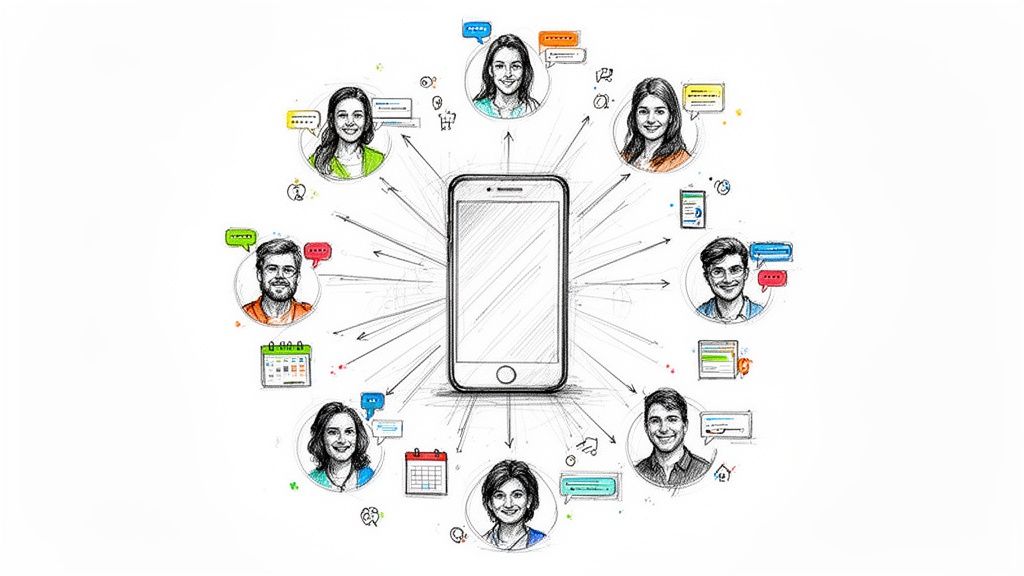
Sure, making a group message can be as easy as picking some contacts and hitting send. But we're not just talking about sending messages; we're talking about sparking conversations, driving real engagement, and actually building a community. That takes a bit more finesse.
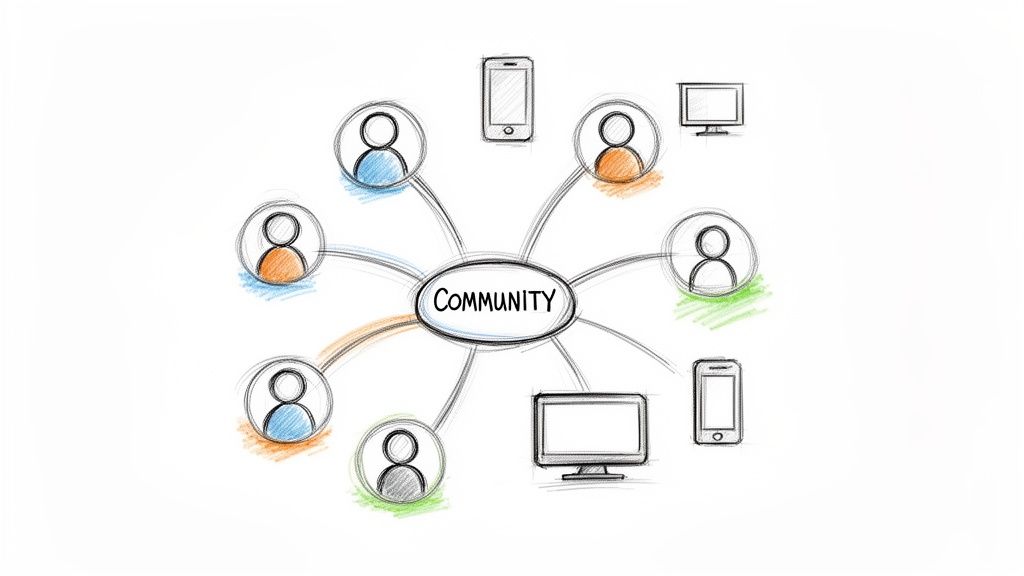
Before we jump into the "how," let's quickly touch on the "why." Email blasts just don't cut it anymore—they’re too often lost in a sea of promotions and spam. Your members, event attendees, and sponsors are on their phones, and instant messaging is the language they speak fluently.
This is a deep-seated shift in how we all communicate. Messaging is now the go-to method in the United States, with a staggering 85% of adults using it multiple times a week. What's really interesting is how consistent this is across age groups. According to a 2026 report from YouGov, adoption is nearly identical for Baby Boomers (83%) and Millennials/Gen X (87%), making it the one channel that truly reaches everyone.
As a community manager or event organizer, this is a massive opportunity. A smart group messaging strategy becomes your direct line for creating a community that’s genuinely active and connected. Forget hypotheticals; think about real-world impact:
A strong messaging strategy isn't just about sending announcements; it's about creating a space where your community feels seen, heard, and genuinely connected to your mission and each other.
This is where a dedicated tool like GroupOS really changes the game. It’s designed to go beyond simple alerts and helps you build the kind of relationships that are the bedrock of strong online communities. By consolidating all your communication into one platform, you can finally stop broadcasting at your members and start building with them. That focus is exactly what you need to nurture a community that isn't just informed, but truly invested.
Alright, let's get down to business and send your first message. Getting a group message out in GroupOS is quick, whether you're at your desk or on the go with the mobile app. You'll be connecting with your community in minutes.
On your computer, you'll see the “Messaging” section right in the main navigation menu. If you're using the app, just look for the speech bubble icon in the bottom tab bar. Either way, one click gets you into the messaging hub where all the action happens.
Once you're in, find the “New Message” or “+” button to open the message composer. This isn't just a simple text box—it's your command center for sending targeted, effective communication.
The first and most important step is deciding who this message is for. You have a ton of flexibility here. You can send it to everyone in a specific membership tier, all the folks who registered for your last webinar, or even a custom segment you’ve built. This precision is what makes your messages feel relevant, not spammy.
Next, you'll choose the message type. Are you sending a one-way Broadcast for a big announcement, or are you starting a two-way Group Chat to spark a discussion? We'll dig into the strategy behind that choice a bit later. Finally, you write your message, adding any attachments like PDFs, images, or links that will help your members.
Here's what that looks like inside the platform:
See how the audience selection, message type, and the editor itself are all laid out in one clean view? This design is intentional—it makes it incredibly simple to double-check that you're sending the right thing to the right people.
Don't underestimate the power of a personal touch. A simple line like, "I’m so grateful to be a part of your journey" can completely change the tone, making members feel genuinely seen and appreciated.
Remember, the goal here is to build real relationships. If your messages aren't getting much of a response, it might be a good time to check that your member data is clean and current. You can find our best practices for collecting and managing phone numbers in our guide. After all, great communication is impossible without having the right contact info.
Alright, you’ve picked your audience. Now comes the next critical choice: how will you talk to them? The format you choose is just as important as the message itself. In GroupOS, you have two main options: a one-way Broadcast or an interactive Group Chat. Getting this right is the key to making sure your message actually lands.
A Broadcast is your digital megaphone. It’s a one-to-many announcement where replies are off the table. This is your go-to for urgent, must-know information that needs to be delivered without any distracting chatter.
On the flip side, a Group Chat is your digital roundtable. This is where you build community. It’s a two-way, conversational space designed for networking, discussion, and creating genuine connections. Here, engagement is the whole point.
Broadcasts are all about control and clarity. You use them when the message is the star of the show, not the conversation around it.
For instance, imagine you're running a conference and there's a last-minute room change. A quick broadcast gets that vital info to everyone instantly without a flood of "Got it, thanks!" replies. It’s clean and effective.
Use a broadcast for:
Group chats are where the magic of community happens. This format is perfect when your goal is to spark conversation and help people connect with each other.
Think about a professional association bringing in a new cohort of members. You could create a dedicated group chat for them to introduce themselves, ask questions, and start building those crucial relationships from day one. It's an instant networking space.
As you think about reaching your audience, it's worth noting the different ways to blend scale with personalization. For example, some platforms allow you to send bulk personalized Twitter Direct Messages, which offers a different flavor of targeted, one-to-one communication at scale.
The most effective strategies often use both. You might send a broadcast to announce a new mentorship program, then immediately follow up by creating a group chat to connect the assigned mentors and mentees so they can get the conversation started.
Still not sure? This quick comparison should help you decide which format best fits your message. It all comes down to whether you need to make an announcement or start a discussion.
Ultimately, choosing the right tool for the job ensures your message is received exactly as you intended—either as a clear, authoritative statement or as the start of a valuable conversation.
This flowchart can also help simplify your decision-making process.
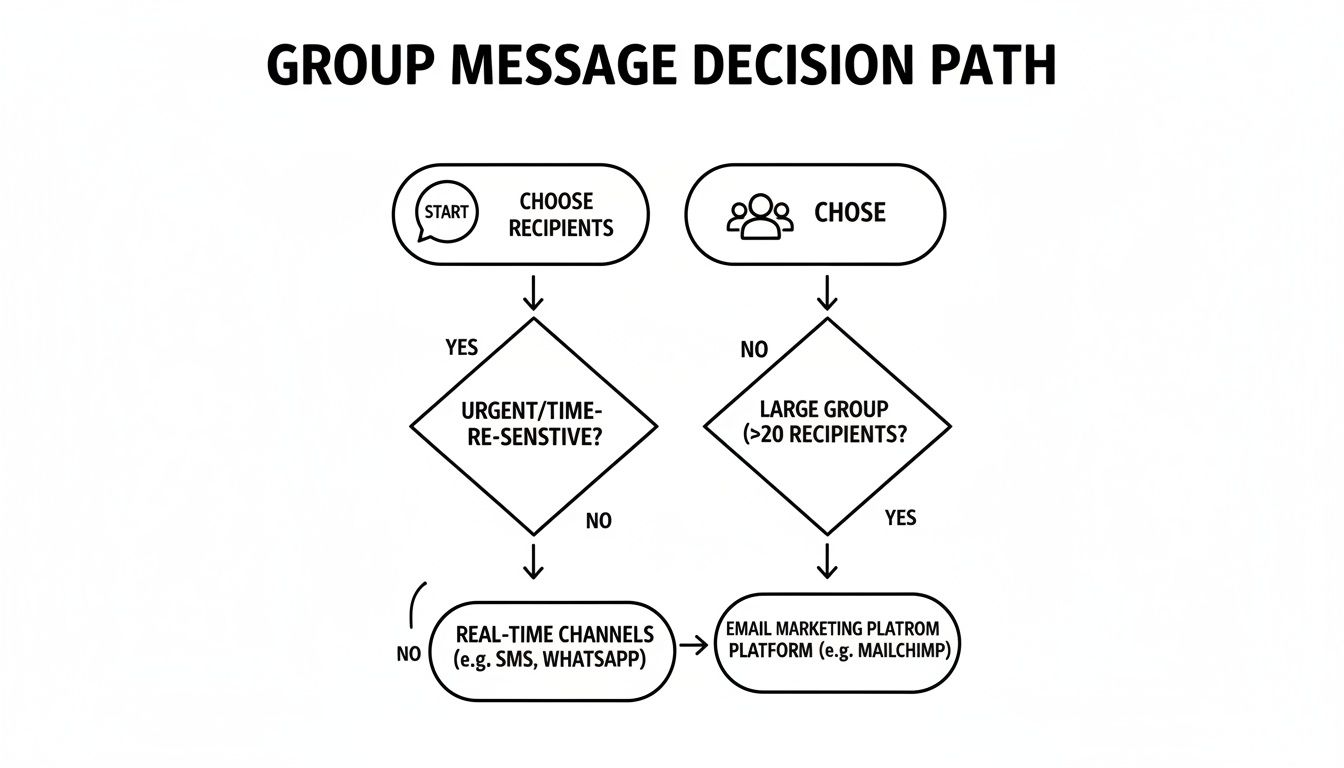
By matching the format to your goal—informing versus engaging—you guarantee your message will have the right impact every single time.
Sending your first message is a solid first step. But to really see your community thrive and save yourself a ton of time, you need to dig into the more advanced features. This is where you move from just making announcements to building a smart, strategic communication rhythm.
Let's say you're organizing your big annual conference. Instead of scrambling to send out last-minute reminders, you can schedule everything in advance. Picture this: a message goes out one week before registration closes to light a fire under procrastinators. Another lands the day before the event with a handy packing list. Finally, an hour before the opening keynote, a message with a direct link to the livestream hits everyone's phone. That's how you automate engagement and make sure no one misses a beat.
For any message you send over and over, templates are a game-changer. I see so many community managers rewriting the same "welcome to the group!" message every single week. Why do that when you can create one perfect welcome template and reuse it with a single click?
This approach is perfect for all sorts of recurring communications:
The most effective messaging isn't just about what you say, but when and how you say it. Automating routine communications frees you up to focus on creating genuine, personal interactions that truly build your community.
Your community probably doesn't live in just one app. That's the beauty of integrating GroupOS with other platforms you already use, like Slack or a Facebook Group. It creates a single, unified experience where you can manage all your core messages from one place, while your members can interact on the platform they prefer.
If you want to get even more sophisticated, you can explore using bots to automate tasks and enhance your messaging. For those on Telegram, checking out the best Telegram bots for channel management can open up a world of possibilities.
Don't forget just how powerful this channel is. When you send a message, it gets seen. A staggering 98% of text messages are opened, and 90% are read within just three minutes. Compare that to the average email open rate of around 20%, and the choice is clear. You're not just sending messages; you're using the most direct and effective channel available to connect with your people.
For even more ideas, check out our guide on other top tools for community engagement.
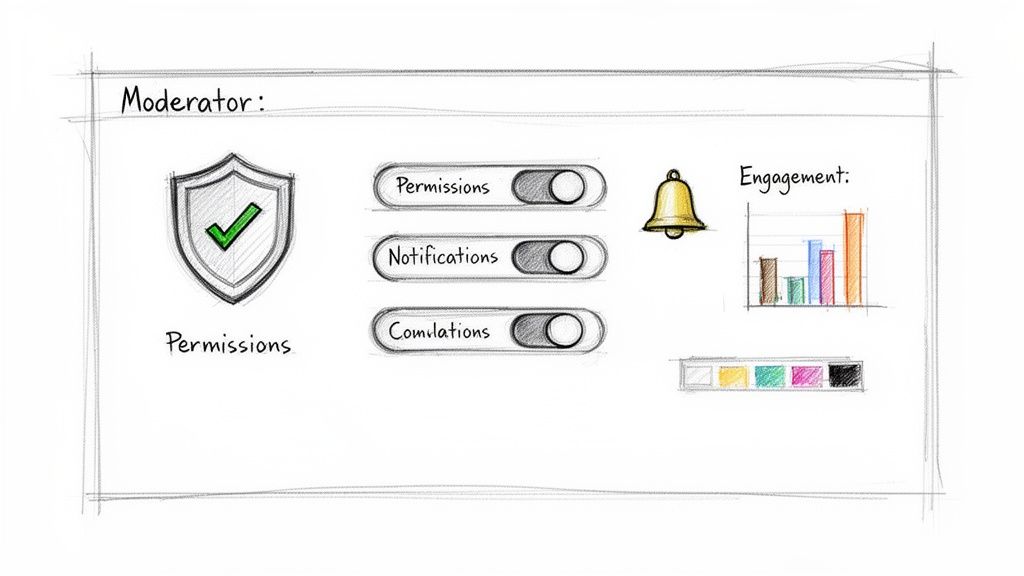
Sending the message is just the first step. The real magic of community building happens when you actively guide the conversation that follows. Without a steady hand at the wheel, even the most well-intentioned group chat can get noisy or veer completely off-topic.
This is where GroupOS really shines. It gives you the granular control you need to keep things running smoothly. For instance, running a big Q&A session? You can temporarily restrict posting to just your speakers or panelists. It’s a simple way to keep the discussion focused and prevent the chat from turning into chaos.
The best way to keep conversations healthy is to set the ground rules upfront. Think of your community guidelines as the constitution for your group, clearly outlining what’s acceptable and what isn’t. If you're not sure where to start, we've put together a guide with some excellent community guidelines examples.
When someone does cross the line, you have the tools to act quickly. Inside GroupOS, you can delete inappropriate comments or, if necessary, remove a disruptive member from the conversation entirely. This isn't about censorship; it's about protecting the space for everyone else.
Great conversations don't just happen; they're cultivated. Active moderation protects the value and safety of your community, ensuring everyone feels welcome enough to contribute.
You can't improve what you don't measure. Forget guesswork—the analytics dashboard in GroupOS is your window into what truly connects with your audience. You can see everything from open rates and click-throughs to active participation for every message you send.
This data is crucial for understanding your community's behavior. The world has shifted to mobile, and your strategy should, too. Mobile messaging app usage has jumped by 25% in recent years, and 64% of small businesses now rely on texting for customer outreach. You can learn more about these powerful mobile messaging trends and see why this channel is so important.
By watching your numbers, you'll start to see patterns emerge.
Use these insights to fine-tune your approach. Over time, you’ll learn exactly what makes your community tick, making every message you send more impactful than the last.
As you start using group messaging, you'll naturally run into some specific questions. It happens to everyone. Getting familiar with a new tool always involves figuring out how to apply its features to your unique community.
We've seen these same questions come up from countless event organizers and community managers. Let's walk through them so you can get straight to building engagement.
You bet. This is one of my favorite features for re-engaging a specific group. It’s surprisingly simple to do in GroupOS.
Just create a new audience and use the filter for past event attendance. You can pick last year's conference, for instance, and instantly have a list of everyone who came. It's the perfect way to give them a heads-up about this year's event or send out an exclusive "welcome back" discount.
This question really gets to the core of why you'd choose a Broadcast over a standard Group Chat. By design, a one-way Broadcast message disables replies for the general audience. This is a lifesaver for preventing a storm of "Thanks!" or "See you there!" notifications that can quickly bury your original announcement.
But what if someone has a legitimate question? You can actually set it up so that any replies are routed privately to you or your admin team. You get the clean, focused announcement channel, but you also open a private line for anyone who needs to follow up. It’s the best of both worlds.
Remember, the goal of a broadcast is clarity and control. By directing replies to administrators, you maintain an uncluttered announcement channel while still being responsive to individual member needs.
Guesswork is a thing of the past here. Your analytics dashboard is the source of truth for message performance. For every group message you send, you get a clear look at key metrics like delivery status and open rates.
This data is incredibly valuable. Seeing that only 60% of your audience opened a critical update tells you it's time to send a follow-up. In more interactive group chats, you can even see who has been active, giving you a real feel for your community's pulse.
Absolutely. You're not just stuck with plain text. GroupOS lets you attach rich media, which turns a simple message into a resource hub.
You can easily upload and share important files right in the message thread. We see people use this all the time to:
This makes your group message a one-stop shop for delivering valuable content directly to your members.
Ready to put all this into practice? With GroupOS, you have everything you need to create, manage, and track group messages that actually build community. It's time to stop juggling different apps and start building real connections.







