December 9, 2025

Professional associations and event organizers face a unique challenge: turning fleeting event attendees into a thriving, year-round community. The right membership website creator is the backbone of this transformation, acting as a centralized hub for content, communication, and commerce. A powerful platform consolidates member directories, exclusive resources, event registrations, and payment processing into a single, cohesive experience. This not only simplifies administration for your team but also provides a seamless and valuable journey for your members.
However, the market is crowded with options, from all-in-one platforms to specialized WordPress plugins and website builder add-ons. Choosing the wrong one can lead to fragmented systems, frustrated members, and missed revenue opportunities. This guide cuts through the noise to help you make an informed decision. We provide a detailed, feature-by-feature comparison of the top 12 solutions, analyzing their strengths and weaknesses in key areas for associations and event planners:
Our goal is to equip you with the insights needed to select a platform that not only meets your current needs but also scales with your community's growth. While building a dedicated membership platform offers direct control, many organizations also leverage public platforms for audience growth. For instance, some use video content to attract new members, exploring strategies to monetize your YouTube channel faster as a complementary income stream. In this comprehensive resource, you’ll find direct links and screenshots for each tool, helping you find the perfect fit to foster long-term engagement and sustainable revenue.
GroupOS stands out as a powerful, all-in-one membership website creator designed for organizations that want to build a thriving community around their events. It operates on the principle that a one-time event should be the starting point, not the end, of member engagement. This platform masterfully centralizes every critical function: membership management, event ticketing, content delivery, and community communication, all housed within a single, elegantly branded ecosystem.

Unlike platforms that merely host content behind a paywall, GroupOS is architected to convert event attendees into long-term, paying members. Its true differentiator is the seamless transition from event management to ongoing community building. It empowers organizers to manage complex ticketing with dynamic forms and VIP upgrades, then sustain the momentum post-event with on-demand video, exclusive content, and persistent chat channels that replace fragmented tools like Slack or Facebook Groups.
Pros:
Cons:
Website: https://groupos.com
Kajabi positions itself as a premier all-in-one platform, making it a strong contender for anyone seeking a comprehensive membership website creator. It’s designed for creators and organizations that want to build, market, and sell digital content without piecing together multiple tools. Its core strength lies in unifying a branded website, course delivery, community forums, email marketing, and payment processing under a single dashboard.
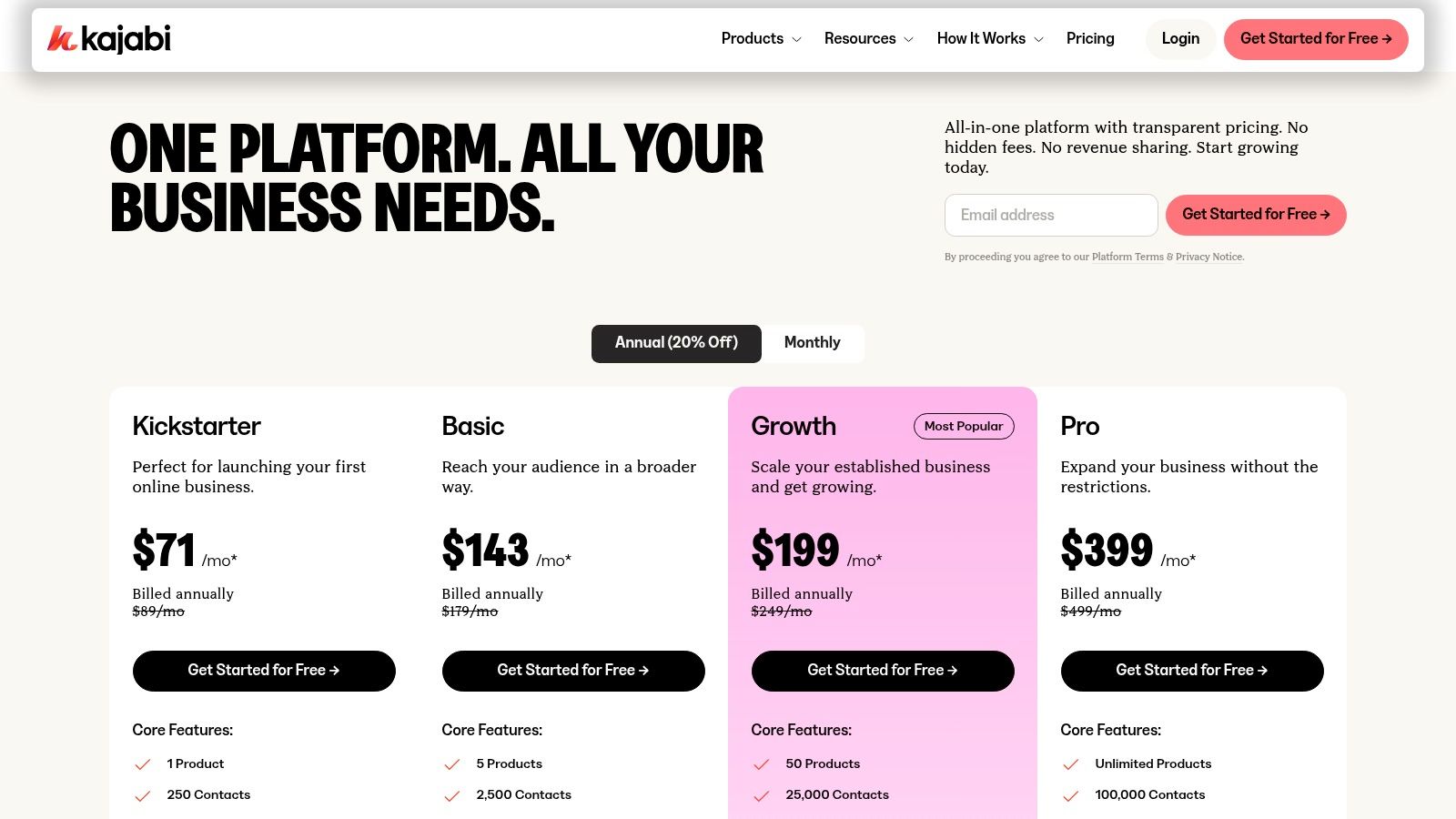
This unified approach simplifies operations significantly. Instead of managing separate plugins for payments, emails, and landing pages, you use Kajabi’s native features. This reduces the technical overhead of integration maintenance and potential compatibility issues. The platform's built-in automations are powerful, allowing you to trigger email sequences when a member completes a course module or grant access to new content based on membership level. For a deeper dive, you can explore more about Kajabi's specific features and how they compare to other platforms.
Teachable is a popular membership website creator focused primarily on building and selling online courses and digital products. It provides a straightforward pipeline for creators to package their knowledge into memberships, offering an accessible entry point for those whose business model revolves around educational content. The platform’s strength is its simplicity in setting up a monetized learning environment, handling everything from content hosting to payment processing.
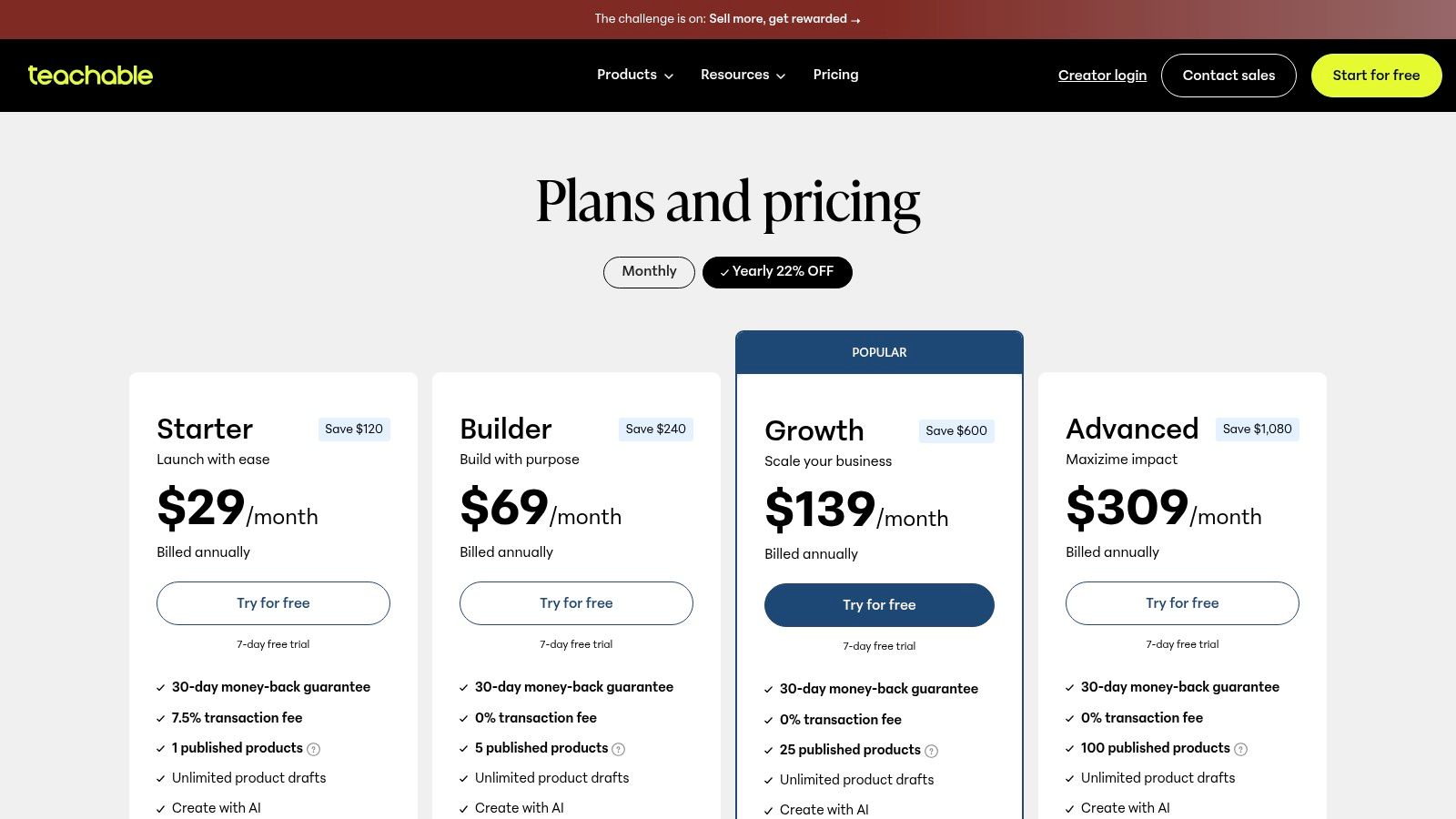
The user experience is designed to get your products to market quickly. Teachable manages complex backend tasks like global payments and tax handling, allowing you to focus on content creation and marketing. Its built-in tools for upsells, affiliate programs, and promotional offers help creators maximize revenue without needing third-party integrations. This makes it an excellent choice for solo entrepreneurs or small teams looking for a low-maintenance solution to sell their expertise.
Thinkific is a flexible, course-first platform that has expanded robustly into a powerful membership website creator. It’s ideal for creators and organizations whose business model is built around structured educational content but who want to wrap it in a recurring revenue model with a strong community component. The platform allows you to sell memberships, standalone courses, live events, and digital downloads, all from one integrated dashboard.
Its core advantage lies in its dedicated course-building environment, which is more advanced than many general-purpose membership platforms. You can create rich, multimedia lessons and bundle them into different membership tiers or subscription plans. The addition of a native community feature, complete with member profiles, direct messaging, and event scheduling, allows you to foster engagement directly alongside your learning content without relying on external integrations for basic community functions.
Podia is designed as an approachable, all-in-one membership website creator, primarily targeting solo entrepreneurs and small creative businesses. It streamlines the process of selling digital products by combining a website builder, community platform, course hosting, and email marketing into one user-friendly dashboard. Its main appeal is its simplicity and speed of setup, allowing creators to launch a paid membership or sell digital downloads without a steep learning curve or technical overwhelm.
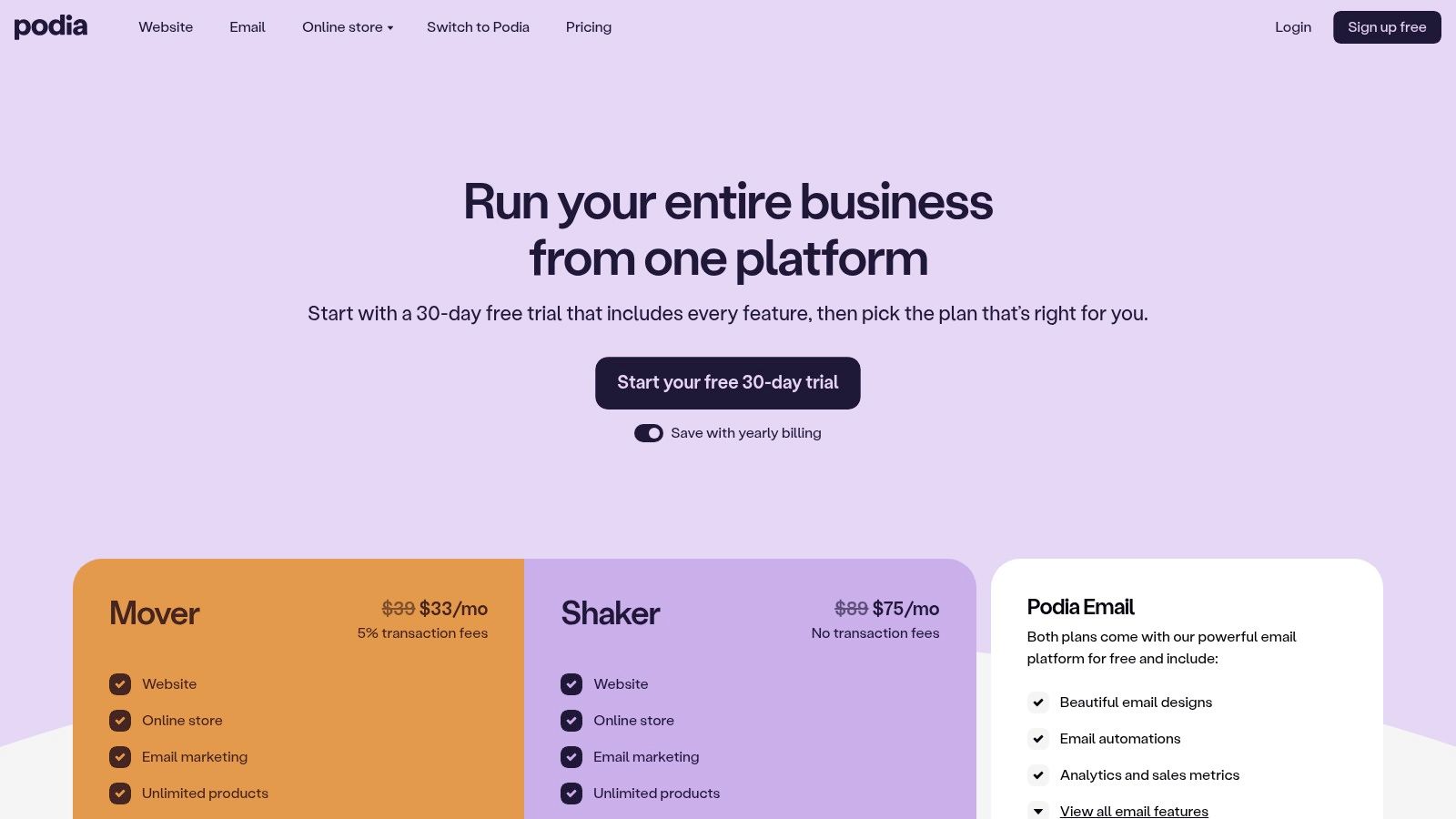
Unlike more complex enterprise systems, Podia focuses on core functionalities, ensuring that even a non-technical user can build a professional-looking storefront quickly. The platform’s philosophy centers on ease of use, providing free migrations and accessible customer support to lower the barrier to entry. This makes it an excellent choice for creators who value a straightforward, integrated experience over deep customization and advanced automation, allowing them to focus on content rather than technology. For those just starting, learning about different pricing models is a key first step; you can read more about subscription pricing strategies to find the best fit.
For organizations already committed to the WordPress ecosystem, MemberPress is a leading membership website creator that operates as a powerful plugin. It transforms a standard WordPress site into a full-featured membership platform, ideal for those who prioritize ownership and customization. Its strength lies in its deep integration with WordPress, allowing you to protect content with granular, rules-based access controls, sell subscriptions, and manage members directly from your existing dashboard.

Unlike all-in-one hosted platforms, MemberPress gives you complete control over your data and functionality. You can leverage the vast library of WordPress themes and plugins to build a unique experience. The plugin includes powerful features like content dripping to release lessons over time and an integrated course builder for light LMS needs. This approach requires you to manage your own hosting and maintenance but offers unparalleled flexibility for associations that want to build a highly customized digital home. Find out more at memberpress.com.
For creators and businesses already using Squarespace, its Member Areas add-on offers a beautifully integrated and streamlined way to create a membership website. Rather than relying on third-party tools, this feature allows you to gate content and sell access directly within the Squarespace ecosystem. Its primary strength is its simplicity and native integration with your existing website, email campaigns, and ecommerce tools, making it an excellent choice for users who prioritize a clean, all-in-one experience without the technical complexity of other platforms.
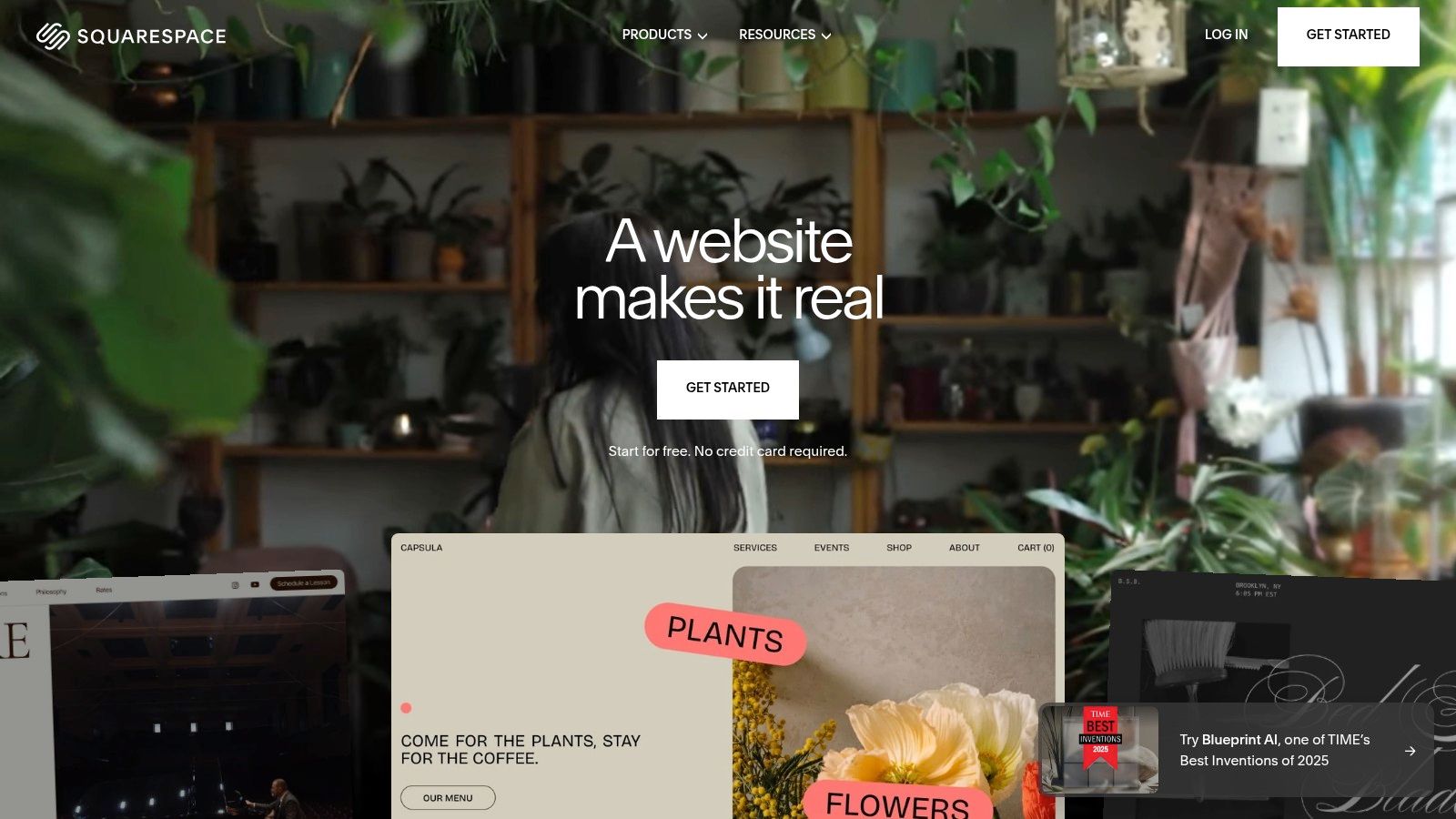
This native approach means you manage everything from a single dashboard, from designing members-only pages to sending email updates. The setup is straightforward, allowing you to create multiple membership levels with different access rules, such as one-time, recurring, or free memberships. Because it's a direct part of the Squarespace platform, you benefit from its renowned 24/7 customer support, ensuring help is available if you encounter any issues. It's a powerful membership website creator for those who value design and ease of use over intricate, custom functionality.
Wix is a well-known drag-and-drop website builder that also functions as a capable membership website creator through its integrated apps. By combining the native Members Area with the Pricing Plans app, users can create members-only pages and sell recurring subscriptions. This approach is ideal for service-based businesses, individual creators, and small organizations that prioritize a visually appealing front-end and a streamlined setup process within a single, unified ecosystem.
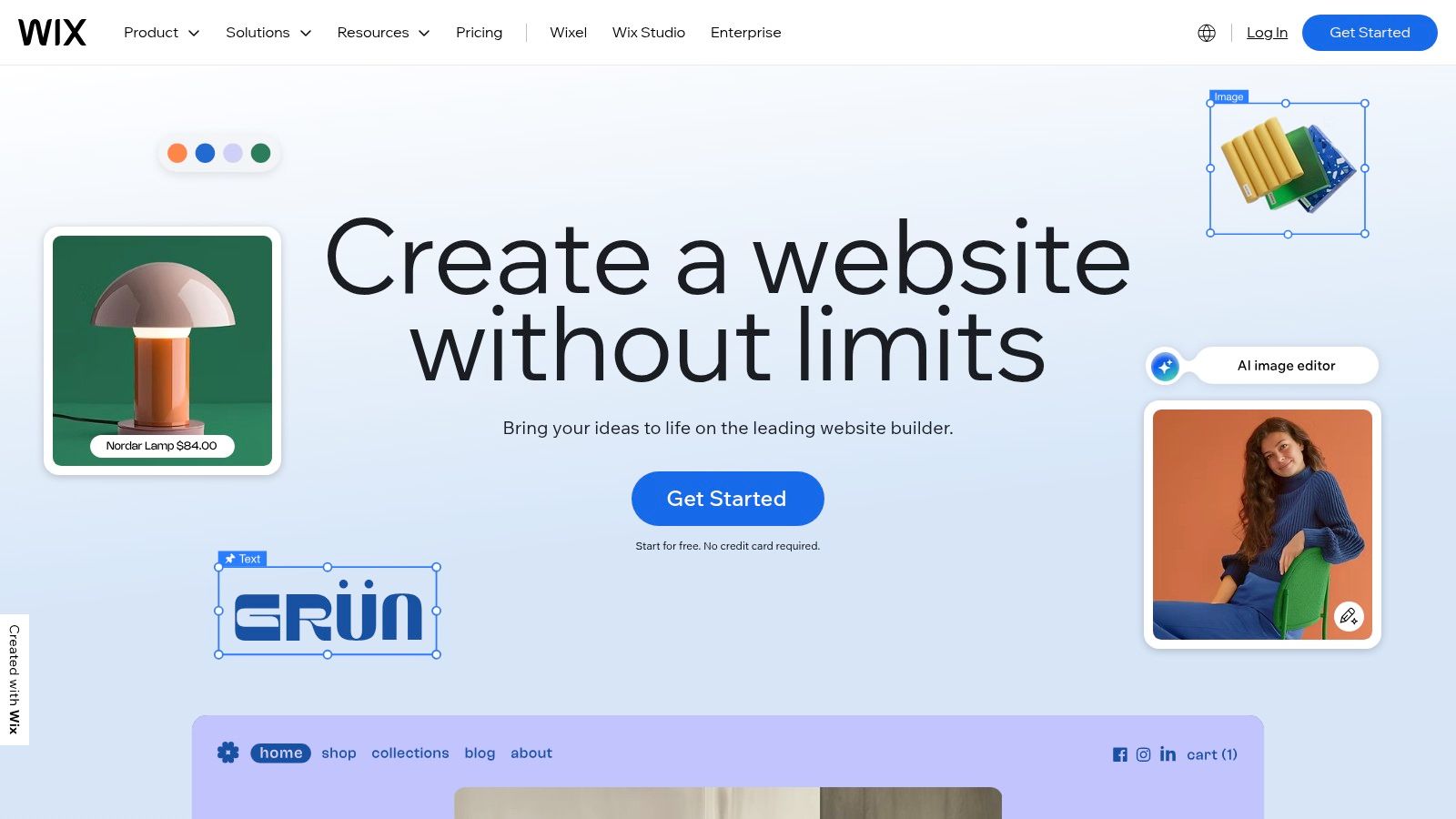
The platform's core strength lies in its accessibility and speed. You don't need coding knowledge to design a professional-looking site and then layer membership functionality on top. Users can restrict access to entire pages, blog posts, or specific site sections based on the pricing plan a member has purchased. For businesses offering services, the Wix Bookings app integrates seamlessly, allowing you to sell packages and appointments as part of a membership, which is a powerful combination for studios, coaches, and consultants.
Webflow is a powerful, design-first membership website creator that offers unparalleled visual control for building highly customized experiences without code. It's best suited for designers, agencies, and organizations that demand a unique brand identity and refuse to be constrained by templates. The platform combines a visual canvas with a robust CMS and recently integrated native Memberships and Logic features, moving beyond its roots as just a website builder.
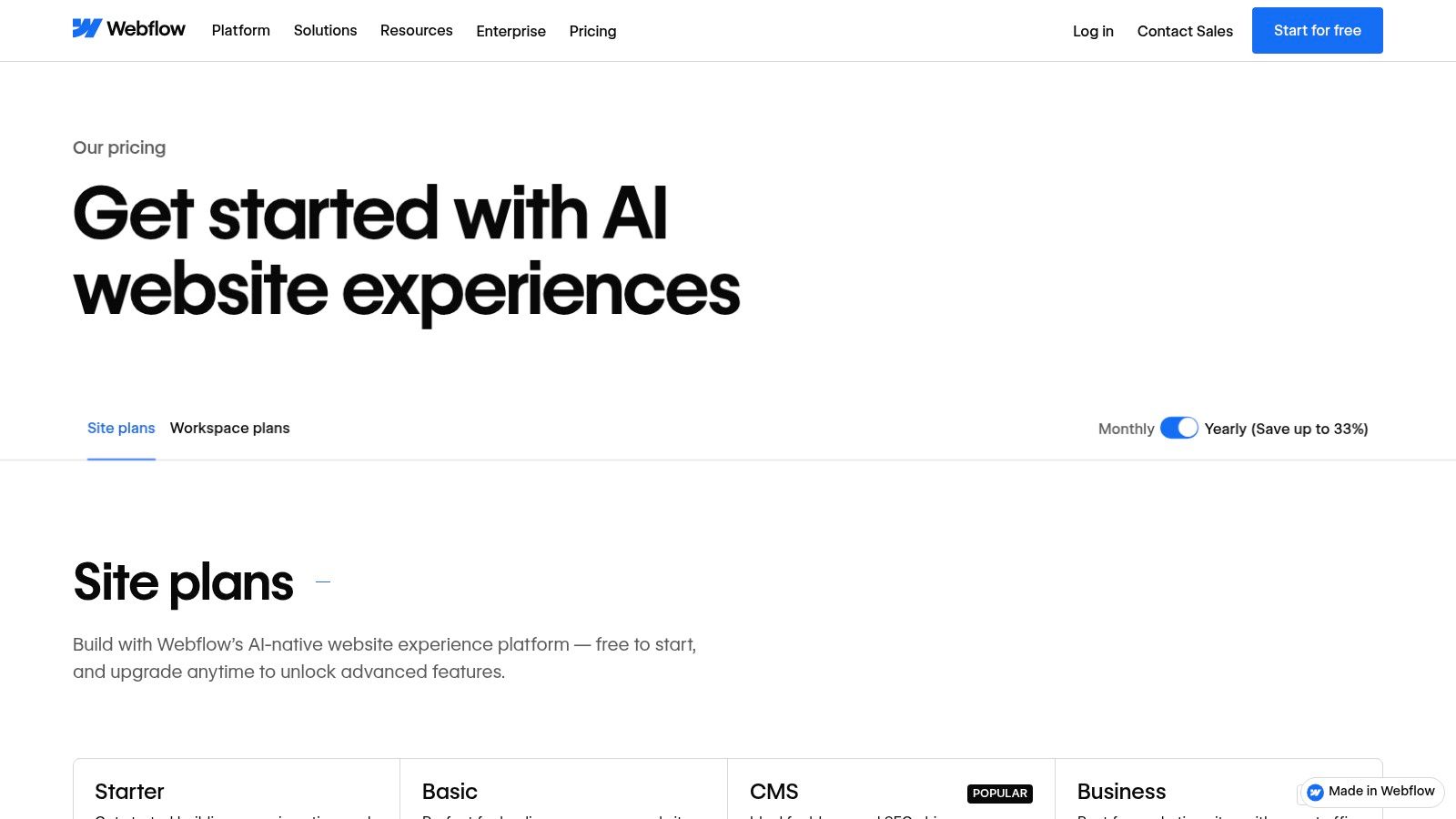
This approach grants you complete freedom over the look and feel of every member touchpoint, from the sign-up form to gated content pages. Instead of relying on third-party plugins, Webflow's native membership tools are built directly into its hosting and design ecosystem, ensuring fast performance and a cohesive user experience. This makes it an excellent choice for creators who want to build a truly bespoke membership site where design and functionality are tightly integrated, although non-designers may face a steeper learning curve compared to more template-driven platforms.
Ghost is an open-source publishing platform that excels as a membership website creator for content-driven businesses, particularly those focused on paid newsletters and editorial content. It distinguishes itself with a clean, minimalist interface designed for writers and a powerful native membership system that integrates directly with Stripe. Its core appeal is its commitment to content-first experiences without the bloat of all-in-one course platforms.
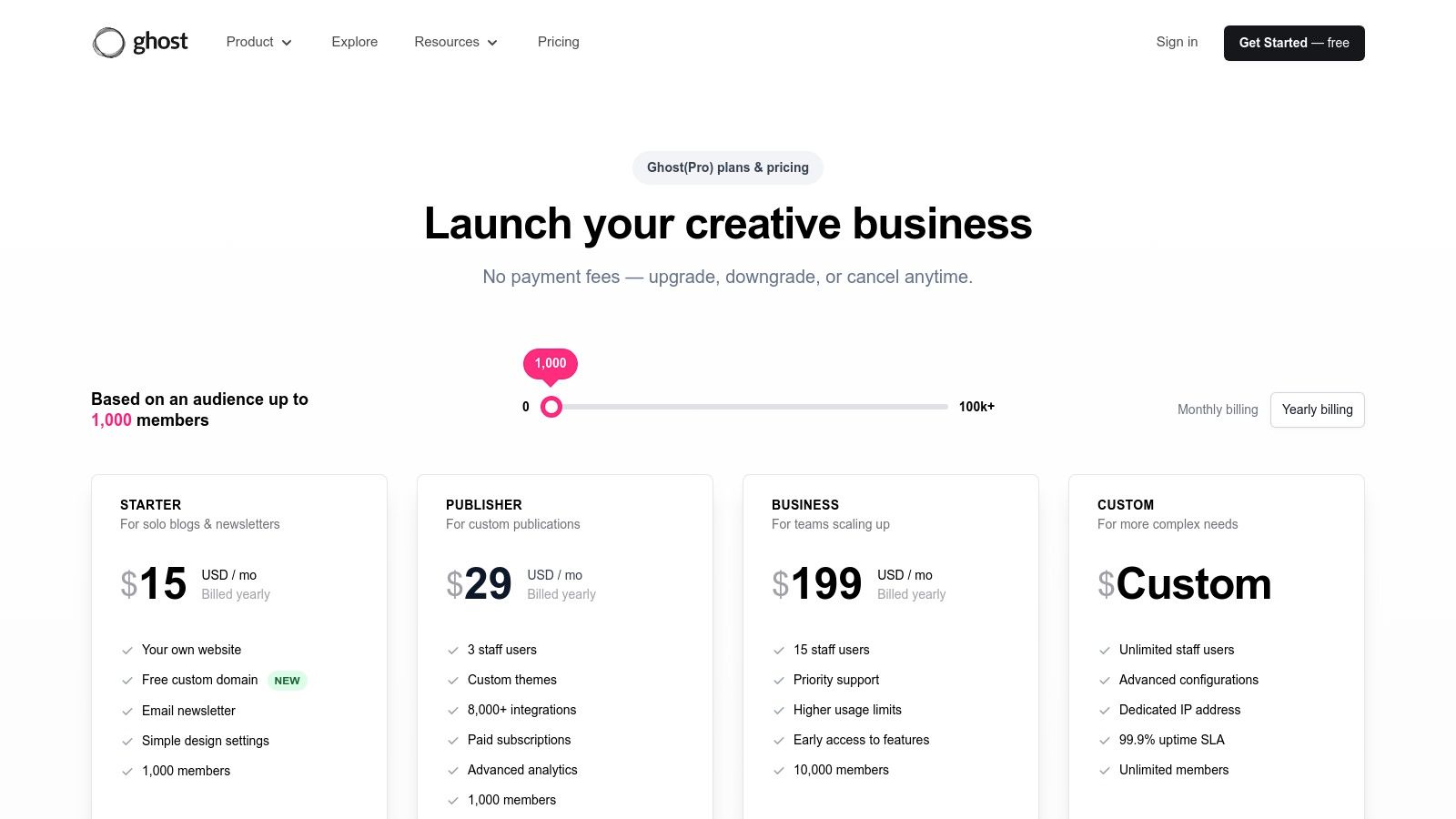
The platform's standout feature is its pricing model. Ghost charges a 0% platform fee on member revenue, a significant advantage for creators at scale. You only pay standard Stripe processing fees. This makes it an incredibly cost-effective solution for monetizing a loyal audience through premium articles and newsletters. The platform can either be self-hosted for free (requiring technical expertise) or used via the managed Ghost(Pro) hosting service, which handles all the technical aspects for you.
Memberful offers a streamlined approach for creators already committed to their own website, particularly those using WordPress. Instead of a full-site builder, it acts as a powerful membership commerce layer that integrates directly into your existing setup. Owned by Patreon, it's designed for publishers and independent media that want to outsource the complexities of billing and member management while retaining full control over their content and branding on their own site.
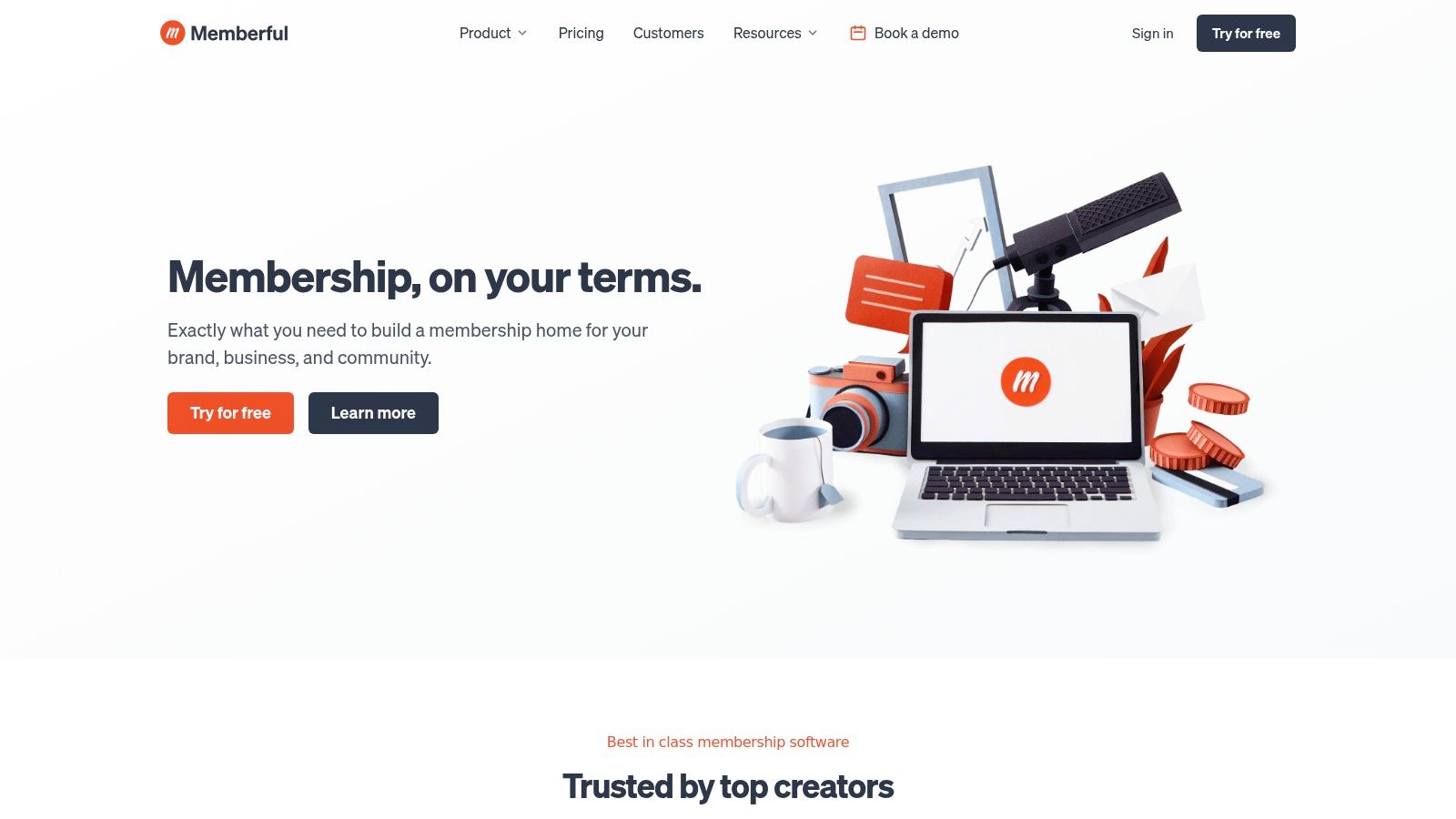
The core strength of this membership website creator is its robust WordPress plugin, which handles server-side content protection and Single Sign-On (SSO). This means you can gate content securely without relying on less-dependable client-side solutions. The checkout process is managed through a clean overlay on your site, providing a seamless user experience that doesn't redirect members to an external domain. For organizations that have invested heavily in their WordPress site, Memberful provides the membership engine without forcing a platform migration.
Mighty Networks is a community-first membership website creator designed for brands that want to foster deep engagement. It excels at building vibrant, interactive spaces where you can sell memberships, courses, events, and bundled content. The platform's philosophy is centered on the power of the network effect, where the value for members increases as more people join and interact.
This community-centric approach makes it a strong choice for cohort-based courses and organizations where member-to-member interaction is paramount. Instead of a top-down content delivery system, it provides tools like live streams, member profiles, and direct messaging to encourage connections. Its mobile-first design is a key differentiator, recognizing that modern communities thrive on accessibility and constant connection. This focus on engagement is a powerful tool for organizations looking to improve their membership retention strategies.
Navigating the landscape of membership website creator tools can feel overwhelming, but this detailed comparison has illuminated a critical truth: the "best" platform is entirely dependent on your organization's core model. We've explored a wide spectrum of solutions, each with its unique strengths and ideal use cases.
From the robust, course-centric ecosystems of Kajabi and Thinkific to the unparalleled customization offered by WordPress with MemberPress, your options are vast. General website builders like Squarespace and Wix provide accessible entry points for simple membership models, while platforms like Mighty Networks champion a community-first approach. Each tool presents a different path toward building a recurring revenue stream.
However, for professional associations and event-led organizations, the central challenge is often not just creating content or a community, but unifying disparate experiences. The goal is to transform one-time event attendees into engaged, year-round members, and that requires a platform built specifically for that journey.
As you move from evaluation to implementation, distill your decision-making process by focusing on these core principles. Your choice of a membership website creator will define your administrative workload, your members' experience, and your potential for growth.
1. Re-evaluate Your Primary Business Goal:
2. Audit Your Existing Tech Stack:
Before committing, map out your current tools for email marketing, event registration, CRM, and analytics. Determine which platform will reduce complexity by replacing redundant software versus which will require more complicated integrations and potential data silos. The goal is simplification, not added friction.
3. Plan Your Member Migration and Launch:
The technical setup is only half the battle. Use the migration checklist from this article to create a detailed project plan. This should include data export, content uploading, payment gateway configuration, and, most importantly, a clear communication strategy to guide your existing members through the transition.
Choosing your platform is just the beginning. The real work lies in creating a valuable experience that keeps members engaged month after month. This involves more than just gating content; it's about fostering a sense of belonging and providing continuous value that justifies their subscription. Beyond initial acquisition, ensuring the longevity of your community members is crucial for sustainable growth. Exploring effective methods to keep your members engaged and reduce churn can significantly impact your success, as outlined in these proven SaaS retention strategies. Your chosen membership website creator should provide the tools not just to sign members up, but to serve and retain them for the long haul. Ultimately, the right platform empowers you to spend less time on administration and more time building the community your members love.
Ready to unify your events, content, and community into one seamless, white-labeled experience? See how GroupOS is purpose-built to help professional associations and event organizers drive year-round engagement and unlock new revenue streams. Explore GroupOS and discover a better way to grow your membership.







