May 24, 2026
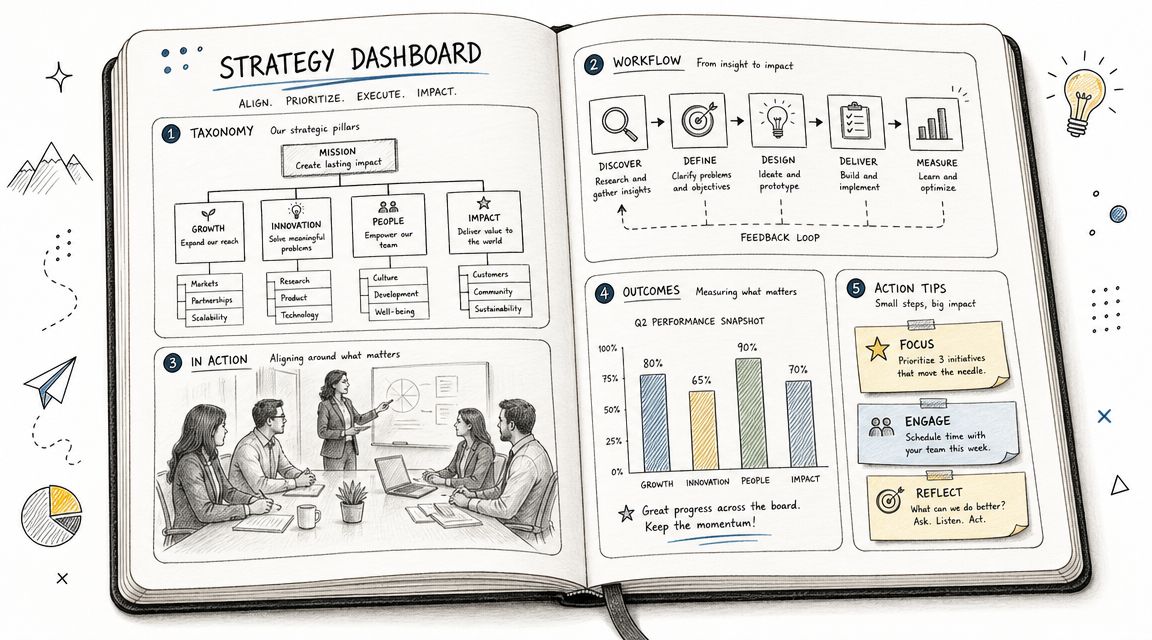
Beyond the Event. Turning Conversations into Lasting Knowledge
Your annual conference wrapped on a high note. The sessions were strong, the hallway conversations were better, and your members left energized. Then the decay starts. Notes sit in personal docs, speaker takeaways disappear into inboxes, and the same questions begin showing up again in support emails, chapter chats, and staff meetings.
That's the point where most associations and event teams realize they don't have a content problem. They have a knowledge capture problem. A knowledge management system gives you a central place to store and retrieve approved information, which is the core pattern behind modern help centers, internal SOP libraries, and community forums, as described in Salesforce's overview of knowledge management systems.
For associations, the opportunity is bigger than documentation. A good KMS can preserve conference knowledge, speed up volunteer and staff onboarding, support member self-service, and turn one-time event content into an always-on member asset. Below are seven knowledge management system examples that solve those problems in different ways, with practical trade-offs and a mini-playbook for each.
If your biggest issue is fragmentation, GroupOS is the strongest fit on this list. It combines community, event operations, content delivery, messaging, membership management, and branded apps in one system. For associations and event organizers, that matters because knowledge usually doesn't live in one neat place. It lives in session recordings, sponsor updates, member discussions, onboarding guides, and event logistics.

GroupOS is built for teams that want the KMS inside the member experience, not bolted on beside it. You can host documents, courses, and on-demand video, while also handling ticketing, private channels, group chat, sponsor visibility, and engagement analytics. That's a very different operating model from using one tool for events, one for chat, one for your knowledge base, and another for memberships.
This is the practical knowledge management system example I'd point to for a professional association that wants to keep conference value alive after the event ends. Instead of sending attendees back to a dead microsite and a disconnected video archive, you can move them into a branded web and mobile hub where content, discussion, and follow-up programming stay connected.
That approach lines up with how strong KM programs work. IBM describes knowledge management as creating, storing, using, and sharing knowledge across the organization, not just dumping files into a folder. A centralized hub is the backbone of that model, and this breakdown of knowledge base software options is useful if you're comparing hub-style platforms with standalone tools.
Practical rule: If members consume content in one place but ask questions somewhere else, your knowledge system will decay faster than your team can maintain it.
Here's how I'd use GroupOS in a real association environment:
The upside is obvious. Fewer disconnected systems, stronger branding, and a better path from event engagement to ongoing membership value. The trade-off is also real. Pricing isn't public, and teams that only need a simple wiki may find the broader platform scope heavier than necessary.
Still, for mid-sized to large associations, the all-in-one model solves a problem many KM projects miss. Knowledge doesn't fail because staff can't write articles. It fails because the system sits outside the workflows where members and teams already spend time.
Confluence is a strong internal knowledge layer when your organization already runs on Atlassian. If your staff uses Jira to manage conferences, publications, certification programs, or committee work, Confluence gives you a natural place to document the process around that work. It's less community-facing than GroupOS and more operational.
The main strength is structure. Spaces, page hierarchies, templates, databases, whiteboards, and permission controls make it easier to govern complex internal knowledge. For associations with multiple departments, that means one space for events, another for membership operations, another for sponsorship playbooks, and another for board or committee documentation.
Confluence works best when the problem is internal consistency. Think staff onboarding, conference production checklists, chapter leader playbooks, speaker onboarding, crisis procedures, and internal FAQ libraries. It's especially useful if your team needs auditability and granular permissions.
A lot of KM advice focuses too much on storing documents and not enough on keeping them trustworthy and searchable. That's where governance matters. NIST-aligned guidance summarized by Kairntech on knowledge management emphasizes metadata, taxonomies, access controls, retention rules, and regular review. Confluence gives you the bones to do that work well, but your team still has to do the work.
Confluence succeeds when someone owns taxonomy and review cycles. Without that, it becomes a polished graveyard.
The trade-off is adoption. Confluence can feel heavy if contributors aren't trained well or if admins over-engineer the structure. It's reliable and mature, but not the easiest tool to keep clean without clear ownership.
Conference week starts, the renewal deadline is three days away, and your inbox fills with the same questions again: Where do I log in? Why won't my CE credits show up? Can I transfer my registration? Zendesk Guide is built for that kind of pressure. It helps associations turn repeated support requests into a searchable help center that members can use before they submit a ticket.
Its value is operational. Zendesk Guide sits close to ticketing, agent workflows, and support analytics, so your team can see which questions keep surfacing and turn those patterns into approved articles. Zendesk's own overview of knowledge base software explains the core model well: publish self-service content, surface it in support flows, and reduce repetitive case volume. For member organizations, that usually means fewer routine tickets during event registration, certification cycles, and annual renewals.
Zendesk Guide works best when knowledge management starts with service delivery. That includes member access questions, event logistics, accreditation requirements, account troubleshooting, volunteer help desk issues, and policy clarifications that need one consistent answer.
It is also a practical way to preserve conference knowledge after the event. Questions your staff answered 40 times this year should become next year's pre-event help content. Session access instructions, speaker upload steps, badge pickup details, refund rules, and virtual platform FAQs all belong in the same support knowledge loop. If your association publishes technical instructions for exhibitors, sponsors, or integration partners, a clear API documentation template example shows how to structure articles so members can follow them.
If you're building a stronger member support model, this guide to customer self-service strategies is a practical companion to that setup.
Use Zendesk Guide as your service knowledge engine, not just a help center:
The trade-off is focus. Zendesk Guide is strongest when support is the center of your knowledge strategy. If your bigger problem is internal collaboration, committee documentation, or broad cross-team knowledge capture, it can feel too tied to service operations and agent workflows. Pricing also makes more sense when your organization already runs a meaningful support function, not when you only need a basic internal wiki.
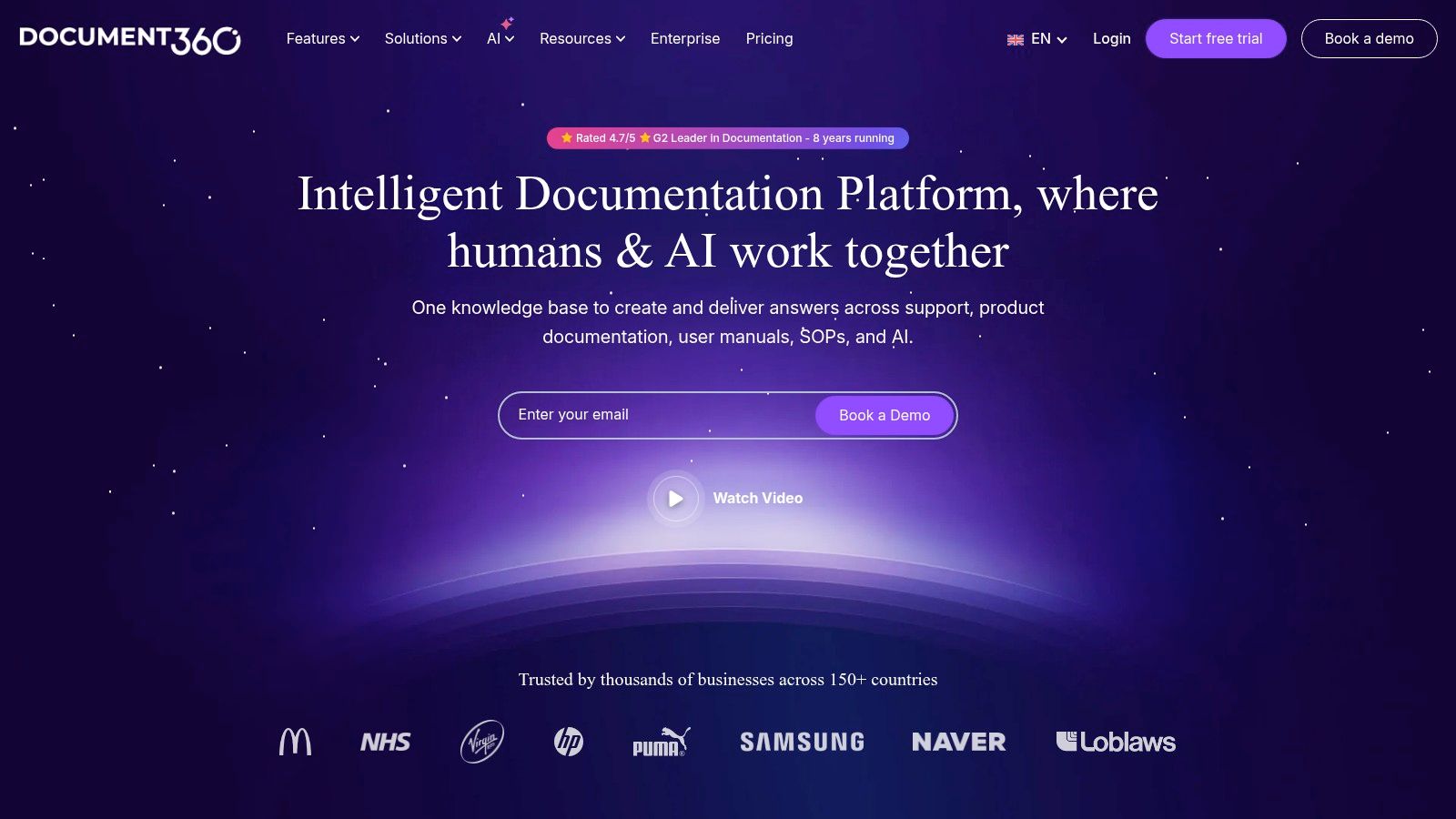
Document360 is a cleaner fit when you want a dedicated knowledge base without buying a full helpdesk or a broad collaboration suite. It's built for documentation. That sounds narrow, but for many associations, narrow is exactly what works.
If your team needs a polished public resource center, private staff SOP library, or mixed-access documentation portal, Document360 does that well. It gives you structured categories, article workflows, versioning, search, role-based access, and multilingual support. That's useful when your content needs to look professional and stay controlled.
A lot of association knowledge isn't conversational. It's formal. Policy manuals, accreditation guidance, exhibitor handbooks, committee procedures, judge manuals, and certification instructions need review workflows more than open collaboration. That's where a dedicated documentation platform often beats a general wiki.
For technical or standards-heavy organizations, Document360 also works well for member-facing developer or integration docs. If your association publishes technical resources, this API documentation template example gives a good sense of the structure good documentation needs.
The trade-off is that Document360 won't replace your community platform or work management system. It's better as a focused documentation engine than as the center of all collaboration. For teams that want one clear place for governed knowledge, that's a benefit, not a flaw.
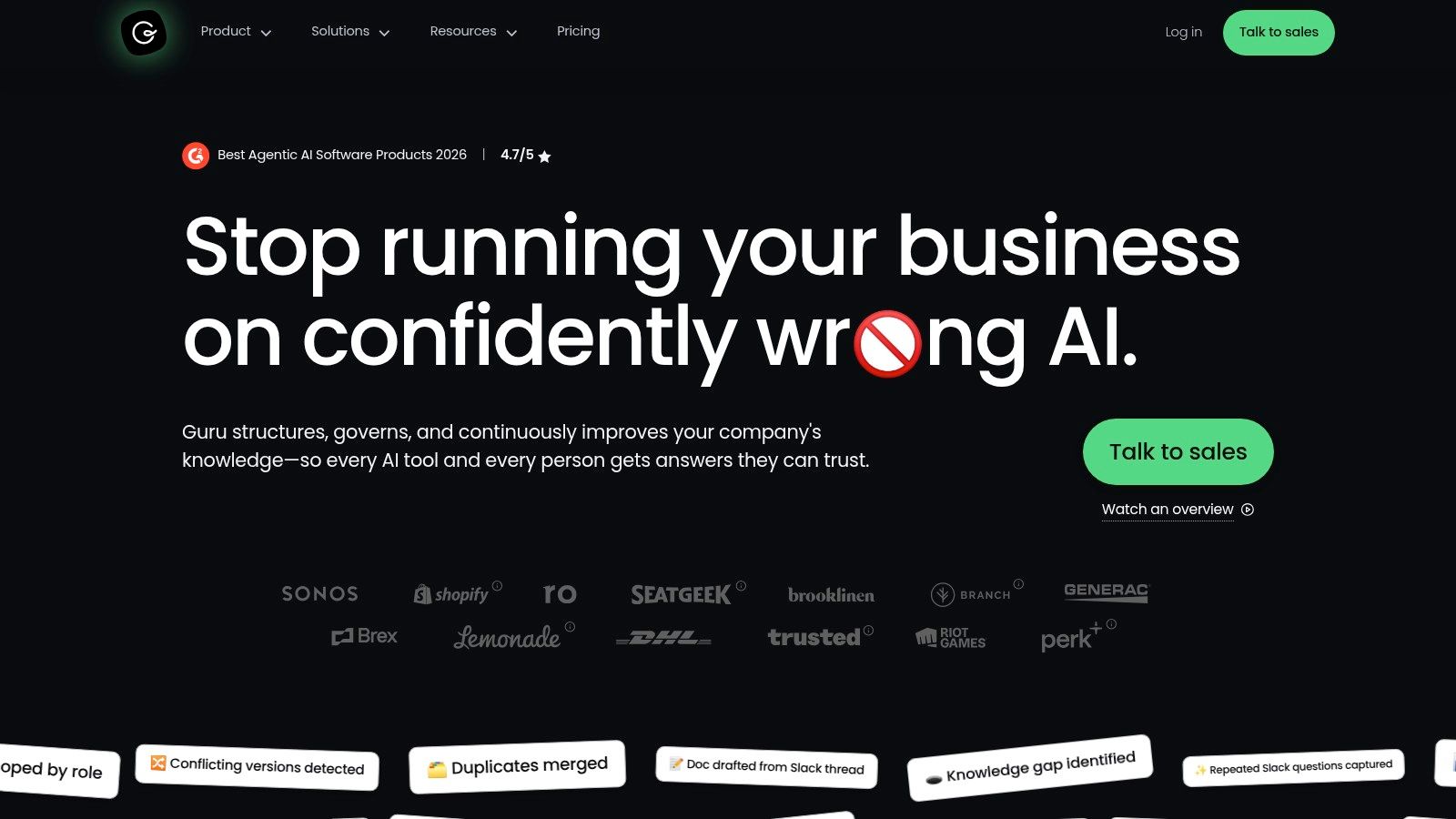
Guru is best when the biggest issue isn't creating knowledge. It's trust. Associations often have plenty of content already, but staff and volunteers don't know which version is current, which answer is approved, or where to find it inside their daily tools. Guru is designed to solve that exact problem.
Its model is simple and useful. Verified knowledge, surfaced in workflow, with permission-aware answers across connected systems. That makes it attractive for organizations where staff work in Slack, Teams, CRMs, email, and support systems all day and won't reliably visit a separate wiki unless they have to.
A case-study review of KM success factors found that outcomes depend less on the repository itself and more on adoption mechanics such as management involvement, ease of use, training, incentives, and pilot rollout. The same review notes that some successful deployments have produced payoffs on the order of 25x per year, as reported in the ERAU case-study review. Guru fits that lesson because it focuses hard on usability, verification, and in-flow access rather than assuming people will browse a knowledge portal voluntarily.
For associations with distributed teams, chapter support staff, volunteer leaders, or sponsor account managers, that matters. Knowledge has to show up where people are already communicating. If internal communication is part of your KM bottleneck, this article on how to improve team communication pairs well with Guru's approach.
One hard truth: unverified answers spread faster than accurate ones when teams rely on chat.
The trade-off is rollout effort. Guru works best when someone owns verification cycles and source mapping. It's powerful, but not casual.
Slab is the practical choice for teams that need an internal wiki people will use. It isn't trying to be an enterprise control tower. It's trying to make documentation simple, searchable, and lightweight enough that staff contribute without being chased.
That makes Slab a good fit for smaller associations, lean event companies, and mid-market community teams. If your staff is still storing process knowledge in scattered docs and asking the same questions in chat, Slab can be a low-friction step toward a real knowledge habit.
Slab works well for internal operating knowledge. Think chapter launch guides, speaker prep docs, sponsor fulfillment checklists, committee staff SOPs, and event day runbooks. Real-time collaboration, templates, verification, versioning, and unified search help keep the basics clean without forcing a heavy governance model too early.
KM systems often fail when knowledge stays fragmented across tools. A real-world implementation summarized by Imbrace's case study on centralized knowledge hubs with integrations found that the strongest architecture used a central hub connected to existing systems through integrations. Slab can play that central hub role for teams that want simplicity first.
The trade-off is ceiling. Slab is elegant, but it won't offer the same depth of enterprise governance or complex public documentation support as heavier systems. That's often fine for growing teams. The worst KMS for a small organization is usually the one nobody wants to open.
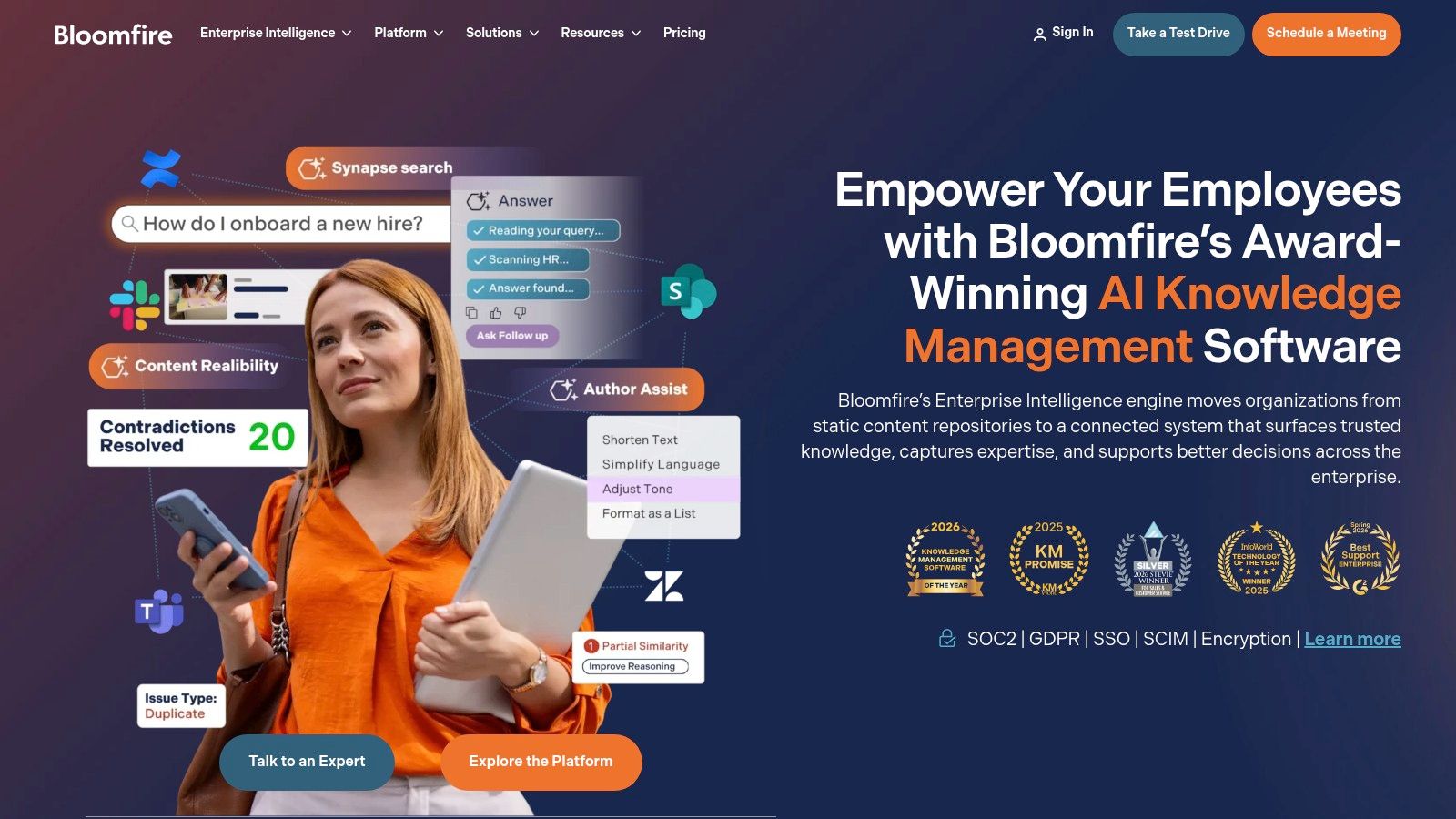
Your team is three conferences deep, five years into webinar programming, and sitting on a pile of reports, recordings, slide decks, sponsor docs, and staff know-how. Someone asks for the latest board briefing, a past session on member retention, or the approved chapter toolkit, and the answer depends on who remembers where it lives. Bloomfire fits that stage. It is built for organizations that need a central knowledge library with search, permissions, analytics, and enough structure to support adoption across multiple teams.
Its value is operational. Associations and event teams can use Bloomfire to preserve conference knowledge after the event ends, give new staff a faster path to competence, and stop institutional knowledge from walking out the door with volunteers, committee leaders, or longtime employees. Bloomfire also works well when the goal is bigger than a help center. It is better suited to broad internal knowledge programs and shared resource libraries.
For associations with an established content operation, the hard part usually is not creating knowledge. It is keeping that knowledge findable, current, and tied to a business outcome. Bloomfire is a better fit when leadership already sees KM as an ongoing program with owners, workflows, and reporting expectations.
Measurement matters here. Market Logic's guidance on measuring knowledge management success focuses on outcomes such as reduced search time, lower labor cost, faster time-to-competency, fewer errors, usage data, surveys, and stakeholder interviews. That matches how mature associations should evaluate a system like Bloomfire. Not by page count, but by whether staff, volunteers, and members can find and use the right knowledge faster.
The trade-off is commitment. Bloomfire asks for real governance, content ownership, and rollout discipline. Smaller teams may find that heavier than they need. Associations with a growing archive, multiple departments, and a serious mandate to retain and reuse knowledge will usually see that structure as a benefit, not overhead.
| Product | 🔄 Implementation complexity | ⚡ Resources & efficiency | 📊 Expected outcomes | 💡 Ideal use cases | ⭐ Key advantages |
|---|---|---|---|---|---|
| GroupOS | Medium–High, custom setup for white‑label apps and integrations | Moderate–High, dedicated admin/dev for branding; replaces multiple tools | Higher engagement and monetization; lower admin overhead (case study: +20% engagement, +15% upsell, −30% admin) | Mid–large associations, conference teams, membership businesses needing a branded hub | All‑in‑one stack: ticketing, membership, content, messaging, analytics |
| Atlassian Confluence | Medium, governance, space taxonomy and templates to configure | Medium, per‑user licensing and admin overhead | Strong governance, auditable history, faster committee onboarding | Internal ops, committees, enterprises using Jira | Mature ecosystem, granular permissions, deep Jira integration |
| Zendesk Guide | Medium, tied to Zendesk support setup and routing | High, agent‑based pricing; efficient for support workflows | Ticket deflection and faster resolutions; unified KB + ticket analytics | Support teams needing omnichannel self‑service and contextual help | Native linkage to tickets, omnichannel support, proven at scale |
| Document360 | Low–Medium, quick launch with structured KB workflows | Low–Medium, purpose‑built KB; localization may add work | Polished public docs, improved discoverability, fewer support queries | Public documentation, developer docs, global associations needing localization | Strong content architecture, multi‑language support, fast time‑to‑value |
| Guru | Medium, verification workflows and agent rollout required | Medium–High, tailored pricing; verifier roles and integrations | Reduced knowledge rot, higher trust and utilization of answers | Teams needing verified answers surfaced in Slack/CRM/workflows | Verification + AI agents, permission‑aware citations across tools |
| Slab | Low, simple onboarding and fast authoring experience | Low, generous free tier, minimal admin overhead | Increased contributor adoption, faster search and authoring | Startups and mid‑market internal wikis for staff and volunteers | Clean UX, great search, low learning curve |
| Bloomfire | High, program planning and change management services common | High, scope‑based pricing, multi‑year contracts; strong implementation | Unified search across formats, reduced silos, improved findability | Large, complex associations wanting enterprise knowledge programs | AI search, deep indexing, implementation and adoption support |
Choosing a knowledge management system isn't just a software decision. It's a decision about what kind of institutional memory your association wants to build. If your event team keeps reinventing workflows, your member services team answers the same questions every week, and your conference insights disappear after closing remarks, the issue isn't effort. The issue is that knowledge still has no durable home.
The right tool depends on the job you need it to do. Confluence and Slab are strong for internal operating knowledge. Zendesk Guide is a better fit when support deflection and help-center structure are the main goals. Document360 works well when your knowledge has to be published cleanly and governed tightly. Guru is excellent when trust, verification, and in-workflow answers matter most. Bloomfire makes sense when you're running a broader knowledge program across departments and content types.
For many associations and event communities, though, the smartest move isn't starting with a standalone repository. It's starting where knowledge is already being created. Session content, member discussion, event logistics, sponsor interactions, and post-event education often live inside the same member experience. When the platform already handles communication, content, and engagement, the path from conversation to reusable knowledge gets much shorter.
That's why I'd audit your current gaps before you buy anything. Look at where members ask repetitive questions, where staff lose time searching, where event knowledge disappears, and where valuable content could become a member benefit or revenue stream. Then choose the system that fits those realities, not the one with the longest feature list.
If your organization is also thinking about how content infrastructure supports growth beyond the knowledge base itself, this perspective on a headless CMS for growing businesses is worth reading.
A good knowledge management system example isn't just a library. It's a repeatable operating model for capturing what your community learns and making that knowledge useful again tomorrow.
If you want a KMS that lives inside your membership and event experience instead of sitting off to the side, GroupOS is worth a close look. It gives associations and event organizers one branded place to manage members, content, ticketing, messaging, and post-event knowledge so the value from each program doesn't disappear when the event ends.







