June 19, 2026
You're probably looking at a page on your site right now, a blog post, event landing page, member resource, or campaign page, and thinking it needs one more signal that people trust it. A Facebook Like button used to be the obvious answer. It gave visitors a fast way to react, and it gave organizations a visible layer of social proof without building anything themselves.
That logic made sense for a long time. It makes less sense now.
For a community manager, association lead, or event organizer, the question isn't just how to add a Facebook Like button to a website. It's whether adding one is still worth the trade-offs. In most cases in 2026, the answer is no. You can still understand the legacy setup, and in some environments you may need to maintain or replace an older integration, but the smarter move today is usually a privacy-safer, lower-friction alternative.
The Facebook Like button became popular because it solved two problems at once. It showed public approval, and it gave content a way to move beyond your website into Facebook's network. Facebook formally activated the Like button on February 9, 2009, and that move turned it from a simple reaction into a broader web signal that could push content into News Feed and turn page views into social endorsements, as documented in the history of the Facebook Like button.
That model fit the web many community teams were building then. Publishers wanted referral traffic. Associations wanted wider visibility. Event marketers wanted attendees to do distribution for them with one click.
Now the decision is more complicated. A Facebook Like button on your website isn't just a design element. It touches tracking, consent, page performance, and brand trust. For many organizations, especially those managing members rather than casual audiences, those issues matter more than the old social proof upside.
The Like button was built for an era when outsourcing engagement to a major social network felt like a win. Community teams now have to ask what they give up in return.
There's also a strategic shift underneath the technical one. Community engagement today is less about passive approval and more about owned relationships, repeat participation, and first-party interaction. If your team is already reviewing where Facebook fits compared with other channels, this breakdown of Comparing Instagram and Facebook for business is useful context because it frames platform choice as a business decision, not just a publishing habit.
For organizations already reducing platform dependency, it's also worth looking at broader alternatives to Facebook. In practice, that's the bigger question behind the old widget. Not “can we still place it on a page?” but “should this platform still sit between us and our audience at all?”
If you still need to work with a legacy Facebook Like button setup, the first practical choice is JavaScript SDK or iframe. Meta still lists both Like Button and Share Button options in its Social Plugins documentation, and that documentation notes that certain styles and functions require the Facebook JavaScript SDK to load once on the page.
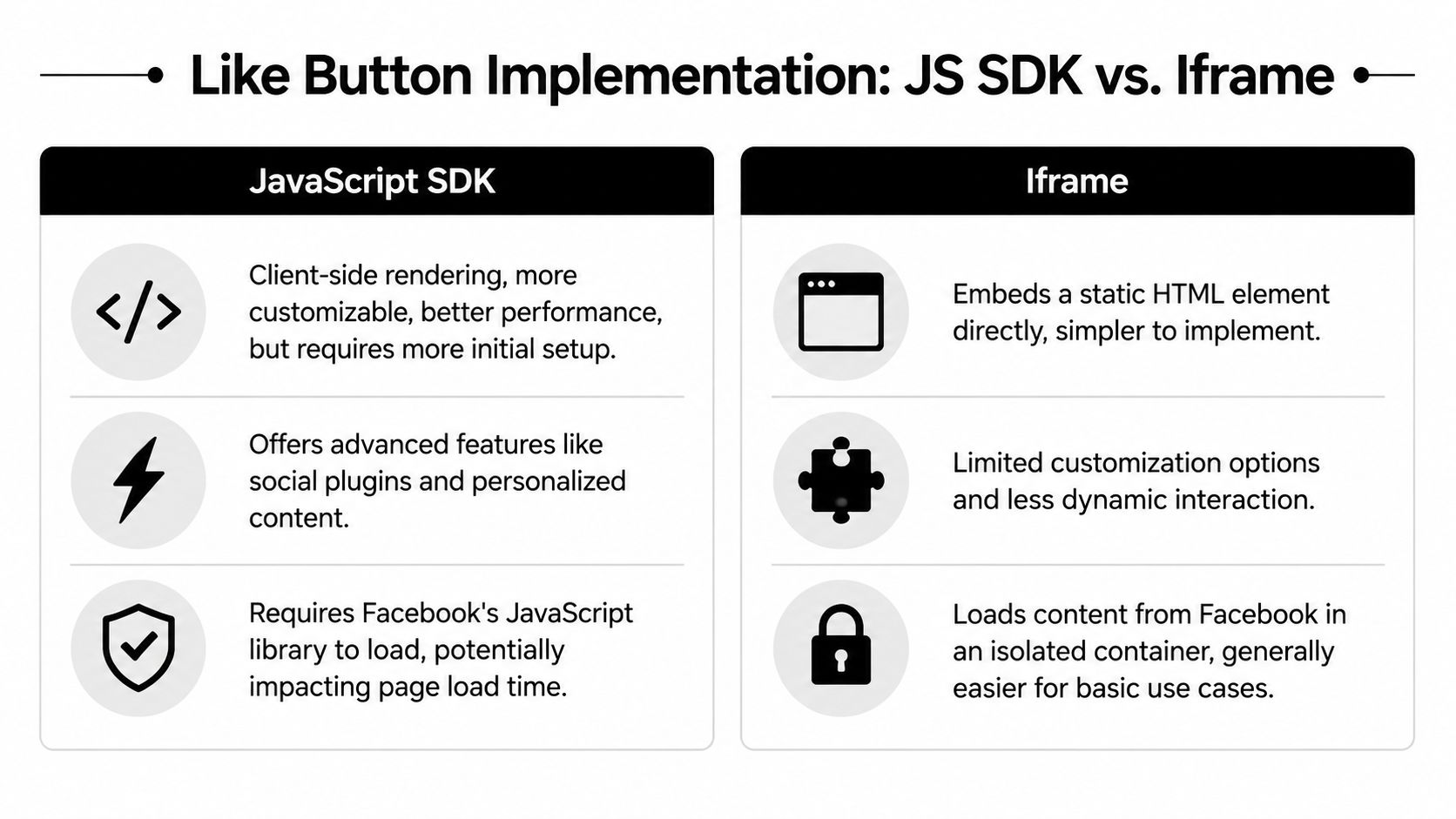
The SDK route gives you more control. If your team wants plugin features to behave consistently across templates, or you need a setup that aligns with other Meta components, this is usually the more flexible path.
It's the better fit when:
The catch is operational, not theoretical. The SDK adds another external script dependency. On a tightly controlled site, that's manageable. On a CMS with plugins, page builders, and multiple admins, it's one more thing that can go wrong.
The iframe method is usually simpler. It drops the widget into an isolated container and doesn't ask as much from the rest of your page architecture.
That makes it appealing when:
| Method | Best for | Main limitation |
|---|---|---|
| JavaScript SDK | Sites that need more flexibility and can manage script loading carefully | More setup complexity |
| Iframe | Simple placements on pages where basic display is enough | Less customization |
An iframe is often easier for a one-off page. If a conference microsite needs a quick social element and nobody wants to touch global theme files, the iframe is lower risk from an implementation standpoint.
Practical rule: If your team doesn't know who controls global scripts on the site, avoid the SDK until that's clear.
What works is choosing the method based on your site governance, not on a generic tutorial. A custom-coded association site and a nonprofit WordPress install do not have the same tolerance for external script management.
What doesn't work is treating the Like button as a harmless visual widget. The SDK method especially needs discipline. One SDK load is fine. Multiple loads, fragmented plugin inserts, and conflicting theme logic create support headaches quickly.
For many teams maintaining older integrations, the iframe is the less fragile option. For many teams building fresh pages in 2026, neither method is the one I'd recommend unless you have a very specific legacy requirement.
If you're working on a legacy page or auditing an older setup, the official code flow starts in Meta's Social Plugins configurator. In it, you define the URL to like, choose the display format, and generate the code snippets that go on your site.
This is the screen most users will interact with:
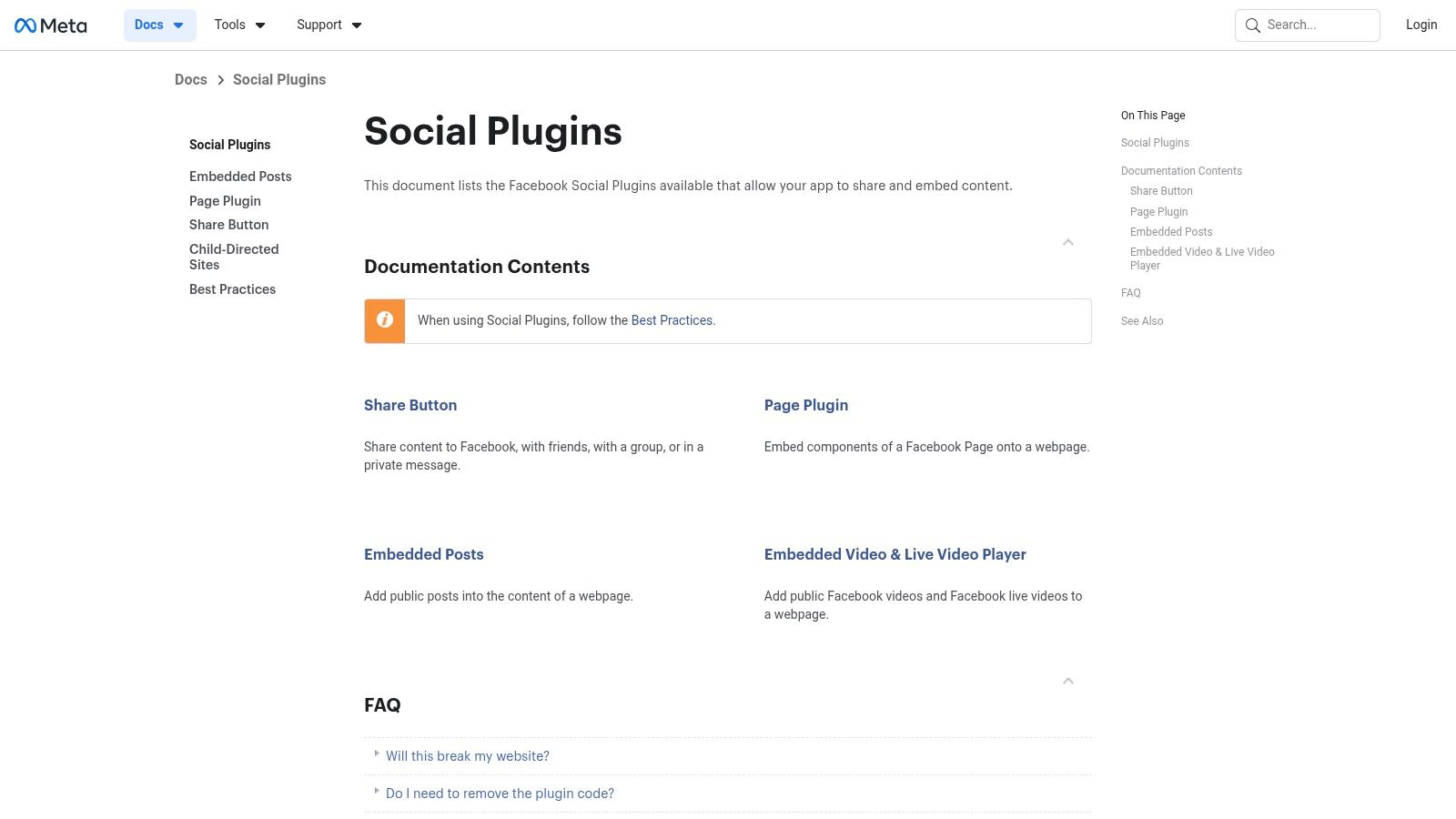
This is the step people rush, and it's the one that matters most. The configurator asks for the URL attached to the Like button. That should be the exact public page you want associated with the interaction.
For a community team, that might be:
Don't paste a temporary staging URL. Don't use a shortened link. Don't point every button to the home page out of convenience unless that's the intended destination you want endorsed.
The configurator typically asks you to decide on layout, size, and whether to include a Share button. Those settings sound cosmetic, but they affect where the widget can sit without disrupting the page.
A practical way to consider it:
Many users get tripped up because the configurator outputs code and they treat both snippets the same way. They're not the same.
| Code piece | What it does | Where it usually goes |
|---|---|---|
| SDK script snippet | Loads Facebook's JavaScript library and enables plugin behavior | Global site area, often header, body start, or theme-level injection |
| Plugin HTML snippet | Renders the Like button in the spot where you want it visible | Specific page, post, template block, or widget area |
If you're using the SDK version, the script belongs in a place that loads once. The HTML tag belongs where the button should appear. Mixing those responsibilities is how teams end up with duplicated scripts or buttons that don't render at all.
Treat the script as infrastructure and the HTML as placement. They solve different problems.
A Facebook Like button on a public blog archive is different from one on a member portal page. Before generating code, decide what the button is supposed to accomplish.
If the answer is “show some social proof,” there may be a better way to do that with a testimonial, attendee count language, visible community activity, or a simple link to your Facebook page. If the answer is “help visitors share this publicly,” then a Share button or a custom share link often fits the job more cleanly than a Like button ever did.
That's why I still advise teams to treat code generation as an audit step, not an automatic implementation step. Once you see what the plugin requires, the case for a lighter alternative usually gets stronger.
Getting the code is the easy part. Embedding it cleanly inside a real CMS is where most friction starts. The good news is that many no-code tutorials say the process can take about 5–10 minutes through a custom HTML block, but they also warn that bad profile URLs and duplicate SDK or script loads are common failure points that can break rendering or damage credibility, as noted in this guide on Facebook Like button alternatives.
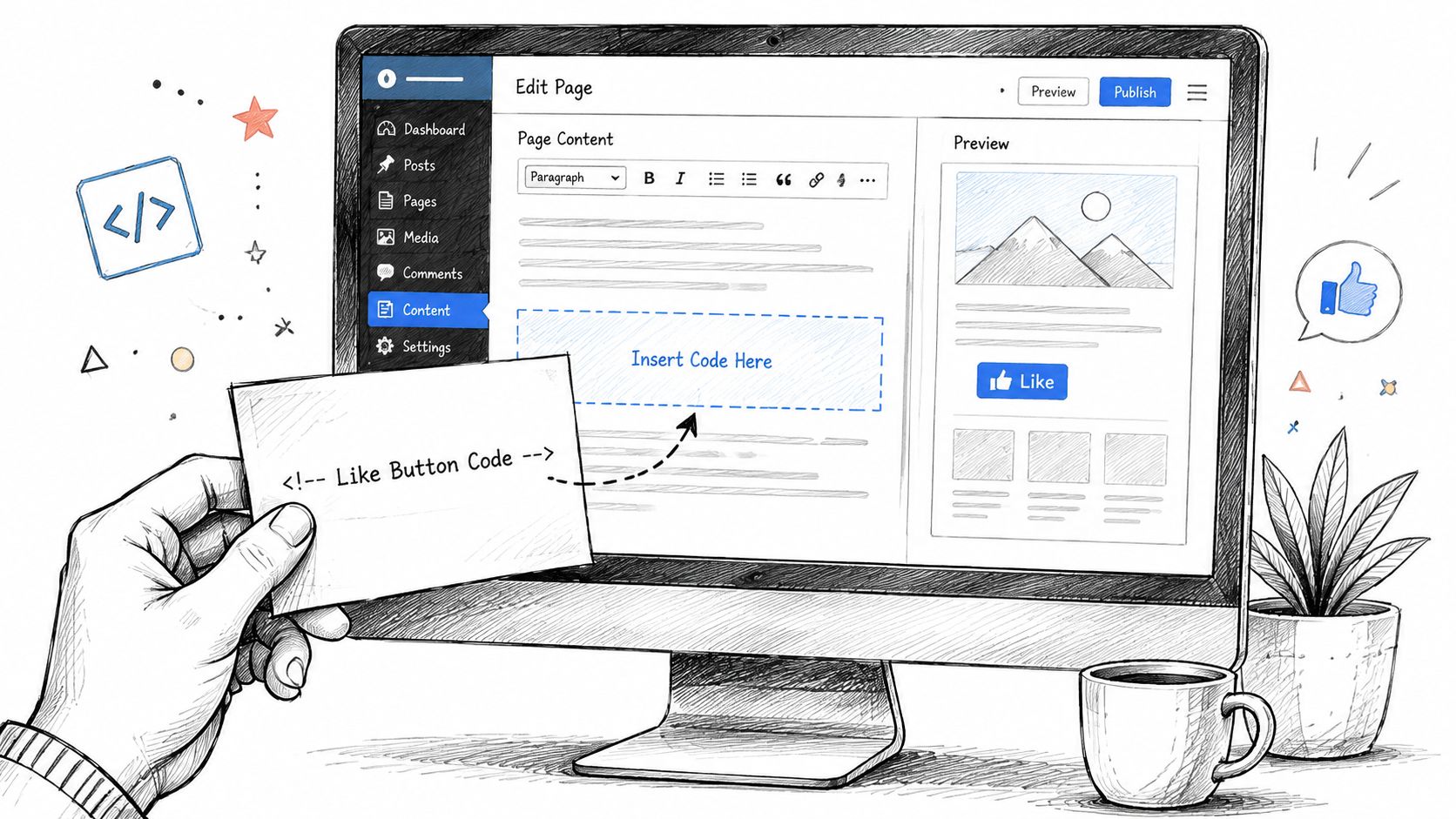
On WordPress, the cleanest route is usually a Custom HTML block for the visible plugin markup. If your setup requires the SDK, place that script through the theme, a site-wide code injection area, or a controlled header/footer script manager. Don't paste the SDK block into every post.
If you're using Elementor, Divi, or another visual builder, the logic is the same:
That distinction matters because builders often sanitize or preview third-party code differently from the published page.
A Like button in a post body behaves differently from one placed site-wide. Site-wide placement looks tempting because it feels efficient, but it often creates clutter and makes the button less contextually meaningful.
Use these rules instead:
For hands-on guidance around integrating social features into different site environments, this piece on Website Builder Australia is a solid companion read because it focuses on where these elements live inside modern websites.
When the button doesn't appear, the problem is usually ordinary. It's almost never mysterious.
Check these first:
A broken social widget doesn't just fail technically. It tells members your site is loosely maintained.
If you're comparing embedded widgets with other kinds of page elements, it can help to think of them the same way you'd think about media embeds. Placement, script loading, and page-level context all matter. That's why teams that have already worked through things like an audio player embed tend to handle social widgets more carefully. The mechanics are different, but the publishing discipline is similar.
The old Facebook Like button transitions from a simple design choice to a governance issue. Meta states that when a logged-in user visits a site with the Like button, the browser sends Facebook information about that visit, as explained in Facebook's own help documentation for social plugins. That means the widget can function as a data-sharing mechanism even when the visitor doesn't click it.
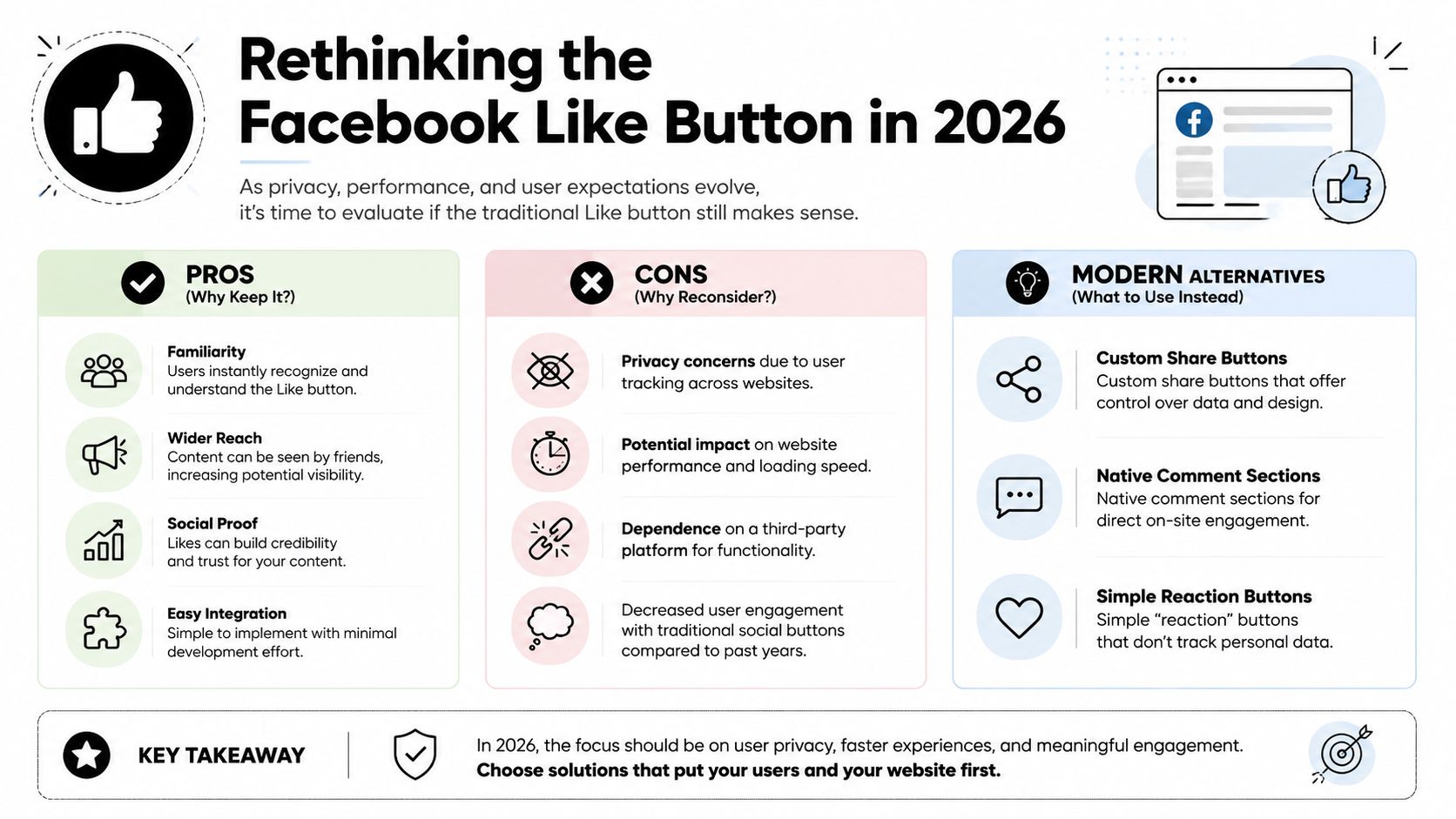
For community organizations, that changes the conversation. Member trust is harder to earn than follower count. If your audience includes professionals, paying members, sponsors, exhibitors, or regulated industries, passive third-party tracking can create legal and reputational questions your team didn't intend to take on.
The problem isn't only that data flows to Facebook. The problem is that many site owners still think of the Like button as harmless decoration. It isn't.
A responsible team has to consider:
If your strategy is shifting toward owned audience relationships, that's also where first-party data becomes more valuable than borrowed platform signals. This guide to first-party data collection is a better foundation for modern community operations than relying on legacy social plugins.
You do not need a Facebook Like button to keep Facebook present on your site. You just need to decide what job you want done.
Here are the practical replacements I recommend most often:
| Goal | Better option | Why it's stronger |
|---|---|---|
| Show that you have a Facebook presence | Simple Facebook icon or profile link | No passive plugin behavior on the page |
| Help visitors share content | Share button or share link with clear user intent | Sharing happens because the user chooses it |
| Build visible engagement on your own site | Native comments, reactions, member discussions, RSVP activity | You control the environment and the data |
If your site still uses the old plugin across multiple templates, remove it from the least strategic pages first. Archive pages, old blog posts, and static informational pages are usually the easiest wins.
Then replace broad plugin use with narrower tools:
If visitors have to give a third party visibility into their browsing just so your page can display a Like button, the cost is too high for what the feature returns.
For most associations and event teams, the modern answer isn't “keep the widget and patch the policy.” It's “remove the widget and use a cleaner engagement model.”
The Facebook Like button mattered because it changed how websites thought about distribution. Independent BuiltWith data shows the widget appeared on 242,035 sites in North America and 173,828 in Europe, with additional deployment across other regions, according to BuiltWith tracking of the Facebook Like Button. That scale explains why so many teams still think of it as standard website furniture.
It isn't standard anymore. What's more, it isn't a strong definition of engagement.
A community manager doesn't need more passive clicks. They need signals that help them run the community better.
That usually means things like:
Those are better indicators because your team can act on them. A Like on a third-party network may flatter a dashboard. It doesn't necessarily help you build a stronger member experience.
There's nothing wrong with wanting visible trust signals. The mistake is using a legacy plugin as the primary way to get them. Your site can communicate activity through testimonials, upcoming attendee highlights, member spotlights, active discussions, or post-event content hubs.
That kind of engagement stays inside your ecosystem. It also aligns better with a more intentional social media engagement strategy, where social platforms support your community rather than define it.
A Facebook Like button to website workflow used to feel modern because it connected your pages to a giant network. In 2026, the stronger move is usually the opposite. Reduce unnecessary third-party dependency. Ask visitors to take actions that matter. Build the places where those actions can compound over time.
If your organization is ready to move past legacy widgets and build engagement you own, GroupOS gives you one place to manage memberships, events, content, communication, and community interaction in a branded environment. It's a better fit for teams that want deeper participation than a simple Like button can deliver.







