March 14, 2026
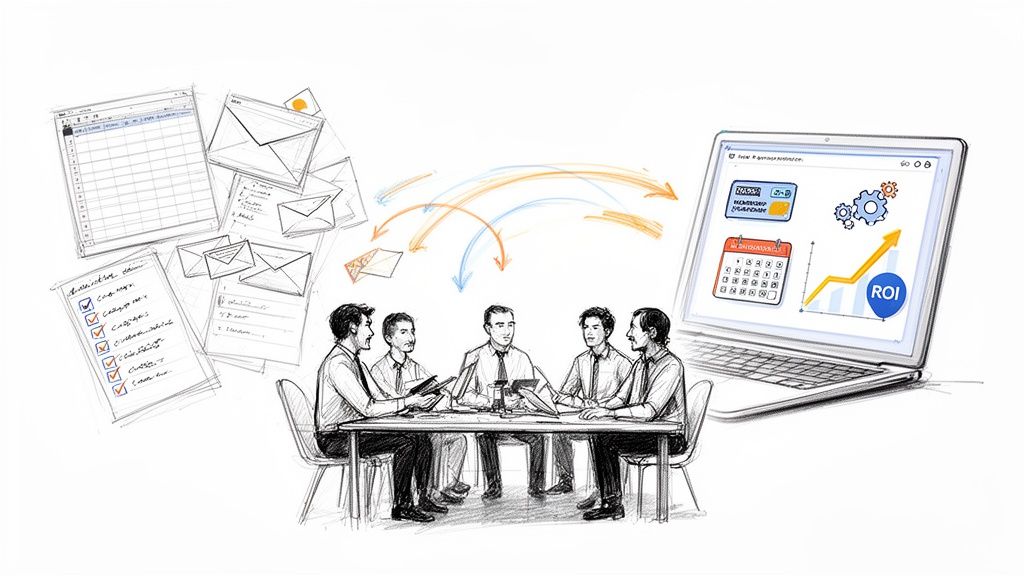
If you're still running events with a patchwork of spreadsheets, email chains, and a separate payment processor, you already know the pain. It’s that familiar chaos of trying to keep everything straight. For most small businesses, this is the breaking point—when you realize your makeshift system is costing you more than just a few late nights.
Finding the right event management software for small business isn't about adding another tool. It's about swapping out the entire messy toolkit for one that finally gets the job done, moving you from logistical nightmares to a smooth, professional operation.
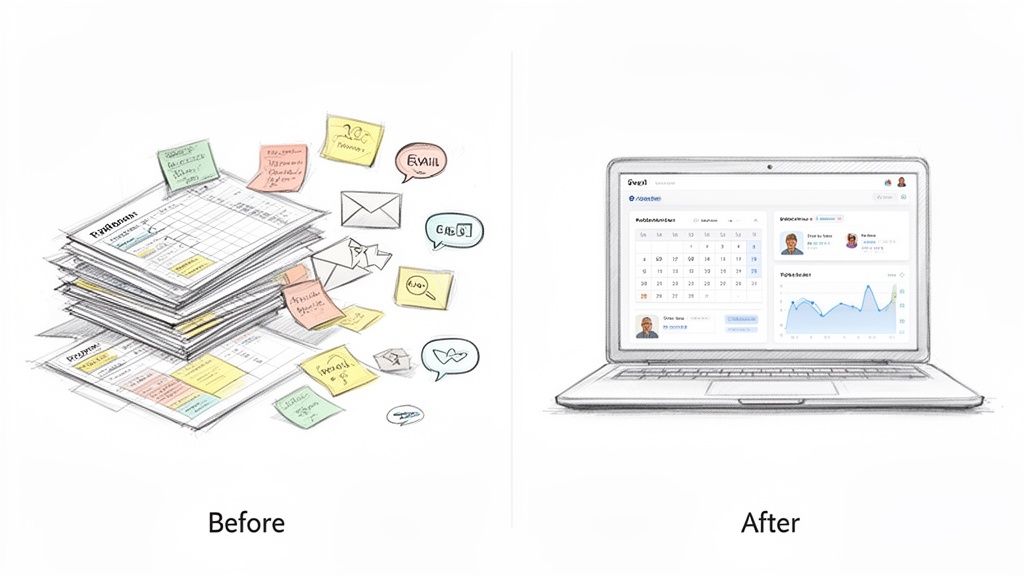
Ah, the "spreadsheet shuffle." We've all been there. One spreadsheet tracks who signed up, another one holds the budget, and your inbox is a disaster zone of attendee questions. This approach doesn’t just feel disorganized—it's actively holding you back.
Think about what this looks like from the outside. A potential attendee gets lost trying to find event details in an old email and just gives up. Your team wastes hours manually matching up payments instead of focusing on creating a memorable experience. These little moments of friction add up, and they cost you real money, attendees, and your sanity.
It’s not just about the time you lose. The real cost is in the missed opportunities. When your data is all over the place, you have no real insight into what's working and what isn't.
Here’s what you’re up against with a manual system:
Making the switch to an all-in-one platform isn't a luxury; it's a strategic necessity. The market reflects this, with its value jumping from USD 15.5 billion in 2024 to an expected USD 17 billion by 2025. Because 62.9% of the market is now cloud-based, even the smallest businesses can access powerful tools without a huge investment.
By bringing everything under one roof, you stop letting events drain your resources and start turning them into a predictable growth engine. You finally get control over your brand, your attendee experience, and most importantly, your data.
A dedicated platform instantly makes you look more professional. Your event website, ticketing, and emails all share the same branding, which builds trust from the very first click. For many, leveling up their event game means leaning into smart automations. Our guide on event management automation is a great place to start exploring how to claw back even more of your time.
If you’re running virtual or hybrid events, exploring a good webinar automation software can be a game-changer. These tools integrate directly into your process to create that polished, seamless experience attendees now expect. This is how you turn event planning from a chore into one of your most powerful tools for building a community and growing your business.
Before you even think about booking a single software demo, you need to get crystal clear on what you’re actually looking for. It’s easy to get lost in a sea of options. Without a solid checklist, every platform starts to blend together, and you risk being sold on bells and whistles you’ll never touch.
The best place to start is by taking a hard look at your current event process. Where do things get stuck?
Maybe you're manually creating different ticket tiers for your annual conference, or your sponsor communications are buried in chaotic email chains. These pain points are gold. They show you exactly where the right event management software for small business can make an immediate difference.
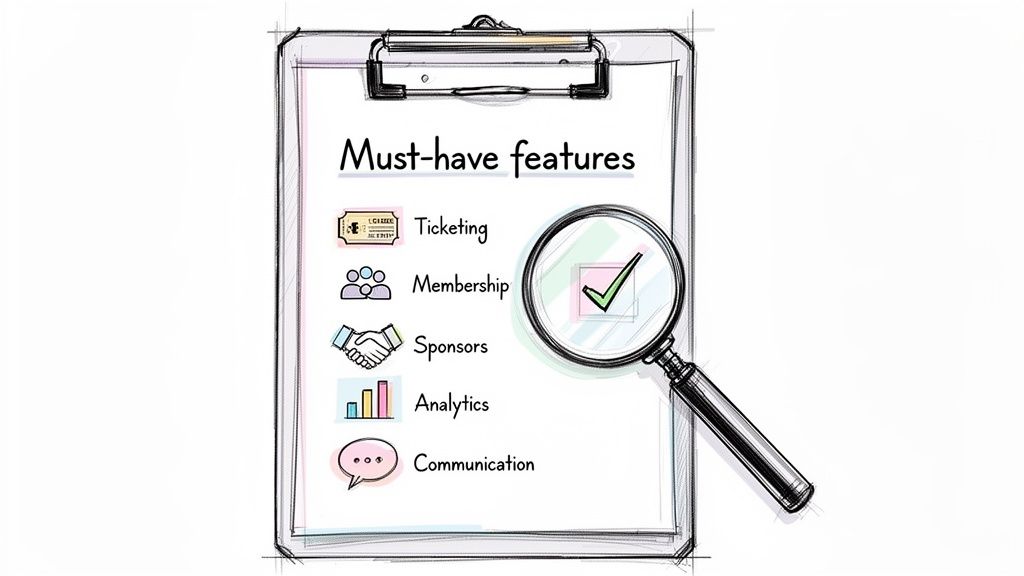
What this really boils down to is separating your "must-have" features from the "nice-to-haves." Trust me, making this distinction is the single most important part of finding a platform that truly works for you.
First things first, think about your bread-and-butter event. Are you constantly running professional workshops, community fundraisers, or member-only networking nights? The answer completely changes your software priorities.
A business hosting paid training workshops, for instance, needs rock-solid ticketing with custom registration forms. You have to be able to capture attendee details like job titles, company names, and dietary restrictions without a hitch. A professional association, on the other hand, will likely prioritize seamless membership integration to automatically offer special pricing and gate access for members.
Grab a notepad or open a simple document. List every single task you do for an event, from the first marketing blast to the final post-event thank you. Next to each one, jot down how you're handling it now and what a perfect solution would do. This simple exercise is incredibly revealing and will quickly expose your true needs.
I see this mistake all the time: teams chase features they think they should have instead of focusing on what they know they need. Be brutally honest about your daily grind. If 93.5% of planners say attendee satisfaction is their top ROI metric, then your software absolutely must have tools to measure it, like easy-to-deploy post-event surveys.
With your process mapped out, it's time to sort those feature ideas into two simple buckets. This list will become your scorecard when you start talking to vendors.
Here’s a practical way to frame it:
For example, a "must-have" might be the ability to integrate with your existing member directory. A "nice-to-have" could be a built-in mobile app.
Getting this clarity ensures you’re evaluating platforms based on what will actually help your small business grow—not just on what a salesperson's demo highlights. For a deeper look at the possibilities, you can learn more about event management software features in our detailed guide.
Alright, you’ve mapped out your needs. Now comes the fun part: seeing how different platforms actually measure up. It's time to put on your detective hat and dig into a detailed event management software comparison. The goal here is to cut through the slick marketing promises and focus squarely on the features that will solve your specific problems.
Don't let yourself get distracted by a long list of flashy, nice-to-have gadgets. Stick to your original list of bottlenecks and match features directly to those pain points. That's how you find a tool that truly works for you, not the other way around.
For most small businesses I work with, ticketing isn't just a feature; it's the financial engine of their events. A generic, one-size-fits-all system simply won't cut it. You need a ticketing setup that’s flexible enough to handle your pricing strategies without forcing you into clunky, time-sucking workarounds.
Think about these common situations:
Remember, if your registration process is a headache, you'll lose people before they even pull out their credit card. A smooth, branded checkout experience is essential for converting interest into actual attendees.
Now that we have a clearer picture of what to look for, here's a practical checklist you can use when you're sitting in those vendor demos. It’s designed to help you ask the right questions and prioritize what really matters for your small business.
Use this table as your guide during demos. It keeps the conversation focused on your needs and helps you make a direct, apples-to-apples comparison between your top contenders.
Your event software can't be an island. It has to play nicely with the other tools you rely on to run your business every day. Look for native integrations—pre-built connections that create a seamless, automated workflow and eliminate manual data entry.
Here are the connections that matter most:
But it’s not just about backend integrations. Some of the best platforms I've seen also include a built-in community hub. This transforms a one-time event into a year-round conversation, giving attendees a space to network, share ideas, and stay connected long after they've gone home.
Proving that an event was a success is a huge deal for small and medium-sized businesses. While giant corporations hold around 55.3% of the market share, modern software gives smaller players the same powerful reporting tools to track performance and justify every dollar spent. If you want to dive deeper into market trends, you can discover more insights about the event management software market on einpresswire.com.
The right event management software for small business doesn't just give you data; it gives you clear, actionable answers. You should be able to see at a glance which marketing channel brought in the most sales or which speaker session had people buzzing. This is how you calculate real ROI with confidence.
A free trial is your best opportunity to see how a platform actually performs when it matters. This isn't just about clicking around menus; it's a dress rehearsal for your next big event. My advice? Treat it seriously. This trial period is where you find out if a vendor is just selling you a product or becoming a real partner.
The goal here is to simulate an event from beginning to end. Don't just follow the guided tour. Get your hands dirty and create a realistic test event—something like a "Fictional Members-Only Workshop." This is how you move past the polished sales pitch and see what it’s really like to work with the tool day in and day out.
To get the most from any trial, you have to push the software a bit. A vague, five-minute test won't uncover the friction points you'll hit when you're actually under pressure.
Here’s a practical action plan I've seen work time and again:
A critical mistake I always see is small businesses failing to bring their team into the trial. You absolutely need feedback from the people who will be in the trenches using this software daily. If your event coordinator finds the dashboard a nightmare to navigate, that’s a huge red flag.
While you're running these tests, look beyond just the features. The entire experience says a lot about the company you're about to get into business with. Be on the lookout for these deal-breakers:
This simple flowchart lays out the core workflows you should be testing: ticketing, member management, and reporting.
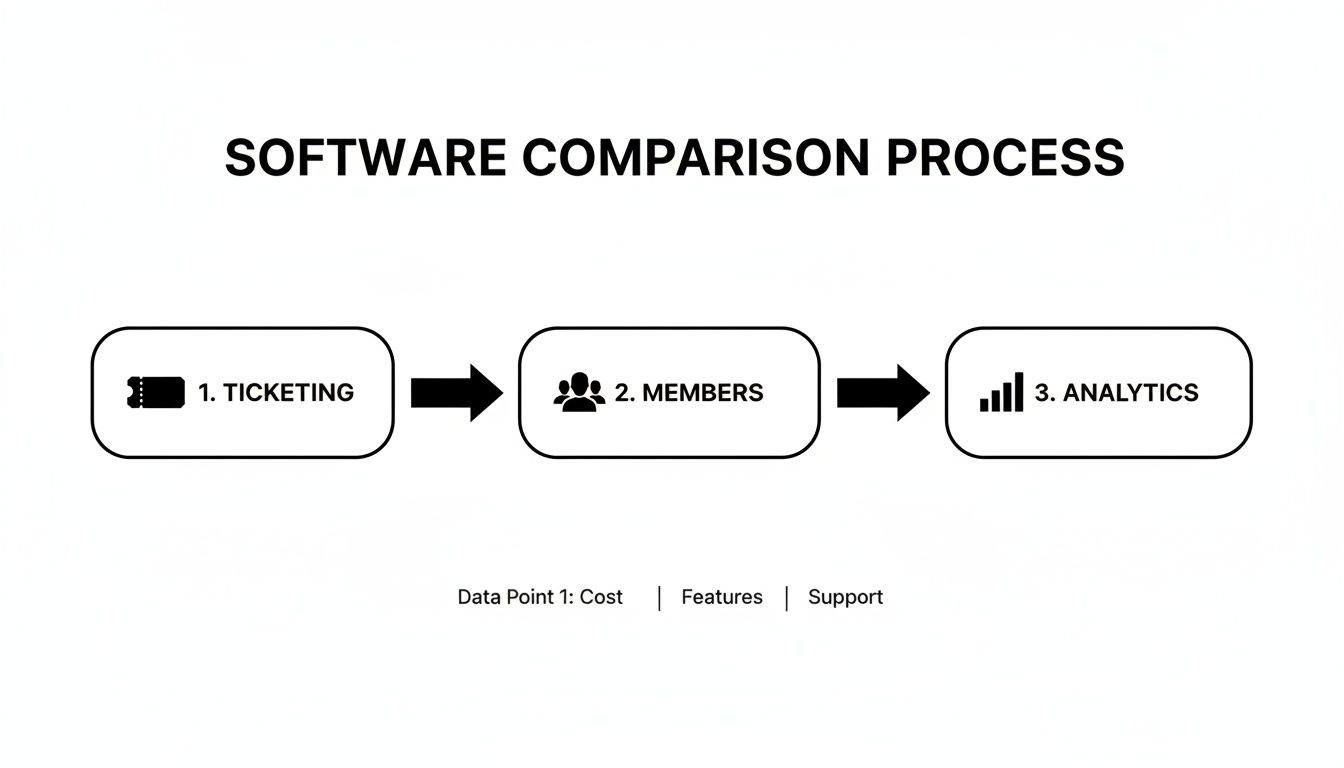
Following this process ensures you test how the software handles your main revenue stream (ticketing), serves your community (members), and proves its value (analytics). By methodically running through these steps with each contender, you can make a choice based on hard evidence, not just a gut feeling. For more ideas on what to look for, check out our complete guide on the best software for event planning.
You’ve done the hard work and picked your new platform. That’s a huge win, but the journey isn't over. The real test of any new event management software for small business is whether your team actually uses it. If they don't, it's just an expensive subscription gathering digital dust.
Getting your team to embrace the change is all about a thoughtful rollout. This isn’t just another piece of software; it's a new way of working. Your goal is to get everyone genuinely excited by showing them exactly how this tool will make their jobs easier, not add another layer of complexity.
Forget about dropping a 100-page user manual in their inbox. Effective onboarding is all about practical, role-specific guidance that gets right to the point.
The best place to start is with a kick-off session. But don't treat it like a boring training lecture. Frame it as an internal launch party. Walk everyone through the platform, but do it in the context of their daily frustrations. Show them the exact features that will solve their biggest headaches.
From my experience, this is what truly works:
The secret to successful onboarding is communicating the "why." Don’t just show people how to click the buttons. Explain why this new process matters. When your team sees that the software will eliminate manual data entry and give them the numbers to prove their own success, you’ll get real buy-in.
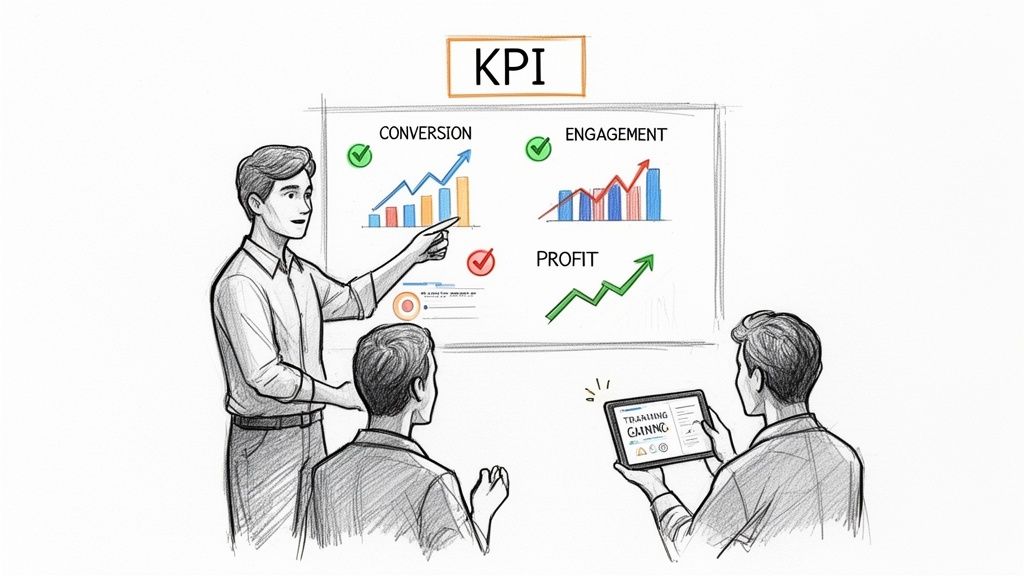
With your team up and running, it’s time to shift your focus to results. Your new software is pouring out data, but it’s easy to get overwhelmed. The key is to know which numbers actually tell the story of your success. Tracking the right Key Performance Indicators (KPIs) is how you'll justify the investment.
This is where small businesses can really start punching above their weight. With the event tech market projected to explode from USD 17 billion in 2025 to USD 82.3 billion by 2035, having a handle on your data is no longer a luxury. You can read more about the incredible growth in event technology on fortunebusinessinsights.com.
Don’t get distracted by vanity metrics like page views. Focus on the numbers that directly impact your bottom line. For a complete playbook, check out our guide on measuring event ROI. To begin, make sure you're tracking these essentials:
Use the analytics dashboard to create clean, simple reports. Share these wins with your stakeholders, sponsors, and board. This is how you prove your event strategy is not just working, but thriving.
As you start digging into event platforms, a few key questions always come up. It's completely normal to wonder about the real costs, how a new tool will fit with your existing setup, and just how much effort it'll take to get going. Let's tackle those head-on so you can avoid common traps and make a decision you feel great about.
This is usually the first question, and for good reason. The honest answer is: it really depends on your event frequency and style. Most platforms operate on a few common models.
Don't get dazzled by a low initial price. Always dig deeper and ask for a complete breakdown of every single potential fee. What happens if you need an extra feature? What are the charges if you go over your attendee limit? A vendor who can’t give you a straight answer on total cost is a major red flag.
The goal isn't just to find the cheapest option, but the one with the most predictable and transparent pricing. You need a partner whose pricing structure makes sense for your business as it grows.
Great question. The last thing you want is another piece of software that doesn't talk to anything else, creating more manual work. A solid event platform should feel like a central hub, not an isolated island.
Think about the tools you live in every day. The right software should integrate seamlessly.
Before you even start a trial, make a short list of your "must-have" integrations. During your demo, ask them to show you exactly how those connections work. Strong integrations are often the clearest sign of a mature, well-built platform.
If you're organized, you can get your first event live much faster than you think—often in just a few hours. The key is having your information ready to go: event details, your logo and brand colors, and maybe a small list of contacts to import. For a small team without a dedicated IT person, an intuitive, user-friendly platform is non-negotiable.
Now, migrating your entire history of past events and member data is a different story. That's a bigger project. This is where a vendor’s support really shines. The best companies offer dedicated onboarding help or data migration services to make sure you don't lose a step. A true partner will hold your hand through the transition to get you up and running smoothly.
Ready to stop juggling spreadsheets and start running flawless events? GroupOS offers an all-in-one platform with transparent pricing, powerful integrations, and dedicated onboarding to help your small business thrive. Get your free trial and custom setup today at https://groupos.com.







