December 24, 2025
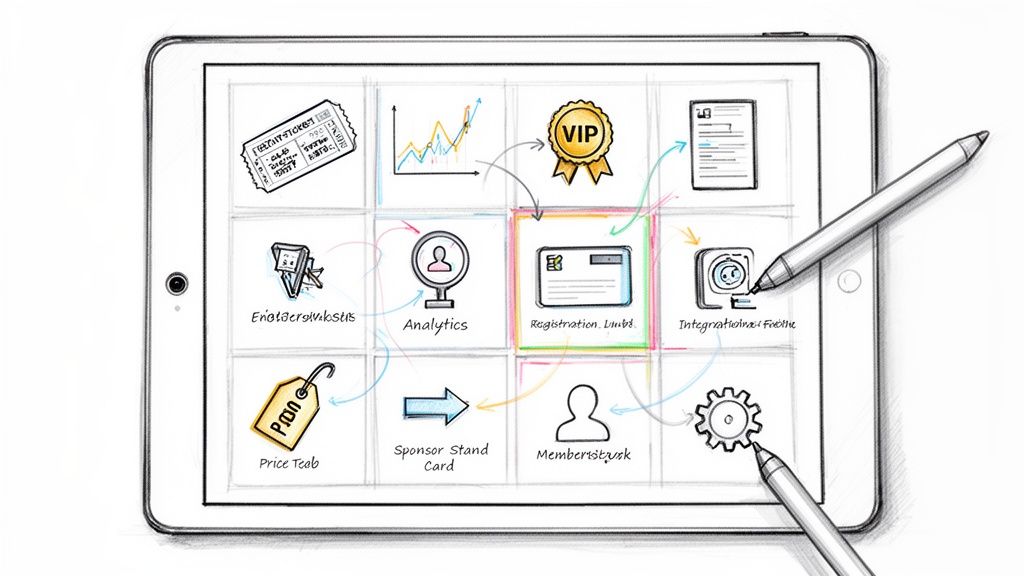
Choosing the right event ticketing software goes far beyond simply processing payments. It’s the central nervous system for your entire event, dictating the attendee journey from their first click to their post-event survey. The wrong platform creates administrative friction, frustrates attendees with clunky registration, and leaves valuable revenue and data on the table. A great one, however, functions as a powerful extension of your team.
The best event ticketing software streamlines complex tasks, from managing tiered member pricing and custom registration fields to integrating with your CRM and facilitating sponsor engagement. It automates manual work, captures critical analytics, and ultimately enhances the attendee experience. For large-scale events, this operational backbone is non-negotiable. Leading event ticketing software is indispensable for managing massive music festivals, such as the internationally renowned Coachella festival, ensuring smooth operations for thousands of attendees.
This guide cuts through the marketing noise to deliver a practical analysis of the top platforms available today. We've focused on the specific needs of professional associations, conference organizers, and community-led businesses. You will find a detailed breakdown of each solution, complete with screenshots, direct links, and an honest assessment of its best-fit use cases, strengths, and limitations. Our goal is to equip you with the insights needed to select a platform that not only sells tickets efficiently but also helps build lasting value for your members, sponsors, and attendees.
Best All-in-One Community and Event Platform
GroupOS earns the top spot because it fundamentally rethinks what event ticketing software should be. Instead of just selling tickets, it provides a comprehensive, white-labeled ecosystem designed to manage and engage a professional community before, during, and long after an event concludes. This makes it an exceptionally strong choice for membership organizations, professional associations, and conference organizers who need to deliver continuous value, not just a one-time experience.
The platform centralizes memberships, dynamic ticketing, content delivery, and community communications into a single, branded iOS, Android, and web application. This integrated approach solves a major pain point for organizers: the need to stitch together multiple disparate tools for ticketing, CRM, a mobile app, and messaging.
GroupOS’s ticketing system is robust, supporting everything from public and private ticket tiers to complex custom checkout forms and VIP upgrades. But its true power lies in how ticketing integrates with the broader platform.
GroupOS does not list public pricing, opting for a custom quote model tailored to an organization's scale and feature requirements. A free trial is available with a custom setup included, which helps mitigate the complexities of a full white-label deployment.
Website: groupos.com
Eventbrite stands out as one of the most recognizable names in the event industry, largely due to its powerful, built-in consumer marketplace. This platform is less a behind-the-scenes tool and more a public-facing discovery engine, making it a strong contender for organizers aiming to reach a broad, new audience beyond their existing community. Its self-serve model is engineered for ease of use, allowing anyone from a local community group to a large festival organizer to publish an event page quickly.

The primary advantage of using Eventbrite is tapping into its vast network of ticket buyers. Users actively search the site for things to do, providing a built-in marketing channel that many other platforms lack. For public conferences, workshops, or concerts, this marketplace discovery can significantly boost ticket sales. For a deeper dive into how it compares to other platforms, you can learn more about Eventbrite in our comprehensive guide to ticketing platforms for events.
Eventbrite's pricing model is straightforward: it’s free to use for free events. For paid events, it charges a per-ticket fee that varies by package. This can become costly for high-priced tickets compared to flat-fee alternatives.
This platform is an ideal choice for event organizers whose primary goal is maximum public visibility and new attendee acquisition. However, professional associations or member-centric organizations may find the branding and data control limitations challenging. The platform offers minimal white-labeling, meaning your event page and tickets will always carry prominent Eventbrite branding. This can dilute a corporate or association brand experience. It is a powerful tool for reach, but less so for creating an exclusive, branded member journey.
Website: https://www.eventbrite.com/organizer/pricing/
Ticket Tailor positions itself as a low-cost, ethical, and straightforward ticketing solution, appealing to organizers who prioritize affordability and control over their brand. Unlike platforms that charge a percentage of ticket revenue, Ticket Tailor operates on a simple, flat-fee model, making it a highly predictable and often cheaper alternative. This approach allows organizers to connect their own payment processors like Stripe or PayPal, giving them direct access to funds and full control over transaction fees.
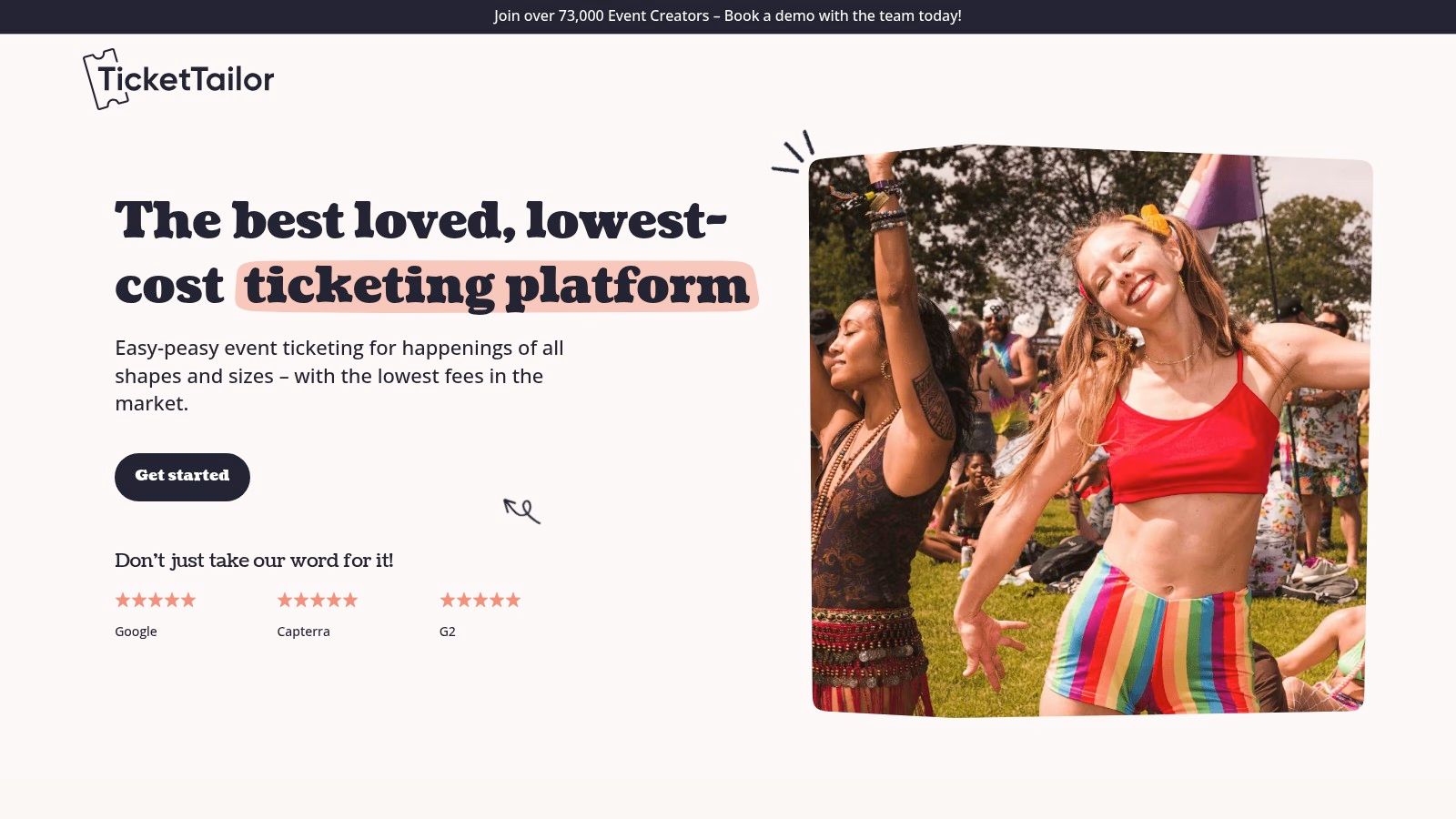
The platform is designed for simplicity and independence, providing a white-label box office that can be embedded directly into an organizer's website. This focus on seamless integration makes it a strong choice for venues, festivals, and community groups that want to maintain their own branding throughout the ticket-buying process. It’s a powerful piece of event ticketing software for those who have an established audience and don't need the marketplace discovery features of larger platforms.
Ticket Tailor’s pricing is one of its main draws. Organizers pay a small, flat fee per ticket sold, with options to pay-as-you-go or pre-purchase credits at a discount. There are no commissions or setup fees, and free events are always free. The platform also offers discounts for registered charities and B-corps.
This platform is ideal for budget-conscious organizers and nonprofits who want full branding control and predictable costs. It’s an excellent fit for events with an existing audience, such as local theaters, school functions, or charity fundraisers. However, its primary limitation is the lack of a built-in promotional marketplace. Organizers are entirely responsible for marketing and driving traffic to their ticket page, making it less suitable for those who rely on a platform's discovery network to attract new attendees.
Website: https://www.tickettailor.com/ticketing-platform?utm_source=openai
Universe, owned by Ticketmaster, bridges the gap between self-serve ticketing and major league distribution. It offers an accessible platform for independent creators and professional promoters alike, providing the tools for straightforward event management with the optional firepower of Ticketmaster's massive network. This unique position makes it an interesting piece of event ticketing software for organizers looking to scale their reach without committing to a complex system upfront.
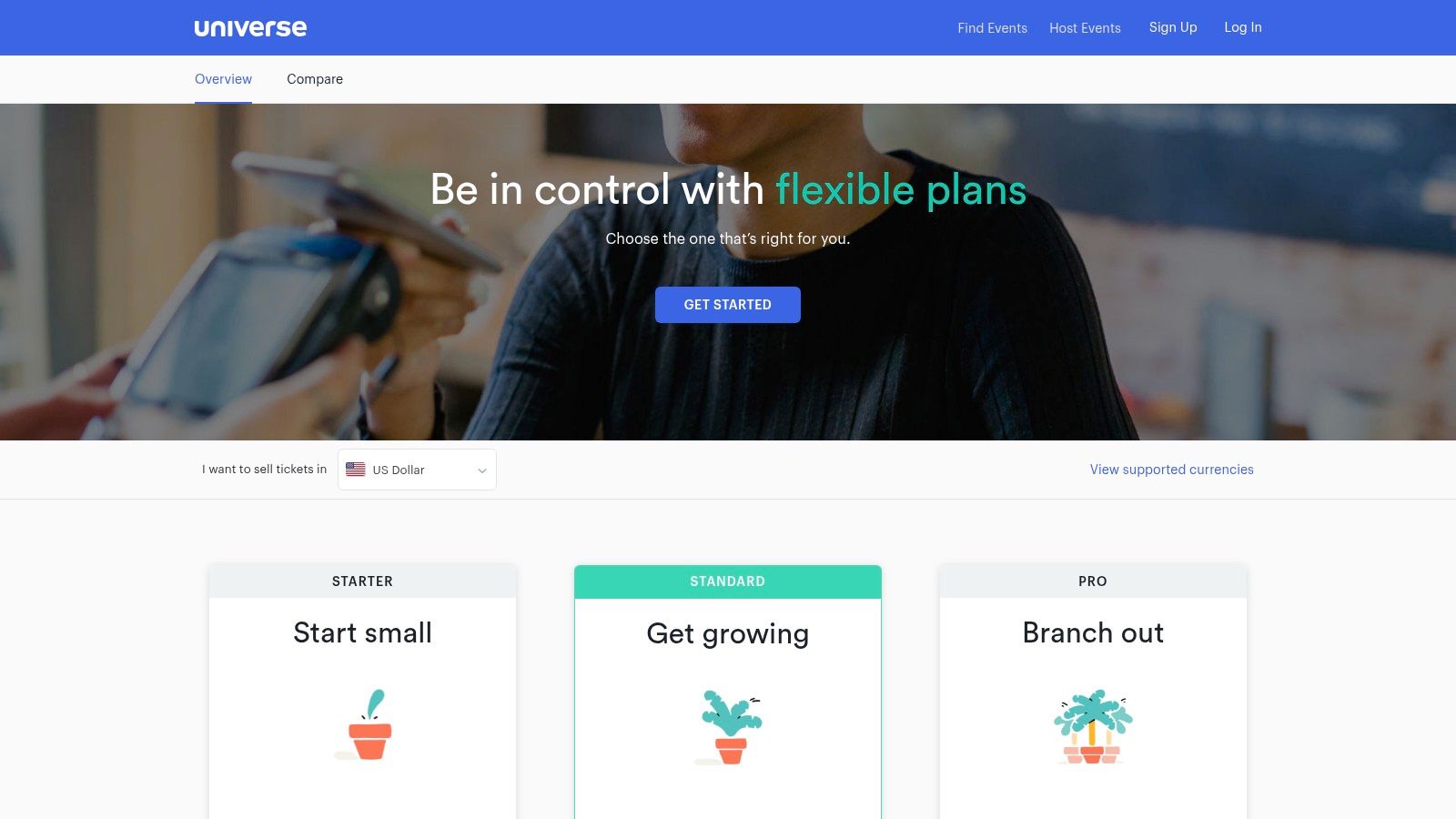
The platform’s core strength is its flexibility. Organizers can start with a simple, self-managed event sold through their own website or social channels and later tap into Ticketmaster distribution for larger events under managed plans. This scalability allows an event to grow with the platform. Universe also provides robust features like tiered ticketing, add-ons, and payment plans, giving organizers significant control over their sales strategy.
Universe offers a tiered pricing model that starts free for free events, with percentage-based fees for paid events. The key differentiator is the Pro plan, which opens the door to Ticketmaster distribution, though this often involves custom pricing and a more hands-on relationship with their team.
Universe is best suited for event organizers who want a simple, modern platform with the potential for significant audience expansion. A music promoter or festival organizer could start small and then leverage the Ticketmaster integration as their event grows. However, the costs can be less predictable than flat-fee platforms, as processing fees vary. For associations focused purely on member events without a need for public marketplace discovery, the added complexity and potential cost of the Ticketmaster-linked features may be unnecessary.
Website: https://www.universe.com/pricing
Cvent is an enterprise-grade event management titan, offering a comprehensive suite of tools that go far beyond basic ticketing. It's designed for large-scale, complex events like major corporate conferences, trade shows, and university functions. The platform combines registration, a powerful mobile app, and robust analytics into a single, integrated system, making it a go-to for organizations that require deep functionality and enterprise-level security.
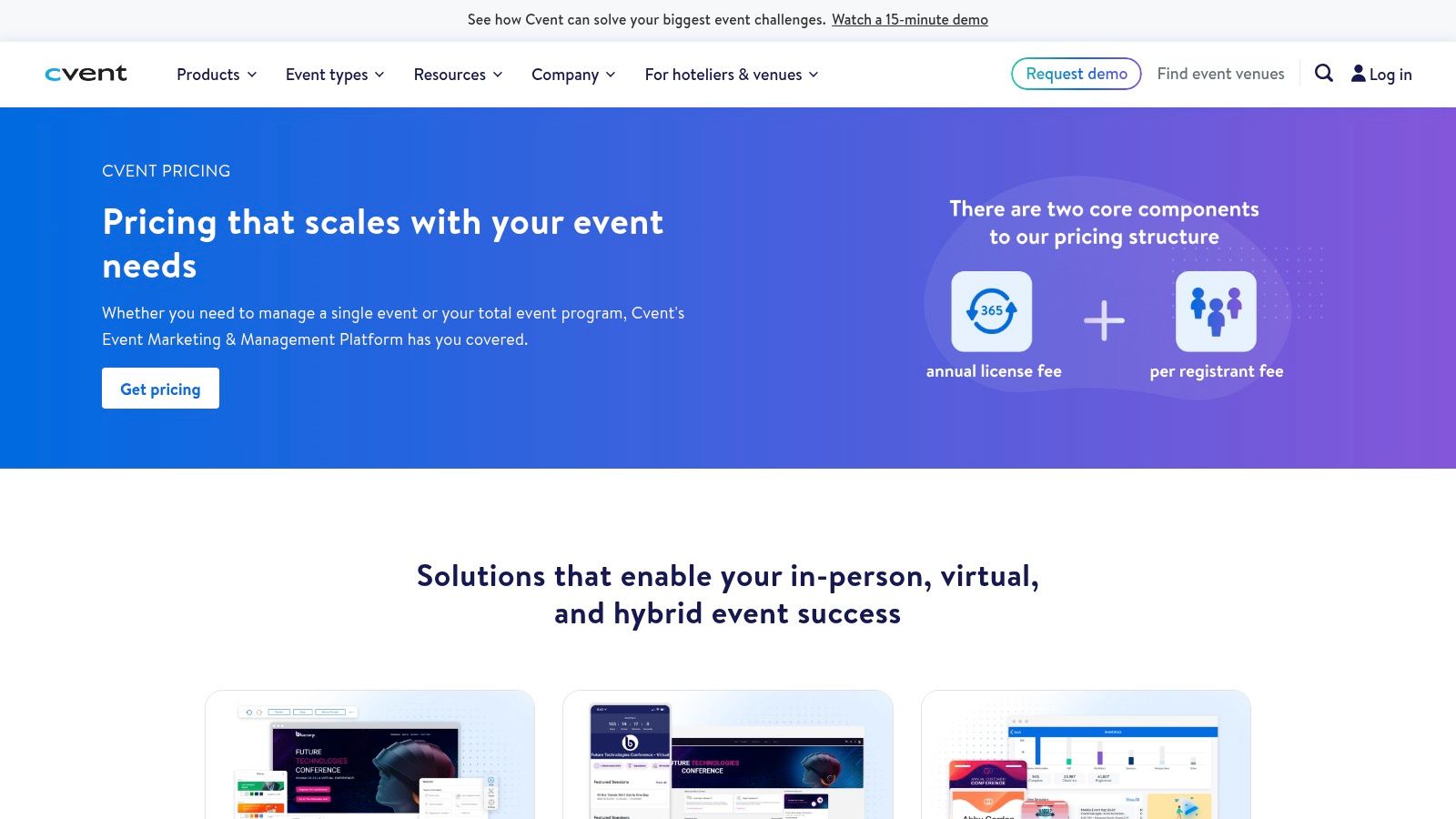
The core strength of Cvent lies in its ability to manage the entire event lifecycle, from initial promotion and registration to onsite check-in and post-event analytics. This end-to-end approach provides organizers with unparalleled control and data insights. For a detailed comparison of how Cvent fits into the broader ecosystem, you can learn more about it in our guide to the best software for event planning.
Cvent operates on a quote-based pricing model tailored to the specific needs and scale of an organization, which often positions it at a higher price point than self-service tools. The cost reflects its extensive feature set and dedicated support.
Cvent is the ideal choice for large corporations and institutions managing multi-faceted event portfolios that demand high security, complex registration logic, and extensive data reporting. Its power is overkill for simple, one-off events. The platform's complexity and higher cost can be a significant barrier for smaller organizations or those without dedicated event staff. The setup is more involved than simpler tools, requiring a considered implementation process to leverage its full capabilities.
Website: https://www.cvent.com/en/event-management-software/cvent-pricing
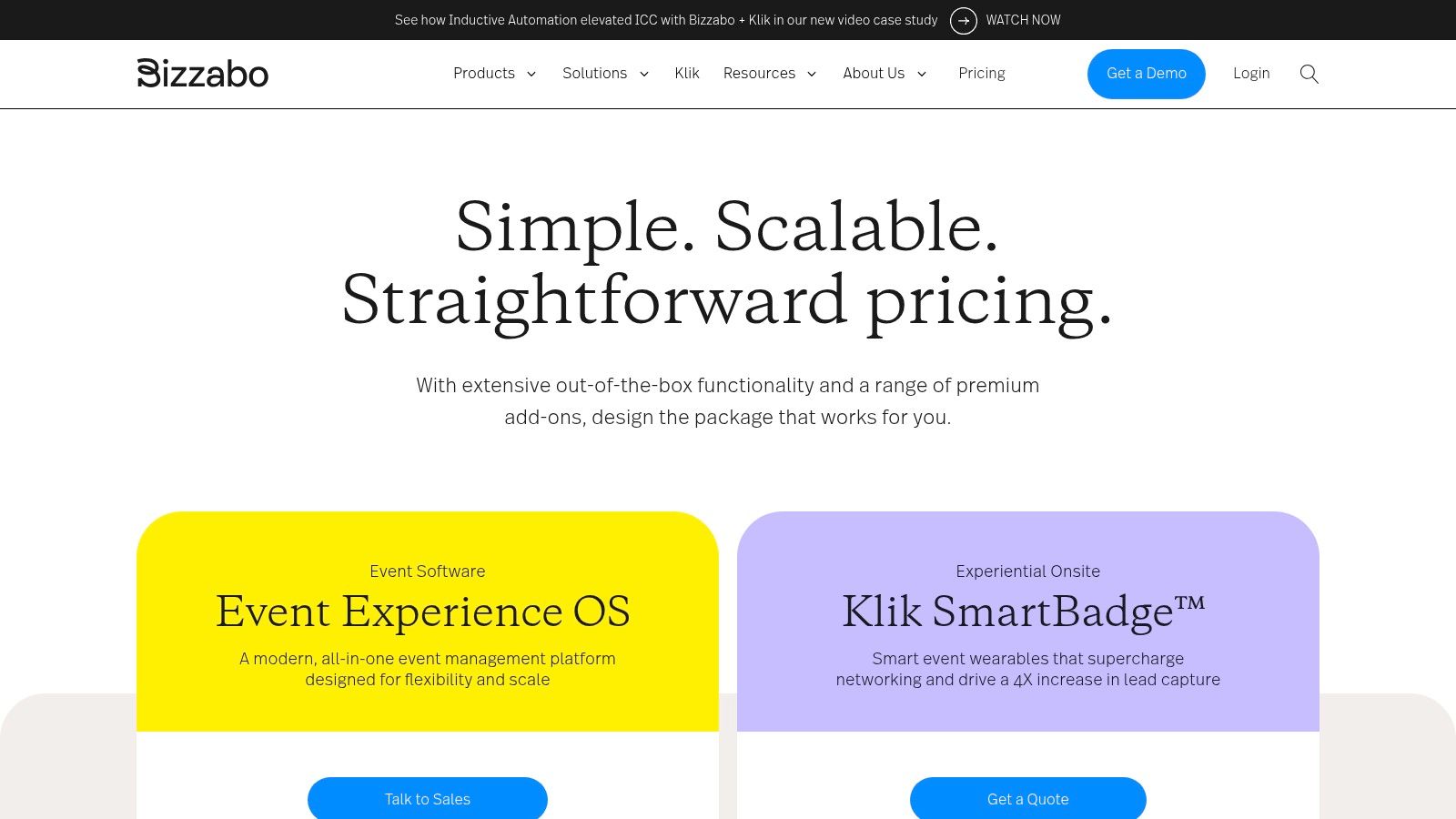
Bizzabo positions itself not just as a ticketing tool, but as a comprehensive Event Experience Operating System. This enterprise-grade platform is engineered for organizations managing large-scale, complex event programs that often blend virtual, in-person, and hybrid formats. Its strength lies in unifying every stage of the event lifecycle, from registration and website creation to onsite engagement and post-event analytics, all within a single, integrated environment.
The platform is designed for deep data capture and ROI measurement, making it a powerful choice for corporate event marketers and large associations. Its ability to manage sponsors and exhibitors is particularly robust, providing them with tools for lead capture and engagement. For those looking to maximize event revenue, our guide on how to get event sponsorships offers strategies that complement Bizzabo’s capabilities. Bizzabo is one of the best event ticketing software solutions for those who need an all-in-one system for a portfolio of major events.
Bizzabo's pricing is customized and typically requires a demo and consultation, reflecting its enterprise focus. It operates on an annual contract basis with a minimum number of seats, making the entry price significantly higher than self-service platforms.
Bizzabo is ideal for mid-market and enterprise organizations running a portfolio of high-stakes events, such as large conferences, trade shows, and corporate summits. Its unified data model provides a holistic view of attendee engagement across multiple touchpoints. However, its complexity and cost structure make it unsuitable for smaller organizations or those hosting a single, one-off event. The platform's power is best harnessed by dedicated event teams who can leverage its full suite of features, but it represents a significant investment beyond simple ticketing.
Website: https://www.bizzabo.com/pricing
Accelevents positions itself as a comprehensive, end-to-end event management platform, extending well beyond simple ticket sales. It is designed for organizers who need a single solution to manage ticketing, onsite logistics like check-in and badging, and even robust virtual or hybrid event components. This unified approach makes it a strong contender for professional associations and conferences that want to streamline their tech stack and manage complex event cycles from registration to post-event analytics.
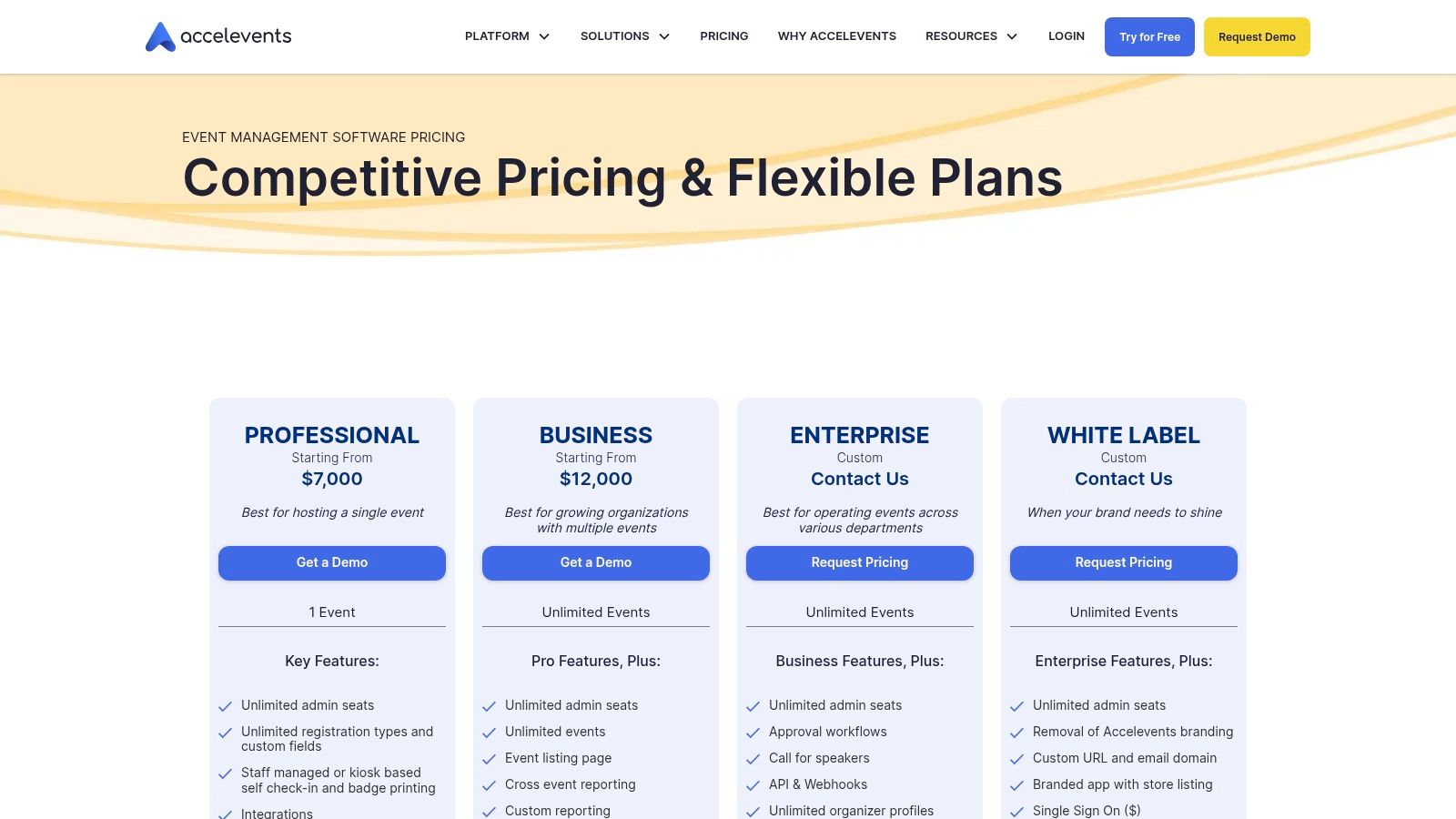
The platform distinguishes itself with clear packaging for both one-off events and year-round multi-event programs, catering to the varied needs of event professionals. Its strong combination of onsite features, such as badge printing and self-service check-in kiosks, with a full suite of virtual event tools makes it a versatile choice in today’s hybrid event landscape.
Accelevents offers tiered plans based on the features required, with separate packages for single events versus an annual subscription for multiple events. The entry pricing is higher than basic self-serve tools, reflecting its more comprehensive feature set aimed at professional organizers.
Accelevents is an ideal choice for conference organizers and associations managing both in-person and virtual components. Its all-in-one nature simplifies the tech stack, eliminating the need to integrate disparate ticketing, badging, and virtual event tools. This makes it one of the best event ticketing software options for those prioritizing operational efficiency.
However, the platform's higher starting price point may be a barrier for smaller organizations or those running simple, ticket-only events. While powerful, some of the most advanced customization and white-labeling options are reserved for higher-tier enterprise agreements, which could be a limitation for brands seeking full control on a tighter budget.
Website: https://www.accelevents.com/pricing
Eventzilla offers a balanced and comprehensive event management solution tailored for small to medium-sized businesses, including classes, conferences, and fundraisers. It provides a robust set of features that cover the entire event lifecycle, from registration and ticketing to on-site check-in and post-event engagement, without the enterprise-level price tag. Its strength lies in offering advanced capabilities like reserved seating and multi-session registration at an accessible price point.
The platform is designed for organizers who need more than basic ticketing but are not ready for a complex, high-cost system. Eventzilla supports physical, virtual, and hybrid event formats, integrating with popular streaming and webinar tools to deliver a seamless attendee experience. The transparent pricing and the option to pass fees onto attendees make it an attractive choice for budget-conscious organizations looking for powerful, all-in-one event ticketing software.
Eventzilla's pricing is tiered, starting with a free "Basic" plan for free events and a "Pro" plan for paid events, which charges a per-registration fee. It’s important to note that standard payment processing fees are separate. Higher tiers unlock more advanced features.
Eventzilla is best suited for small to mid-sized conferences, training programs, and fundraisers that require sophisticated registration logic, such as session selection or reserved seating. The platform’s feature set provides significant value for its cost, making it a pragmatic choice for growing events.
However, organizations prioritizing a deeply branded experience may find the customization options in lower-tier plans restrictive. Advanced white-labeling and dedicated support are reserved for higher-priced plans or available as add-ons. While it’s a powerful tool, it may not satisfy larger associations that require extensive CRM integrations and complete brand control over the entire attendee journey.
Website: https://www.eventzilla.net/us/pricing/
TicketSpice, part of the Webconnex suite, is a powerful choice for event organizers who prioritize brand control and predictable pricing. It is a highly customizable, white-label-friendly platform, allowing your event's identity to shine without being overshadowed by the software's branding. This makes it particularly well-suited for attractions, festivals, and corporate events where maintaining a consistent brand experience is paramount. Organizers retain full data ownership and can build beautiful, custom-branded ticketing pages using a drag-and-drop editor.
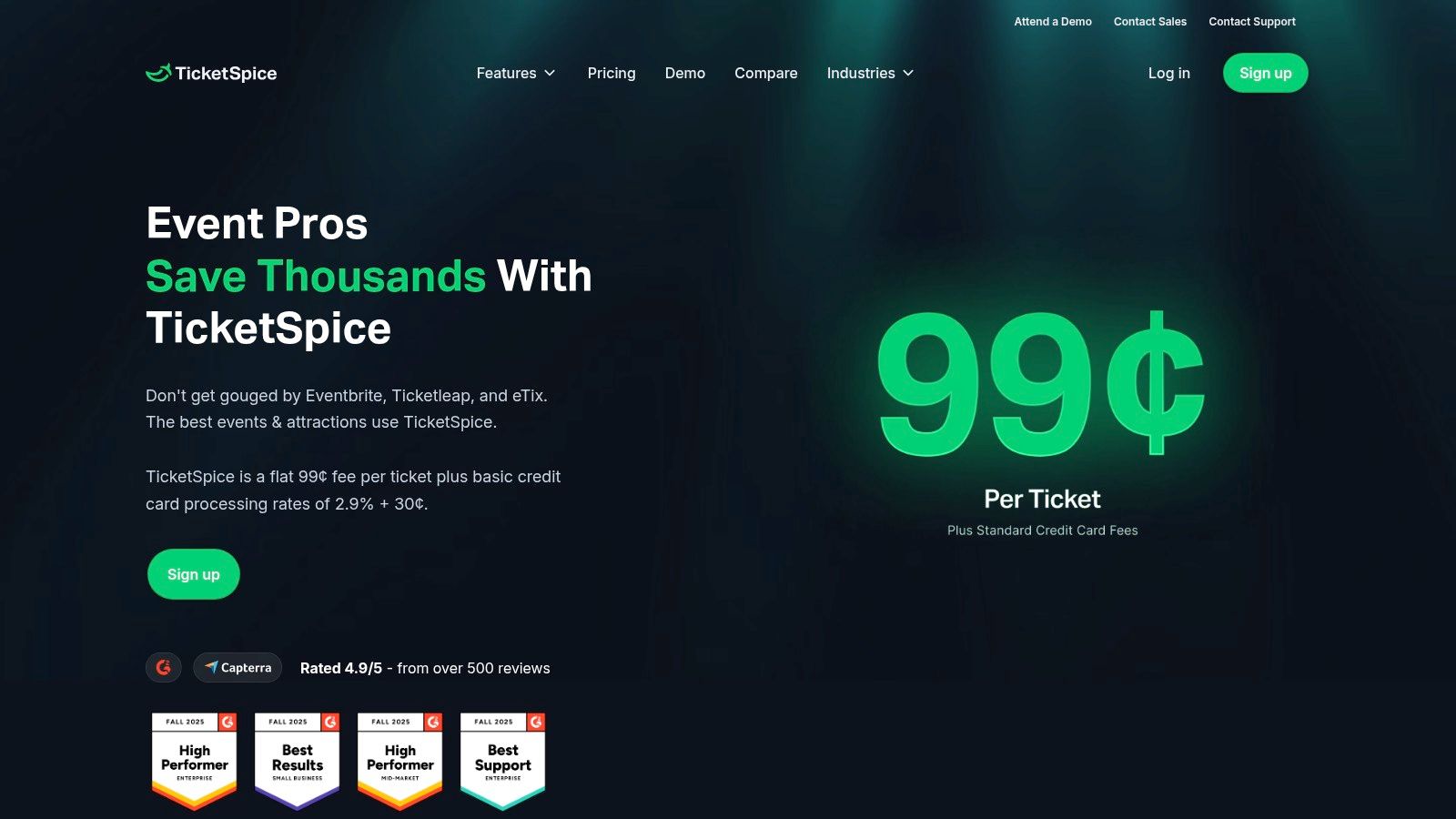
The platform’s major differentiator is its straightforward, flat-rate pricing, which is a significant advantage for events with high-priced tickets. Instead of a percentage-based fee that scales with the ticket price, TicketSpice charges a predictable flat fee per ticket. This makes it one of the best event ticketing software options for organizers who need to forecast costs accurately and maximize revenue, especially when combined with its extensive options to pass fees on to the buyer.
TicketSpice's pricing is among the most transparent in the industry: a flat $0.99 per paid ticket plus standard payment processing fees. There are no setup fees, monthly charges, or contracts. Free events are completely free to run on the platform.
This platform is ideal for organizers who are comfortable with hands-on configuration and demand full branding control and predictable costs. It excels for recurring events, attractions, and large festivals where per-ticket percentage fees would become excessively high. However, the DIY nature of the page builder might be a slight learning curve for total beginners. Additionally, while the core product is robust, some advanced features like reserved seating or merchandise upselling are available as premium add-ons, which can increase the overall cost.
Website: https://www.ticketspice.com/pricing
Brushfire carves out a specific niche within the event ticketing software landscape, excelling as a solution for churches, faith-based organizations, and nonprofits. It's built around the specific needs of these groups, offering robust tools for reserved seating, multi-day conferences, and volunteer management. Unlike platforms focused on broad public discovery, Brushfire provides a more controlled, community-centric registration experience tailored for recurring gatherings and large-scale conventions.
The platform's strength lies in its ability to handle complex logistics with a focus on attendee care. Features like assigned seating charts for auditoriums, merchandise add-ons, and detailed reporting are core to its offering. This makes it a practical choice for organizers managing intricate events where attendee experience and operational smoothness are paramount, rather than just ticket sales volume.
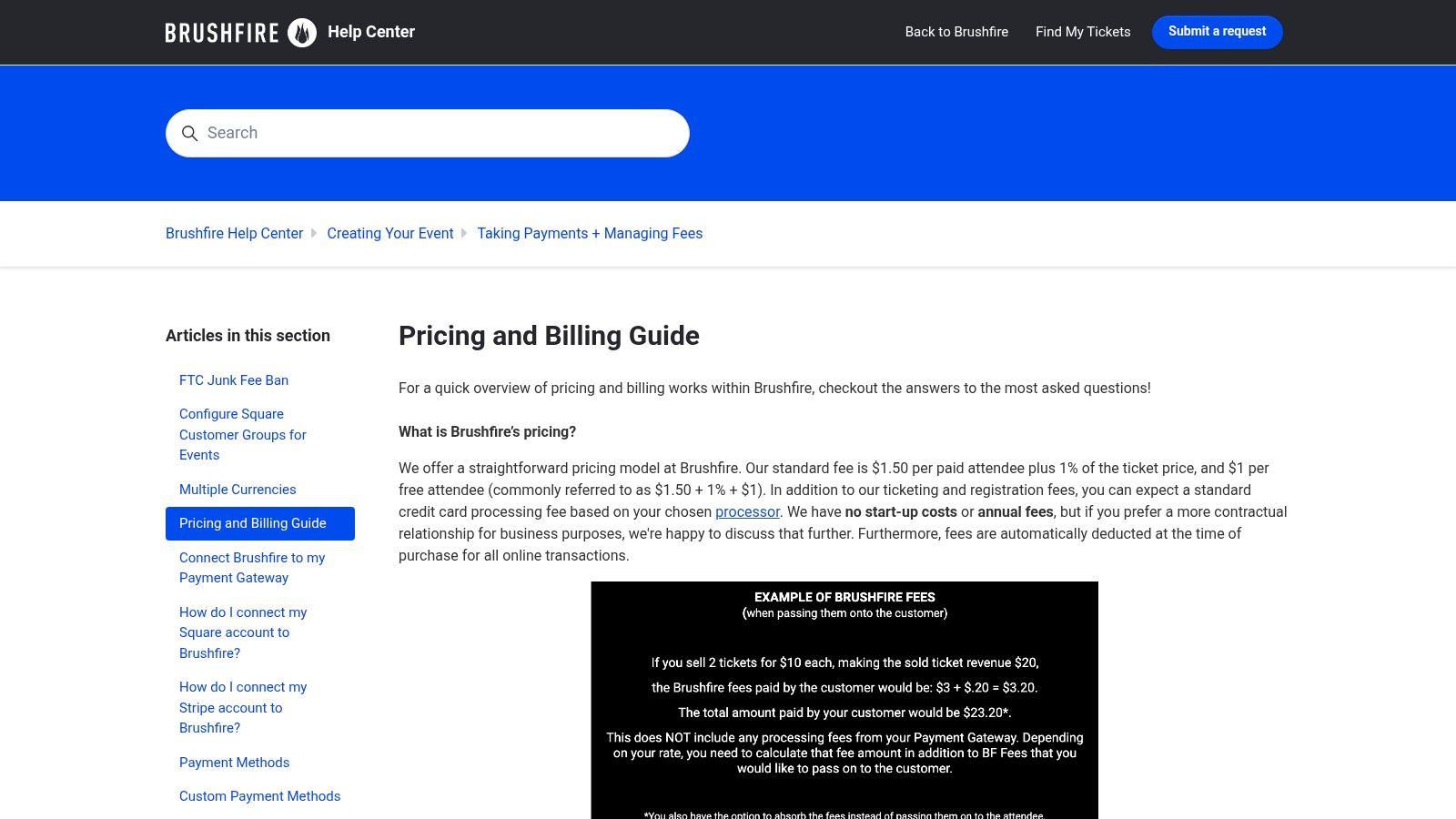
Brushfire uses a straightforward pricing model, charging a per-attendee fee plus a small percentage of the ticket price. It supports popular payment gateways like Stripe and Square and allows organizers to pass processing fees on to the buyer. Additional services, such as virtual event support or advanced volunteer management, are available as add-ons.
Brushfire is ideal for nonprofits and faith-based organizations that require detailed logistical control over their events, especially those with reserved seating or complex scheduling. However, its community-focused design means it lacks the built-in marketplace and consumer discovery tools found on platforms like Eventbrite. Organizations looking to attract a wide, new audience may find its reach limited. The reliance on add-ons for certain features can also increase the total cost, so organizers should carefully evaluate their needs against the base package.
Website: https://support.brushfire.com/hc/en-us/articles/22326160466445-Pricing-and-Billing-Guide
Unlike a direct software provider, G2 is a large-scale software marketplace that serves as a powerful research tool. It offers verified user reviews, detailed comparisons, and comprehensive overviews of hundreds of platforms, including the best event ticketing software. For organizers, its main value lies in its ability to help shortlist and validate potential vendors before committing to a demo or purchase. It's an essential first step in the due diligence process.
The platform provides a data-driven approach to software selection, allowing you to see how real users rate different solutions on features, ease of use, and customer support. This peer-review system helps cut through marketing claims to gauge reputation and real-world performance. You can filter options based on company size, specific features, and integration needs, making it easier to identify tools that fit your organization's unique requirements.
G2 is free for buyers to use for research and comparison. The vendors listed on the platform have their own individual pricing models, which are often summarized on their G2 profile, although it's always best to verify pricing on the vendor's own website.
G2 is ideal for event organizers in the initial research and validation phase of selecting new software. It helps build a confident shortlist by leveraging community-driven data. However, it is not a ticketing platform itself. A key limitation is that sponsored placements can sometimes add noise, and vendor-provided information like pricing may not always be up-to-date. Think of it as a comprehensive research hub, not the final source of truth for vendor specifics.
Website: https://www.g2.com/categories/event-registration-ticketing
Capterra isn't a ticketing platform itself but a comprehensive software directory that serves as an essential research starting point. For event organizers overwhelmed by options, its ticketing software category provides a structured way to discover and compare a vast range of tools. It aggregates user reviews, feature lists, and pricing models into a filterable database, allowing you to create a vendor shortlist based on your specific needs, whether for a small non-profit or a large-scale conference.
The primary value of Capterra is its breadth and user-generated feedback. Instead of visiting dozens of individual websites, you can use its comparison matrices to see how different platforms stack up on key features. Reading reviews from real-world users offers insights into customer support quality, ease of use, and potential hidden limitations, making it one of the best resources for unbiased information when seeking event ticketing software.
Capterra is a free-to-use resource for buyers; its revenue comes from software vendors who pay for listings and lead generation. This access makes it an invaluable, no-cost tool for your initial market research phase.
This resource is ideal for event organizers in the discovery and shortlisting phase of their software search. It helps narrow down a wide field of contenders to a manageable few. However, its main limitation is that listing details are vendor-provided and can sometimes be superficial or outdated. It emphasizes popularity, which may not always align with the niche needs of a professional association. Always verify pricing and feature specifics directly on the vendor's website before making a final decision.
Website: https://www.capterra.com/ticketing-software/
Navigating the crowded market for the best event ticketing software can feel overwhelming. We've explored a wide spectrum of tools, from the massive reach of Eventbrite and the enterprise-grade power of Cvent to the accessible, cost-effective models offered by Ticket Tailor and TicketSpice. Each platform presents a unique value proposition, tailored to different scales, budgets, and event complexities. Your choice hinges not just on features, but on your organization's core strategic goals.
A simple, one-off community fundraiser may find everything it needs in a straightforward platform like Brushfire. In contrast, a large-scale international conference with complex registration paths, exhibitor management, and session tracking will gravitate toward the robust, all-encompassing solutions provided by Bizzabo or Cvent. The key takeaway is that the "best" software is entirely relative to your specific operational needs and long-term vision.
The most critical insight from our analysis is the evolution of ticketing from a simple transactional function to a strategic component of a larger engagement ecosystem. The fundamental limitation of many standalone ticketing platforms is that their value proposition ends once the event concludes. They excel at selling tickets but often fall short in nurturing the relationship with the attendee afterward.
For professional associations, industry groups, and membership-based organizations, this transactional approach creates a significant missed opportunity. Your event isn't just a moment in time; it's a powerful catalyst for year-round community building, member retention, and sustainable growth. The goal shouldn't be just to sell a ticket, but to convert a one-time attendee into a long-term, engaged member of your community.
As you narrow down your options, move beyond the feature checklists and ask deeper, more strategic questions. A truly effective platform should not only solve your immediate ticketing needs but also empower your future growth.
Consider these final evaluation criteria:
Ultimately, selecting the best event ticketing software requires a forward-thinking perspective. It's about choosing a partner that understands the difference between running an event and building a community. The right platform will serve as the central nervous system for your organization, turning each event into a powerful engine for deeper engagement, increased revenue, and lasting member loyalty.
Ready to see how an integrated platform can transform your events into a year-round community growth engine? GroupOS combines powerful ticketing with a dedicated community app, membership management, and content tools in a single, white-labeled solution. Schedule a demo with GroupOS today to discover how you can move beyond transactional ticketing and start building a thriving, engaged ecosystem.







