January 7, 2026

Choosing from the best membership website builders is a critical decision that impacts your community's growth, member engagement, and long-term revenue. The right platform isn't just a tool; it's the digital foundation for your entire operation, serving as the central hub for your members. But with options ranging from all-in-one solutions like Kajabi to flexible WordPress plugins like MemberPress, the choice can feel paralyzing.
This guide cuts through the noise. We provide an in-depth, feature-by-feature analysis of the top 12 platforms, highlighting their ideal use cases, potential hidden costs, and honest limitations. Whether you're building a professional association, a creator-led community, or an enterprise-level network, this resource will equip you to make a strategic choice that aligns perfectly with your goals.
Each platform review includes:
We've also included screenshots and direct links to help your evaluation. As you consider how you'll manage subscriptions and transactions, keep in mind that the payment processing component is vital. For a complete understanding of how financial transactions are handled, consult an ultimate payment platform definition guide to demystify the ecosystem behind your membership site's payments. Our goal is to give you the clarity needed to select a builder that not only meets your current needs but can also scale with your community's success. Let's find your foundation.
GroupOS stands out as one of the best membership website builders for organizations where community and events are deeply intertwined. It's an all-in-one platform engineered to eliminate the "tool sprawl" that plagues many professional associations and enterprise community teams. Instead of juggling separate systems for ticketing, member management, content hosting, and communication, GroupOS consolidates these functions into a single, cohesive, and fully brandable environment.
This unified approach allows organizations to manage the entire member and event lifecycle seamlessly. The platform excels at handling complex event logistics, from tiered ticketing and dynamic checkout forms to on-site QR code check-ins and interactive agendas. Crucially, it extends the value of an event long after it concludes. Features like persistent chat channels, on-demand video libraries, and targeted content distribution keep conversations and learning alive, transforming a one-time conference into a year-round community hub.

A core strength of GroupOS is its white-label mobile app (iOS and Android) and web platform. This provides a professional, branded home for members, replacing third-party apps like Slack or Facebook Groups with a native messenger that supports group chats, private channels, and direct messages. This owned environment not only enhances the member experience but also provides organizations with valuable engagement data and control. For a deeper dive into the foundations of this model, you can explore the principles behind a successful membership site.
The platform's monetization tools are another significant advantage. Beyond flexible membership subscriptions, GroupOS offers powerful features for exhibitors and sponsors, including custom profiles, rotating banner ads, and product showcases designed for lead generation. Real-world results reported on their site, like a 15% boost in upsell revenue and a 20% increase in attendee engagement, underscore the platform's effectiveness.
Pros:
Cons:
Kajabi is a powerful, all-in-one platform designed for serious creators and established brands that want to consolidate their entire digital product business under a single roof. It excels at reducing tool sprawl by bundling a website builder, course creation tools, a community space, email marketing, and payment processing into one cohesive system. This makes it one of the best membership website builders for those who value efficiency and enterprise-level reliability.
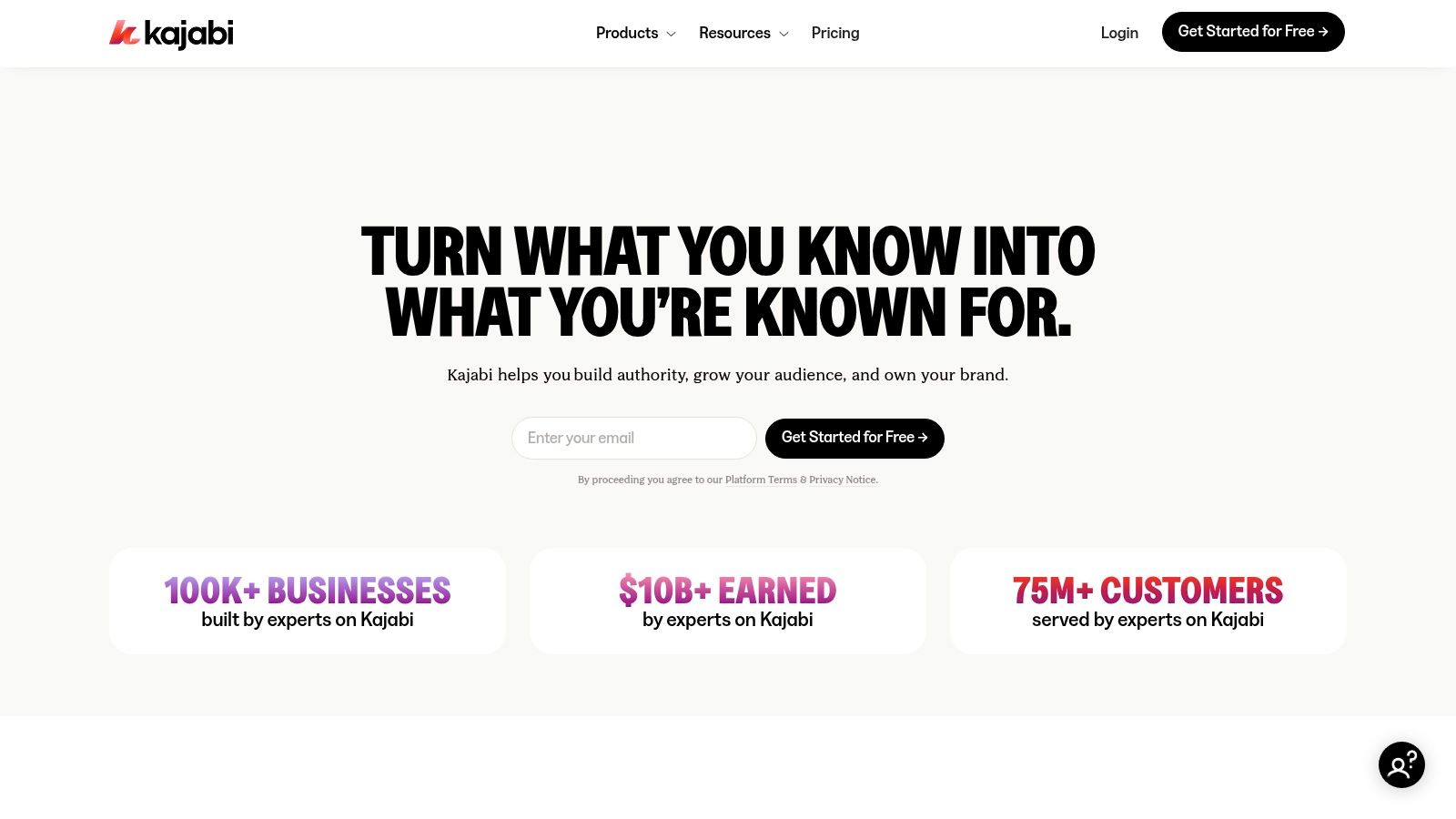
The platform is particularly strong for high-volume creators who need robust tools that work together seamlessly, like building sophisticated sales funnels that connect landing pages, email sequences, and checkout pages. The user experience is polished, guiding you through the creation process for memberships, courses, and marketing campaigns.
Kajabi’s primary advantage is its integrated nature. You can build a full membership site, host video courses, engage members in a dedicated community area, and market to your audience without ever leaving the platform. Its feature set is built for scale.
For those who want full ownership and control, MemberPress is a leading WordPress plugin that transforms your self-hosted site into a powerful membership platform. It's the ideal choice if you already have a WordPress website or prefer the flexibility of its extensive ecosystem. Rather than an all-in-one hosted solution, MemberPress gives you the tools to gate content, sell subscriptions, and even build courses directly on your own infrastructure, making it one of the best membership website builders for those who value customization.
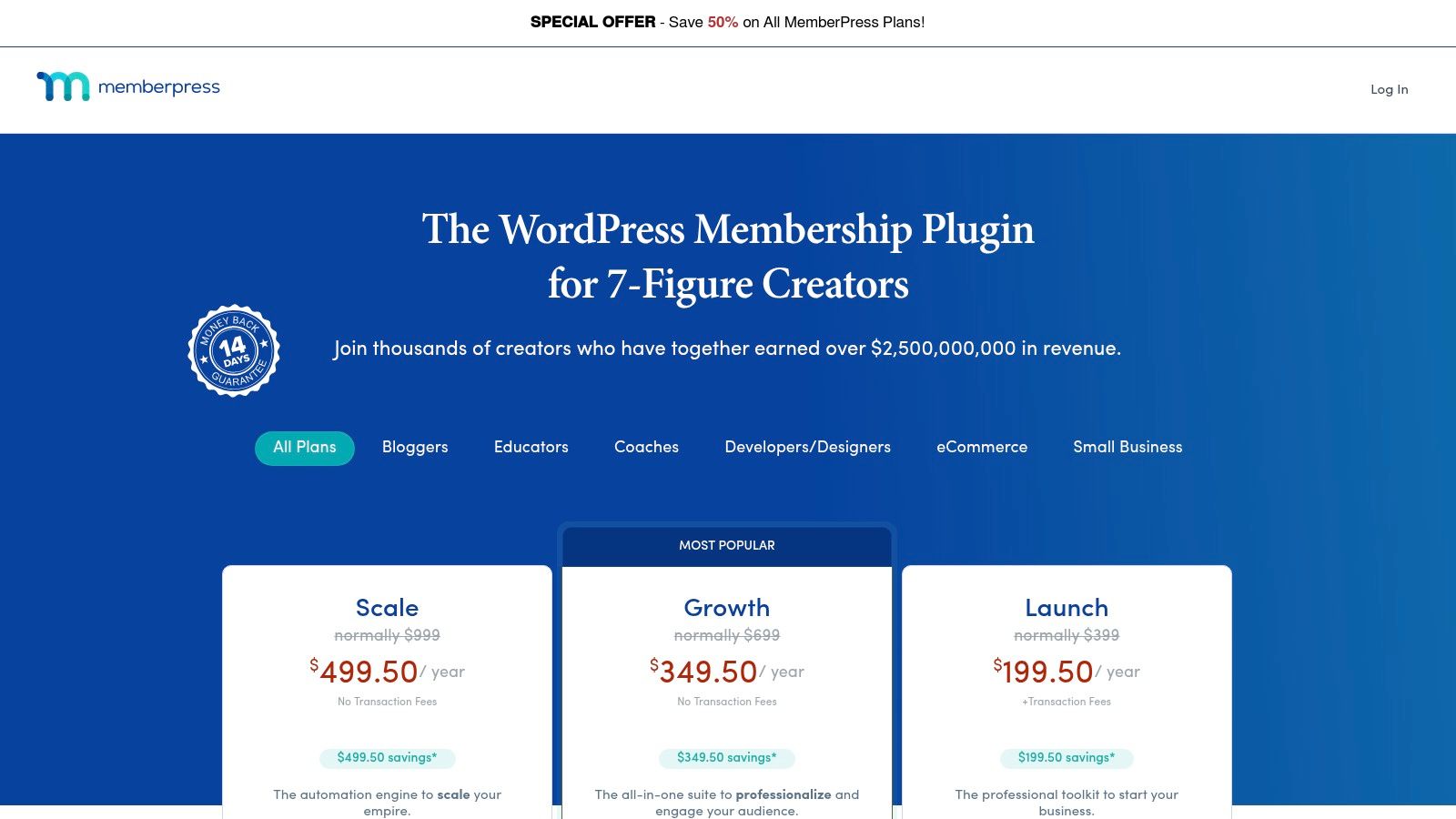
The platform shines with its robust content protection rules, allowing you to restrict access to pages, posts, custom post types, and downloadable files with precision. For those opting for full ownership with solutions like MemberPress on WordPress, efficiently managing your server is crucial; considering outsourced server management services can help maintain optimal performance and security. This approach requires more hands-on management but offers unparalleled control over your data and branding. You can learn more about how this works by exploring how to create a membership website with a WordPress setup.
MemberPress’s core strength is its deep integration with the WordPress environment, allowing you to leverage thousands of other plugins and themes. You own the entire technology stack, from hosting to the final user experience. Its built-in Learning Management System (LMS) features also make it a direct competitor to dedicated course platforms.
Wix is a household name in website building, and its powerful drag-and-drop editor combined with a suite of integrated apps makes it a flexible choice for creating a membership site. By adding the free "Members Area" app, any Wix site can be transformed to include member profiles, gated pages, and custom registration forms. This approach is ideal for small businesses, solopreneurs, and creators who want a visually stunning website first, with membership functionality layered on top.
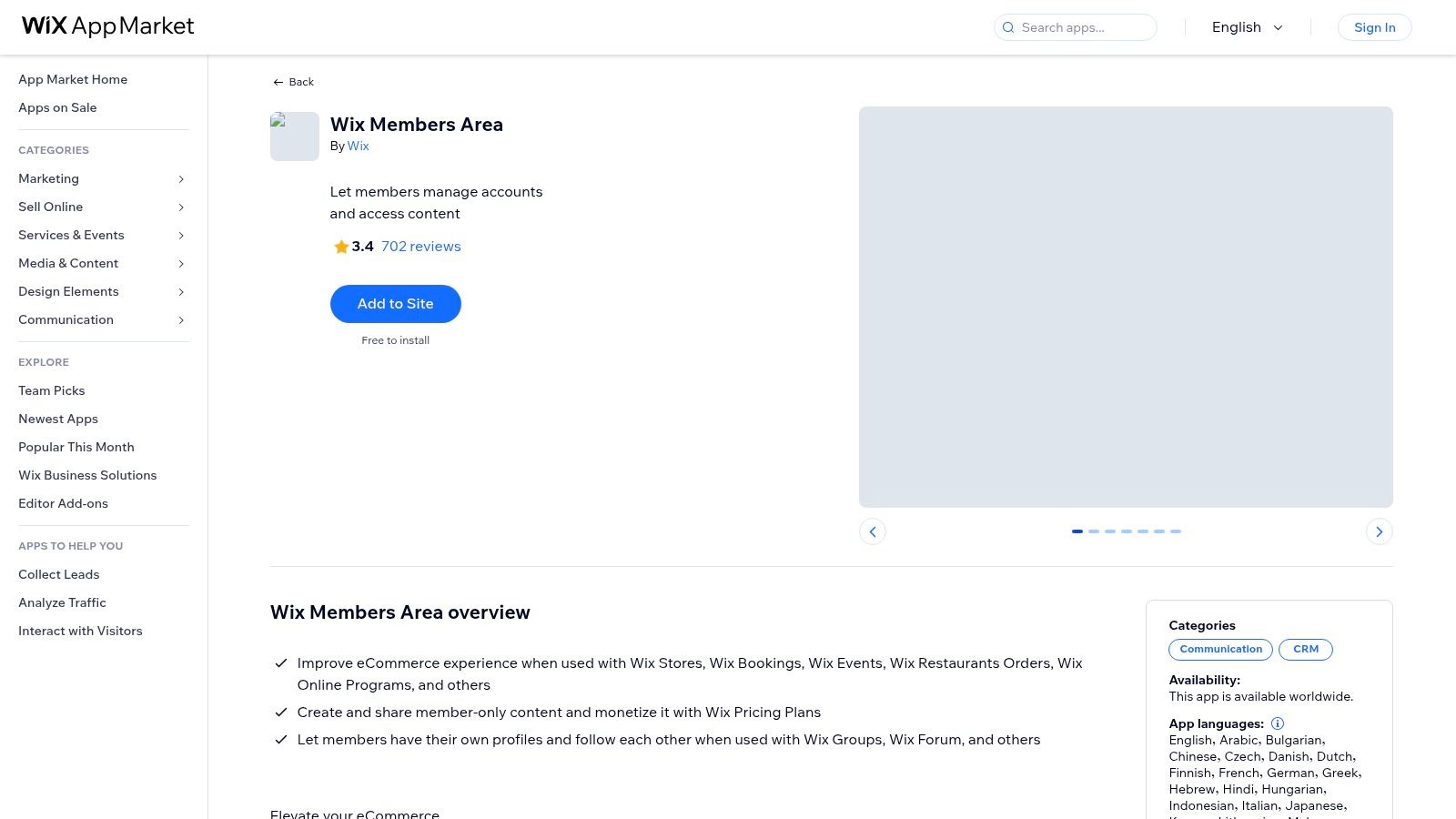
The platform’s strength lies in its design freedom and extensive App Market, which allows you to connect other tools like Wix Bookings, Events, or Blogs directly to your member-exclusive content. Monetization is handled through the Wix Pricing Plans app, which lets you create subscription tiers and accept recurring payments. This component-based system makes it one of the best membership website builders for those who value customization and want to start small before scaling.
Wix’s modular approach allows you to build a custom membership experience by combining different apps. The core is the free Members Area, which unlocks the ability to restrict access to specific pages. To charge for access, you will need a Business plan and the Pricing Plans app, creating a full-featured but segmented setup.
Squarespace Member Areas is an ideal solution for creatives, solopreneurs, and small businesses already using or considering the Squarespace platform for its design-centric approach. Instead of being a standalone system, it functions as a powerful add-on that seamlessly integrates membership functionality directly into a beautifully designed Squarespace website. This makes it one of the best membership website builders for users who prioritize aesthetics and simplicity over complex, feature-heavy platforms.
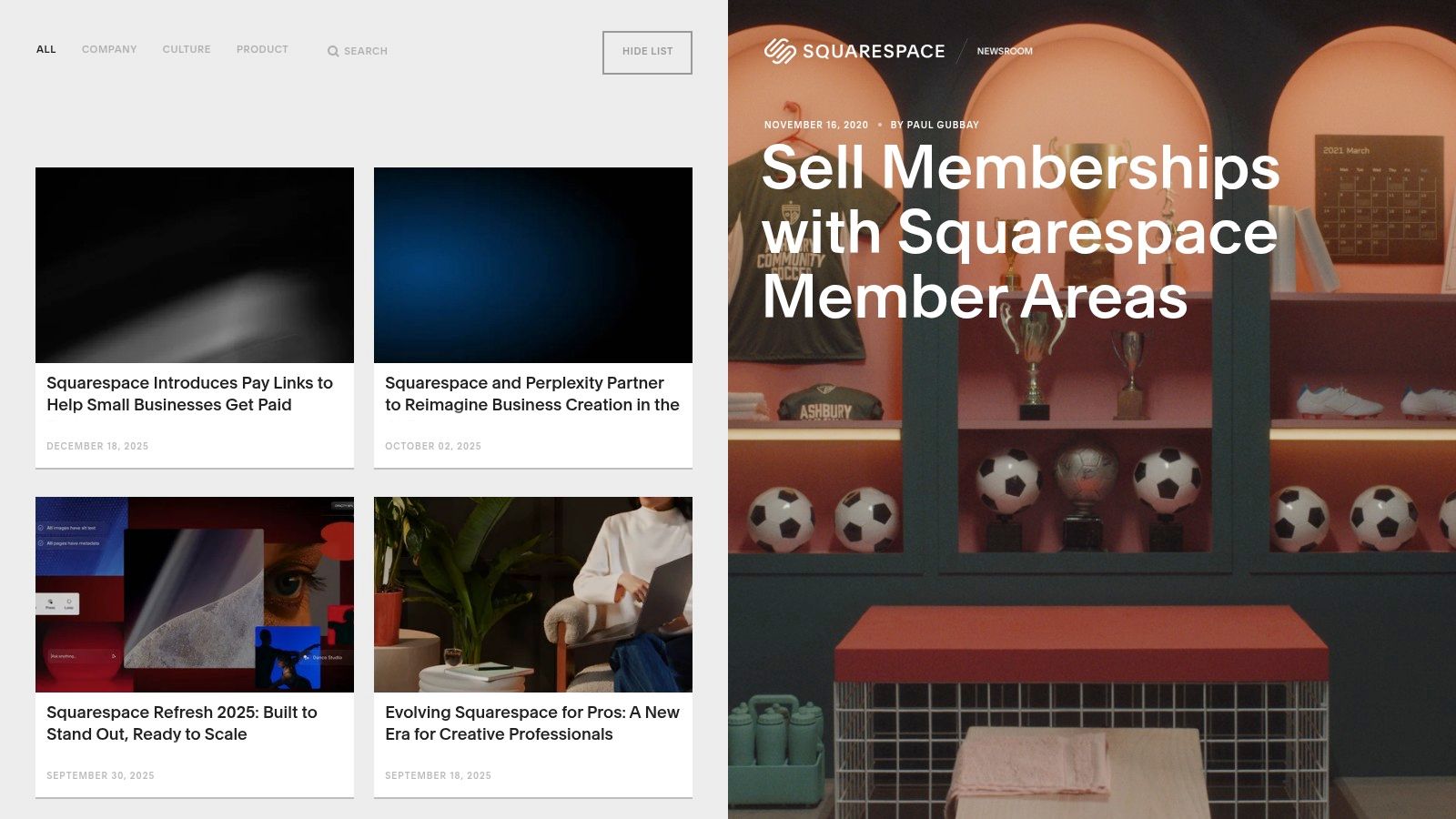
The primary appeal is its native integration. You can gate any type of content, from specific pages and blog posts to video courses and digital downloads, without ever leaving your website’s dashboard. This unified experience extends to email marketing and analytics, allowing you to manage your entire online presence from a single, familiar interface. It's built for those who want to add a recurring revenue stream without the technical headache of connecting disparate systems.
With Squarespace Member Areas, you can easily create multiple membership tiers with different pricing models, including recurring subscriptions, one-time fees, or even free access. The setup is straightforward, leveraging the platform’s drag-and-drop editor to style your members-only pages to match your brand perfectly. It handles all the backend tasks, from member sign-ups to payment processing.
Podia is a creator-focused, all-in-one platform that simplifies selling digital products and memberships. It's designed for solopreneurs and small teams who want to build a community and sell courses, digital downloads, and coaching without needing to stitch together multiple complex tools. Podia bundles a website builder, email marketing, and e-commerce functionality into a single, intuitive dashboard, making it an excellent choice for those prioritizing ease of use over deep technical customization.
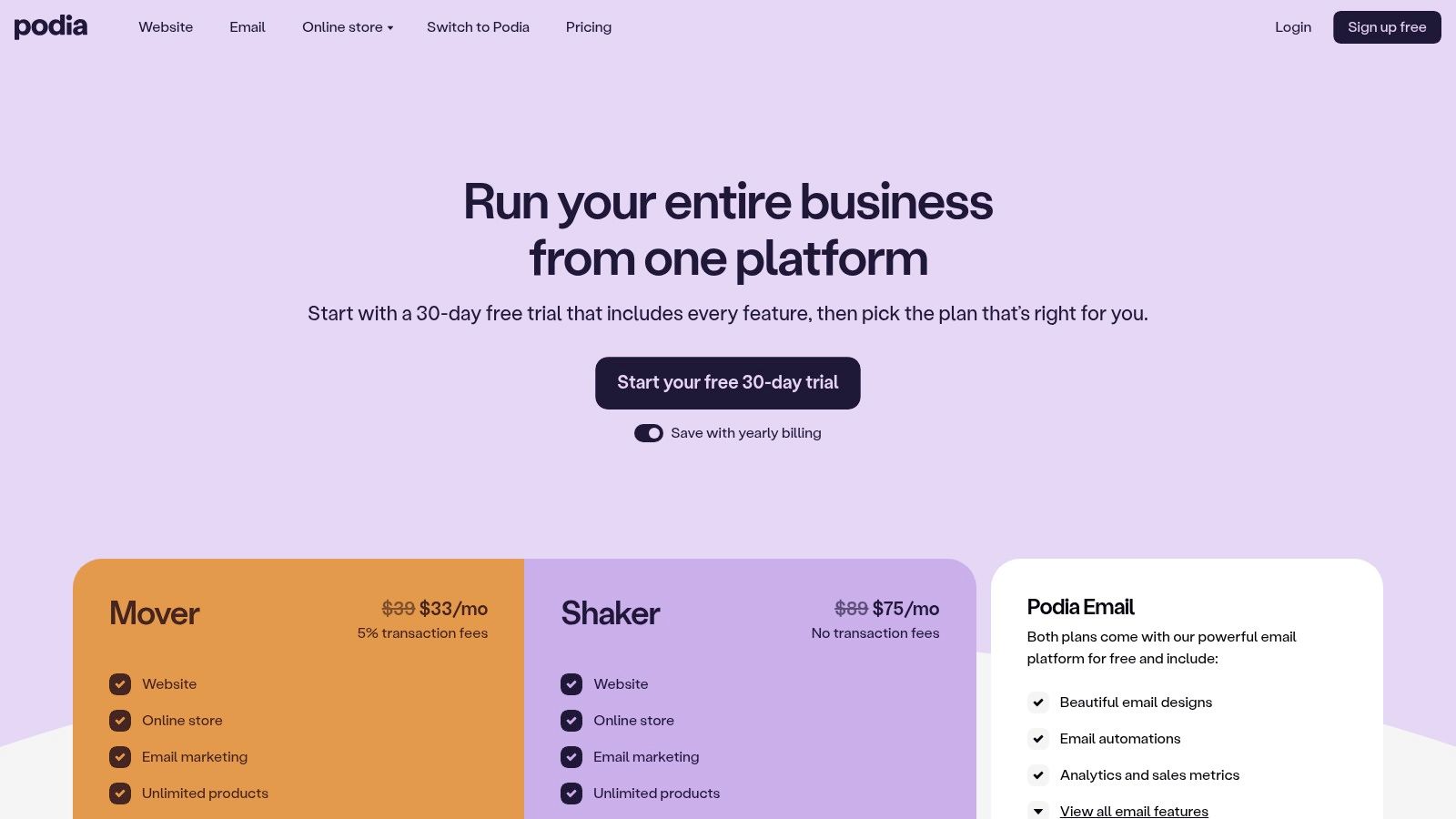
The platform stands out by offering a clean, straightforward user experience that significantly lowers the barrier to entry for launching a membership business. Unlike enterprise-level systems, Podia focuses on core features done well, allowing creators to quickly set up their store, create membership tiers, and start building recurring revenue. Its approach is ideal for those who need a functional and affordable solution that just works.
Podia’s main strength is its user-friendly, bundled approach. You can build your entire digital storefront, host your membership community, and manage email campaigns from one place. The platform handles the technical heavy lifting, so you can focus on creating content and engaging with your audience. Exploring its features can give you a solid foundation for understanding various recurring revenue business models.
Ghost is an open-source publishing platform built for creators who want to build a content-driven business with native memberships and paid subscriptions. As one of the best membership website builders for writers and publishers, it elegantly combines a professional blog, a powerful newsletter, and member management into a single, minimalist interface. The platform is ideal for those who want to turn a loyal audience into a sustainable, paid community centered around premium content.
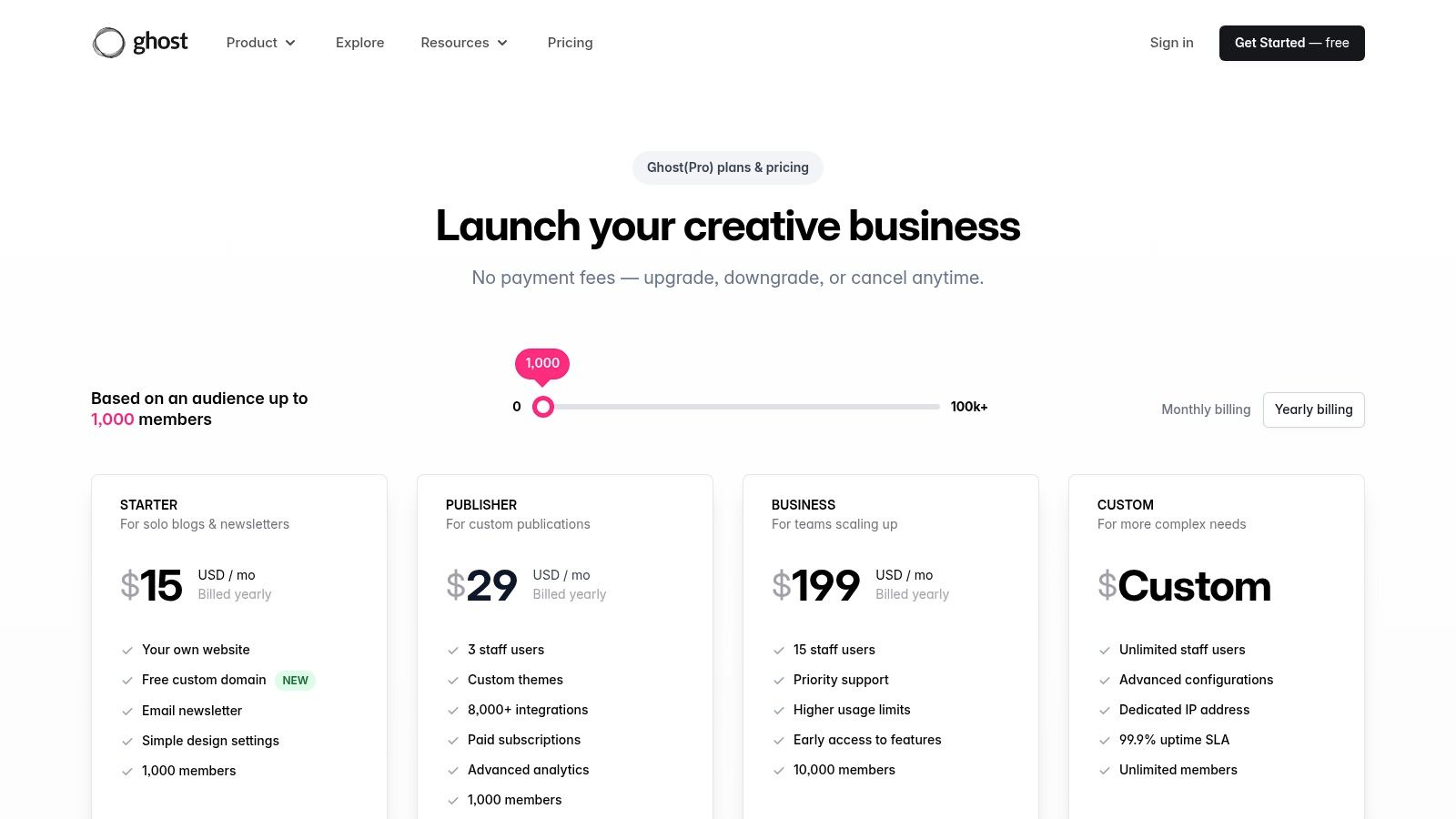
Offered as a managed hosting solution via Ghost(Pro), it removes the technical overhead of self-hosting while providing a fast, secure, and SEO-optimized foundation. Its creator-first user experience is a major draw, focusing on the writing and publishing workflow without the clutter of more complex, all-in-one systems. This makes it a top choice for independent publications, newsletters, and podcasters looking to monetize directly.
Ghost’s core strength lies in its native integration of content and commerce. You can create free, members-only, or paid-tier content and deliver it seamlessly via your website and email newsletter, all from the same dashboard. Its direct integration with Stripe means you keep more of your revenue without platform fees on transactions.
Mighty Networks is a community-first platform that excels at bringing together memberships, online courses, and events under one roof. It is built for creators, brands, and associations that want to foster deep connections and facilitate member-led growth. Unlike many website-centric builders, Mighty Networks prioritizes the social and interactive elements, making it a strong choice for those building a true digital community, not just a content library.
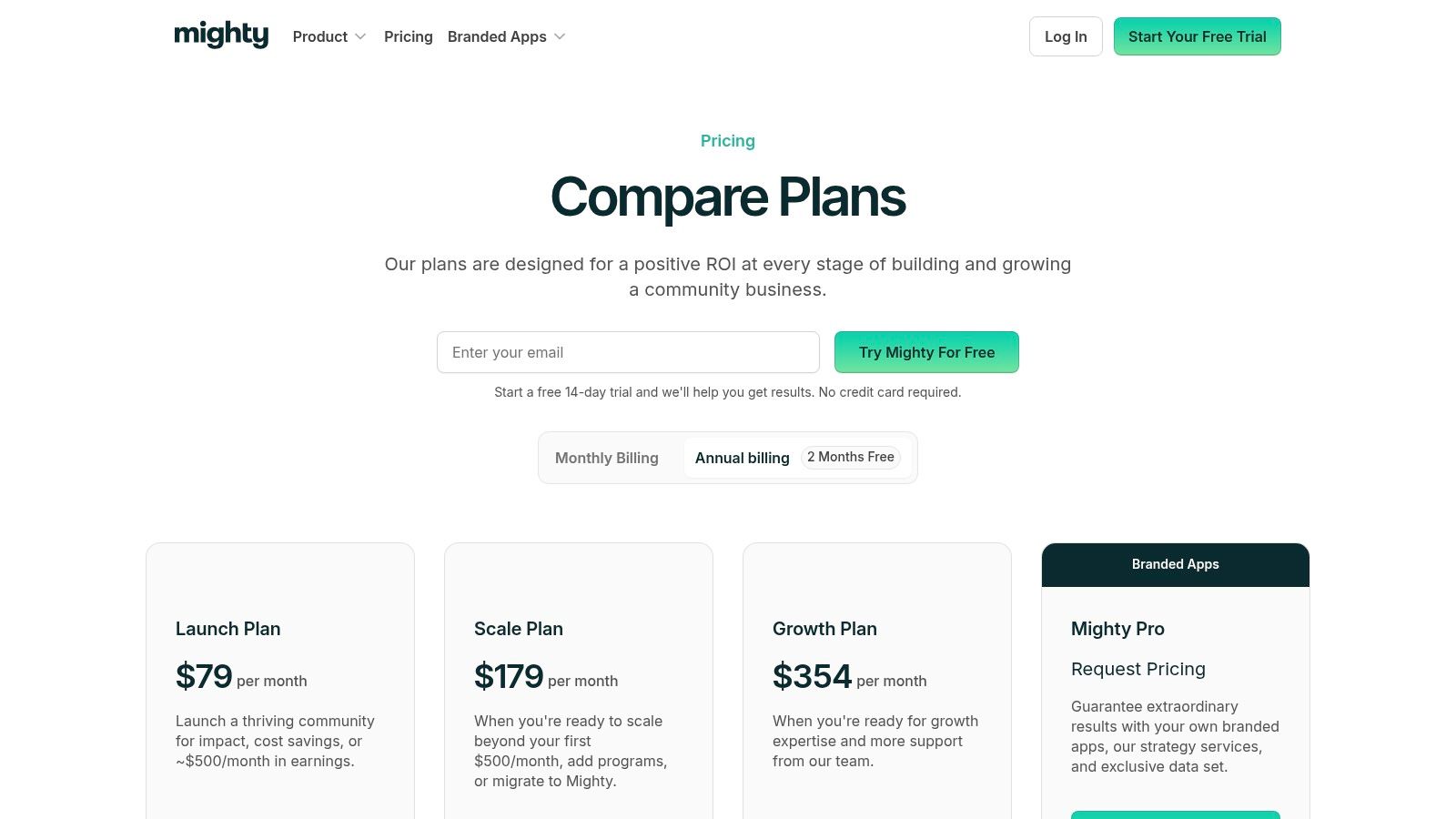
The platform empowers you to create dynamic spaces with features like livestreaming, cohort-based courses, and rich member profiles. Its structure is ideal for organizations that want to transition from a static membership model to a vibrant, interactive network. The clear upgrade path to a fully branded mobile app via Mighty Pro is a significant advantage for established communities aiming for a premium, native experience on iOS and Android.
Mighty Networks’ core strength is its purpose-built community engine, designed to increase member contributions and interactions. The platform provides all the tools needed to launch, grow, and scale a community-powered business, including AI-assisted content creation and member management tools. These integrated features are crucial for boosting member engagement strategies.
Circle is a modern, community-first platform designed for creators and brands who want to build dynamic, interactive membership experiences. It excels at bringing together discussions, courses, events, and paid content into a single, beautifully designed space. Unlike traditional website builders, Circle focuses on engagement, making it one of the best membership website builders for those prioritizing a vibrant community hub over a static content site.
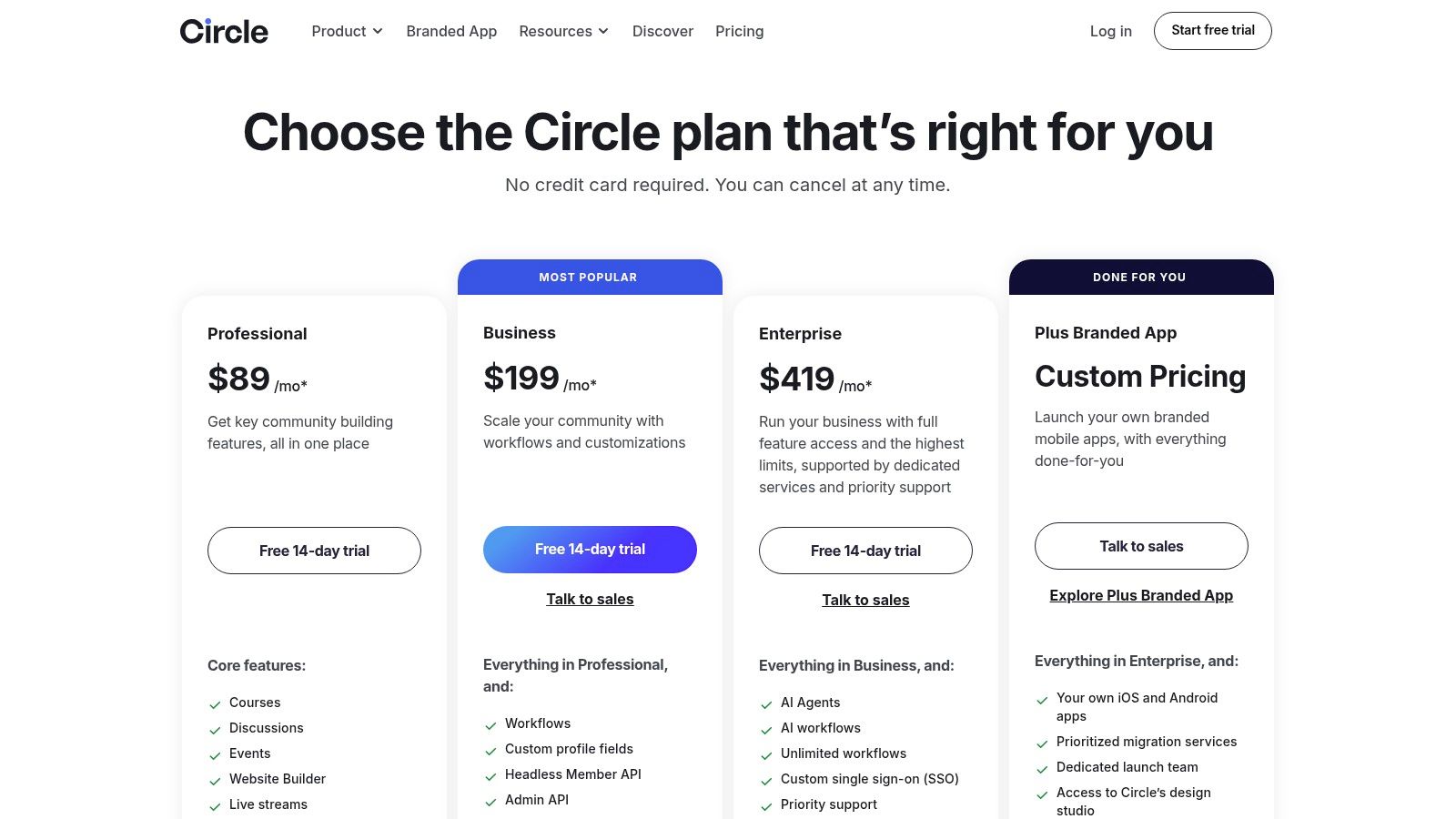
The platform is particularly powerful for professional networks, coaching groups, and customer communities where interaction is key. Its clean user interface and intuitive design make it easy for members to connect, while features like live rooms, events, and structured course modules provide multiple ways to deliver value. For larger organizations, Circle’s API and SSO options allow for deep integration into existing tech stacks.
Circle's core strength is its ability to blend content and community seamlessly. You can build a fully functional membership site with custom domains, create paid membership tiers, and host online courses without needing separate tools. Its automation and workflow features on higher-tier plans help streamline member management and engagement.
Memberstack is a flexible, no-code tool designed for builders who want to add secure memberships, user authentication, and Stripe payments to a custom-designed website. It's not an all-in-one platform but rather a powerful layer that integrates with front-end builders like Webflow, WordPress, or even custom static sites. This makes it one of the best membership website builders for designers and developers who refuse to compromise on their site's unique look and feel.
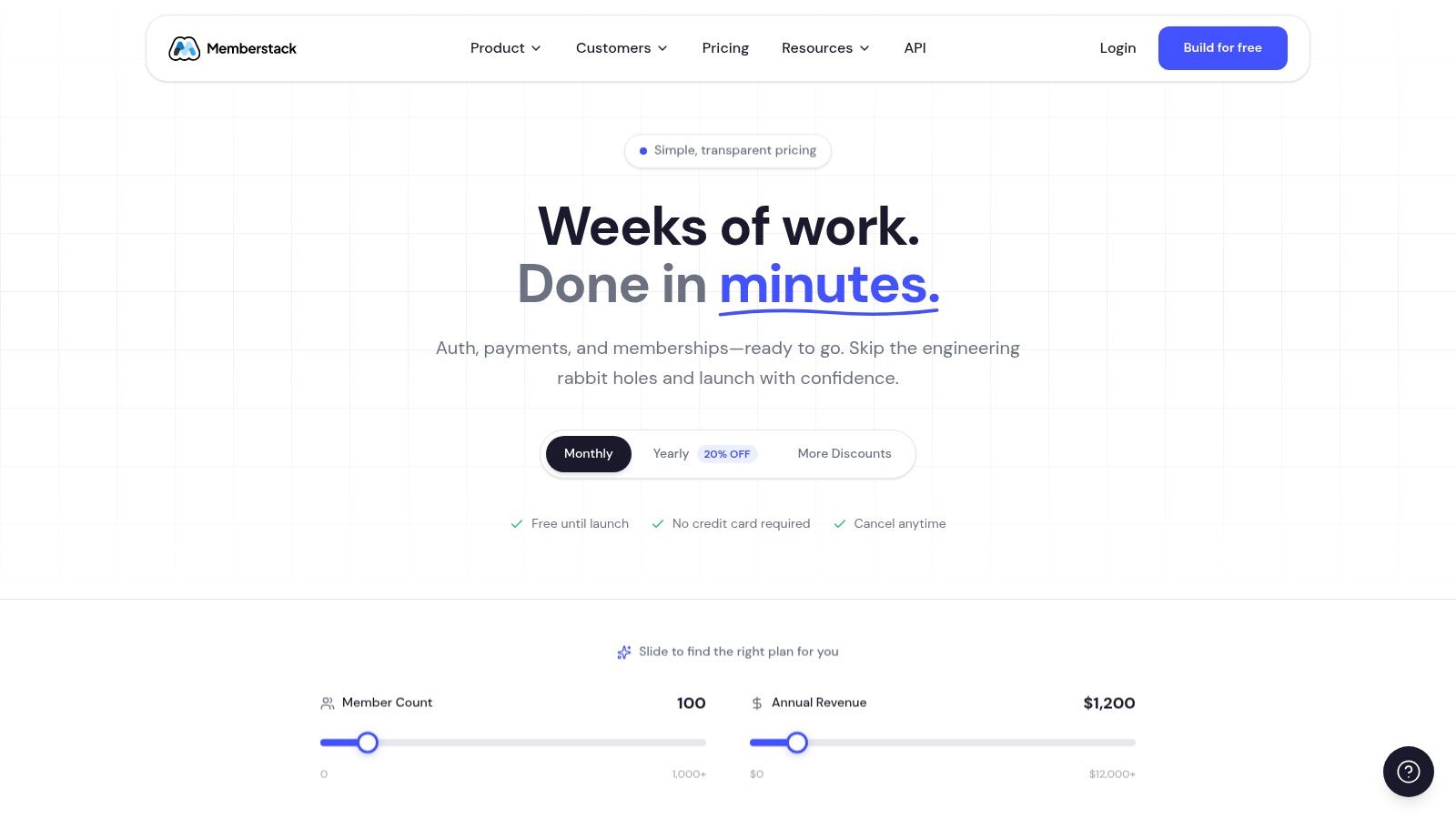
The platform excels at providing the core logic for gated content and recurring subscriptions without forcing you into a template. You design your site exactly how you want it, then use Memberstack to protect specific pages or content based on a member's subscription level. It's a technical yet accessible solution for those who want full creative control over their user experience while leveraging a secure and scalable backend for memberships.
Memberstack’s main advantage is its design-first approach, allowing you to add membership functionality to a pre-existing or custom-built website. It provides the essential components like secure checkout, social logins, and member management dashboards that plug directly into your preferred front-end technology.
Outseta is a unique, all-in-one backend toolkit designed specifically for SaaS and membership businesses that prefer to build a custom front-end experience. It provides the essential backend infrastructure like authentication, payments, CRM, and email marketing, allowing developers and agencies to pair it with platforms like Webflow, static site generators, or completely custom codebases. This makes it an ideal choice for technical founders who want control over their website's design and user experience without building core membership functions from scratch.
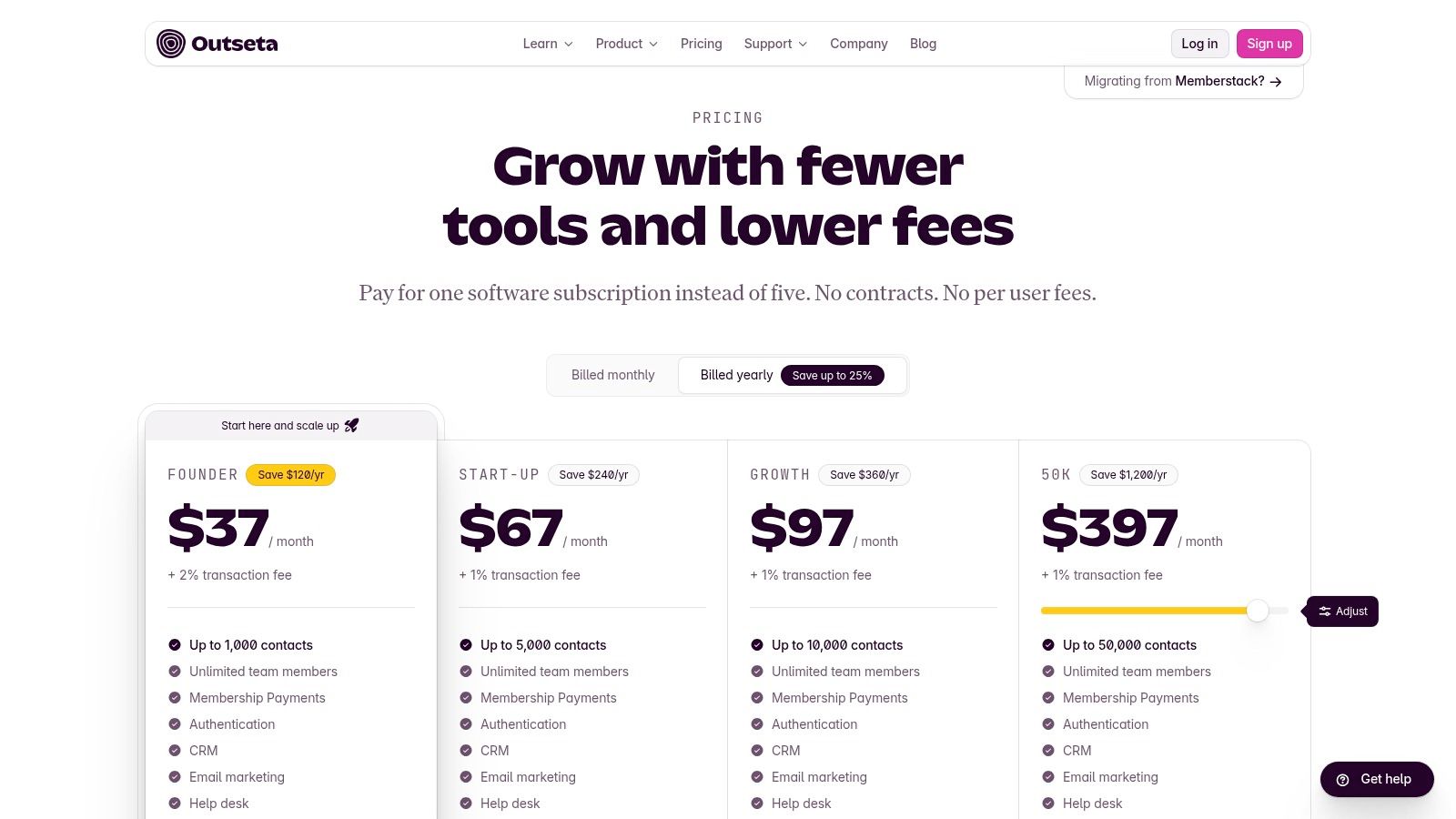
The platform’s strength lies in consolidating multiple subscription tools into a single, affordable monthly fee. Instead of patching together separate services for billing, user management, and customer support, Outseta provides a unified back office. This approach simplifies the tech stack, reduces costs, and ensures all your membership data is in one place, making it one of the best membership website builders for a lean, developer-first operation.
Outseta’s core value is its unbundled, back-end-as-a-service model. It delivers the foundational pieces of a membership business, including user authentication, subscription payments, a built-in CRM, email automation, and even a help desk. The platform is intentionally front-end agnostic, giving you total creative freedom.
Memberful, now part of Patreon, is a streamlined membership platform designed to be a simple, bolt-on solution for existing websites, newsletters, or podcasts. It’s not an all-in-one builder; instead, it provides the essential tools to add a paywall or paid subscriptions to content you already host elsewhere. This approach makes it a great choice for independent publishers and creators who have an established brand and just need an effective monetization layer.
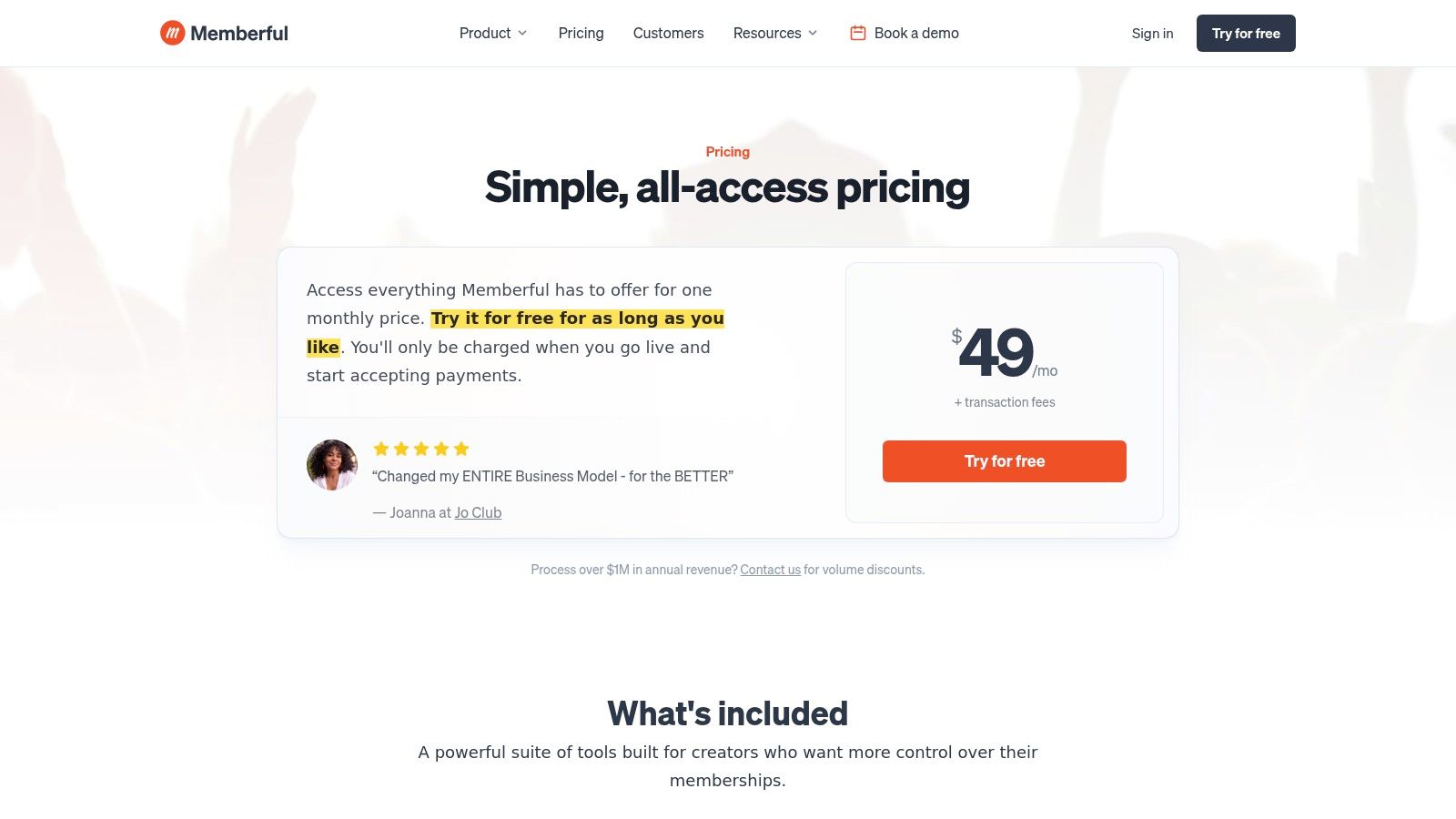
The platform focuses on providing a fast, secure checkout experience for members with features like Apple Pay and Google Pay, alongside flexible subscription options. It integrates smoothly with popular tools like WordPress, Mailchimp, and Discord, allowing you to protect content and manage member access without overhauling your current tech stack. Its simplicity is its core strength, making it one of the best membership website builders for those who value ease of use over an extensive feature set.
Memberful excels at providing a direct and uncluttered path to monetization. You can set up one-time payments, recurring subscriptions with trials, or even group plans. The platform also handles global tax collection, which is a significant benefit for creators with an international audience.
Navigating the crowded market of membership website builders can feel overwhelming, but making the right choice is a strategic investment in your community's future. As we've explored, the "best" platform isn't a one-size-fits-all solution; it's the one that aligns precisely with your organization's unique goals, operational needs, and growth trajectory. The ideal tool removes friction, empowering you to focus on member engagement rather than wrestling with technology.
This comprehensive review has highlighted the diverse landscape available. We've seen how all-in-one platforms like Kajabi and Podia excel for content creators, while WordPress plugins such as MemberPress offer unparalleled customization for those comfortable with its ecosystem. Solutions like Mighty Networks and Circle provide robust, community-first social features, and developer-centric tools like Memberstack and Outseta grant ultimate flexibility for custom-built experiences.
Before you commit, it's crucial to distill your decision down to the most critical factors. The right choice hinges on a clear understanding of your priorities and a realistic assessment of your team's resources. Don't let a long list of features distract you from what truly matters for your members' experience and your business objectives.
Reflect on these core considerations:
With this information in hand, it's time to move from analysis to action. Don't get stuck in "analysis paralysis." Follow this simple process to make a confident final decision.
Choosing one of the best membership website builders is more than a technical decision; it's the foundation upon which you'll build, engage, and monetize your community. By investing in a platform that truly aligns with your strategic vision, particularly one that consolidates your tech stack and supports your primary revenue drivers, you create a scalable and sustainable engine for growth. You are building a digital home for your members, so choose the architecture that will allow them, and you, to thrive.
Ready to see how a unified platform can transform your event-driven organization? GroupOS is the comprehensive membership website builder designed specifically for professional associations and enterprises that prioritize events, sponsorships, and deep member engagement. Book a demo of GroupOS today to discover how you can consolidate your tools, launch a branded mobile app, and unlock new revenue streams for your community.







